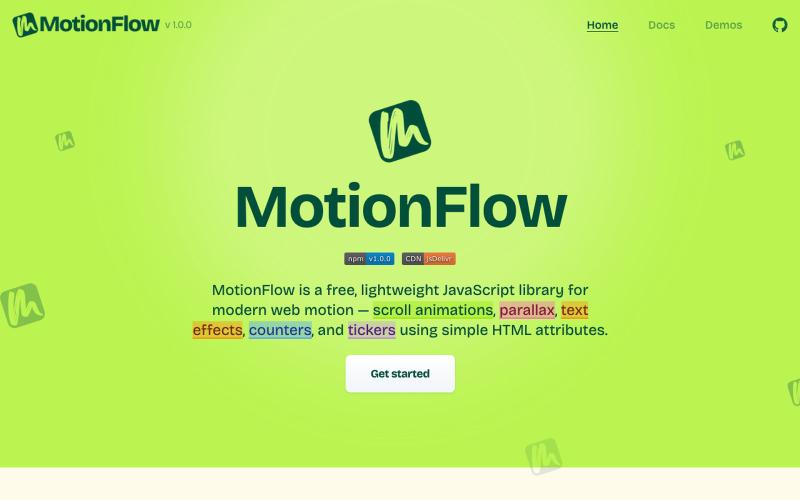
MotionFlow – Scroll Animations, Parallax, Text Effects, Counters & Tickers
Free JavaScript library for adding scroll animations, parallax effects, and text animations to websites using HTML attributes.
@iamdeepak89 · X
The full gallery
Topics
Known attributes
A lens, not a filter — shows only projects we could confirm.
Tech stack
476 projects

Free JavaScript library for adding scroll animations, parallax effects, and text animations to websites using HTML attributes.
@iamdeepak89 · X

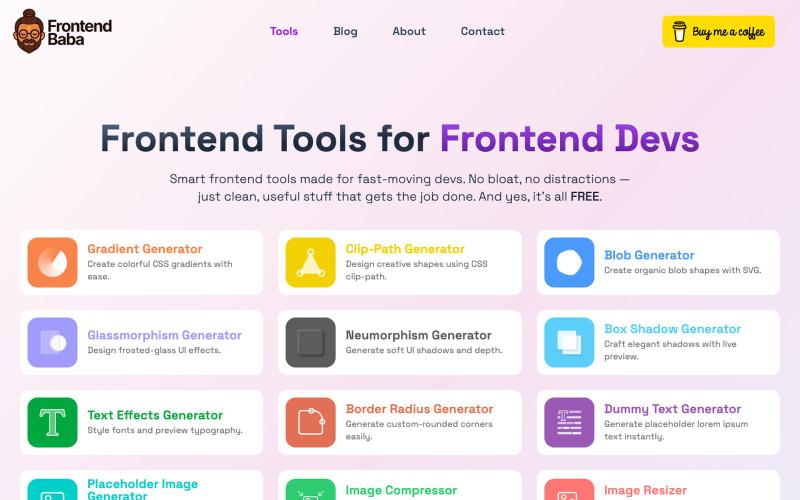
Free frontend developer tools for CSS generation, image compression, and more.
@iamdeepak89 · X

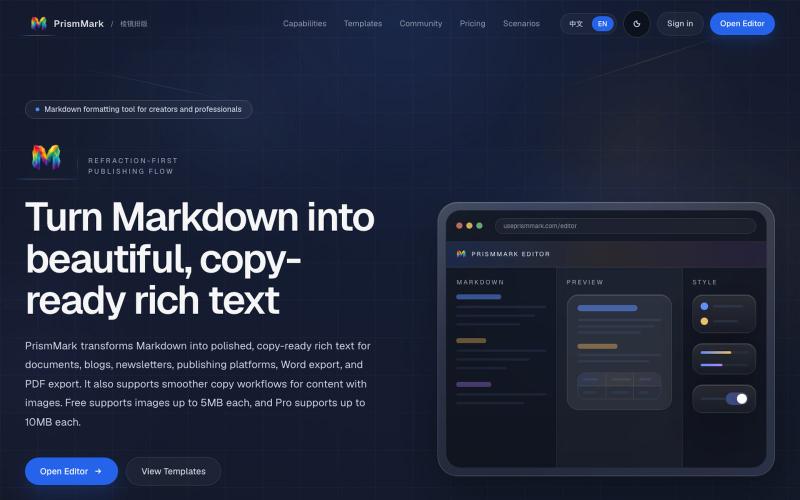
Convert Markdown to formatted content for WeChat Official Accounts, Word, and PDF export.
@bingobray · X
我做了一个类似的工具: 除了支持公众号,还支持word和pdf😁

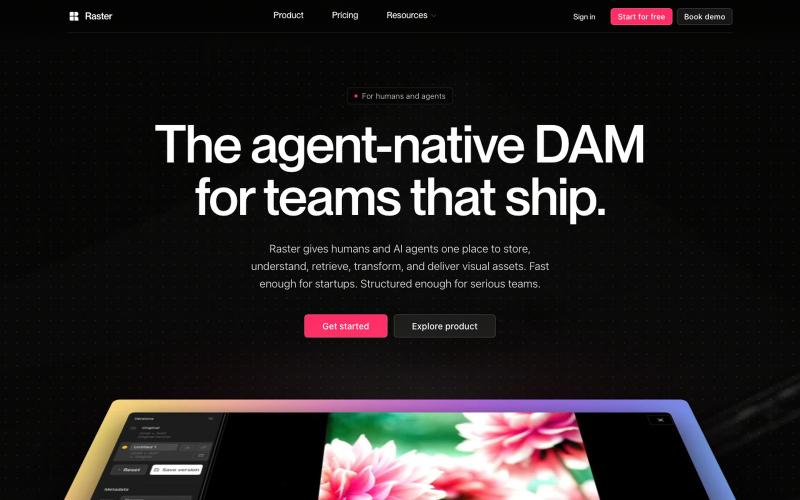
Digital asset management platform for organizing and sharing visual assets with AI agent integration.
@raster_app · X

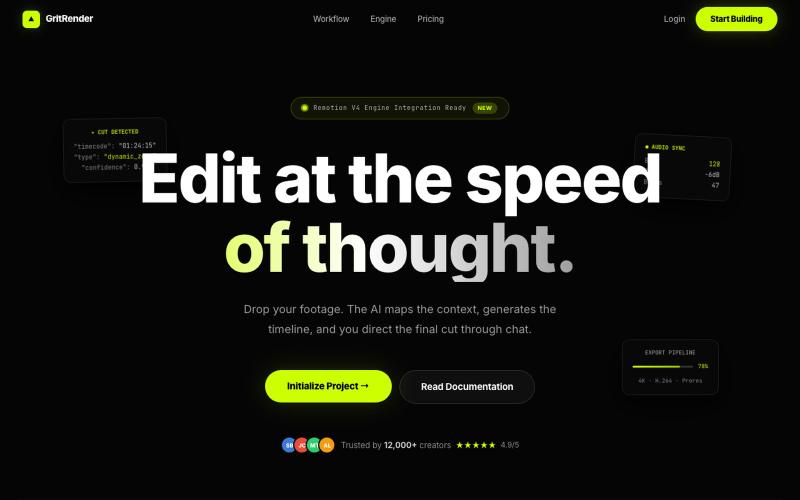
Edit videos with AI assistance while maintaining full creative control.
u/Juliur_ · Reddit
Built a "Cursor for Video Editing" because I couldn't stand another AI editor making decisions for me I've been building video tools for a while and here's my honest take: fully automated AI video editors are garbage. They cut the wrong frames, misplace captions, and you're stuck manually undoing everything. It's faster to just edit the damn thing yourself—but that takes 4+ hours per video. The problem isn't AI. It's that AI editors pretend they know better than you. They don't. So I buil

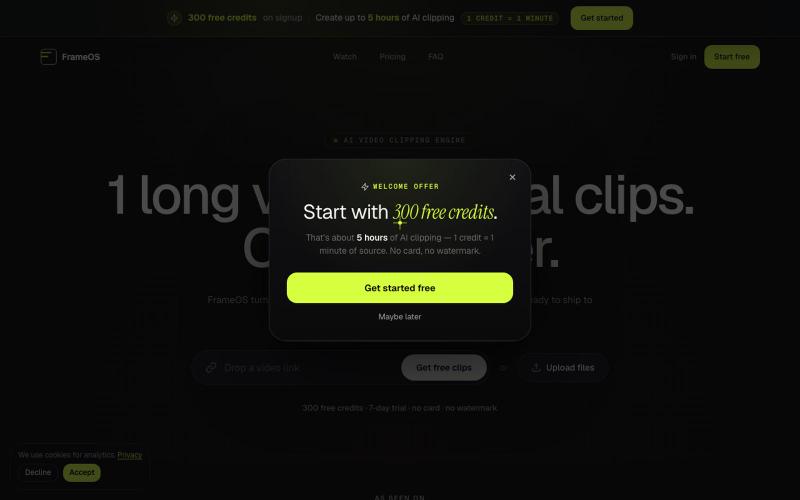
Generate short video clips from long-form content automatically with AI-powered captions and social media exports.
@tryFrameOS · X

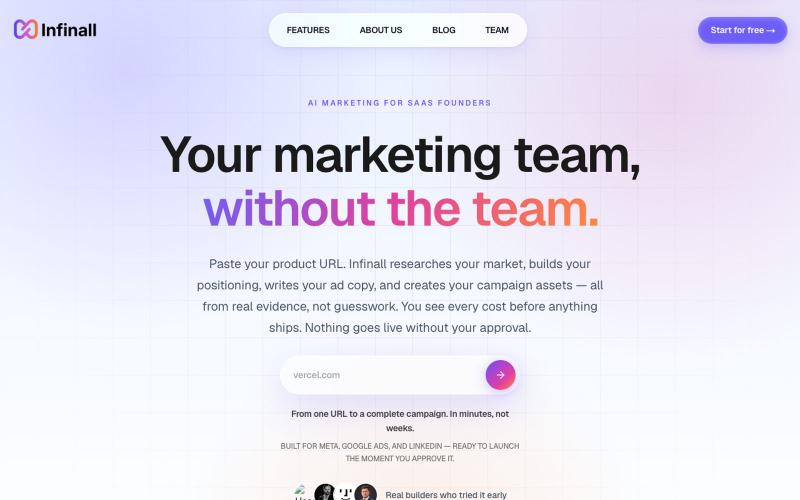
Generate videos and ads for your product from its URL using AI.
@GaneshNayak__ · X
— an AI Marketing Team for B2B SaaS founders. It generates motion graphic SaaS videos, image ads, and carousel ads on autopilot — no editor, no designer needed. Check it out 👇

Create professional spec sheets and technical datasheets for manufacturers using AI templates.
@speciq_app · X
is a documentation engine that transforms unstructured product details into professional, compliant technical documents. Unlike generic AI chat tools, SpecIQ provides structured templates and branded outputs tailored for real business use.

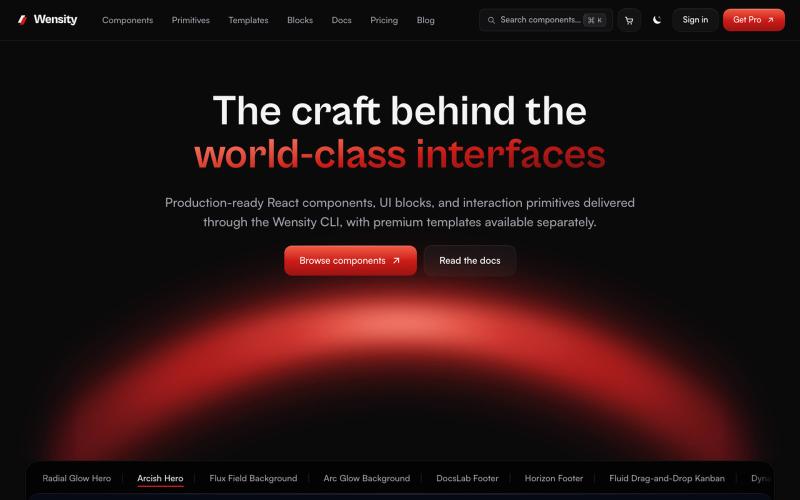
Browse interactive React and Next.js components, blocks, and Tailwind templates.
@Ksparth12 · X

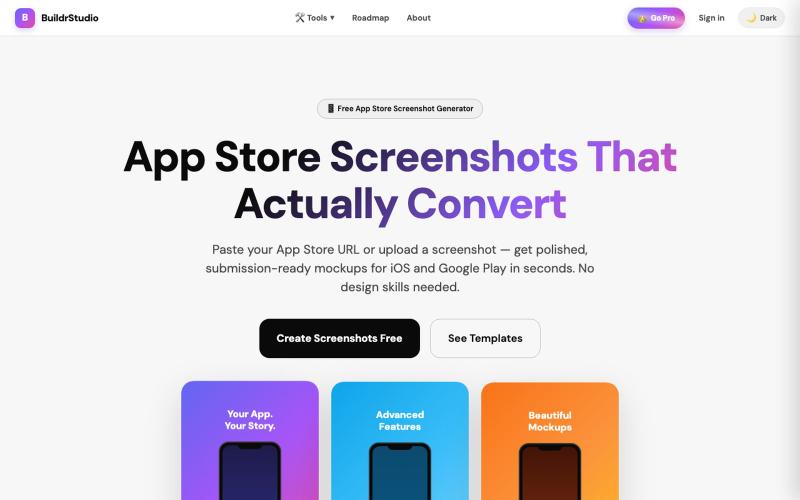
Generate App Store and Play Store screenshots with AI-powered headlines and device frames.
@buildrstudio · X

Create professional websites for small businesses with AI assistance and 30-day free trial.
@chrisreedbates · X
AI managed services for SMBs.

Generate and edit AI images for product shots, ads, portraits, and thumbnails via text prompts.
Plugcamp · V2EX
最近在折腾一个小站,主要是围绕 Nano Banana 2 Lite 做图片生成和图片编辑: https://nanobanana2lite.me/ 一开始只是自己想要一个比较轻的入口,用来快速试 prompt 。后来发现每次测图都会遇到几个重复问题: - prompt 写完之后,不知道适合什么比例 - 文生图和图生图入口经常混在一起 - 想找几个可复制的 prompt 示例,但很多站要么太重,要么示例不够直观 - 只是想快速生成一张产品图、头像、广告图、封面图,不想进一个很复杂的工作台 所以就做了这个站。 目前主要有几个部分: - Text to Image:直接输入 prompt 生成图 - Image to Image:上传一张图,再用 prompt 做改图 - AI Image Editor:偏日常编辑,比如换背景、改光线、改风格 - Prompt Library:整理了一些可直接复制的 prompt - Gallery:放了一些 before/after 和示例图 我自己比较在意的是首页别太像传统 SaaS 落地页,所以最近一直在改视觉。之前太干了,后来加了一些更丰富的样张和暗色主题,但也还在调。 这个站不是 Google 官方产品,只是一个第三方工具站。现在更多是想把「轻量、直接、可复制」这件事做好。 如果大家有空的话,想请教几个问题: 1. 首屏看起来会不会太营销,还是说信息还算清楚? 2. 对图片工具来说,大家更想先看到生成表单,还是先看到效果案例? 3. Prompt Library 这种页面有没有用,还是大家更习惯直接自己写? 4. 如果你平时会用 AI 生成图,最常用的场景是产品图、头像、封面、广告图,还是别的? 欢迎拍砖,尤其是 UI 、文案、信息结构这块。 链接再放一次: https://nanobanana2lite.me/