

Other2 days ago
MetricTrail — Find Why Visitors Don't Convert
Stop guessing where users leak. Real-time visitor journeys, React error diagnostics, and AI-powered insights on one dashboard. Start your free trial.

@obarba_official · X
The full gallery
Tech stack
62 projects
Stop guessing where users leak. Real-time visitor journeys, React error diagnostics, and AI-powered insights on one dashboard. Start your free trial.
@obarba_official · X

Convert images to ASCII art, copy symbols, browse ASCII tables, and convert bases—all in your browser.
HeStudy · V2EX
做了个纯前端的 ASCII 工具站:图片转字符画、banner 生成、符号一键复制 平时偶尔需要查 ASCII 码表、复制一些特殊符号(箭头、制表符这类),每次都是搜一个满屏广告的老站凑合用,索性自己做了一个: https://getascii.com 目前有这些工具: 图片转 ASCII 字符画(拖一张图进去就行,支持调宽度/字符集/反色) 文字转 ASCII banner 大字 常用符号一键复制(箭头、制表符、数学符号、颜文字) 完整 ASCII 码表 + 一个交互式键盘映射图(点键盘上的键显示对应的 dec/hex 码) 进制转换器( hex/dec/bin ↔ ASCII ) 几个实现上的点: Astro 构建的纯静态站,所有工具都是纯客户端计算,图片不会上传到任何服务器 没有账号系统,没有付费墙,打开就用 整站是绿色荧光终端风( CRT 扫描线 + JetBrains Mono ),算是给终端审美交个作业 顺手给它做了个 25 秒的宣传片: https://www.youtube.com/watch?v=AjzU5mw1PrI
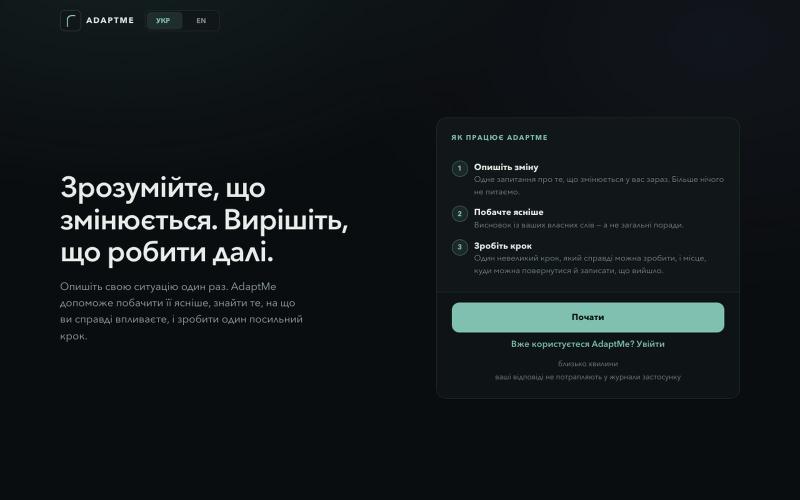
Make sense of change, notice what matters, and choose one useful next step.

@BohdanBalanyk · X
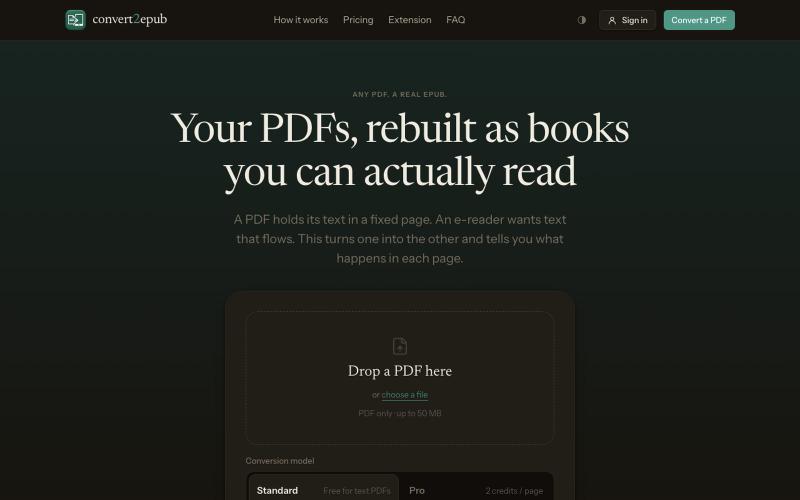
Convert PDF to EPUB free for text documents. Automatic chapter detection, a working table of contents, and reflowable text sized for Kindle and any e-reader.

@tashkan02 · X

Find real domain buyers, get verified emails, and sell your domains faster with Wholesale Domain Marketplace Lexatic — the smart platform for high-conversion outreach.

@LexaticHub · X
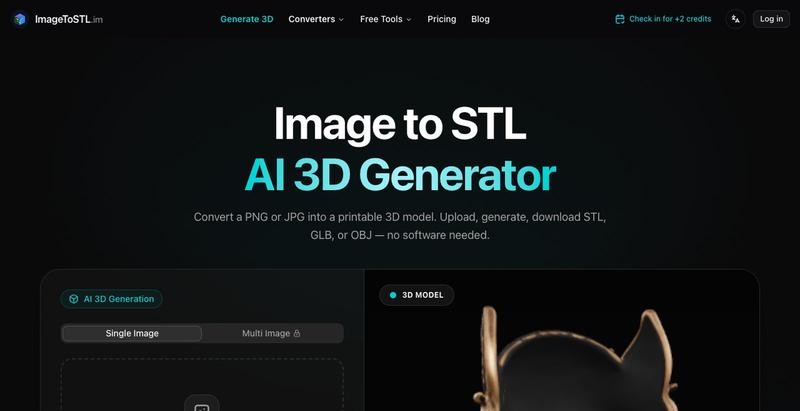
Convert photos into 3D-printable STL, GLB, or OBJ files using AI.
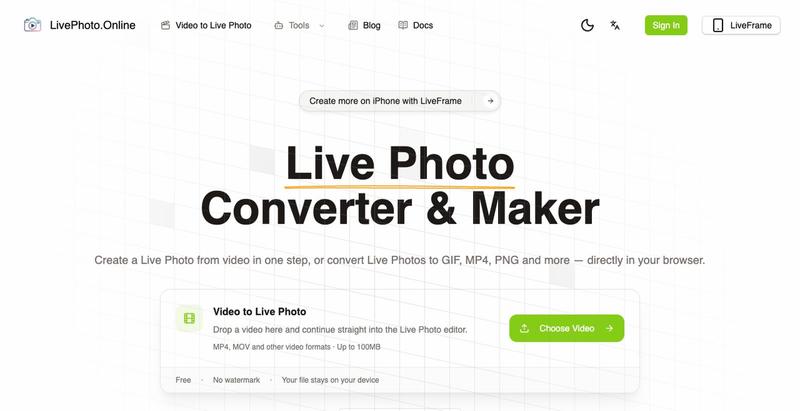
Convert videos, GIFs, and Live Photos to multiple formats in your browser.
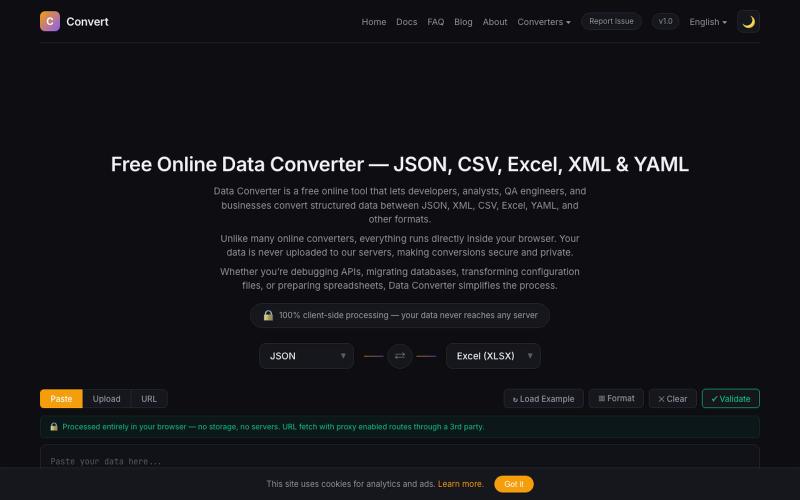
Convert between JSON, CSV, Excel, XML, YAML and other data formats directly in your browser.

@NaimBiswas11 · X
Developers work with different data formats every day — JSON, CSV, XML, YAML, and Excel files are everywhere. But finding a simple, fast, and privacy-friendly way to convert and process these formats is not always easy.
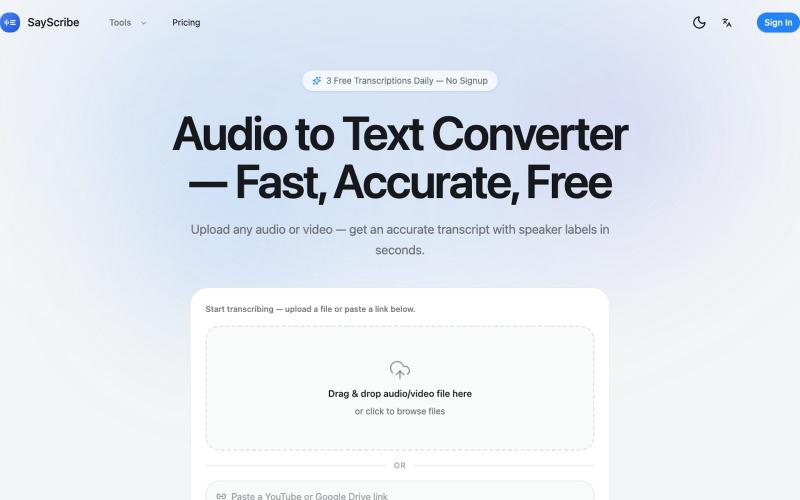
Convert audio and video files to text with speaker labels and timestamps, no signup required.
zxhywork · V2EX
SayScribe AI - 音频转文字的在线工具 花了几周搞了一个基于 OpenAI Whisper 的 AI 转录工具 **[SayScribe]( https://sayscribe.org)**,目前 5 个工具全部免费,每天 3 次无需注册。上线前请 SEO 专家做了一轮诊断,踩了不少坑,分享出来给同样在做工具站的 V 友参考。 --- ## 做了什么 核心工具是 **[Audio to Text Converter]( https://sayscribe.org)**(主页),上传音频/视频文件,AI 自动转成带 speaker labels 和时间戳的文字稿。选这个词的原因是:Google 第一页有个 DR 只有 10 的小站排第三,KD 才 20.2 ,链接预算只要 15-35 个引用域就能进前十——典型的弱盘面蓝海。 然后在主页基础上拆了 4 个子工具,每个打一个独立搜索词: - **[MP3 to Text]( https://sayscribe.org/mp3-to-text)** — 只转 MP3 。KD 41.7 比主页难一些,但
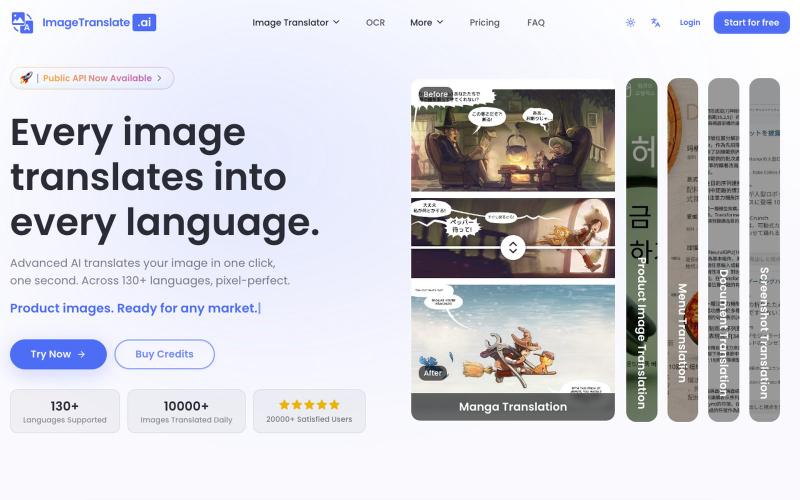
Upload an image to translate its text to 130+ languages instantly.
Image Translate AI — AI 图片翻译软件,翻译 70 多种语言的图片文本,专为专业人士,电商商家打造。保持图片原始布局,扩大全球影响力,并简化本地化流程
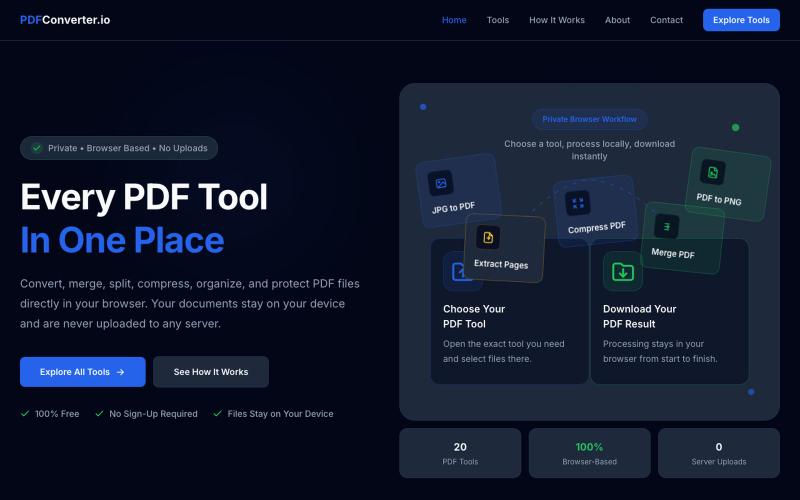
Convert, merge, split, and compress PDF files using 20 free browser-based tools with no server uploads required.

@meuzairqureshi · X
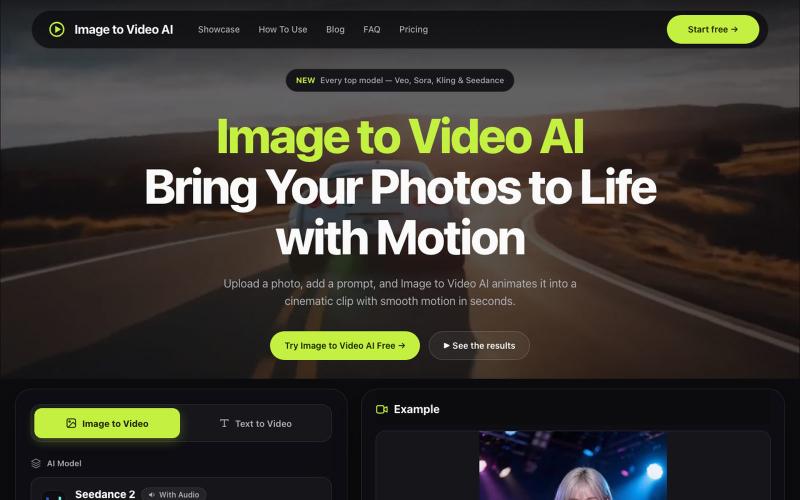
Convert photos into videos using multiple AI models with motion controls and 4K output.
alexwang0707 · V2EX
AI 视频生成也太好使了,一个入口体验多个图生视频模型 如果平时会用图片转视频,很容易遇到一个问题:不同模型各有所长,同一张图在 Veo 、Kling 或 Seedance 里的效果可能完全不同。 为了对比结果,经常要在几个网站之间切换,重复上传素材、调整参数,整个过程比较割裂。 Image to Video AI 把 Veo 、Sora 、Kling 、Seedance 、Runway 等模型放到了同一个入口。上传 JPG 、PNG 或 WebP 图片,再写一句运动提示词,就能选择模型和画面比例生成视频。它还支持镜头平移、缩放、倾斜、首尾帧控制,以及最高 4K 、无水印 MP4 输出。 网站里有一些不同场景的生成案例,可以直接看看各类图片动起来后的效果。如果你也在测试图生视频模型,可以体验一下,也欢迎分享实际效果和踩坑经验。 https://imagestovideoai.com/