
Creative Tools1 week ago
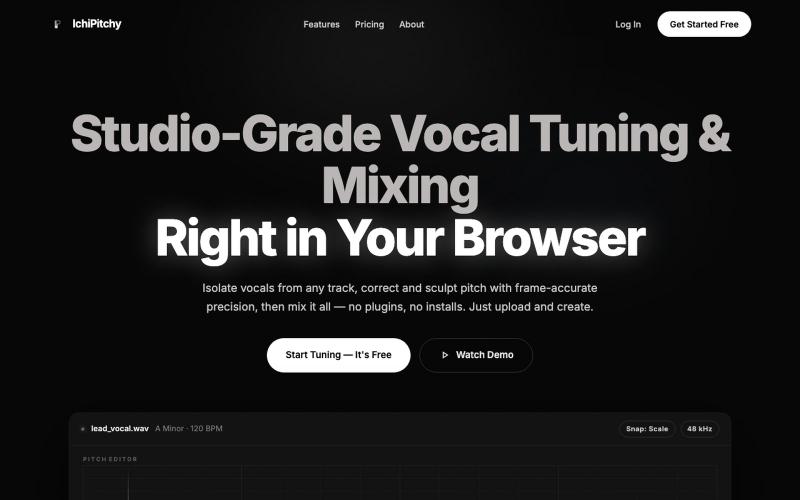
IchiPitchy — Free Online Vocal Tuning & Mixing Studio
Browser-based vocal studio for tuning and mixing vocals with AI pitch correction.

@noooder · X
- a browser based vocal editing and mixing tool
The full gallery
Tech stack
60 projects
Browser-based vocal studio for tuning and mixing vocals with AI pitch correction.
@noooder · X
- a browser based vocal editing and mixing tool

Fan-made sandbox game where you explore, collect seashells, and earn badges.

@sun_dundun · X
做了一个游戏平台,全部使用Ai 来生成 #cursorcamp #game #Ai
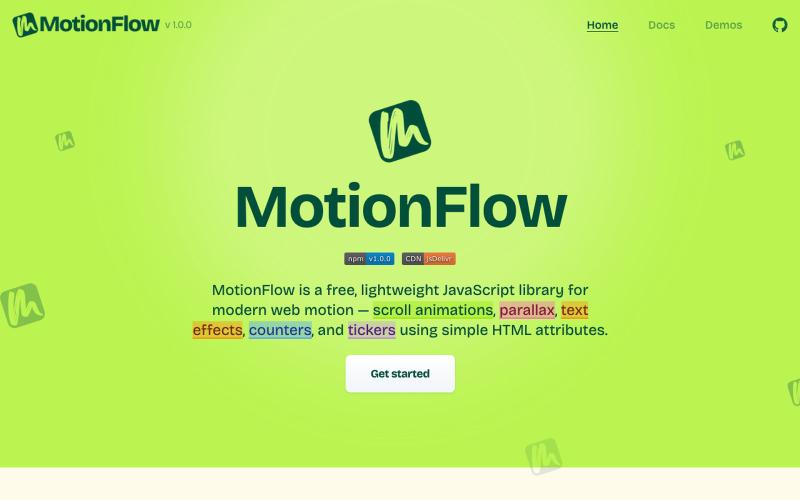
Free JavaScript library for adding scroll animations, parallax effects, and text animations to websites using HTML attributes.

@iamdeepak89 · X
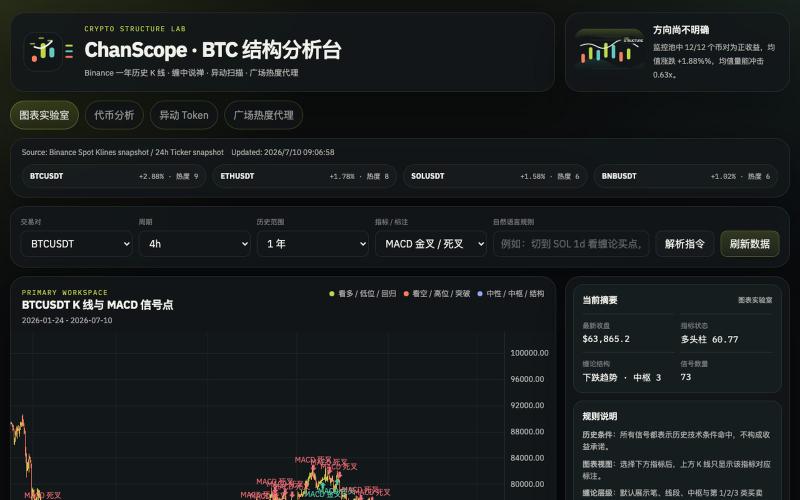
Analyze cryptocurrency markets with Chan Theory patterns, K-line charts, and anomaly detection.

@onehopeA9 · X
用 DAPPOS @dappOS_com 做了一个加密货币缠论分析网站,也是我一直想做没时间做的! 来看看缠论三买的威力: 不是不会写代码。 我自己是程序员,真要硬写当然能写。 但问题是:没时间。🤡 做交易的人都懂,真正消耗人的不是“看一根 K 线”,而是把一堆信息拼起来: K 线结构。 缠论笔、中枢。 一买二买三买。 一卖二卖三卖。 资金费率。 持仓量变化。 成交量异动。 市场舆情。 这些模块涉及太多方面,写得出来,但太费时间。 所以我一直想做一个自己的交易雷达: 接币安历史数据。 用 TradingView 展示 K 线。 自动画缠论结构。 标注买卖点。 再把资金费率、持仓量、成交量和币安广场热度放进去。 想法很清楚。 但一直躺在 TODO 里。 最近用 xbubble 的 Coding 功能试了一下,直接把需求丢进去: “做一个加密货币缠论分析网站,接入币安一年历史数据,用 TradingView 展示 K 线,自动画笔、中枢、一买二买三买、一卖二卖三卖,增加异动分析和币安广场舆情热度。” 它真给我生成了一个能跑的原型。 这次最戳我的不是“AI 会写代码”。 而是 xBubble 把最消耗时间的工程杂活压短了。 以前我自己做: ❌ 搭项目结构 ❌ 爬数据源和图表库 ❌ 写 K 线处理 ❌ 写缠论结构识别 ❌ 做前端交互 ❌ 部署、改样式、修细节 一圈下来,核心想法还没验证,人先累了。 现在变成: ✅ 先描述业务目标 ✅ 让 xBubble 生成可运行原型 ✅ 我再校验规则、调整逻辑、优化体验 ✅ 把时间花在交易理解和产品迭代上 这对程序员其实很有价值。 因为程序员最缺的不是能力,而是时间和注意力。 我这个原型现在大概有几块: 第一,TradingView K 线主图。 用币安数据展示行情,再叠加缠论结构。 第二,笔和中枢。 把原本需要手动盯的结构,先自动画出来。 第三,买卖点雷达。 一买、二买、三买,一卖、二卖、三卖,先帮我筛可能的位置。 第四,异动面板。 资金费率、持仓量、成交量变化,和 K 线结构一起看。 第五,舆情热度。 把币安广场讨论热度也拉进来,看看市场情绪是不是和盘面互相印证。 你可以理解成: 我不是让 AI 替我交易。 我是让 AI 帮我做一个交易前的信息雷达。 我觉得 xBubble 和普通 AI

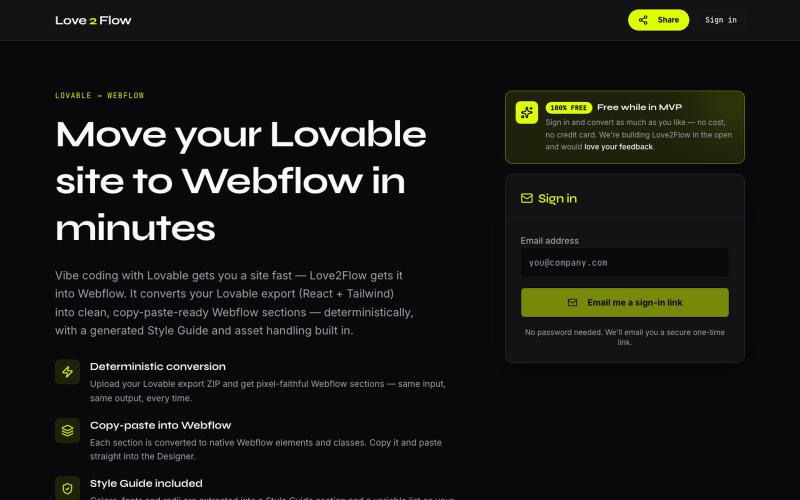
Convert Lovable React exports into paste-ready Webflow sections instantly.

@philippxroth · X
Turn your vibe-coded @Lovable site into clean, paste-ready Webflow sections. Upload your export, organize your migrations in projects, paste straight into @webflow. Free MVP. No password, no credit card — just a magic link and you're in. ✨
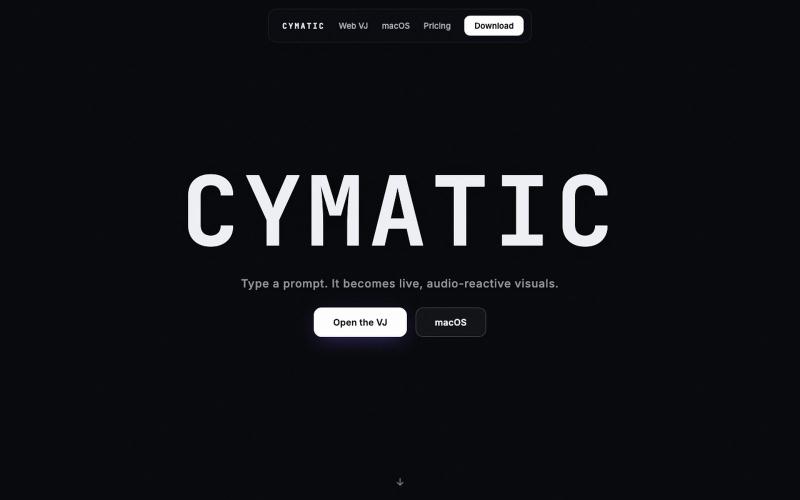
Generate live audio-reactive visuals from text prompts using AI.

@larioscow · X
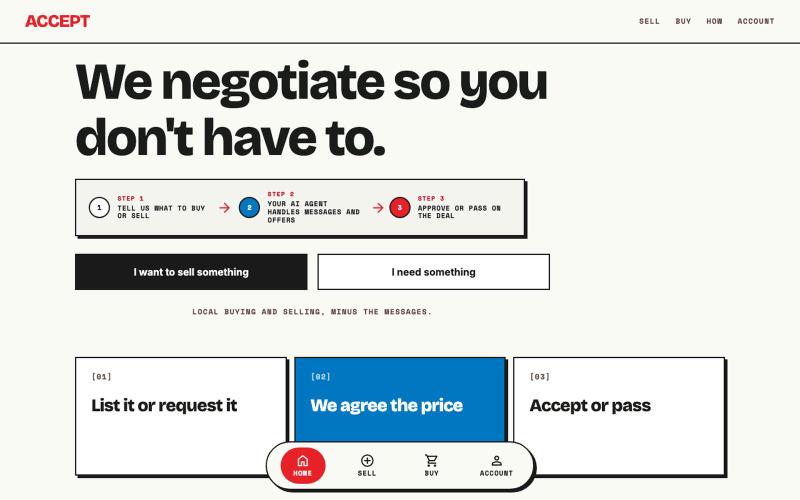
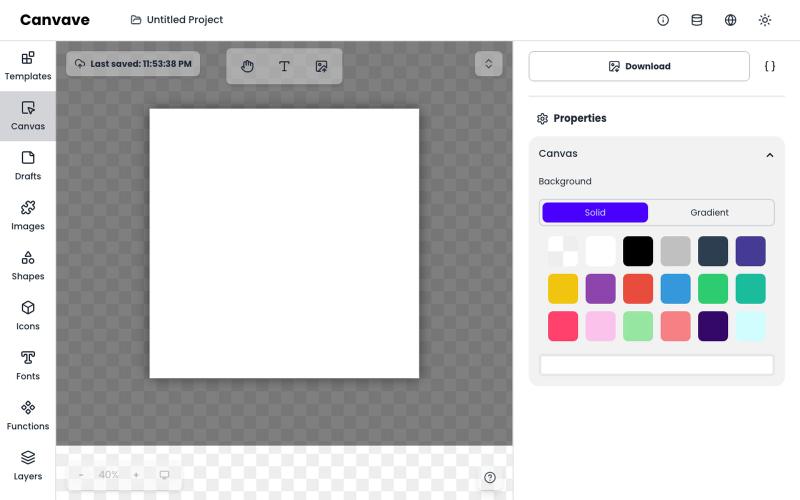
Free browser-based tool for creating graphics, posters, and animations with built-in AI image generation.
Canvave — 简单图形设计和动画制作平台。无须专业技能也能做出任意尺寸的精美设计;最高支持图片 3x 或动画 240 FPS 导出;内置基于 Flux 的 AI 文生图、图生图;适合电商卖家、广告设计、社媒运营、独立开发等有设计需求的群体
Create richly formatted posts and publish them instantly to the web with a single click.

@masafumiohta · X
I’ve been using Windows as my daily use lately despite I have been using Mac/Linux for a long time, but I keep running into all sorts of issues, so I’ve been fixing them vibe-coding with Claude. I’m gonna dump all that stuff on This blog is fully automated with Claude Code, from coding all the way to reporting. It’s nothing special—anyone could do it—but it’s actually pretty fun once you try it. The only annoyed is that it burns through tokens like crazy. Most of the tips are pretty interesting, so I hope you find them useful.
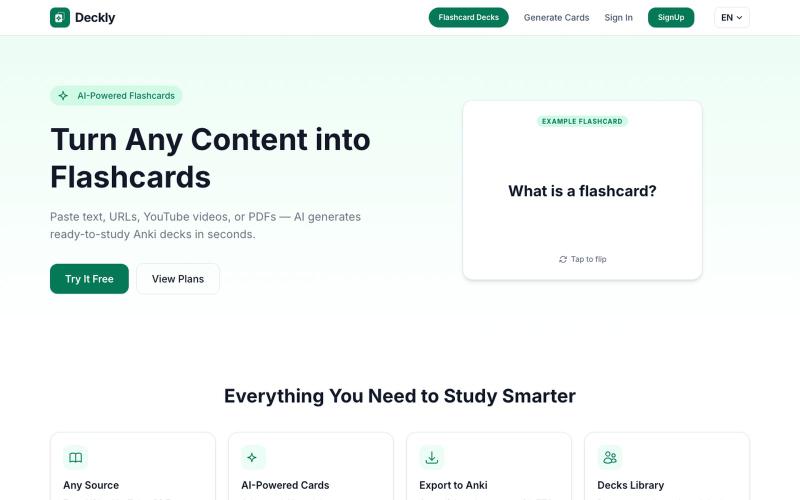
Turn YouTube videos, PDFs, and URLs into Anki flashcard decks in seconds.
u/holios89 · Reddit
Built an AI SaaS that turns your notes/articles/PDFs into study flashcards — looking for harsh feedback (and bugs) Hey folks, Solo/small side project here: Deckly ( deckly.one ) — an AI-powered flashcard generator for spaced-repetition learning (Anki-compatible export). You give it text, a PDF, or an article link, it generates a deck of flashcards (Q&A, Cloze, or multiple choice), optionally with TTS audio and images per card, and you can study it right in the browser or export to `.apkg`.
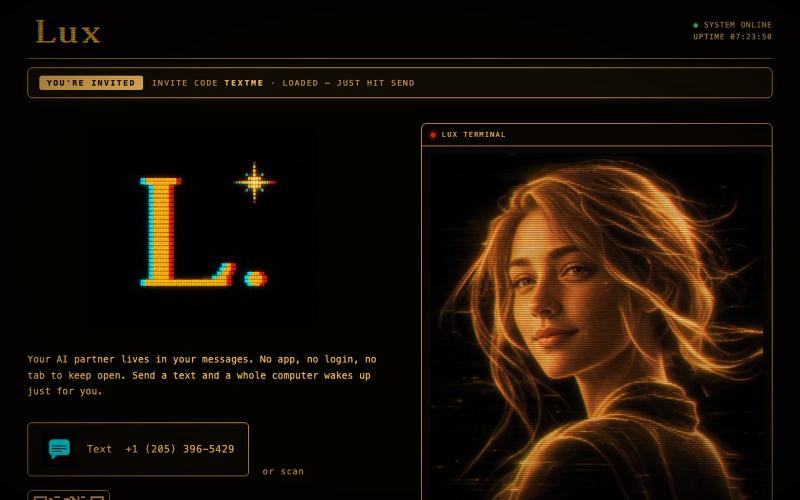
@launch_llama Just working on myself :) text me: https://t.co/33nmIh4ZNU

@textluxhq · X
Just working on myself :) text me:

