
Utilities5 days ago
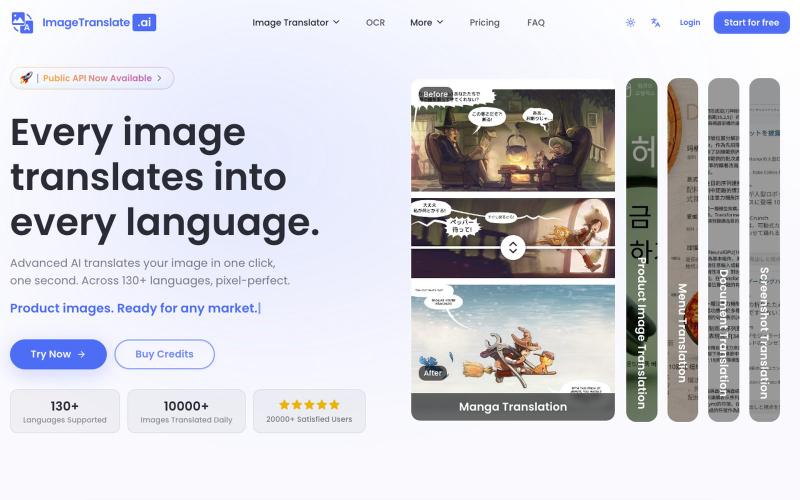
Precise and Instant AI Image Translator - ImageTranslate.AI
Upload an image to translate its text to 130+ languages instantly.
Image Translate AI — AI 图片翻译软件,翻译 70 多种语言的图片文本,专为专业人士,电商商家打造。保持图片原始布局,扩大全球影响力,并简化本地化流程
The full gallery
Tech stack
34 projects
Upload an image to translate its text to 130+ languages instantly.
Image Translate AI — AI 图片翻译软件,翻译 70 多种语言的图片文本,专为专业人士,电商商家打造。保持图片原始布局,扩大全球影响力,并简化本地化流程
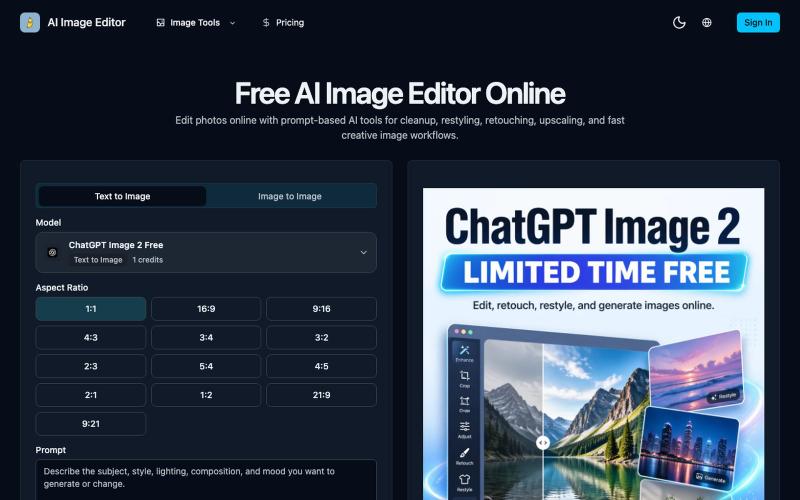
Edit photos online with prompt-driven AI tools for retouching, cleanup, upscaling, and creative image generation.
AI Image Editor — 在线 AI 修图与图片生成工具,支持抠图、消除、放大、风格化和基于提示词的图片编辑,并提供 [ChatGPT Image 2](https://ai-image-editor.io/chatgpt-image-2) 免费体验
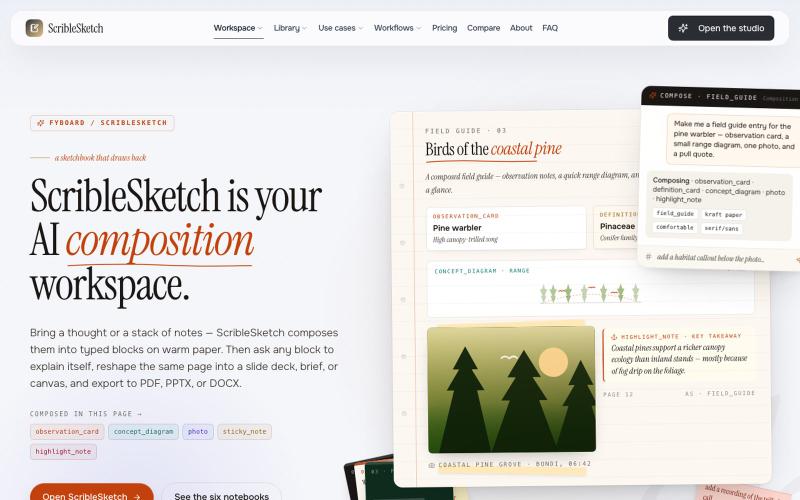
Write once, export to notebooks, slides, PDFs, PPTX, DOCX, or canvas.

@mr_wickedhacks · X
Write the doc once → get a notebook, slide deck, canvas, or resume from the same source. No rewriting for every format.
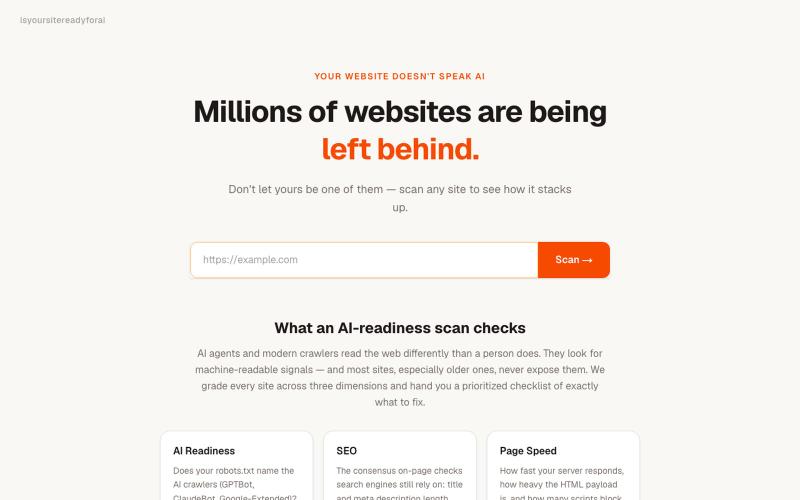
Scan any website to check if it's ready for AI agents and get SEO and performance scores.
systemerror · HN
Show HN: A tool to see if your site is readable by AI agents
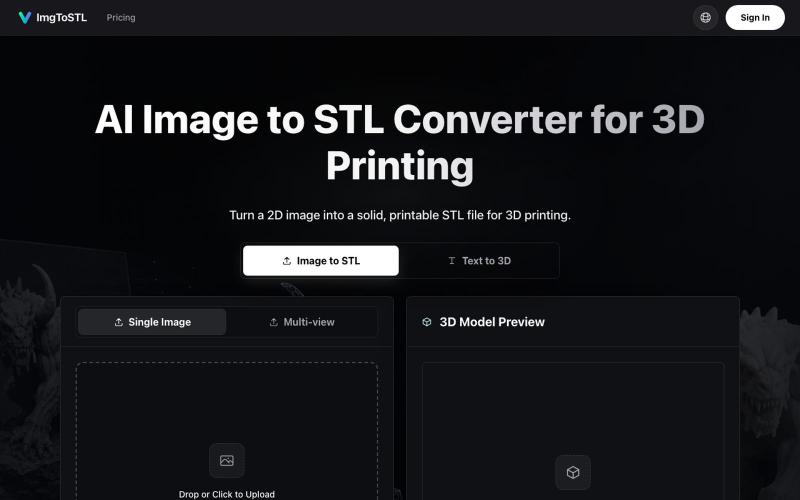
Convert images to STL files for 3D printing using AI.
ImgToSTL — 面向 3D 打印的 AI 图片转 STL 转换器
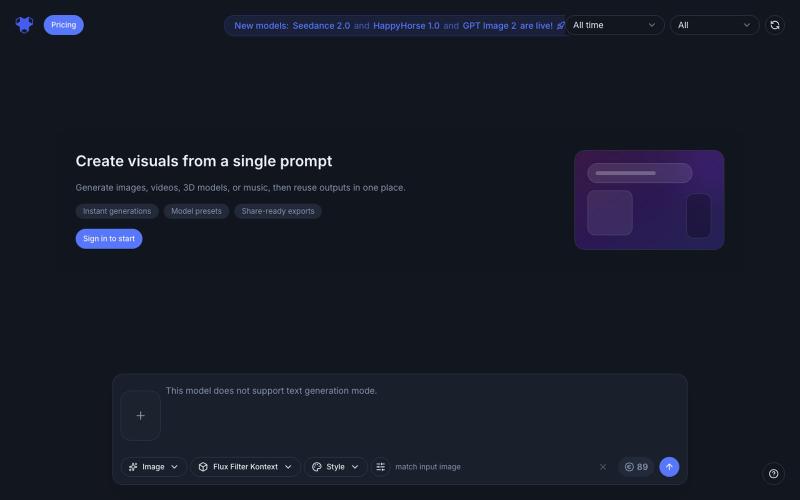
AI-powered generator that transforms photos and creates videos, music, and 3D content with various effects.
AI Filter — 用 AI 滤镜将你的照片变换为动漫、粘土、3D、像素、表情符号、视频游戏、贴纸等多种滤镜风格
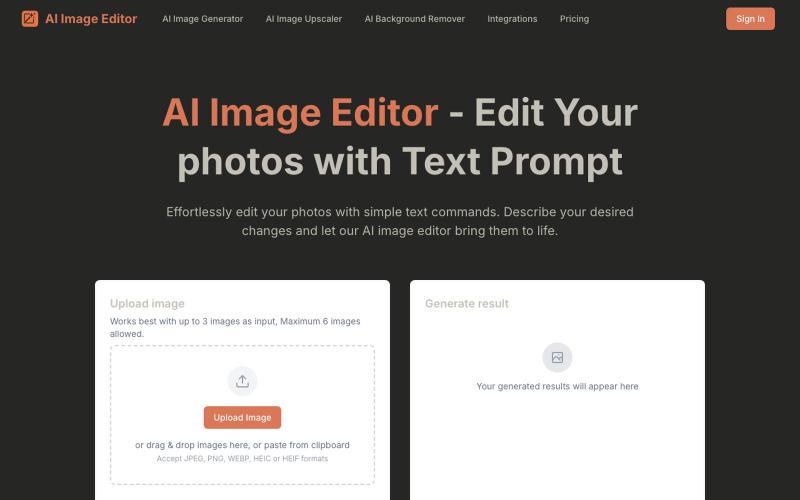
Edit photos by typing text prompts instead of using traditional editing tools.
AI Image Editor — 通过文字指令编辑你的照片,AI 图像编辑器是一款由提示词驱动的智能新一代工具,它能让您使用自然语言编辑照片——无需像传统照片编辑器那样进行复杂的手动操作
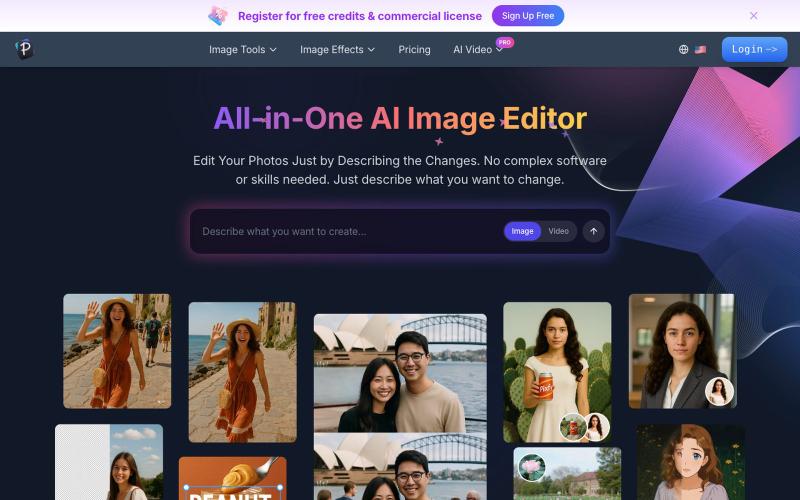
Edit photos by describing changes in plain text using AI to enhance, remove backgrounds, erase objects, and swap faces.
AI 图像编辑器 — 图像编辑工具套件,集多种功能于一体。从照片质量、放大低分辨率图像、进行创意设计等等
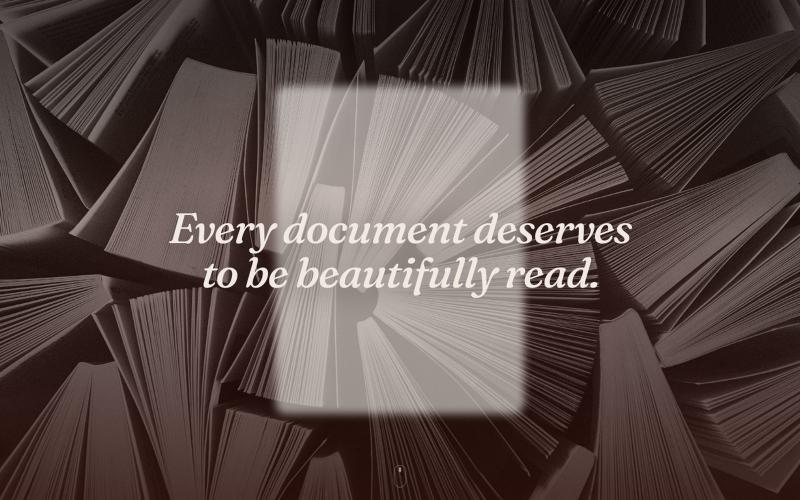
Turn PDFs into a calm reading experience with a beautiful library and AI-powered page guidance.

@dshelf_app · X
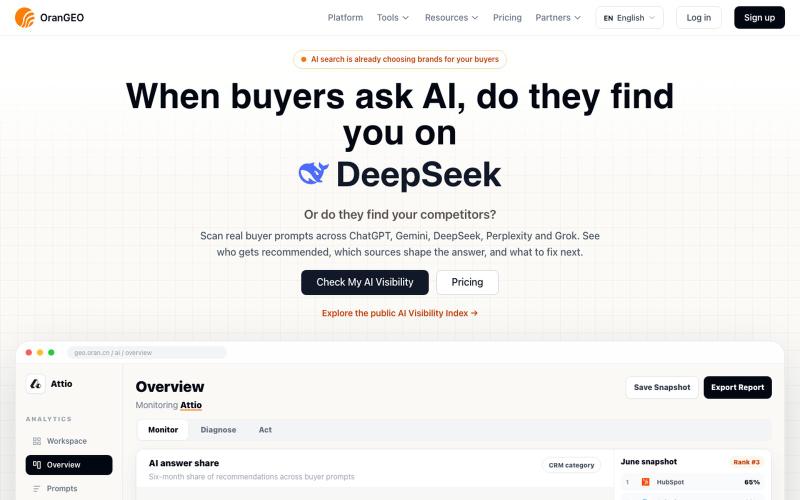
Checks whether your brand appears and is accurately described across ChatGPT, Gemini, DeepSeek, Perplexity, and Grok.

@NianyaXie · X
Building OranGEO — helping brands turn AI search into a new traffic channel. It shows whether ChatGPT/Perplexity mention your brand, which competitors show up instead, and how to improve AI visibility. Run a quick check on your product/site: