
Productivity4 weeks ago
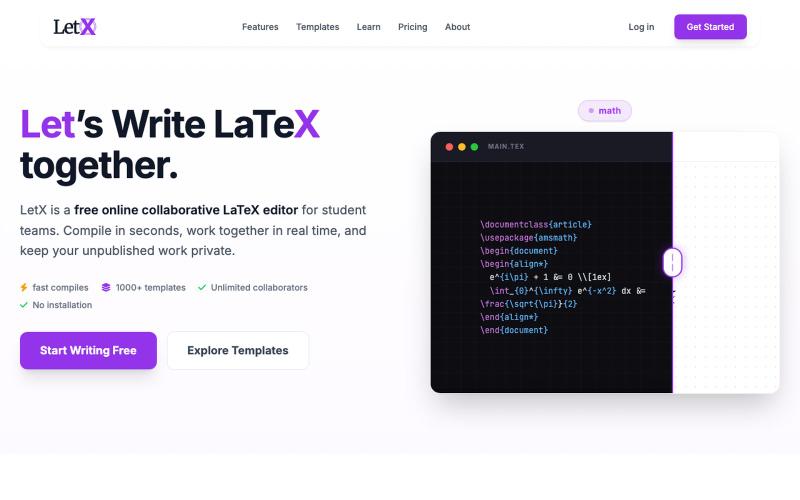
LetX — Collaborative LaTeX Editor & Overleaf Alternative
Write, edit, and compile LaTeX in your browser with unlimited real-time collaboration.

@letxapp · X
collaborative Latex. link:
The full gallery
Tech stack
60 projects
Write, edit, and compile LaTeX in your browser with unlimited real-time collaboration.
@letxapp · X
collaborative Latex. link:
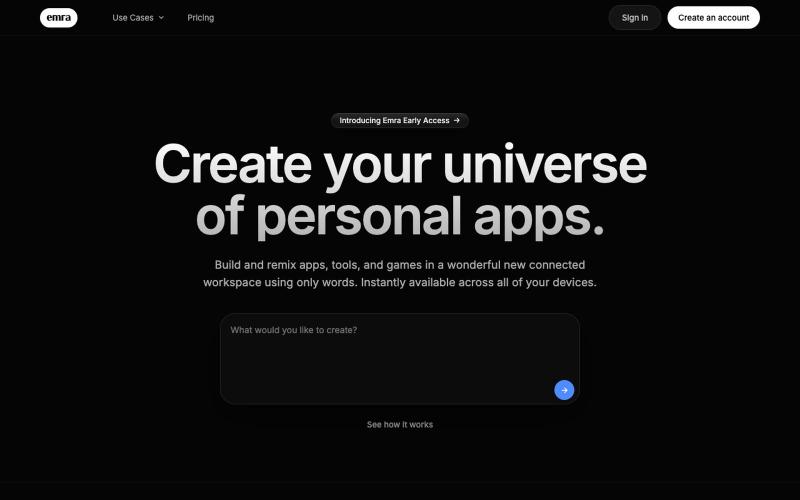
Create custom apps and tools in your browser without writing code.
thejarren · HN
Hey HN, I'm really excited to share Emra with you. The yc description would be: It's like "Notion meets Lovable". It's a workspace where you build full apps using AI and every app sits on one shared database and service layer. Generated apps are always editable, and (coming soon:) can interact with each other in the workspace. I'm of the opinion that the cost of software will go rapidly to zero (I don't think that's too surprising to any of you), but there will always be room for effort and creativity. Emra is essentially built for the future where every person is a developer. Essentially personal software for everyone. So far I've built notes apps with a 3d graph view to see connections, a video editing app and a canvas design tool (figma clone) with export capabilities, as well as a collection of project management tools and games. Right now the most satisfying thing is being able to fix a bug I run into in around the same amount of time that it takes to send a bug report in any tr

Free browser-based vector editor with AI-powered background removal and image upscaling.

@qazzhoubin · X
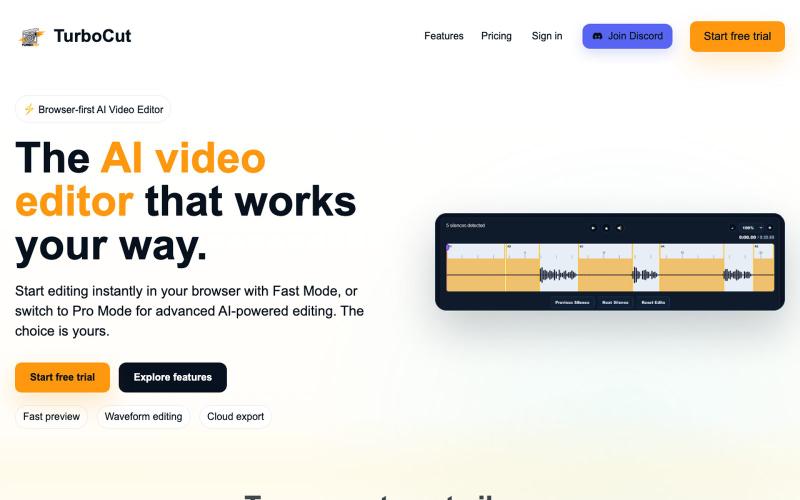
Browser-based AI video editor with optional cloud workflows.

@AtifIqrar · X
Building TurboCut 🚀 An AI video editor that runs directly in your browser for private, lightning-fast editing, with optional cloud AI for heavier workflows. Built for YouTubers, content creators, educators and agencies who want to save hours editing.
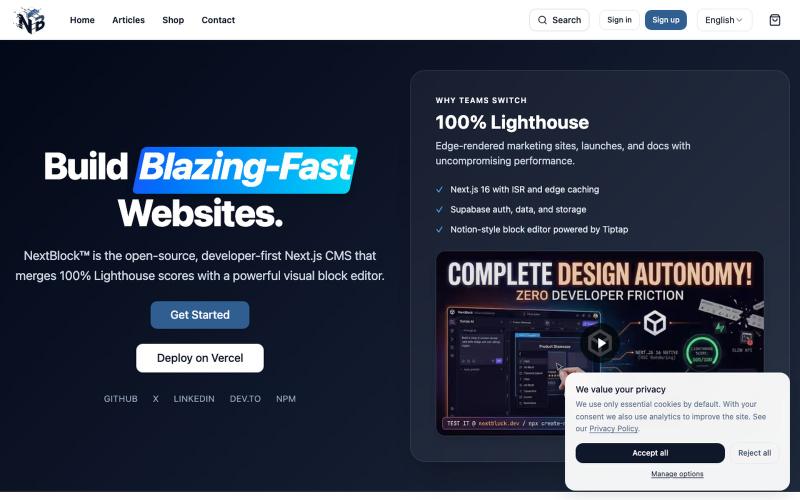
Build and manage Next.js websites with a visual block editor achieving perfect Lighthouse performance.

@NextBlockCMS · X
Connect Claude, ChatGPT, or Gemini directly to your live website!🚀 We just turned NextBlock Cortex AI into an MCP Server! ⚡️ Local dev via VS Code / Claude Code ⚡️ Dual-mode: BYOK + MCP Subscription ⚡️ Mutate JSONB layouts & query DB live Try it: 🧱
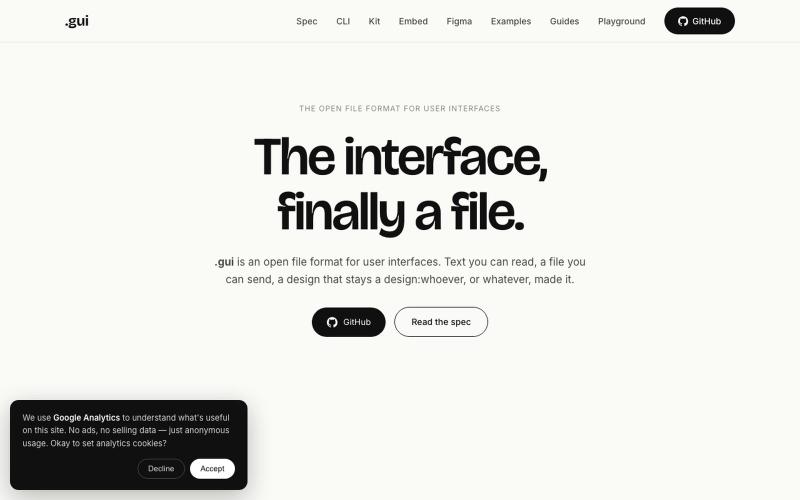
Open file format for user interfaces that AI agents write and any browser or design app can render.
u/Rough-Mortgage-1024 · Reddit
I built an open file format for user interfaces, like SVG or PDF. Why? For years we've had open formats for documents (PDF), images (PNG) and graphics (SVG). But user interfaces are still mostly locked inside design tools. And that was fine when humans were creating and consuming UIs. Now AI is also creating and consuming them. Today AI usually works with screenshots, editor-specific JSON, or tool-specific APIs. They work, but they weren't really designed for AI or for movin
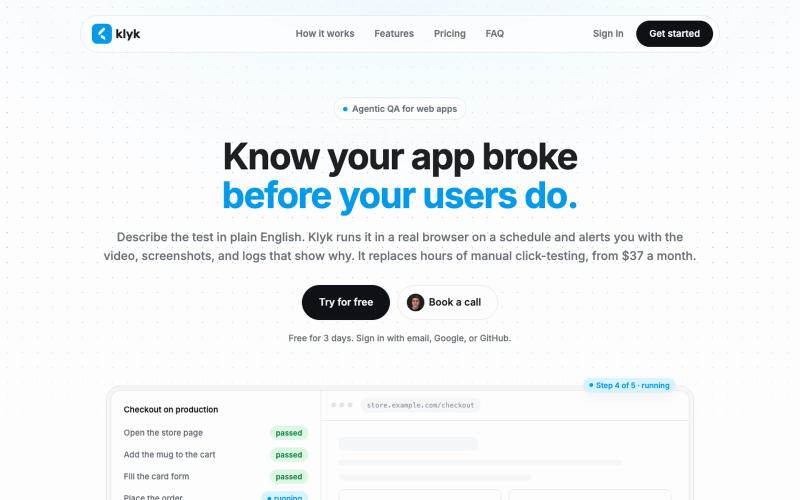
Write end-to-end tests in plain English to run in a real browser on a schedule.

@vgavrilovikj · X
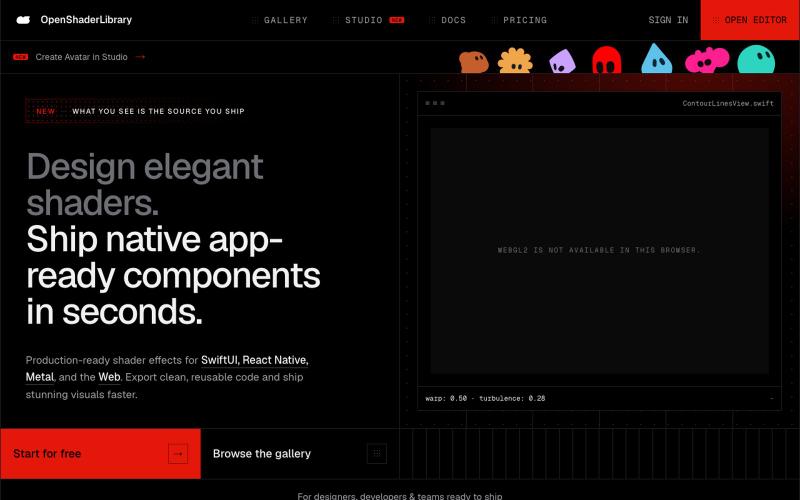
Browse parametric visual effects, tune them live in the browser, and export source code.

@dotvonesy · X
Beautiful Effects for Mobile and Web:
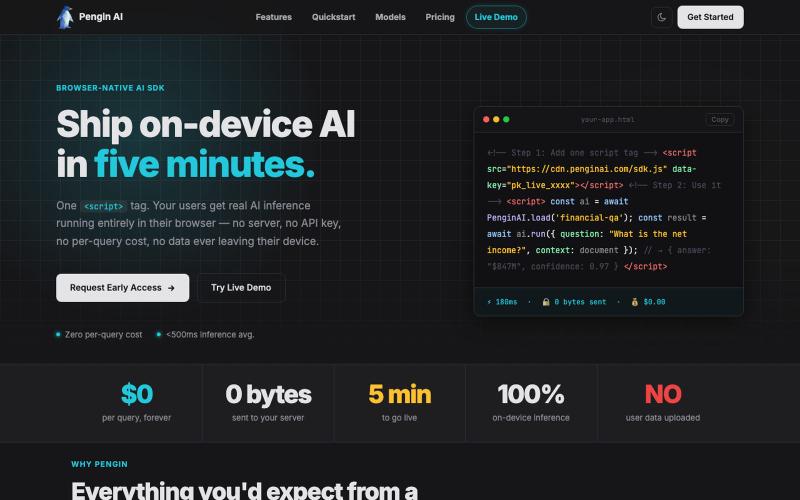
Run AI models in users' browsers with one script tag, no server or API key needed.

@erdemwrites · X
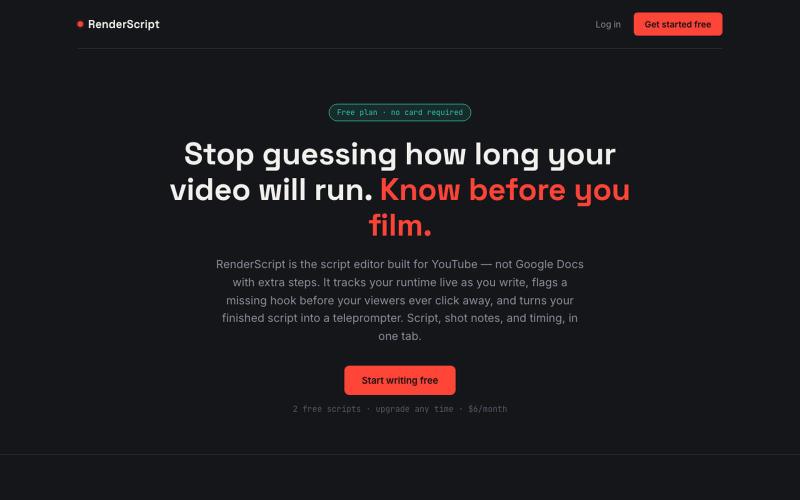
RenderScript tracks your video's runtime as you write, flags weak spots before your viewers do, and turns your script into a teleprompter. Templates, dual-column shot notes, one-cl

@TakeBaseInfo · X
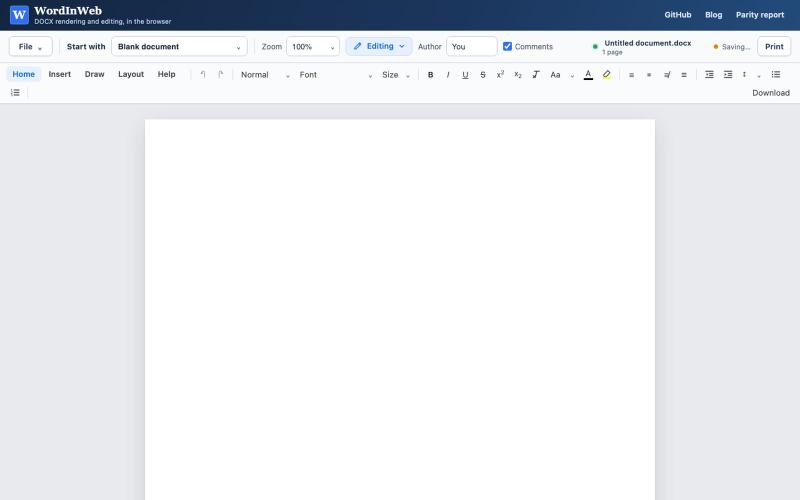
Edit DOCX documents in your browser with Word-like compatibility.
theRealestAEP · HN
Word in Web – Near MS Word Parity Docx Editor in Web
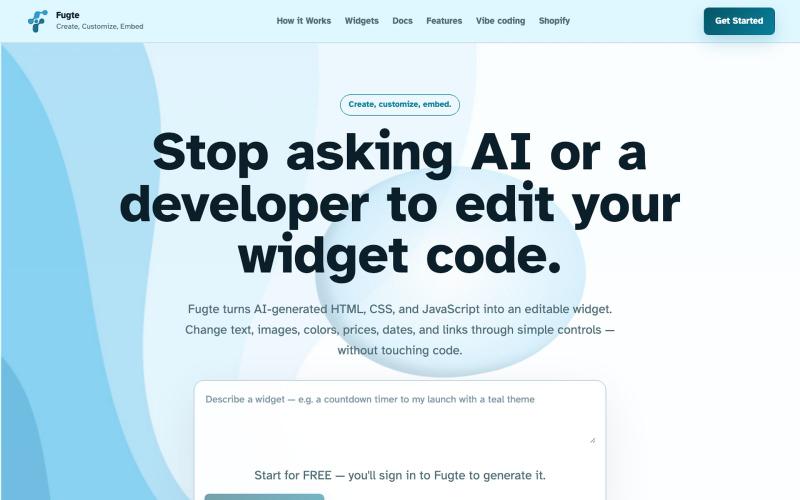
Create and customize interactive widgets with AI, then embed them on your website.

@fugteapp · X
which empowers nontechnical users to be able to customize code generated by AI or developer, and be able to share and embed it to the website they are already using