
Creative Tools1 week ago · 6 tries
Caddis
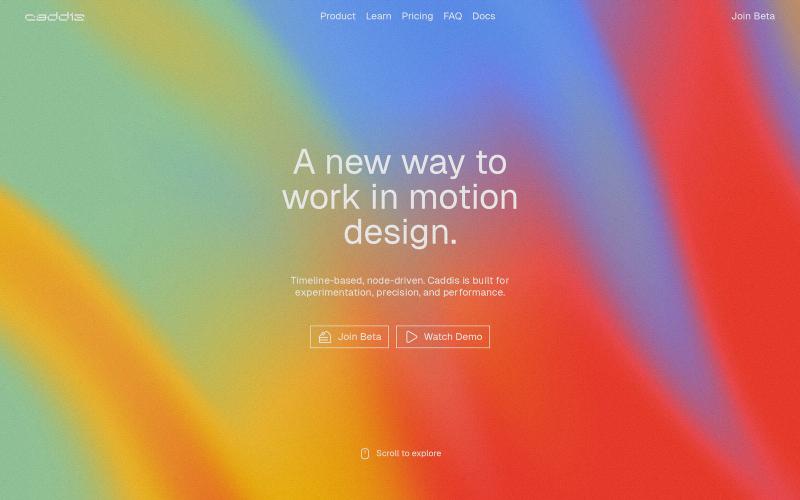
Create animations and motion graphics with layer-based timeline editing and node-based compositing.
The full gallery
Tech stack
60 projects
Create animations and motion graphics with layer-based timeline editing and node-based compositing.

Venture operating system helping founders with validation, branding, positioning, and launch.
u/medialantern · Reddit
Would you use a brainstorming/planning/ideation tool for side projects? This is not a new idea, and I know we see posts about something similar about once a month. I do think I took it farther than others I've seen, but either way I'd still be interested in feedback on this one. Backstory: I've been building side projects with AI a lot (who hasn't?) and I realized that over the past year I've gravitated toward a very structured approach for building new ideas. I define it, research competit
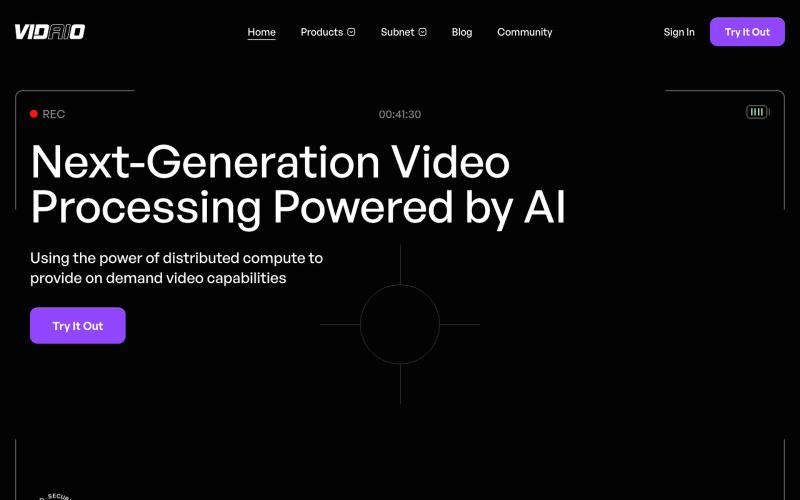
Leveraging the Bittensor ecosystem, Vidaio provides scalable, affordable, and high-quality video processing solutions.

@vidaio_ · X
Ai driven, video enhancement!
Free online tool for creating flowcharts, process diagrams, org charts, and UML diagrams.

@N0V4Dev · X
I found a tool called Next AI that links AI capabilities directly with diagrams. It lets you build and edit diagrams using natural language prompts instead of clicking around the canvas manually. It's a handy way to sketch out architecture when you don't want to drag every box yourself. The project is built on TypeScript with React 19 and Next.js. It supports multiple AI providers and even includes an MCP Server. This means you can use it with the Claude Code CLI to generate diagrams from your terminal. Deployment options are flexible too. You can run the tool locally with Docker or push it to Vercel and Cloudflare Workers. It supports multi provider setups so you can pick the backend that fits your workflow. #Nextjs #AI #Diagrams #TypeScript
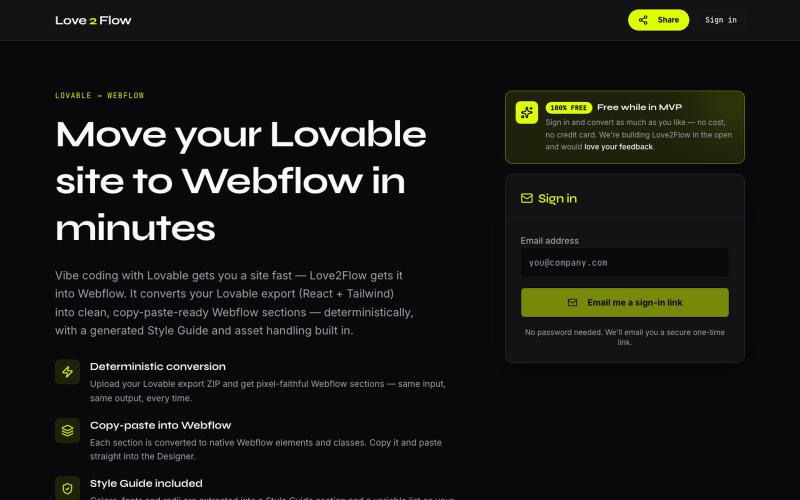
Convert Lovable React exports into paste-ready Webflow sections instantly.

@philippxroth · X
Turn your vibe-coded @Lovable site into clean, paste-ready Webflow sections. Upload your export, organize your migrations in projects, paste straight into @webflow. Free MVP. No password, no credit card — just a magic link and you're in. ✨
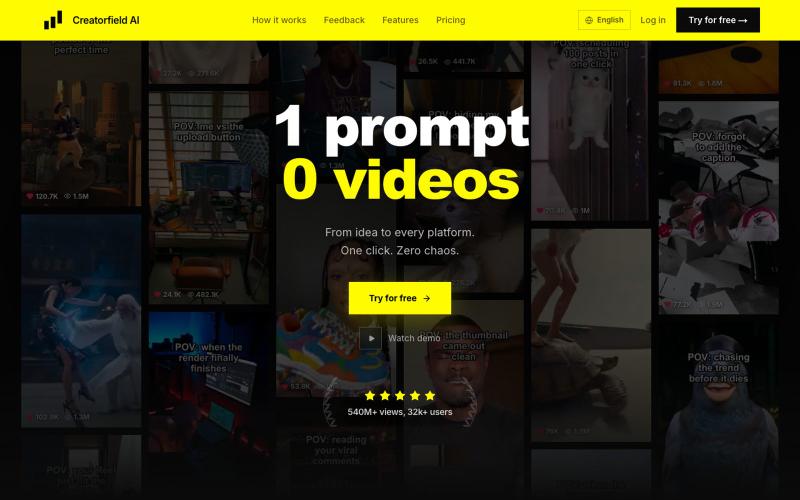
Generate AI videos with auto-editing and one-click publishing to 10+ social networks.
heyy_azamat · Product Hunt
Creatorfield AI Generate 100+ videos with a single click

AI tool that generates tailored business ideas with success scores and investor-ready pitch materials.

@pitchspark_ai · X
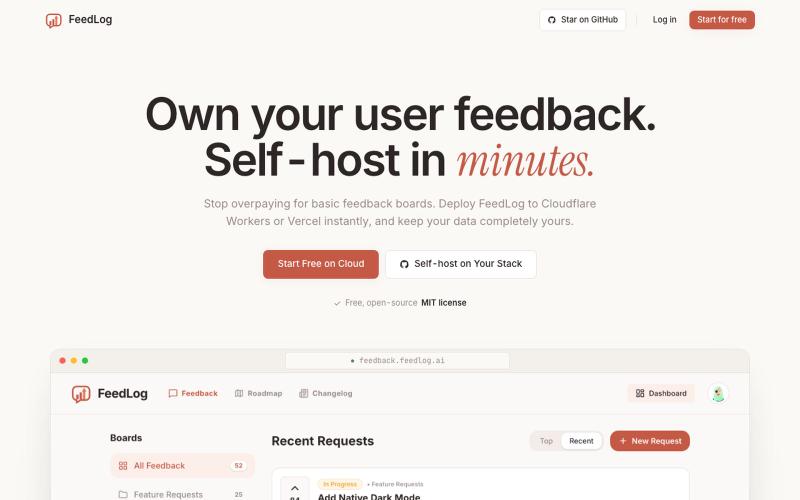
Collect and manage user feedback and feature requests with an open-source AI alternative to Canny.

@kngkng182542 · X
If you're paying for Canny, give FeedLog a look. Same workflow for collecting feedback and managing feature requests, but free during launch.

Organize your tools, workflows, and resources into one accessible workspace.

@mj_jimmi · X
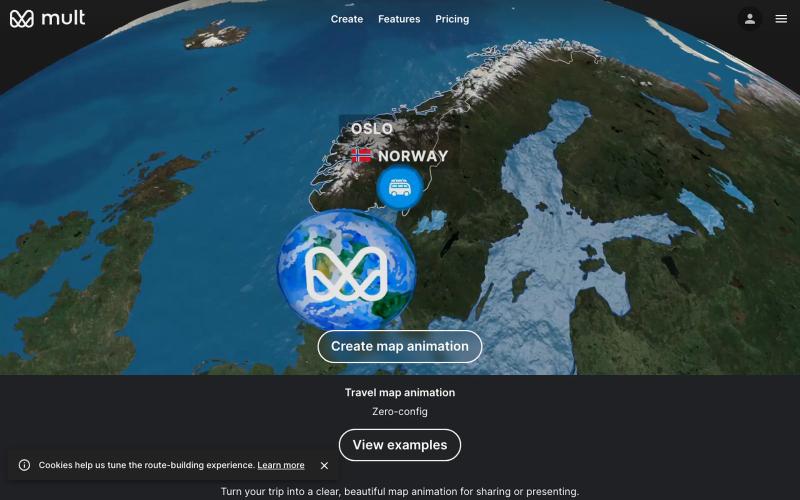
Create travel map animation videos from your trip stops without learning timeline tools.

@yan_ianthe · X
Shoutout to travelboast and — gorgeous travel map animations. I just wanted one for my own trip without learning a timeline. so with GPT 5.5 vibe coding I shipped ✨Free, browser-only, no login, type your stops → get a video. this is what "vibe coding a weekend project" actually looks like: no spec, no figma, just "build me X" in a chat window.
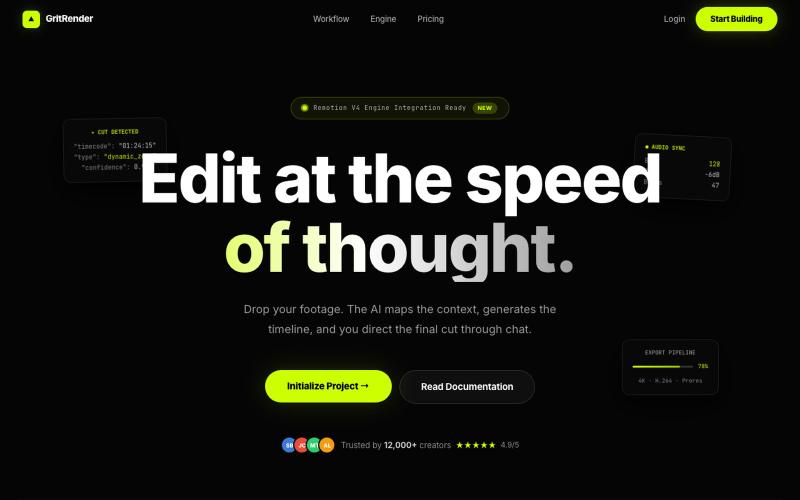
Edit videos with AI assistance while maintaining full creative control.
u/Juliur_ · Reddit
Built a "Cursor for Video Editing" because I couldn't stand another AI editor making decisions for me I've been building video tools for a while and here's my honest take: fully automated AI video editors are garbage. They cut the wrong frames, misplace captions, and you're stuck manually undoing everything. It's faster to just edit the damn thing yourself—but that takes 4+ hours per video. The problem isn't AI. It's that AI editors pretend they know better than you. They don't. So I buil
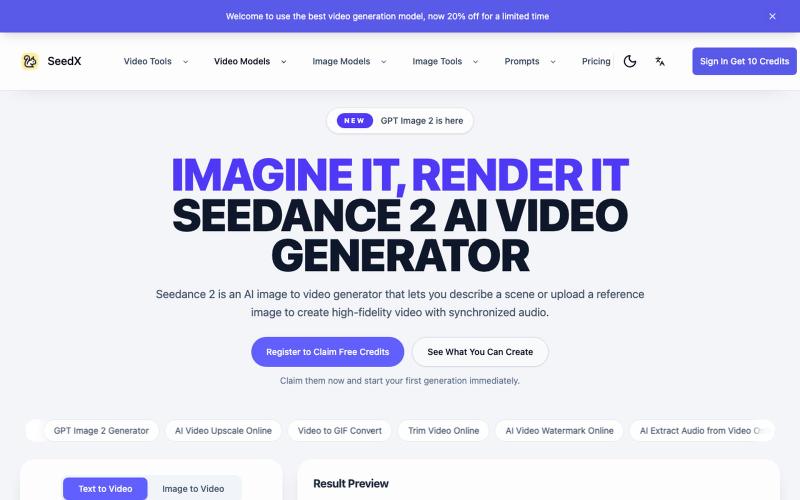
Generate AI videos from text prompts or images with cinematic rendering and editing tools.
seedance2 — AI 视频生成平台,体验视频生成模型 Seedance