
Creative Tools3 weeks ago
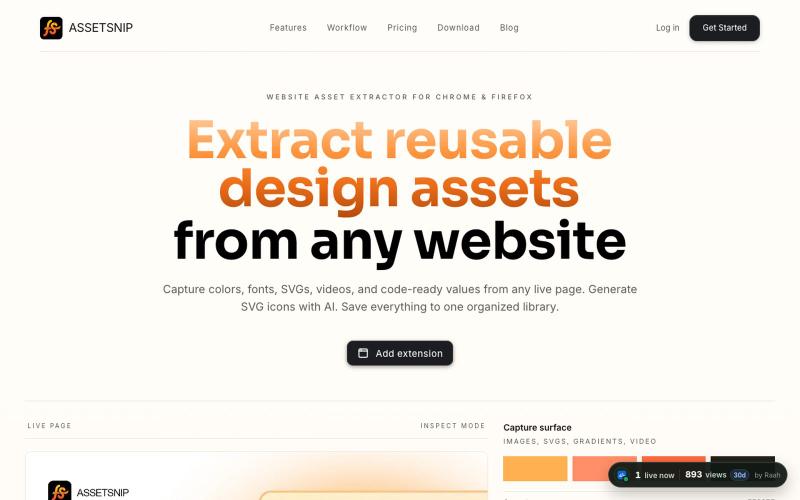
AssetSnip | Website Asset Extractor for Colors, SVGs, Fonts and Design Tokens
Extract colors, fonts, SVGs, and design tokens from websites and export as CSS or Tailwind.

@Astrodevil_ · X
The full gallery
Tech stack
65 projects
Extract colors, fonts, SVGs, and design tokens from websites and export as CSS or Tailwind.
@Astrodevil_ · X
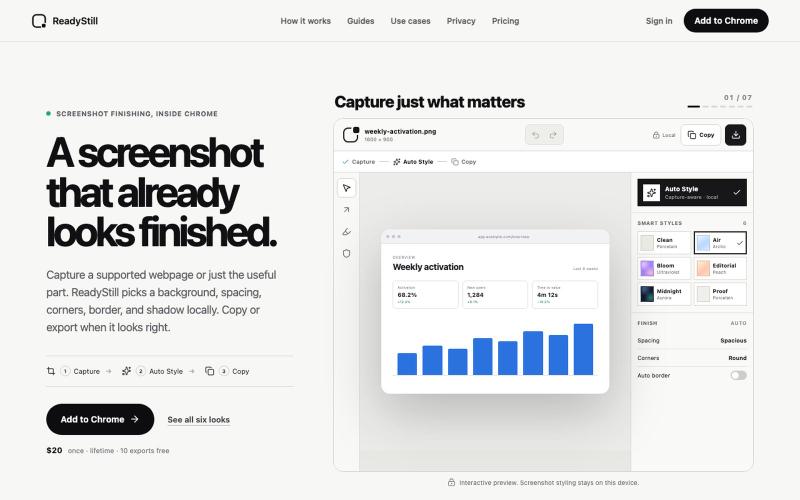
Turn webpage screenshots into polished launch images with privacy-reviewed editing.

@pradeepXkapoor · X
It’s A simple screenshot beautifier chrome extension!
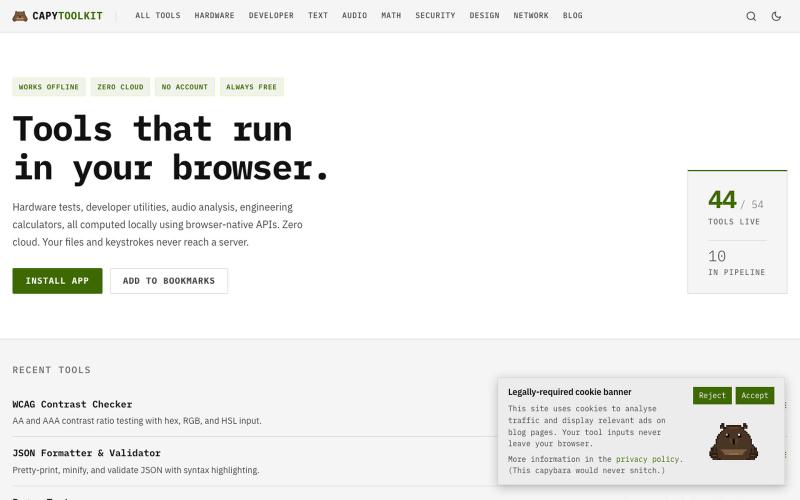
Free browser utilities for developer work, hardware testing, and audio—100% client-side with no data uploads.
ChillyCapy · HN
CapyToolkit – Browser-native developer and hardware diagnostic tools
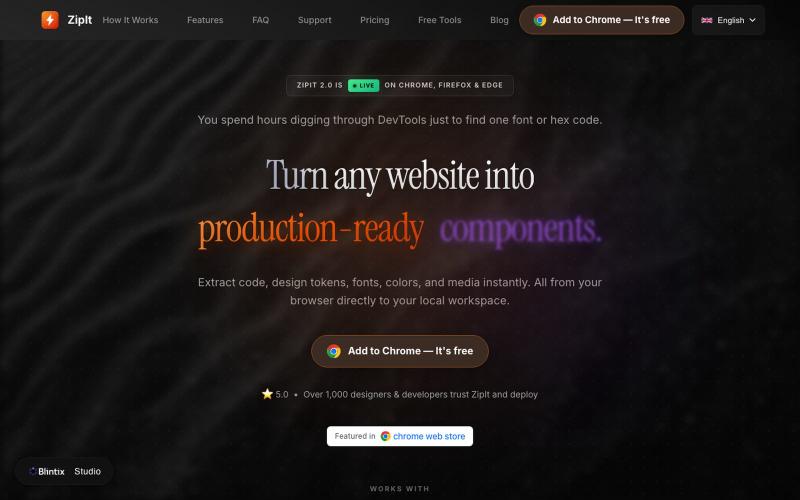
Download code, fonts, colors, and design assets from any website directly to your workspace.

@bharatmodi2014 · X
Extract code, design tokens, fonts, colors, and media instantly. All from your browser directly to your local workspace
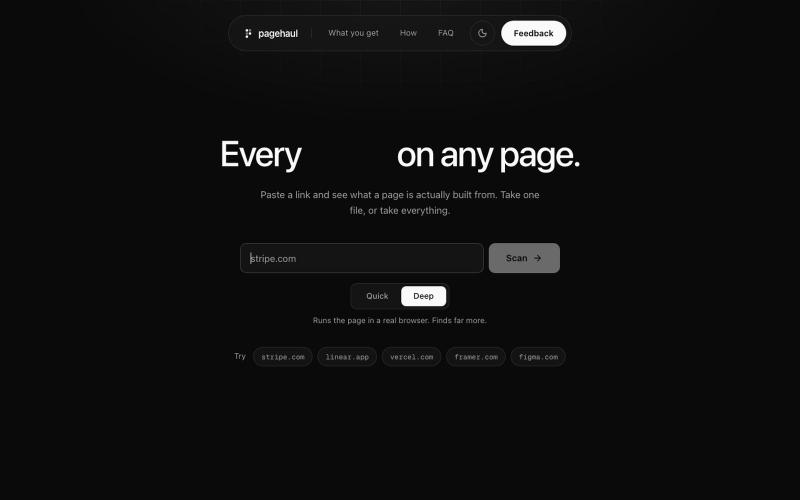
Extract images, icons, videos, fonts, and documents from any webpage into a single grid.

@gaurav_jain26 · X
Built a tool which will help developers and designers to extract resources without touching inspect try out and leave feedback
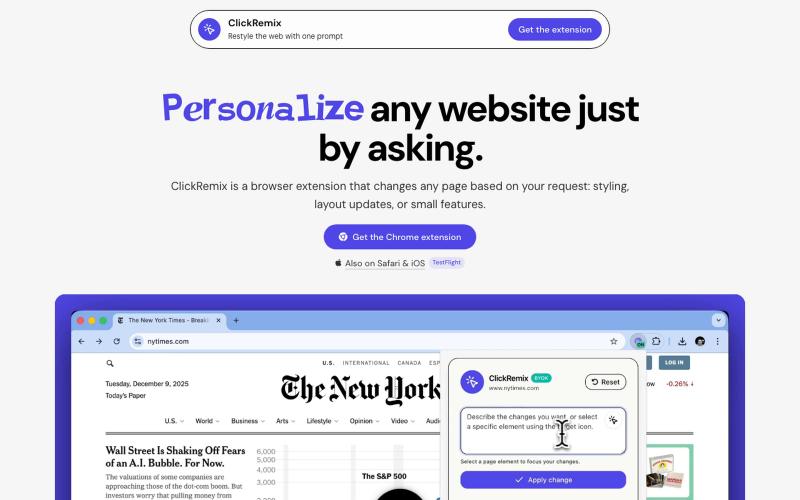
Browser extension that customizes webpages with text prompts for styling, layout, and feature changes.
alentodorov · HN
built it in spring 2026--ready to share today. use opus 4.8 to create css and js snipptes to style the websites you visit the way you want. make nytimes more print-like, hn more matrix, or just replace any mention of AI with the :poop-emoji" -- your call.
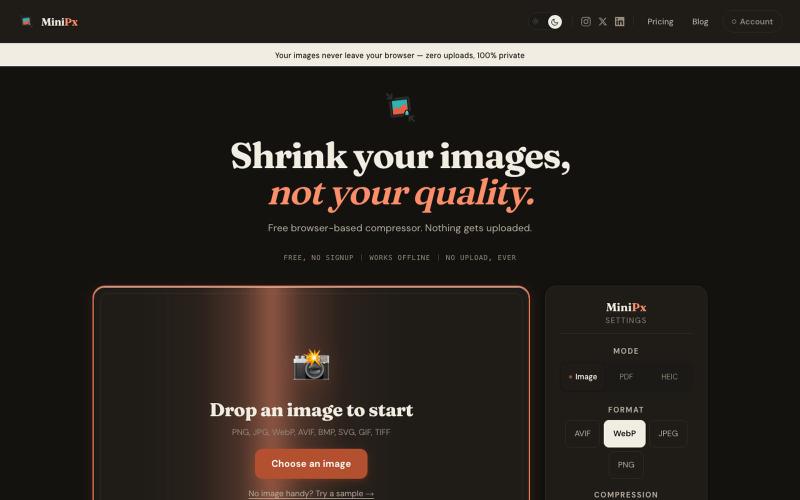
Compress and convert images in your browser without uploading or creating an account.

@getminipx · X
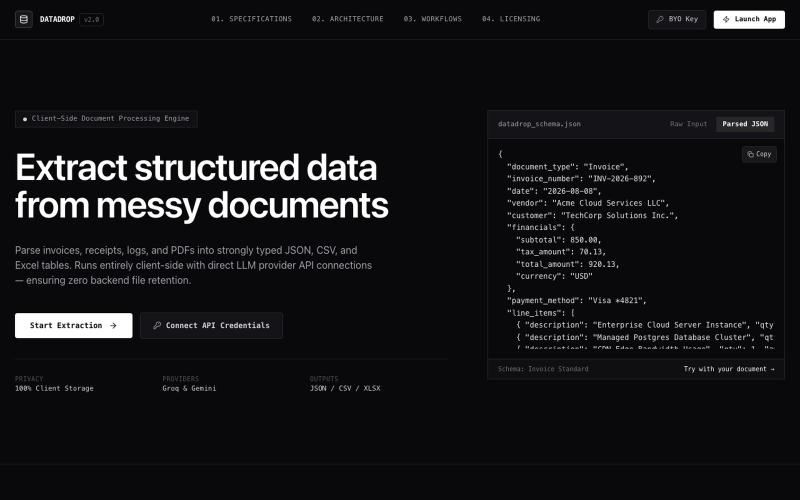
Extract structured data from PDF documents directly in your browser without uploading.

@MitanshDevNew · X
just shipped DataDrop — extract data from messy PDFs without uploading anywhere. everything runs in your browser. free to try, $10/mo for unlimited. #BuildInPublic

Create professional screenshot mockups with frames, backgrounds, and annotations in your browser.

@Aticmatic_com · X
of course for people:
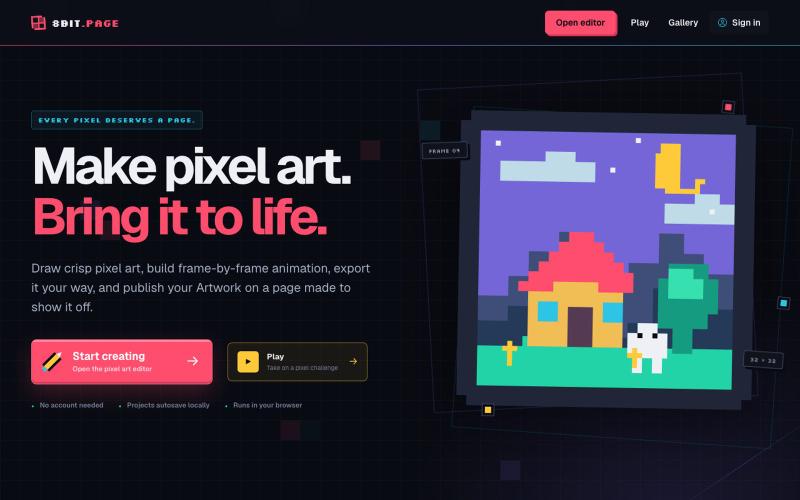
Create pixel art and frame-by-frame animation in your browser. Export images, GIFs, sprite sheets, and video, or publish your Artwork on its own 8bit.page.

@8bitpage · X
not a start up, free site to draw pixel art:
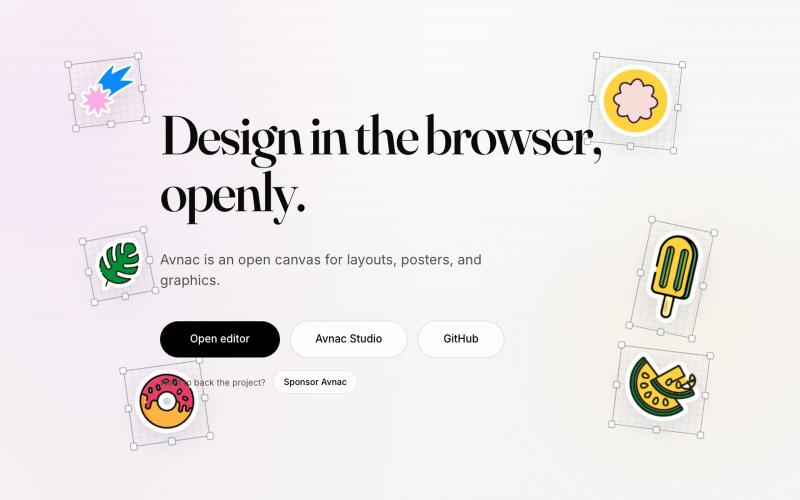
Open-source design tool for creating graphics in the browser.

@akinkunmi · X
He trash-talked me and my amazing project ( unprovoked while all his projects are vibe-coded slop. That's why I named him King of Slop.
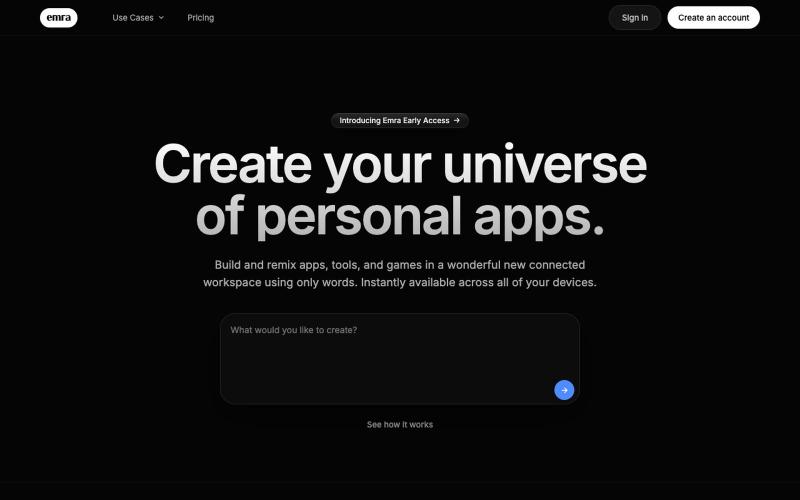
Create custom apps and tools in your browser without writing code.
thejarren · HN
Hey HN, I'm really excited to share Emra with you. The yc description would be: It's like "Notion meets Lovable". It's a workspace where you build full apps using AI and every app sits on one shared database and service layer. Generated apps are always editable, and (coming soon:) can interact with each other in the workspace. I'm of the opinion that the cost of software will go rapidly to zero (I don't think that's too surprising to any of you), but there will always be room for effort and creativity. Emra is essentially built for the future where every person is a developer. Essentially personal software for everyone. So far I've built notes apps with a 3d graph view to see connections, a video editing app and a canvas design tool (figma clone) with export capabilities, as well as a collection of project management tools and games. Right now the most satisfying thing is being able to fix a bug I run into in around the same amount of time that it takes to send a bug report in any tr