
Developer Tools1 month ago
Pastehex
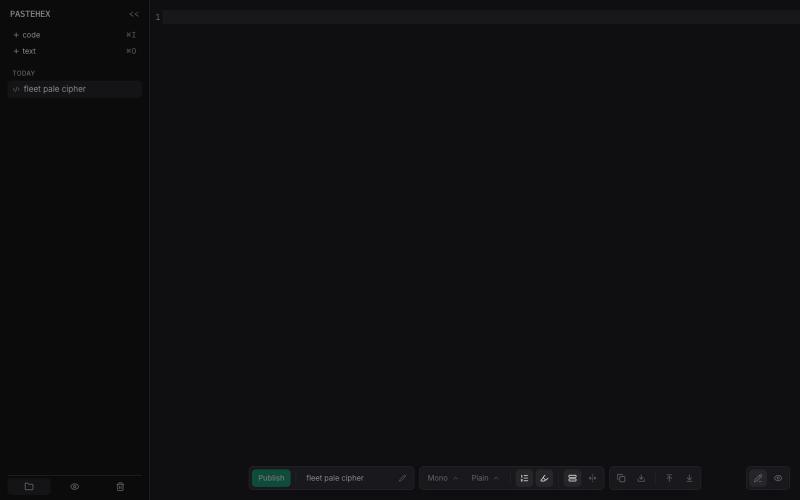
Add drawings and annotations to HTML and Markdown pages with encryption.
pandrre · HN
I've built tldraw for HTML and Markdown pages (with encryption)
The full gallery
Tech stack
60 projects
Add drawings and annotations to HTML and Markdown pages with encryption.
pandrre · HN
I've built tldraw for HTML and Markdown pages (with encryption)
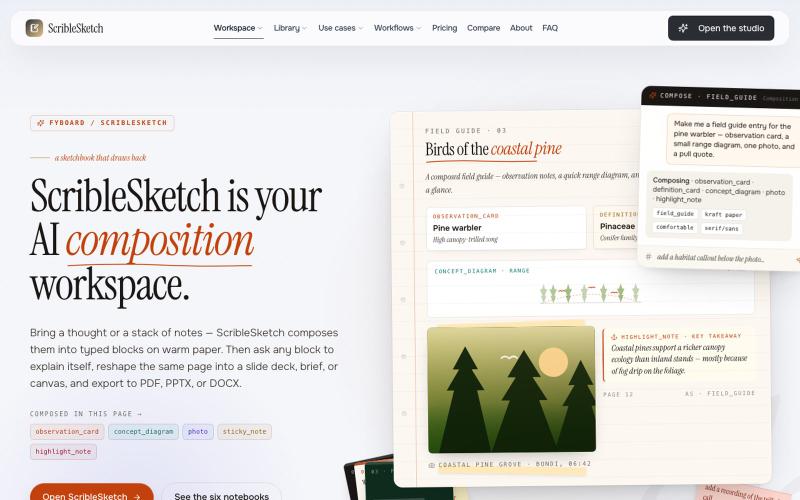
Write once, export to notebooks, slides, PDFs, PPTX, DOCX, or canvas.

@mr_wickedhacks · X
Write the doc once → get a notebook, slide deck, canvas, or resume from the same source. No rewriting for every format.
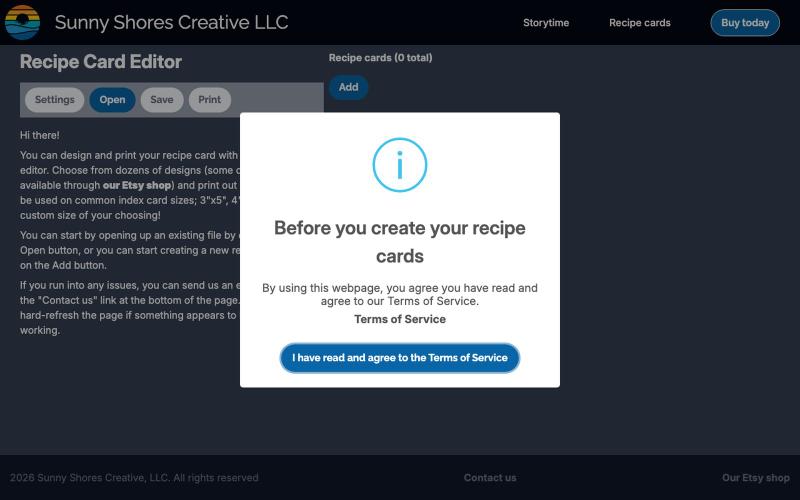
Design and edit recipe cards online with a visual card editor.
bobblywobbles · HN
Not AI-generated. No sign in required. Free tool to use. My name is Zachary and I've built this app a few times now, in different seasons and with different frameworks. I originally created this tool to give a gift to someone, and now it's morphed into a product I hope people will find useful. There's thoughtful, human-curated features. As someone who loves to cook, it has a lot of features I know I will personally use, such as: - different sizes for printing [for different index cards] - allergen information - macros - easy way to scale up or down ingredients - can switch between metric and imperial measurements
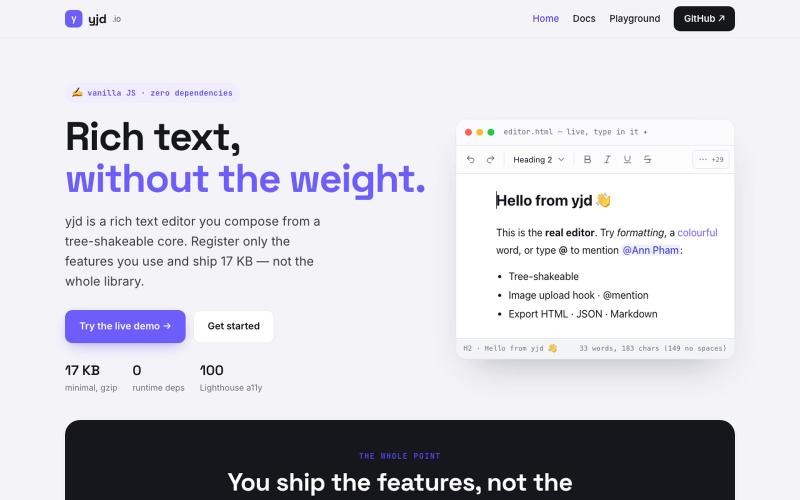
A lightweight, dependency-free rich text editor you can embed in your website.

@TaskyOrionix · X
is there anyone start their startup journey with Free builds? ☺️ our 👏 is one

Free browser-based vector editor with AI-powered background removal and image upscaling.

@qazzhoubin · X

Free tools to convert, compress, and edit files directly in your browser without uploads.

@faisalhaleem · X
Just launched — free browser-based file tools runs entirely in your browser. Video to GIF (with trim slider) Merge / Split / Shrink PDF Your files NEVER leave your device. No sign-up needed. Free forever. #buildinpublic #webdev #indiedev #tools #privacy
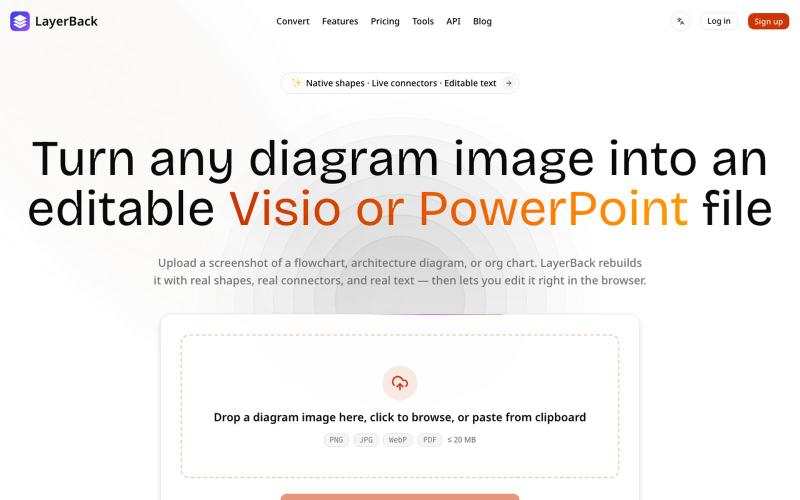
Convert image diagrams into editable Visio, PowerPoint, or draw.io files.

@ChenDavie_AI · X
Just shipped a new LayerBack update 🚀 Turn screenshots, photos, and diagram images into editable Visio or PowerPoint files — directly in the browser or via API. Image in. Editable files out. #buildinpublic #AI #SaaS
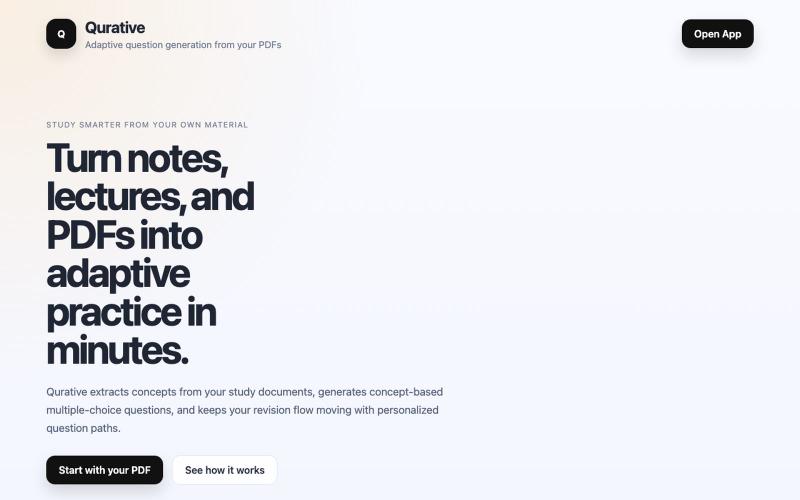
Turn PDFs into adaptive practice questions and personalized revision flows for learning.

@qurative · X
vibe coded a landing page for seo and shit, will fix it later focusing on adding features to the dasboard
Write and preview Markdown documents live in your browser with syntax highlighting.

@krishnakrmahto · X
Built Easy Markdown Editor — a reading-first Markdown editor where you edit the rendered document instead of raw Markdown.
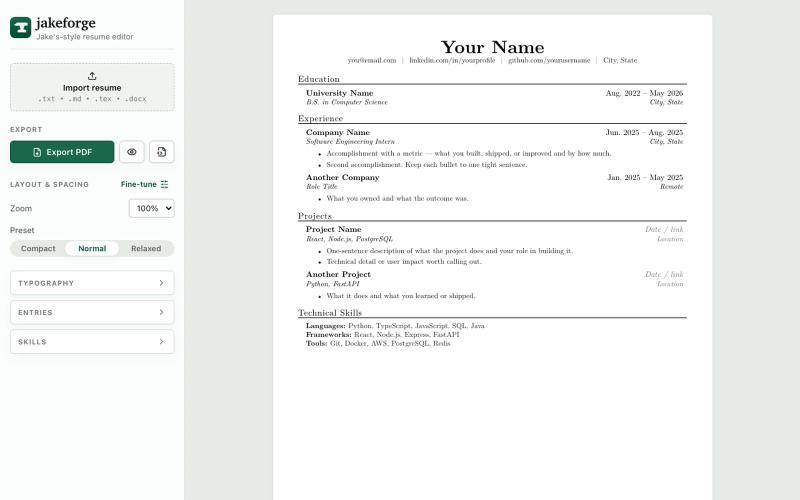
Create and export resumes in Jake Gutierrez's single-column LaTeX style.

@xlin6798 · X
codex is great, here is what i built with codex

Merge PDFs, compress images, remove backgrounds, and access utilities entirely in your browser.

@damiadeh · X
Your files utility tools stacks in your browser. No uploads, files stays on your pc.
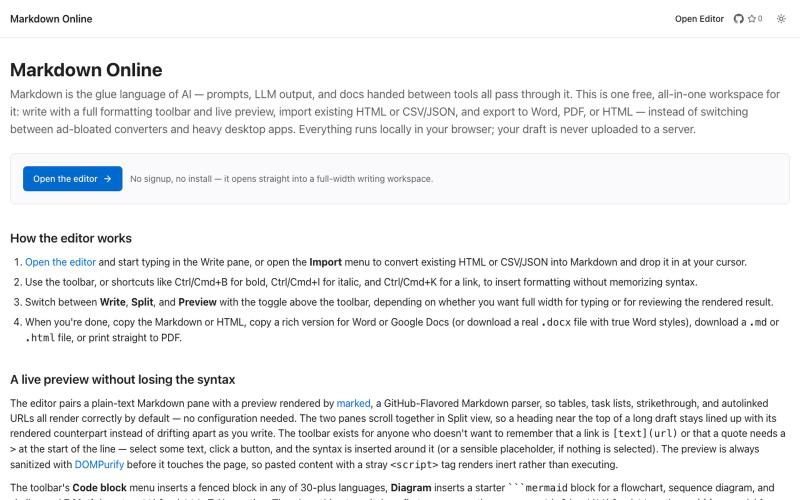
Browser-based markdown editor with live preview and export to HTML, Word, and PDF.
u/Eleraffa · Reddit
Built a browser-only Markdown editor for my own daily LLM workflows — live DBML schemas, proper DOCX export, token counts Hey r/SideProject , I move a lot of text between LLMs, local docs, and web tools every day. I couldn't find a lightweight browser editor that handled a few specific micro-annoyances without shoving ads in my face, requiring a signup, or routing text through a server. So I vibe-coded Markdown Online (mostly hacked together with Claude) to solve my own itch. It’s a plai