
Creative Tools2 weeks ago
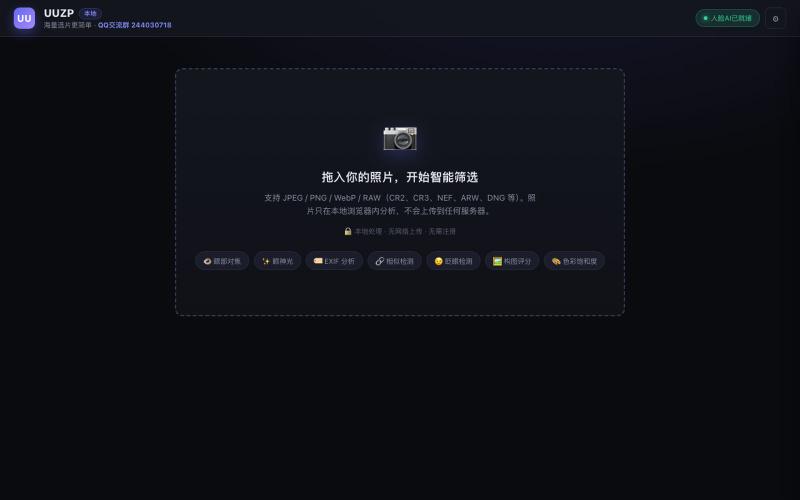
UUZP · 让出片更简单
Quickly curate hundreds of photos in your browser using local, privacy-focused processing.
alexmaster · V2EX
玩摄影,选片神马的最烦,于是搞了个选片工具 uuzp.cn 每次拍完照片都是几百张,选片最烦人了。 当然隐私更重要,本地处理,无上传。 纯浏览器端处理。 https://uuzp.cn 欢迎大家使用
The full gallery
Tech stack
60 projects
Quickly curate hundreds of photos in your browser using local, privacy-focused processing.
alexmaster · V2EX
玩摄影,选片神马的最烦,于是搞了个选片工具 uuzp.cn 每次拍完照片都是几百张,选片最烦人了。 当然隐私更重要,本地处理,无上传。 纯浏览器端处理。 https://uuzp.cn 欢迎大家使用
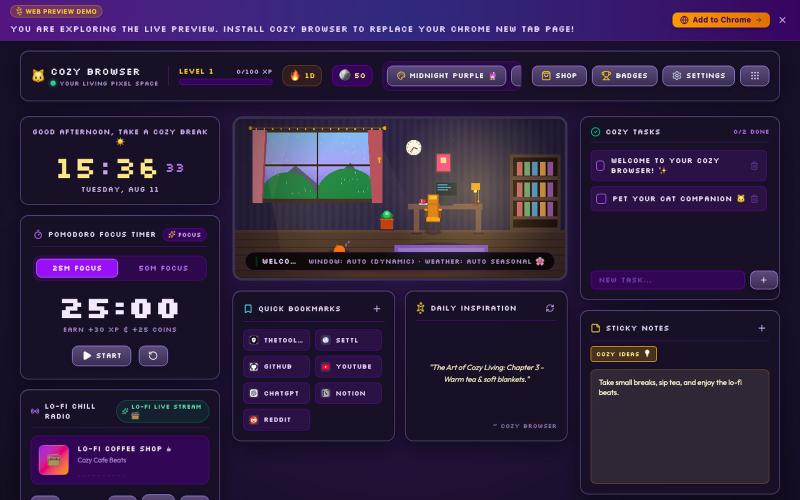
Transform your Chrome New Tab page into a cozy living pixel room with Lo-Fi chill music, Pomodoro study timer, ambient sound mixer, and multi-language support.

@DevanshuRuhela · X
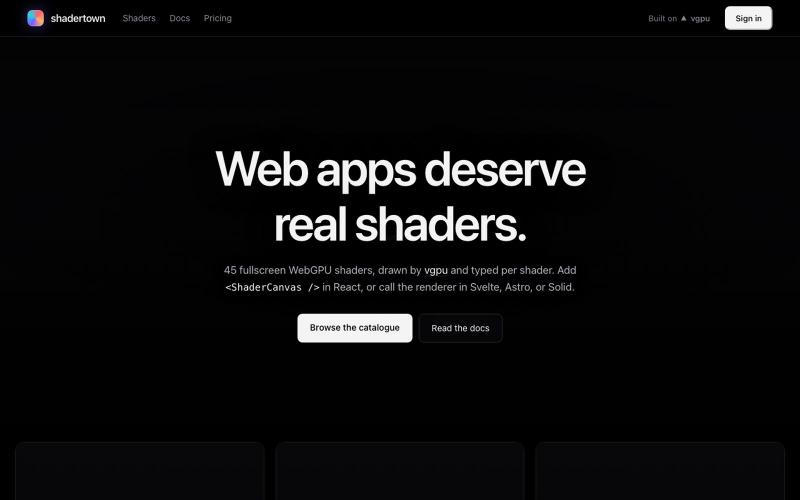
Browse and customize 45 WebGPU visual effects, then add them to your web apps.
u/Onnoz · Reddit
I built Shadertown: 45 WebGPU shaders for real web apps I built Shadertown , a catalogue of 45 fullscreen WebGPU backgrounds and image effects for the web. It includes auroras, fluid, particles, glass, bloom, ASCII, mosaics, neon signs, and more. Everything is rendered live in the browser with WebGPU — no videos or pre-rendered assets. npm install shadertown npx shadertown add aurora The CLI vendors the WGSL source, tuned parameters, example, README, and licence directly into your r
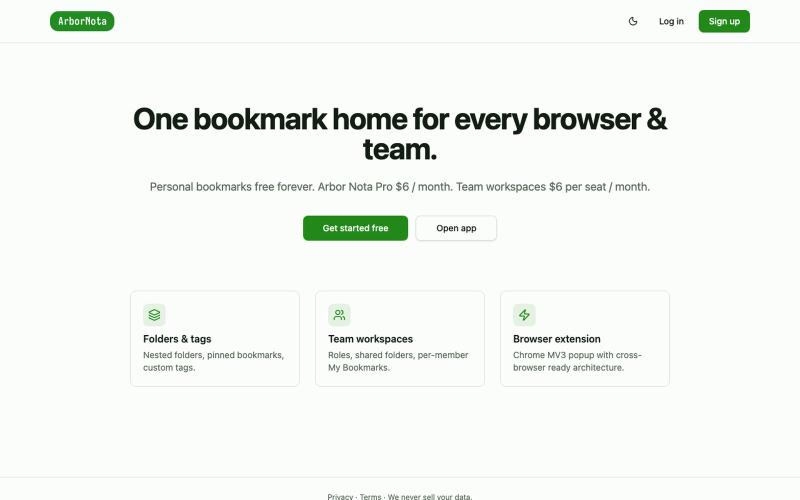
Bookmark manager that syncs across browsers and enables team folder sharing.

@TimoPrescott · X
I'm working on my bookmark app, It will allow users to manage all of their bookmarks in a singular Universal location, and it will allow teams the ability to share bookmarks in an intuitive way. I didn't like the existing options, so now I'm here 😎

Free tools to convert, compress, and edit files directly in your browser without uploads.

@faisalhaleem · X
Just launched — free browser-based file tools runs entirely in your browser. Video to GIF (with trim slider) Merge / Split / Shrink PDF Your files NEVER leave your device. No sign-up needed. Free forever. #buildinpublic #webdev #indiedev #tools #privacy
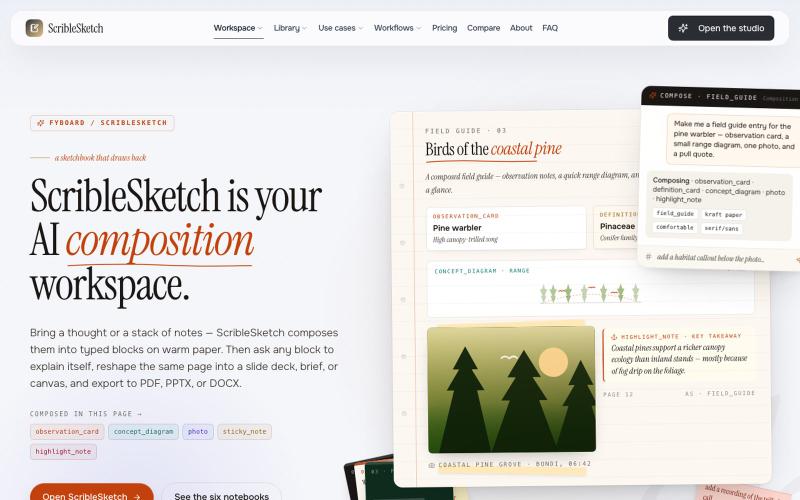
Write once, export to notebooks, slides, PDFs, PPTX, DOCX, or canvas.

@mr_wickedhacks · X
Write the doc once → get a notebook, slide deck, canvas, or resume from the same source. No rewriting for every format.
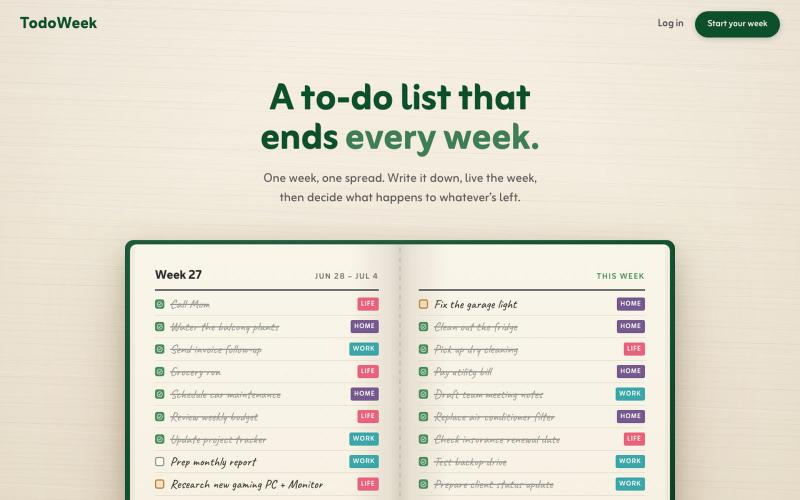
Add your weekly tasks to a notebook-style spread, and decide what carries over each Sunday.

@faruque · X
TodoWeek: Works like a paper notebook, one week per spread, and every Sunday you decide what todos slide over to next week, and which ones get dropped. Mostly vibe coded with Claude Fable + Laravel 13 Vue starter kit.
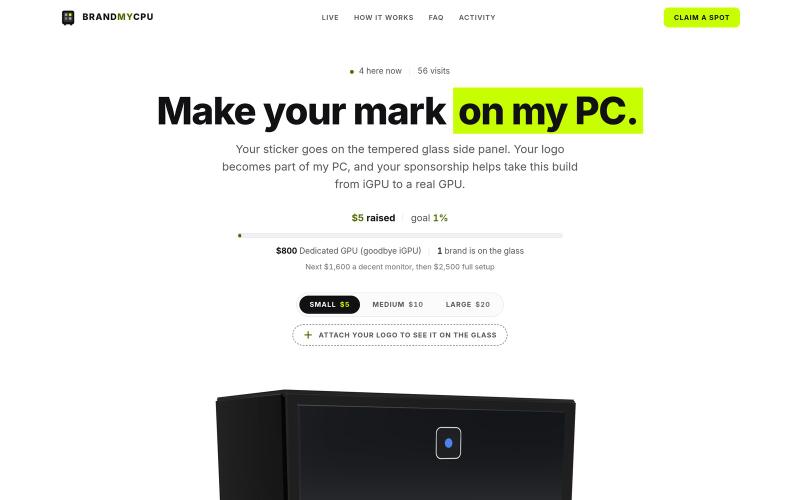
Real stickers on a real developer's PC. Sponsor the tempered glass from $5 and help this build leave the iGPU era.

@romg_dev · X
- Mark your brand on my PC
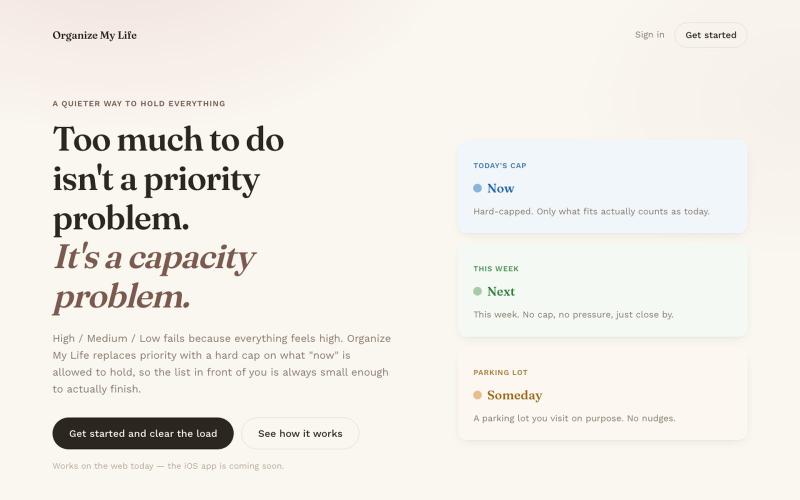
Task manager with Now, Next, and Someday buckets that sync between iOS and web.
u/dahooddawg · Reddit
I built a task manager that replaces priority levels with a hard cap on what "now" means Hey r/SideProject -- I built this for myself because every task manager I tried had the same problem: everything felt high priority. The core idea: instead of High/Med/Low (which fails because everything feels high), you get three buckets -- Now, Next, Someday -- and a hard cap on how many items "Now" can hold. When it's full, adding something new means consciously swapping it for something alread
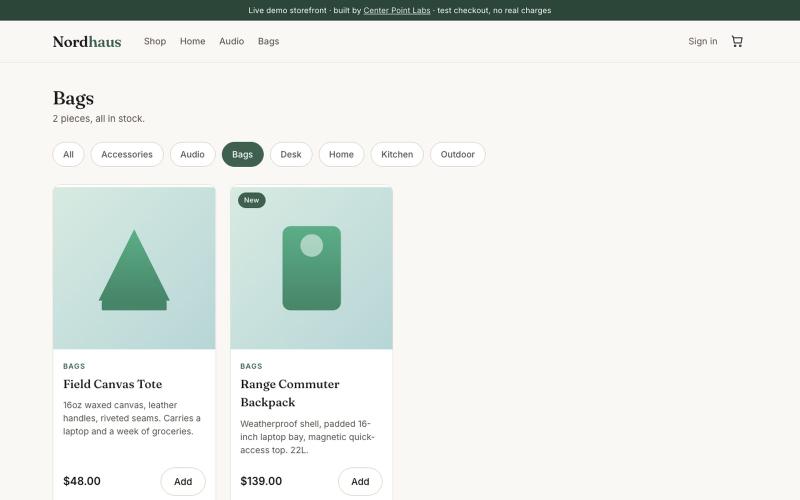
Browse and shop for modern home, desk, and lifestyle goods in this AI-built demo storefront.

@NicholasSosa5d · X
My vibe-coded store, Nordhaus, is THE place for your fake fall fashion needs.

Generate UI screens for mobile and web apps from text descriptions in seconds.

@ninakolari · X
Google just dropped Stitch and it changes the entire vibe coding workflow. You describe what you want your app to look like. It builds full high-fidelity screens in seconds. No Figma. No designer. No credit card. Here is how to use it: Go to Sign in with your Google account. That’s it. You’re in. Instead of typing “make me an app” type this: “A lesson planning app for teachers. Clean and calm. Inspired by Notion. Minimal. White space.” The more specific you are the better your screens. Then refine with follow up prompts. Change the nav. Try dark mode. Get 3 menu variations. Or just speak it. Your screens become a clickable prototype in seconds. Click a button and Stitch generates the next screen automatically. Your entire app flow. Before you write one line of code. Then take it further. Export to Lovable or Cursor and build the logic on top. Use the MCP server to keep your design and code in sync. Pull any website’s design system in seconds. Save everything as
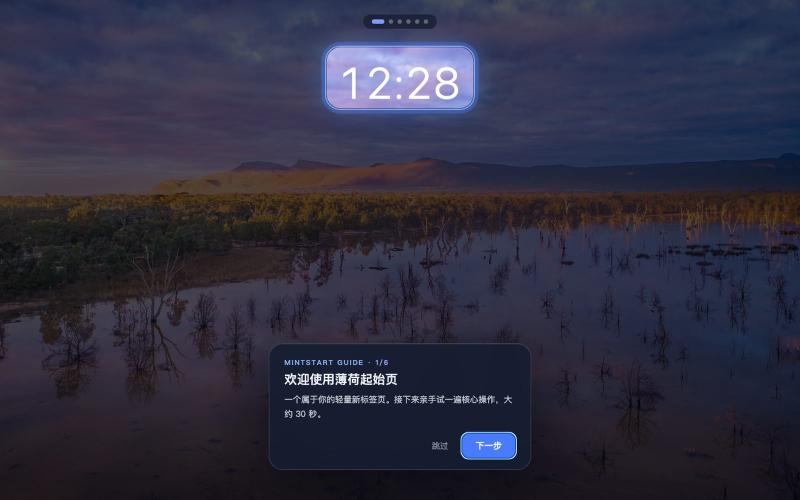
Customizable new tab page with daily Bing wallpapers, multi-engine search, and shortcuts.

@KerryWithMe · X
刚做了一个我自己每天都在用的浏览器起始页 🌿 薄荷起始页(MintStart) 简洁、轻量,没有乱七八糟的信息流,打开浏览器就能快速搜索和访问常用网站。 如果你也喜欢干净一点的浏览器主页,可以试试: #独立开发 #IndieHacker #Productivity #WebTools