
Creative Tools1 week ago
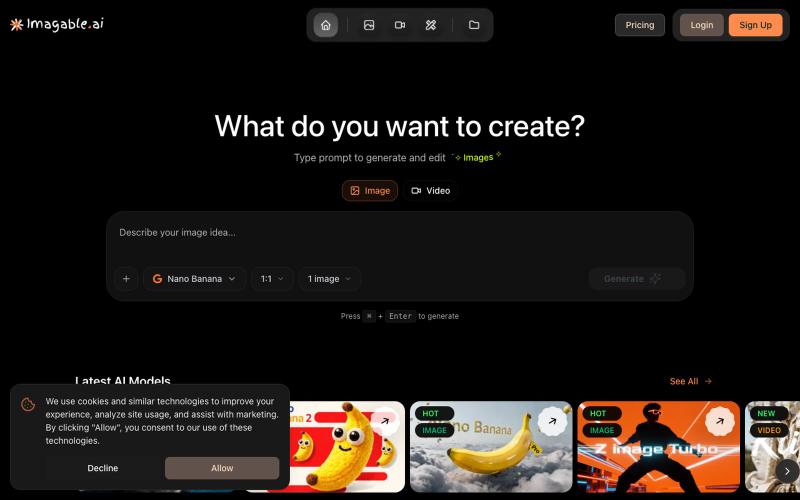
AI Image & Video Generator | Imagable
Generate and edit images and videos from text prompts with AI.
Imagable AI — 人工智能 图片编辑和生成工具,用户可以不需要设计的技术即可通过提示词一键生成和编辑照片或图片。
The full gallery
Tech stack
33 projects
Generate and edit images and videos from text prompts with AI.
Imagable AI — 人工智能 图片编辑和生成工具,用户可以不需要设计的技术即可通过提示词一键生成和编辑照片或图片。
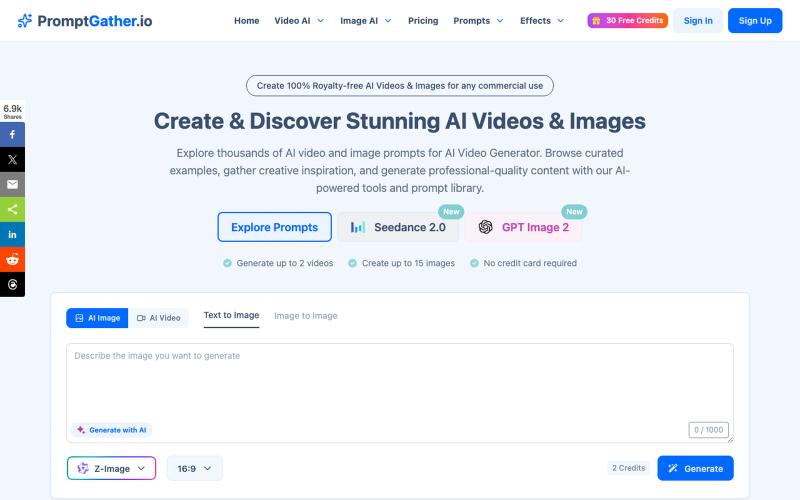
Browse and generate AI videos and images using thousands of curated prompts.
PromptGather — 手工挑选的上千条视频、图片提示词,全部免费查看。可以直接复制使用,也可以用 AI 微调,生成图片、视频。
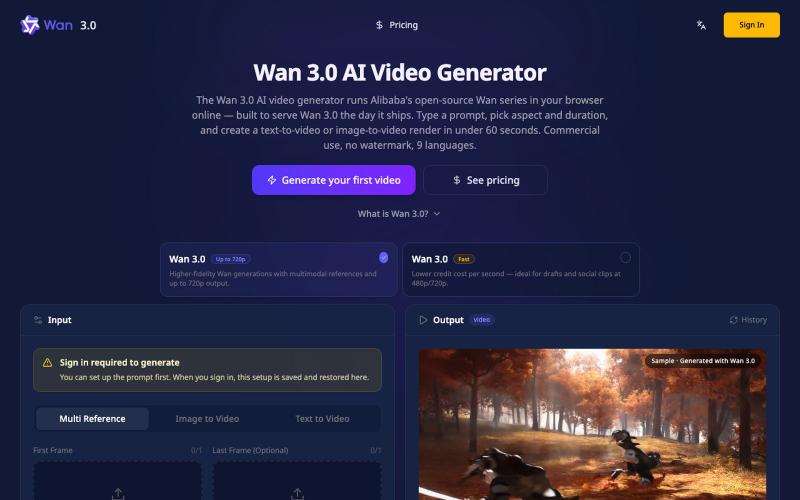
Generate 4K videos from text or images directly in your browser, no GPU needed.
Wan3Pro — AI 在线视频生成工具
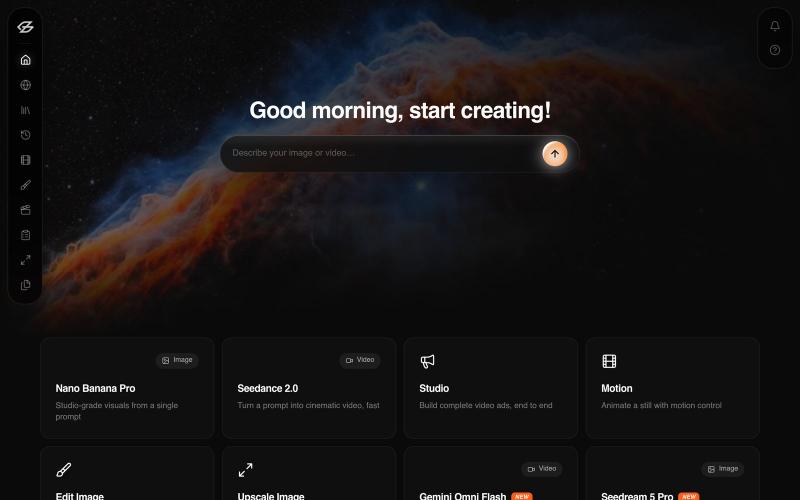
Generate AI videos and images for ads from text prompts in minutes.
u/eyondo-1 · Reddit
Show us your side project! What are you building right now? What's everyone building these days? Drop your side project below and tell us: What it does I'll start: I'm building Eyondo — an AI platform for creating image and video ads in minutes https://eyondo.com/ Your turn! 👇 submitted by /u/eyondo-1 to r/SideProject [link] [comments]
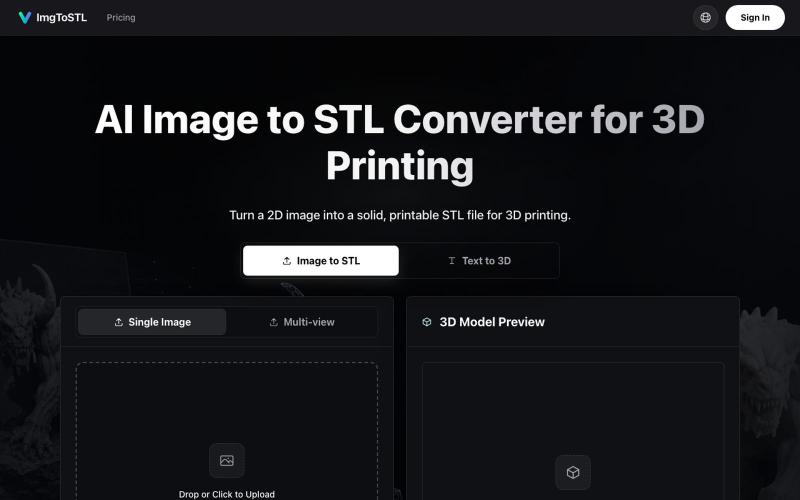
Convert images to STL files for 3D printing using AI.
ImgToSTL — 面向 3D 打印的 AI 图片转 STL 转换器
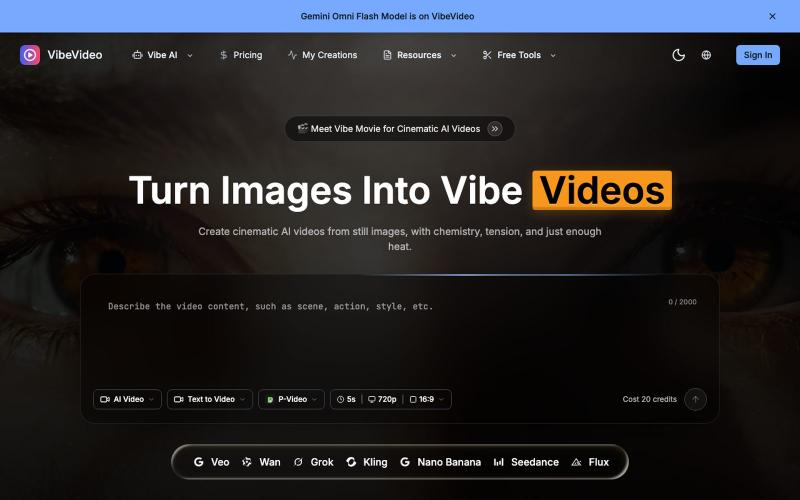
AI video generator that turns images and text into cinematic videos with motion controls.
Vibe Video — 面向普通用户的 AI 视频生成网站,支持文生视频、图生视频、参考图生视频和电影化镜头控制,适合创作者和营销团队快速产出视频
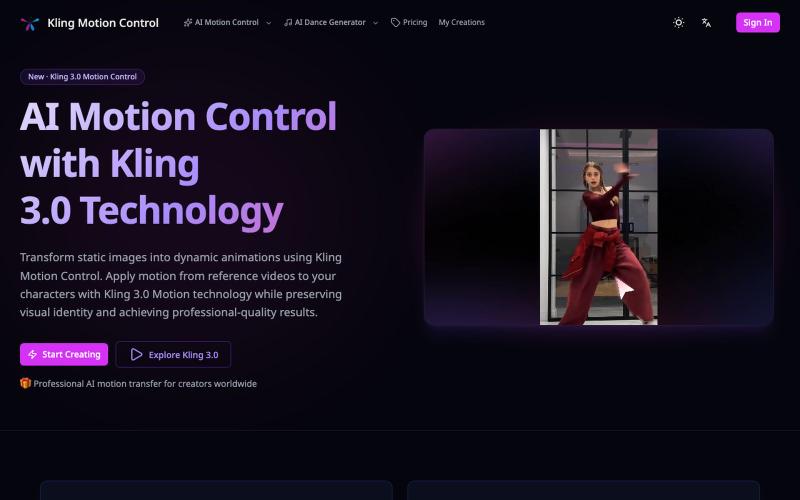
Apply motion from reference videos to turn static images into animated videos.
Kling Motion Control — AI Motion Transfer with Kling 3.0
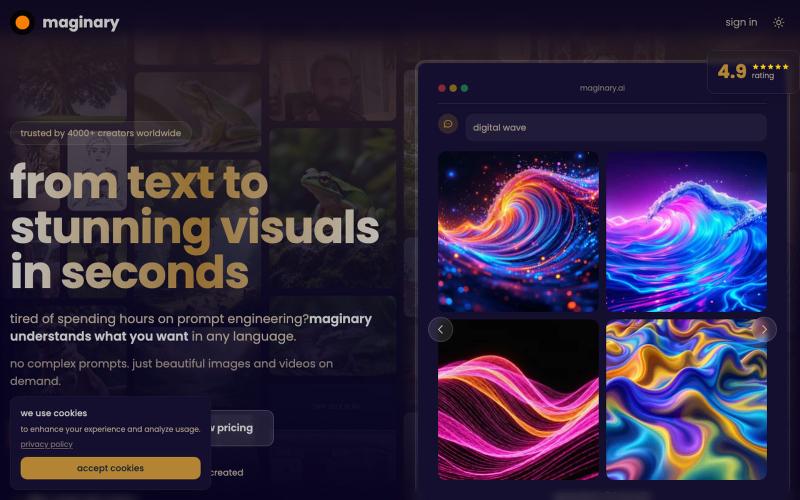
Generate images and videos using AI with a Midjourney-like interface.

@xucian_ · X
image generator that'll read and blow your mind:

Edit, compress, convert, and merge videos and audio files directly in your browser.
zhw2590582 · V2EX
最近对网站进行了重构,做成了免费的视频工具站:[ArtPlayer Tools]( https://artplayer.org/tools/) 主要是围绕着 ffmpeg.wasm 和 mediabunny 实现的一些可以直接在浏览器里用的视频/音频工具,常用的有: - 视频压缩:[Compress Video]( https://artplayer.org/compress-video/) - 视频裁剪:[Crop Video]( https://artplayer.org/crop-video/) - 视频合并:[Merge Video]( https://artplayer.org/merge-video/) - 视频尺寸调整:[Resize Video]( https://artplayer.org/resize-video/) - 视频旋转:[Rotate Video]( https://artplayer.org/rotate-video/) - 视频调速:[Change Video Speed]( https://artplayer.org/change-video-speed/) - 添加文字到视频:[Add Text to Video]( https://artplayer.org/add-text-to-video/) - 添加水印:[Watermark Video]( https://artplayer.org/watermark-video/) - 提取字幕:[Subtitle Editor]( https://artplayer.org/subtitle-editor/) - HLS 转 MP4:[HLS to MP4]( https://artplayer.org/hls-to-mp4/) - 音频可视化:[Audio Visualizer]( https://artplayer.org/audio-visualizer/) 大部分工具都是本地处理,文件不会上传到服务器。最开始是因为自己偶尔要处理一些视频,开剪辑软件又有点重,在线工具又担心隐私,所以就慢慢做成了一个站。 目前还在持续完善,体验肯定还有不少粗糙的地方,比如不同浏览器的兼容、移动端操作、长视频性能之类的。 网站: [ArtPlayer Tools]( https: