Droplana — Client portals without the complexity
Share files, collect documents, and discuss them with clients—no signup required.
@droplana_com · X
The full gallery
Tech stack
35 projects

Share files, collect documents, and discuss them with clients—no signup required.
@droplana_com · X

450+ privacy-friendly tools for formatting, converting, and processing PDFs and images, all running locally in your browser.
@tentaco_cc · X
Hey! I built 🐙 It’s a privacy-first web space packed with over 450+ free micro-tools for tech, design, marketing, and PDFs. The best part? Everything runs 100% locally in your browser. No registration, no ads. Let's connect! 🛠️

Sync all Basecamp project calendars into a unified iCal feed for Google Calendar, Outlook, or Apple Calendar.
bhagyeshsp · HN
First things first: On the landing page, click on the "demo" link below the Hero section to try it without jumping any hoops ** I'm a long-time Basecamp user and satisfied with its overall functionality. Of course, there are many things that can be improved but that is not the point of this post. *Background* Basecamp lets users create "Projects". These projects are isolated workspaces that contain: members, todos, chat, files, message board, and calendar, etc. My issue was with the scattered calendars. Because I (and every other Basecamp user) creates a dedicated project for different scope of work, even if it is for the same client. For example, at any given time, I may have 4 projects for client-X and 3 projects for client-Y. *My pain point* I have experienced that most clients (especially the decision-makers) do not use Basecamp as often as we--the agency folks use it. They just use it when some reviews or comments are required or some file access. The clients organize their

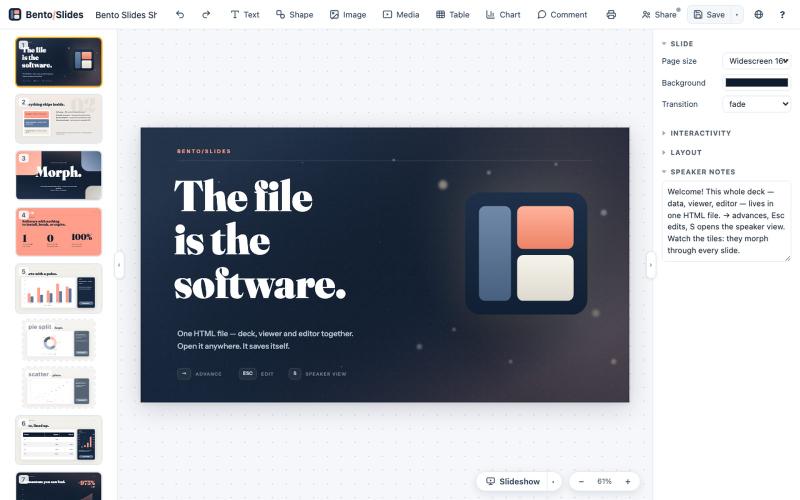
Write once, export to notebooks, slides, PDFs, PPTX, DOCX, or canvas.
@mr_wickedhacks · X
Write the doc once → get a notebook, slide deck, canvas, or resume from the same source. No rewriting for every format.

Create richly formatted posts and publish them instantly to the web with a single click.
@masafumiohta · X
I’ve been using Windows as my daily use lately despite I have been using Mac/Linux for a long time, but I keep running into all sorts of issues, so I’ve been fixing them vibe-coding with Claude. I’m gonna dump all that stuff on This blog is fully automated with Claude Code, from coding all the way to reporting. It’s nothing special—anyone could do it—but it’s actually pretty fun once you try it. The only annoyed is that it burns through tokens like crazy. Most of the tips are pretty interesting, so I hope you find them useful.

Manage overdue invoices with a dashboard, case queue, reminders, and customer payment portal.
@dmytroships · X

AI-powered platform that automates and runs sales, marketing, and revenue operations systems.
@itsalexvacca

Extract invoice and receipt data into Excel or Google Sheets using AI-powered OCR.
@nolain_on_x · X
Turn your batch of invoices/receipts into Excel sheets. Stop manually entering information from your invoices into spreadsheets and save hours of work. Visit us at Contact us for custom solutions on document processing.

Create videos entirely through a single chat interface with AI-generated writing, voiceover, and editing.
u/Real-Estate-Agentx44 · Reddit
Built an AI video tool where one chat writes, voices, generates, and edits the whole video - is all-in-one actually useful or do you prefer separate tools? I've been building ViewPress AI , an AI video generator, and I'm at the point where I want honest feedback before I keep pushing in one direction. Instead of jumping between a script tool, a voice tool, an image/video generator, and an editor, you describe what you want in one chat and the agent handles the whole thing. It

Free online PDF editor with 51 tools for merging, signing, OCR, and translation—works offline, no login needed.
@zubidavies · X

Convert OpenAPI specs and databases into MCP tools without coding.
mhmt_dmr · HN
MCP Gateway – Turn existing APIs and databases into MCP servers