
Developer Tools1 week ago
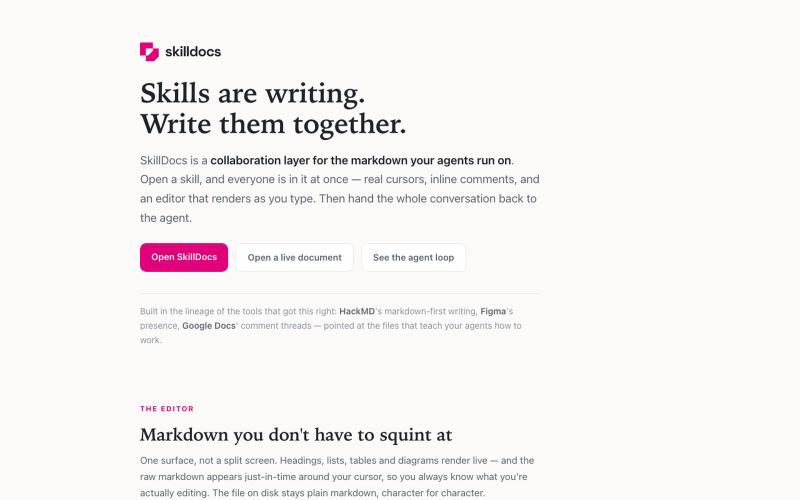
SkillDocs — a tour
Markdown editor with live collaboration, inline comments, and MCP integration for AI agents.
rajivayyangar · HN
Skilldocs – Figma for Markdown
The full gallery
Tech stack
60 projects
Markdown editor with live collaboration, inline comments, and MCP integration for AI agents.
rajivayyangar · HN
Skilldocs – Figma for Markdown
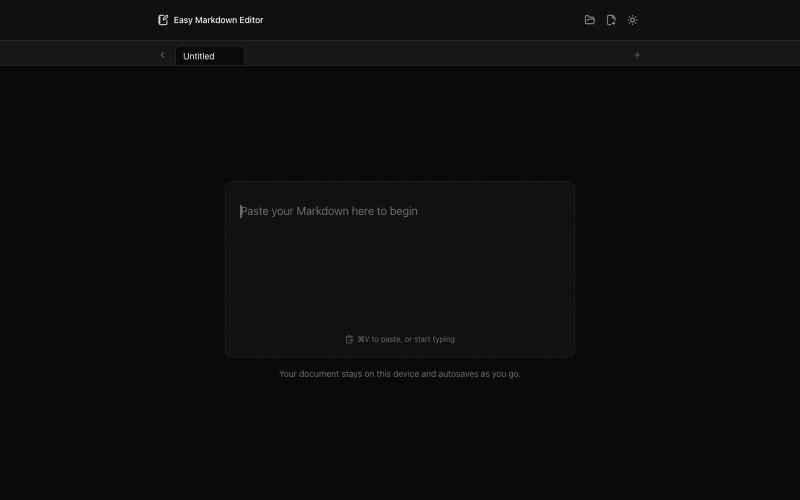
Write and preview Markdown documents live in your browser with syntax highlighting.

@krishnakrmahto · X
Built Easy Markdown Editor — a reading-first Markdown editor where you edit the rendered document instead of raw Markdown.
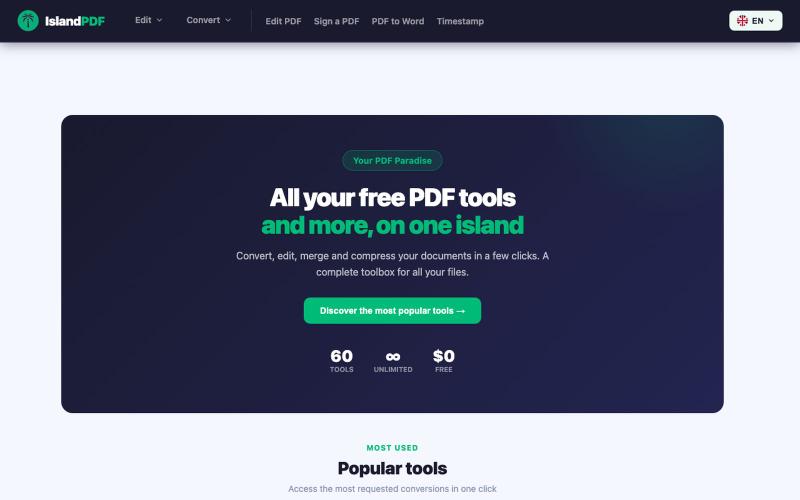
Convert, edit, merge and compress PDF documents in your browser.

@IslandPDF · X
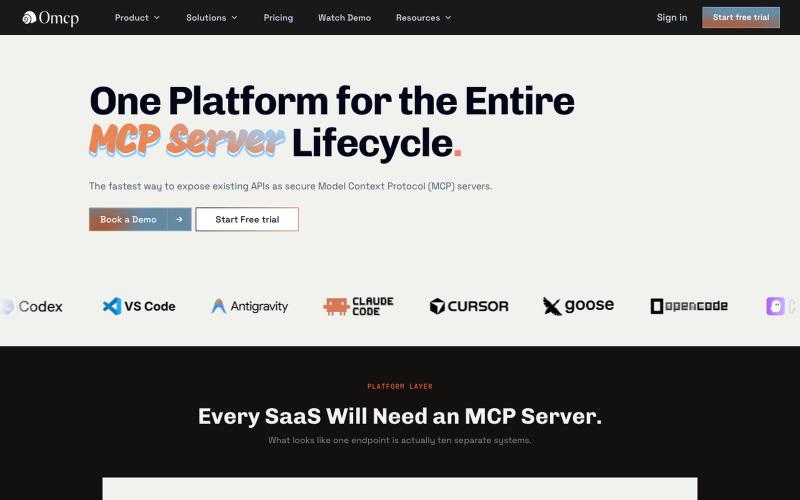
Convert your OpenAPI specification into a hosted MCP server.

@bhshekhaliya · X
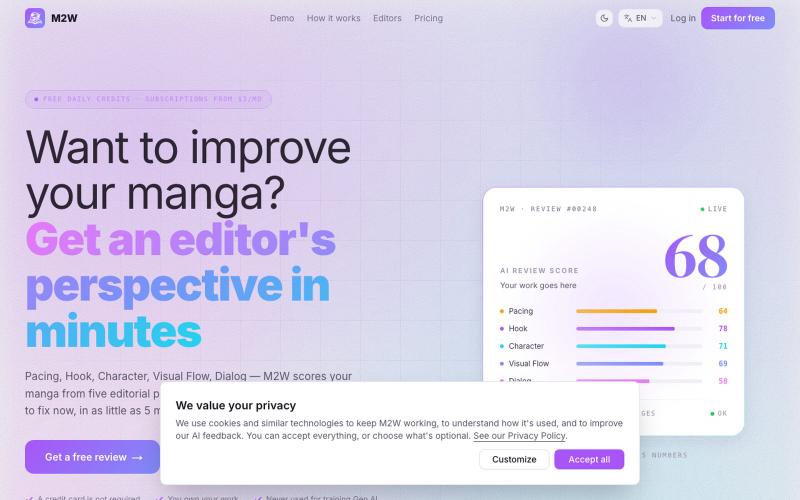
Get AI feedback on your manga pages with scores for pacing, hook, character, visual flow, and dialogue.
seanm2w · HN
I made a manga critique site with professional Japanese manga editors
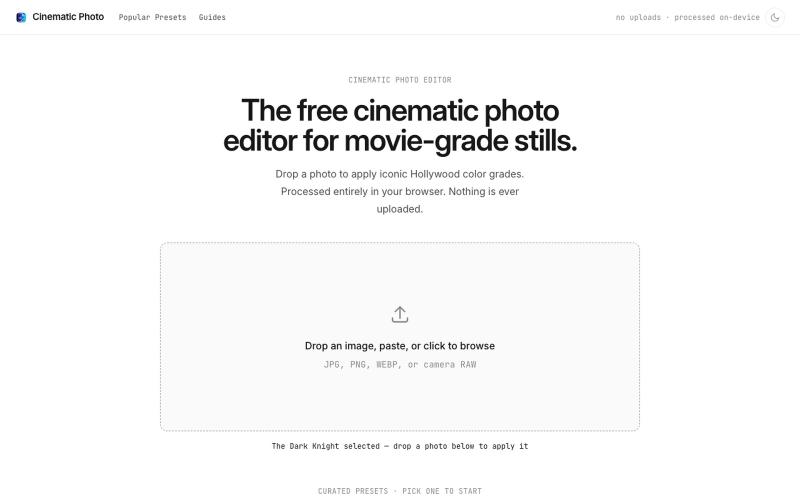
Apply movie-inspired color grades to photos in a browser-based editor with one click.
u/huuughmangasorr · Reddit
I built a tool that gives your photos a movie color grade (no AI generation) I kept seeing photo tools that "cinematic-ify" images by running them through AI and spitting out something that's basically a different picture. I wanted the opposite: keep my actual photo, just make it feel like a frame from a film. So I built CinematicPhoto — a browser tool where you upload a photo, pick a movie look, and get a graded version back. Your original stays intact; it's color grading and effects d
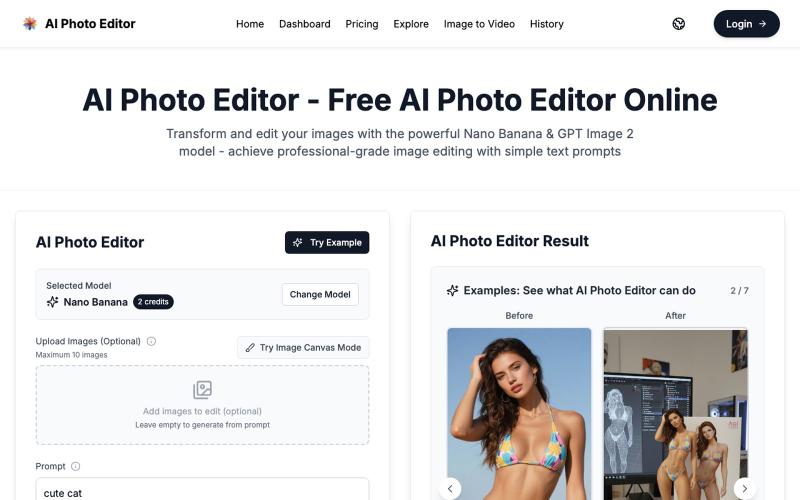
Edit photos with AI-powered one-click tools and text prompts in your browser.
vtoolpro · HN
AI Photo Editor – Professional-Grade Image Editing with Text Prompts
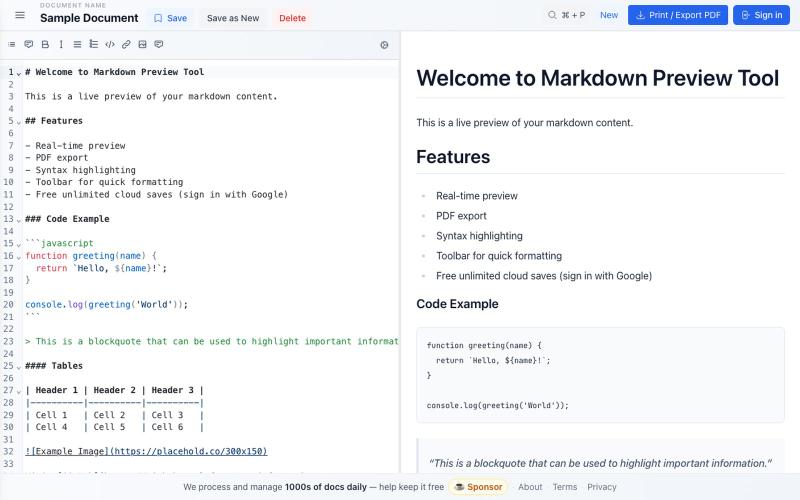
Free markdown editor with live preview, syntax highlighting, cloud saves, and PDF export.

@bheru_l · X
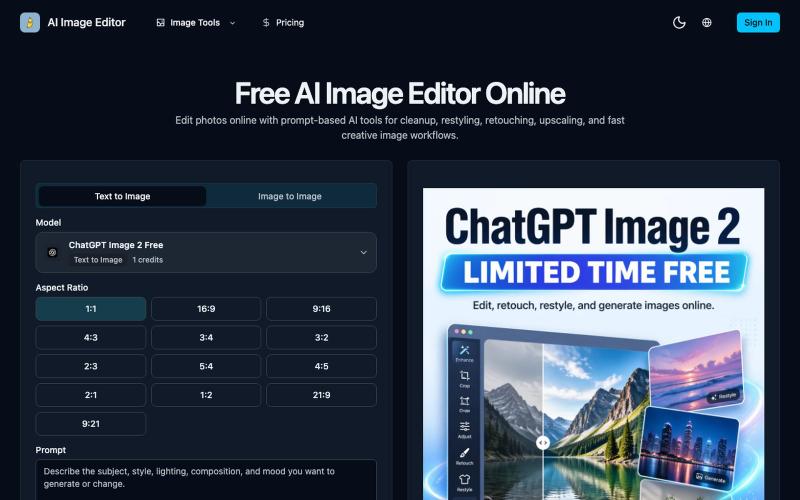
Edit photos online with prompt-driven AI tools for retouching, cleanup, upscaling, and creative image generation.
AI Image Editor — 在线 AI 修图与图片生成工具,支持抠图、消除、放大、风格化和基于提示词的图片编辑,并提供 [ChatGPT Image 2](https://ai-image-editor.io/chatgpt-image-2) 免费体验
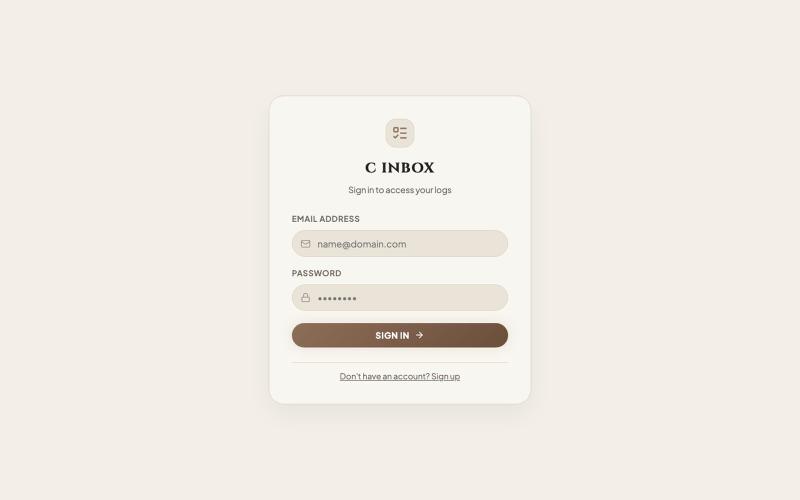
Editorial task inbox for managing and organizing content work.

@saikiran29_x · X
- Vibe coded.. Hey there..! finally the website & app are live.. It was all about learning deployment, project structure, techstack.. tbh vibe coding is somepart of game but shaping the project is the end goal. link:
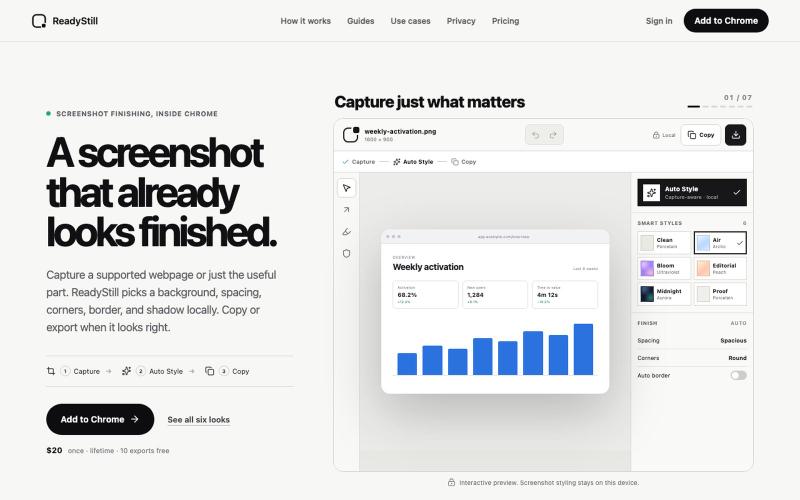
Turn webpage screenshots into polished launch images with privacy-reviewed editing.

@pradeepXkapoor · X
It’s A simple screenshot beautifier chrome extension!

Edit, compress, convert, and merge video and audio files in your browser.
zhw2590582 · V2EX
最近对网站进行了重构,做成了免费的视频工具站:[ArtPlayer Tools]( https://artplayer.org/tools/) 主要是围绕着 ffmpeg.wasm 和 mediabunny 实现的一些可以直接在浏览器里用的视频/音频工具,常用的有: - 视频压缩:[Compress Video]( https://artplayer.org/compress-video/) - 视频裁剪:[Crop Video]( https://artplayer.org/crop-video/) - 视频合并:[Merge Video]( https://artplayer.org/merge-video/) - 视频尺寸调整:[Resize Video]( https://artplayer.org/resize-video/) - 视频旋转:[Rotate Video]( https://artplayer.org/rotate-video/) - 视频调速:[Change Video Speed]( https://artplayer.org/change-video-speed/) - 添加文字到视频:[Add Text to Video]( https://artplayer.org/add-text-to-video/) - 添加水印:[Watermark Video]( https://artplayer.org/watermark-video/) - 提取字幕:[Subtitle Editor]( https://artplayer.org/subtitle-editor/) - HLS 转 MP4:[HLS to MP4]( https://artplayer.org/hls-to-mp4/) - 音频可视化:[Audio Visualizer]( https://artplayer.org/audio-visualizer/) 大部分工具都是本地处理,文件不会上传到服务器。最开始是因为自己偶尔要处理一些视频,开剪辑软件又有点重,在线工具又担心隐私,所以就慢慢做成了一个站。 目前还在持续完善,体验肯定还有不少粗糙的地方,比如不同浏览器的兼容、移动端操作、长视频性能之类的。 网站: [ArtPlayer Tools]( https: