Clusy | Agent-Native Notebook for ML and Data Science
Build and run ML workflows in an agent-native cloud notebook with evaluation tools.
eldar_hsnv · HN
Show HN: AI Notebook for Data Science – Kind of Like Cursor but for Jupyter
The full gallery
Tech stack
60 projects

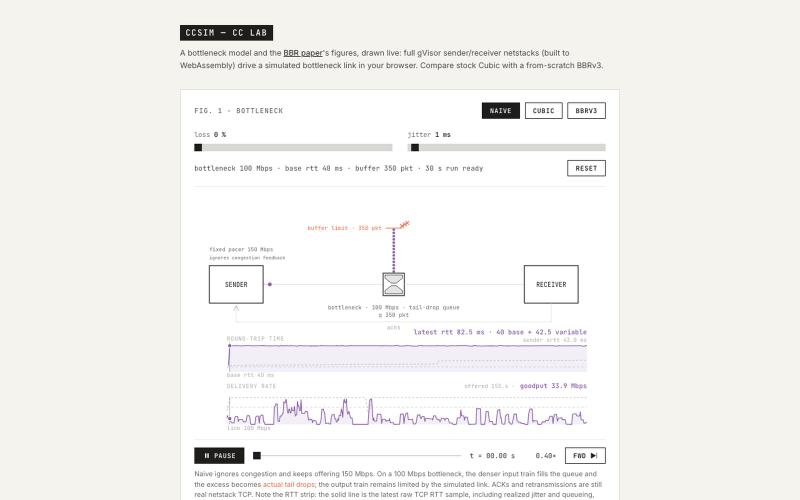
Build and run ML workflows in an agent-native cloud notebook with evaluation tools.
eldar_hsnv · HN
Show HN: AI Notebook for Data Science – Kind of Like Cursor but for Jupyter

Virtual pet companion that crawls your browser viewport and responds to page topics.
@fujidevv02 · X
the world's first context-aware, local AI browser pet companion!

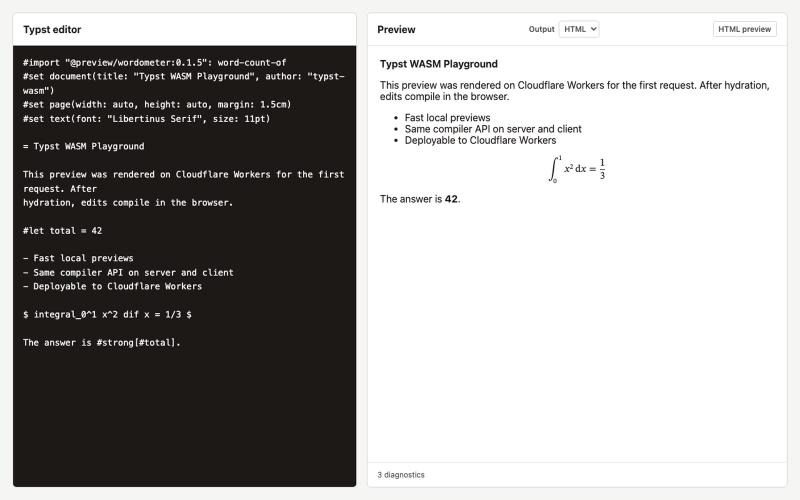
Write once, export to notebooks, slides, PDFs, PPTX, DOCX, or canvas.
@mr_wickedhacks · X
Write the doc once → get a notebook, slide deck, canvas, or resume from the same source. No rewriting for every format.

Free local-first API client for HTTP, WebSocket, GraphQL, gRPC, MQTT, and more. No account or cloud required.
@HalxDocs · X
Reqit—a fast, local-first API client for developers.

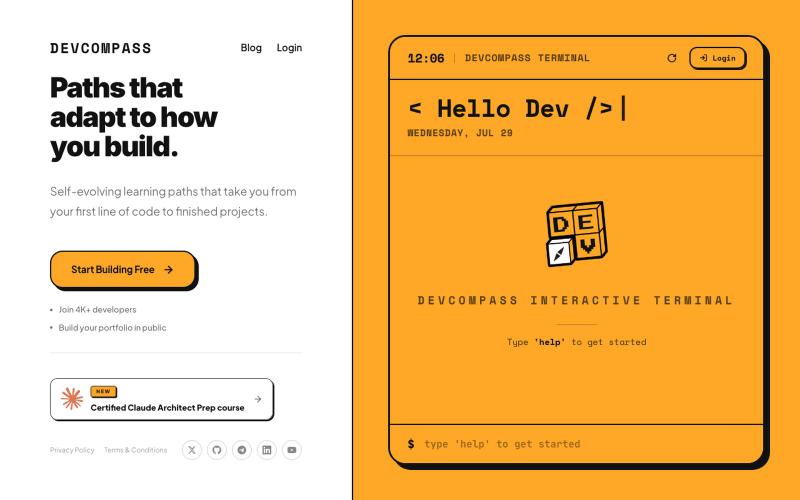
Take AI-powered skill assessments to verify your knowledge and earn certifications.
@syprayt · X
We are building platform to verify user knowledge using AI, so you can avoid boring lectures and save years of life. It’s Academission baby. Yesterday we launched online mode, so that everyone could test our technology, here is the link:

Convert OpenAPI specs and databases into MCP tools without coding.
mhmt_dmr · HN
MCP Gateway – Turn existing APIs and databases into MCP servers

Translate locale files with context and tone awareness for games and software.
@polycontext · X
Context-aware localization for apps, games, and software.

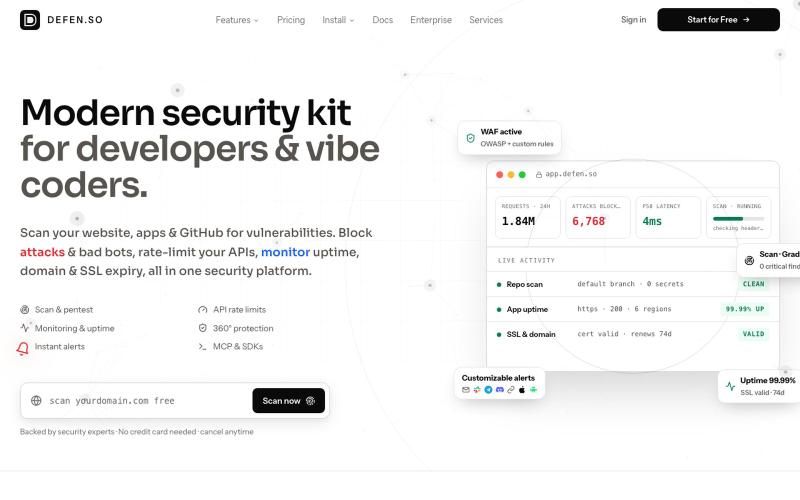
Local-first cognitive runtime with live AST graphs, runs in your browser with no data sharing.
@fortsignal1 · X

Design electronic circuits and PCBs in your browser with KiCad, no installation required.
ViktorEE · HN
KiCad, a PCB EDA suite is now working in a browser, you can try it at the link, there's a demo project or you can bring your own. Firefox is best, Chrome is good, Safari is "working". We’re Emergence Engineering, a dev shop from Hungary, mostly working with rich text editors, CRDTs. PCBJam started as my (Viktor, CTO, ex-electrical engineer) hobby project but as time went on I put more and more energy into it, and a product started shaping up in my head, in the last few months we’ve started to focus on this project a bit more, and this is the first MVP~ish result. This project is a ton of fun, ton of learning, ton of improvements over improvements: - I thought there must be ways to emulate the PCB canvas OpenGL code on the web. And yes, there are a lot of ways, all of them very buggy. Turns out it’s faster to just write WebGL code that works with KiCad’s Graphics Abstraction Layer if you add the right intermediate debugging steps. I (with Claude) implemented the features and compared

Build a backend with managed Postgres, authentication, realtime subscriptions, and auto-generated APIs.
@im_pradee_p · X
Backend as a service

Drag-and-drop visual editor for Claude Code status line with terminal preview.
@refinistdev · X
Tired of hand-editing your Claude Code status line? I built a visual editor for ccstatusline 🎨 → drag & drop widgets → true-to-terminal preview, no Nerd Font needed → one command to apply Free & open source 👇 #ClaudeCode #ccstatusline

Embeddable visual workflow builder for web apps with optional AI assistance.
tahazsh · HN
Hi! I’m Taha. In many agentic products that support workflows (including one I worked on), I noticed they either don’t support node-based editors, or use React Flow and go through the difficult work of integrating it into their product to run it and work with their existing logic. So I thought about creating a tool that could help with this by closing the gap between the editor and the runtime. That’s why I created Wayflow. The basic architecture is simple: you just need to create a graph (which is a JSON object) that the runtime knows how to run. The runtime doesn’t care where that graph is coming from, it just needs the right schema. And with the help of the editor, you can create the graph, and then export it or directly save it on your backend in your database. And then when you want to execute it, you just hand it to the runtime. The runtime can either stream the execution (which is useful for the editor), or give you the final result. How you execute the graph is up to you: t