
Developer Tools1 week ago
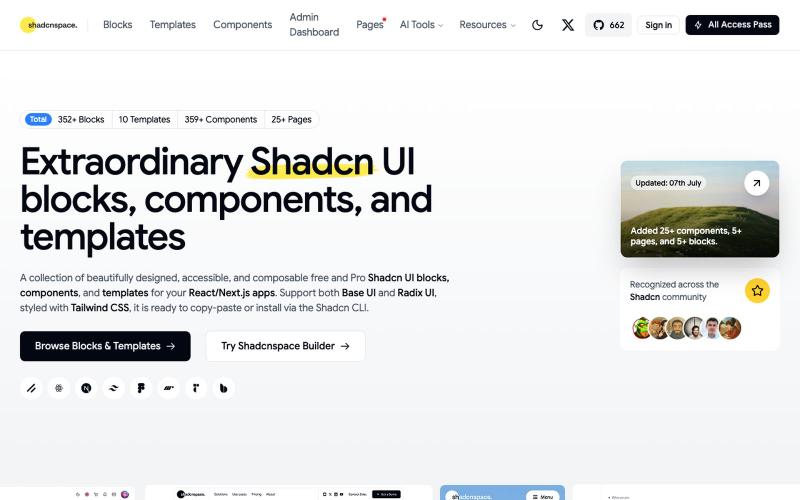
Shadcn UI Blocks, Templates, and Components | Free and Pro
Browse and copy reusable Shadcn UI components, blocks, and templates for React development.
Open source

@gupta05_vaibhav · X
The full gallery
Tech stack
60 projects
Browse and copy reusable Shadcn UI components, blocks, and templates for React development.
@gupta05_vaibhav · X

Mobile workspace for editing and previewing HTML/CSS/JS apps with AI integration.
u/heisenberg2995 · Reddit
I built a mobile workspace to edit and preview the HTML apps ChatGPT/Claude write for you. Hey everyone! I built VanillaPad , a mobile workspace for building simple HTML/CSS/JS projects. 👉 https://vanillapad.dev The idea came from something I kept running into. Sometimes I'd need a simple utility app or a quick landing page or to test a little game idea. Getting the initial code written was easy since I could just ask ChatGPT or Claude on my phone. The hard part came af

Browse and use prebuilt React components with purposeful motion design

@nexvyn · X
I'm building a component library focused on purposeful motion Link:-

React and shadcn/ui components for creating animated visual elements on marketing and landing pages.

@pixelcave_john · X
Hey Germán! I recently launched and a major update to Tailkit!

Import 2D paths from Adobe Illustrator, transform them in 3D, and export as vectors without rasterizing.

@kamone · X
I built (vibe coded) my own geometry engine from scratch. It keeps path as path, and does the transformation and the silhouette splitting. You can see the code here. One single html file.

A curated library of reusable UI components built with Framer.

@buildlylibrary · X
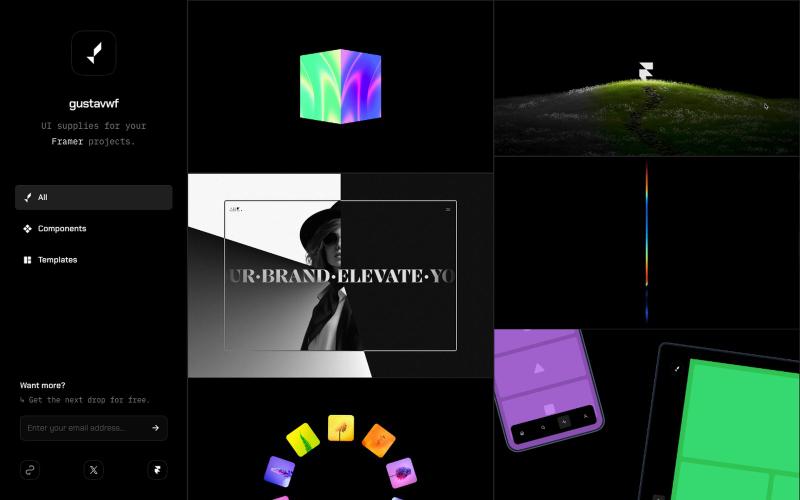
Reusable UI components and supplies for Framer design projects.

@gustavwf · X
Working on a new @framer creation for
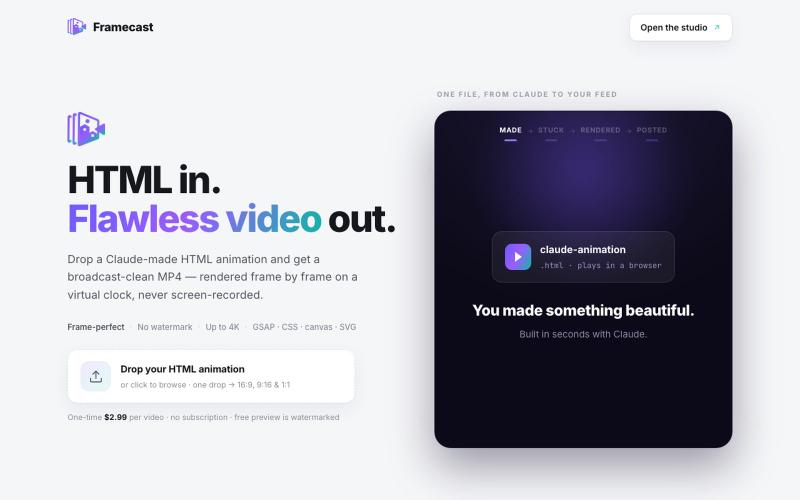
Turn HTML animations into watermark-free video for YouTube, TikTok and social platforms.

@FrameCastVideo · X

Dashboard for creators to track growth, manage brand deals, and handle finances locally.

@BayofDomain · X

Cut long videos into short clips up to 1080p HD, entirely in your browser.

@cutearham46 · X
Check out what I just built with Lovable!

Design custom themes for Codex Desktop with backgrounds, colors, transparency, and visual effects.
plutozc · V2EX
做了个 Codex Desktop 主题预览和切换工具,先调好再安装 最近一直在用 Codex Desktop ,觉得默认界面看久了有点单调,就顺手做了个主题编辑工具,分享一下: [Codex Skin]( https://getcodexskin.com) 可以先在网页里预览主题,调整背景透明度、面板透明度、颜色、模糊和圆角等参数,满意之后再下载并切换到 Codex Desktop 。 目前支持: - 自定义 JPG 、PNG 、WebP 背景 - 在线实时预览主题效果 - 调整透明度、颜色、模糊、圆角 - 预览满意后生成安装命令 - 不喜欢了可以恢复默认外观 目前主要面向 macOS 上的 Codex Desktop ,还是个人项目,功能和兼容性都在继续打磨。 欢迎试试,也想听听大家对主题参数、预览效果和安装流程的反馈。 直接网址: https://getcodexskin.com [轻喷 轻喷,可能还有些 bug

Capture UI elements with code context and screenshots to share with AI agents for debugging visual bugs.
Loerei · HN
I found that describing where a broken UI is and taking screenshots for AI agents really sucks. I’m too lazy to explain an indescribable visual bug or capture a millisecond-long flash. I also don’t want to remember which file defines an element, whether it's right in the .tsx or a problem with the Parent Styles in .css. And even if you can point out the exact file, your agent still has to dig through thousands of lines of code to know what on earth you're yapping about. In a 7700-file monorepo like Cal.com, simply giving the right file in the prompt for your agent saves about 68.9% of execution time and 94.2% of the tokens your agent needs to digest. HoverSource gives all the needed information and further pushes it to -88.5% time and -94.5% tokens, basically skipping the entire digging session and jumping straight to reasoning and executing. The save is linear to how big your codebase is. I want to save tokens, but don’t want to spend my time and energy digging manually, and a junio