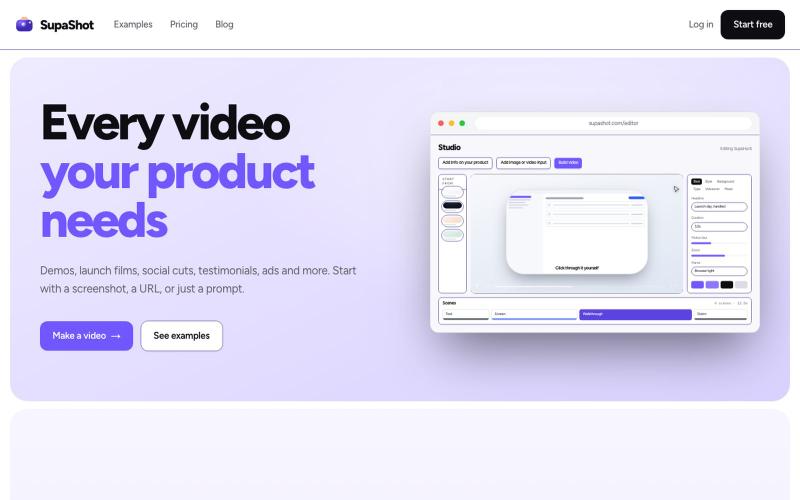
SupaShot · Every video your product needs
A complete way to promote your product with video. Demos, launch films, social cuts, testimonials and ads, from a screenshot, a URL or a sentence.
@therealaky · X
Create product videos that convert
The full gallery
Tech stack
61 projects

A complete way to promote your product with video. Demos, launch films, social cuts, testimonials and ads, from a screenshot, a URL or a sentence.
@therealaky · X
Create product videos that convert

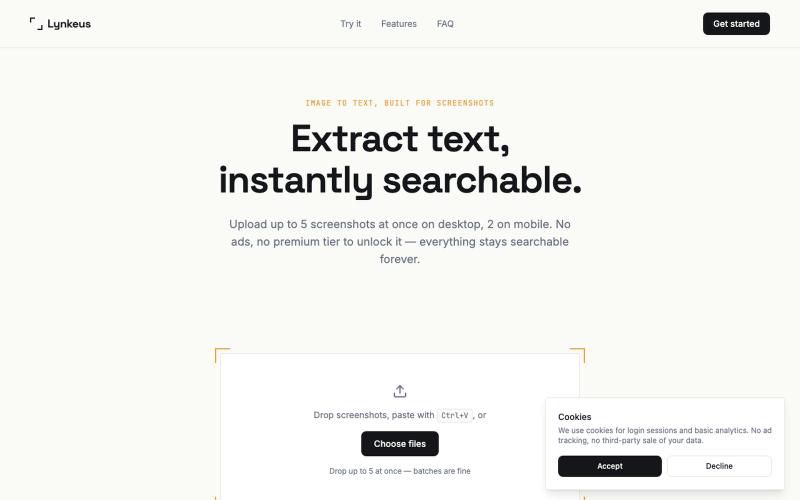
Extract text from screenshots and images, instantly searchable and editable.
@DoriaJefferson3 · X

Turn screenshots into polished designs using a Chrome extension and web-based editor.
@buildwithshyam · X

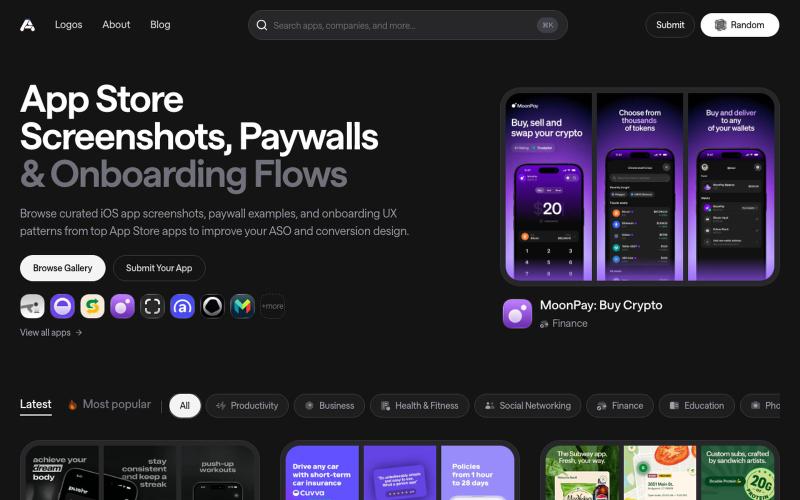
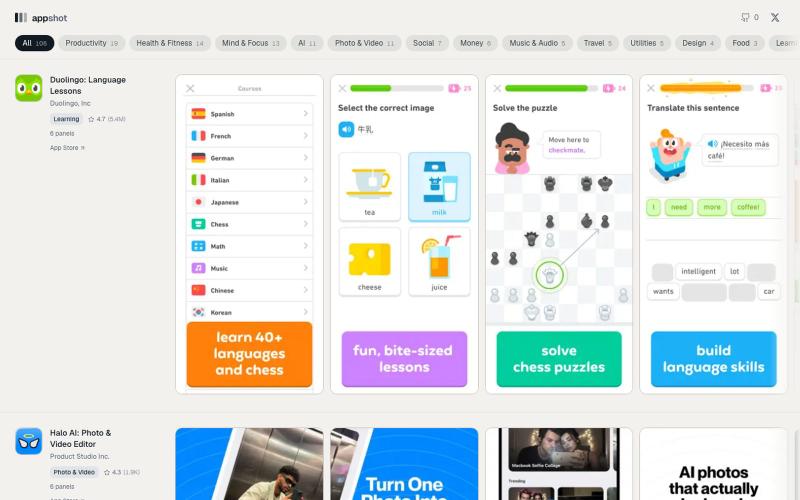
Discover the latest iOS App Store screenshot examples, onboarding ideas, and paywall inspiration.
@taher_max_ · X
Building and

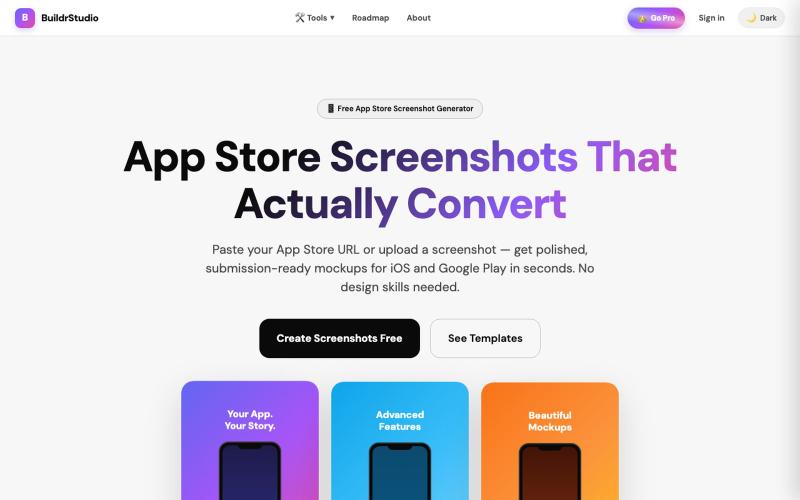
Generate App Store and Play Store screenshots with AI-powered headlines and device frames.
@buildrstudio · X

Drop in a screen recording, pick a phone frame and a style, and get back a finished app demo on a real timeline you can still change. Export video or GIF, clean, no watermark.
@TaoufikZr · X
It’s basically a dummy editor to make product demo videos

Record your screen in the browser, save to Google Drive, and share via instant links for $29.
@HashamBuilds · X
Building Walkthrough, screen recorder, $29 once, videos save to your own Google Drive. No subscription, no vendor servers. 14 days refund with no question asked. Now shipping in public daily. 🔗

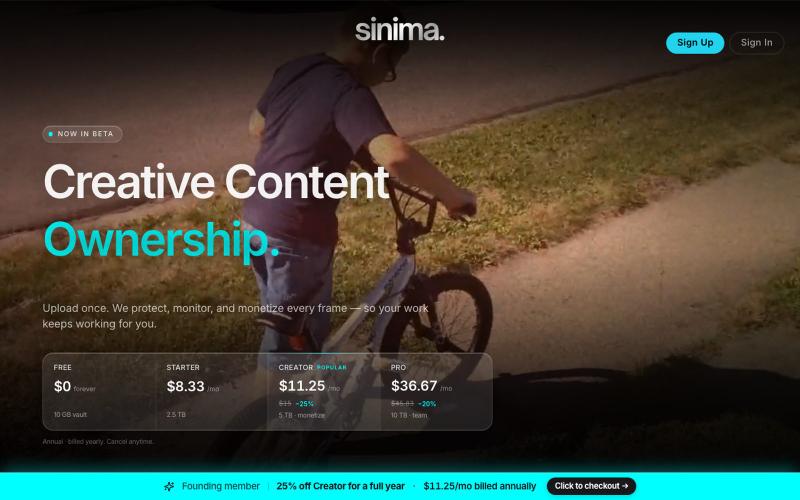
Upload screen recordings to protect and license them to AI platforms.
@LisaTrublet · X
Vimeo alternative for creators and filmmakers, with IP protections built in. 25% off Creator Core. 🎉

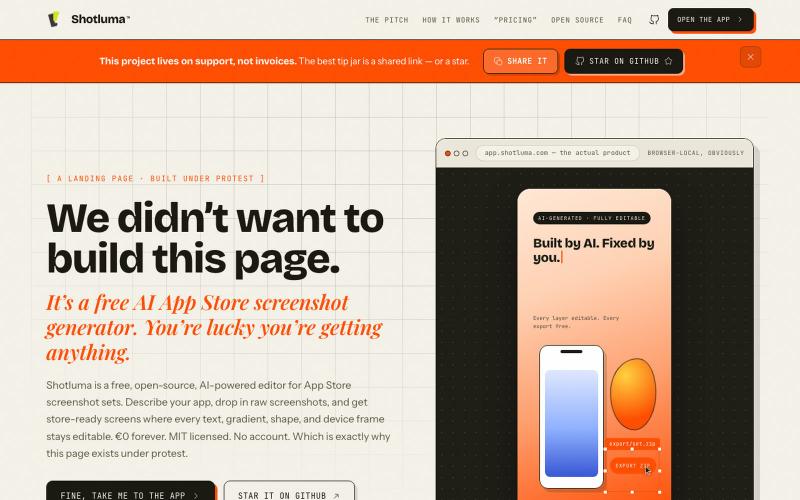
Create AI-generated app store screenshots with browser-based editing.
u/Born_Excuse_5610 · Reddit
Free & Open Source AI AppStore Screenshot Generator I’ve been building Shotluma, an open-source editor for creating iOS App Store screenshots. The main idea is pretty simple: I didn’t want the AI to generate a flat image that looks nice but becomes annoying the second you want to change something. In Shotluma, the AI works inside the actual editor. It can add text, gradients, shapes, screenshots and device mockups, but those things stay normal canvas elements afterward. You
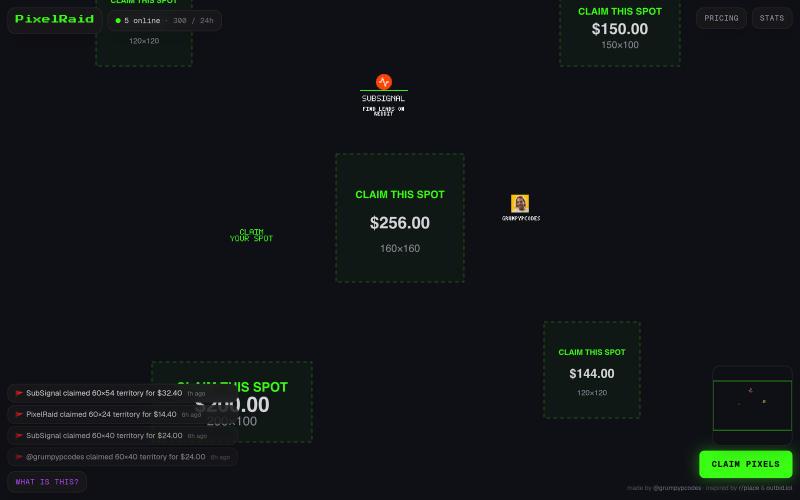
Claim pixel territory on a live canvas or raid other players' domains.
@grumpypcodes · X
insane. let's see if I can proof that vibe coding alone doesn't generate thousends of ddollars.

Screen recorder for Mac & Windows with auto-zoom on clicks, gradient backgrounds, and webcam overlay.
@zuess05 · X
Shipped some banger updates to

Screenshot sets from apps currently shipping on the iOS App Store, kept in the order they appear on the store page.
@Prasanjit_ui · X