AI Humanizer Free: Humanize AI Text, No Sign-Up | Lynote
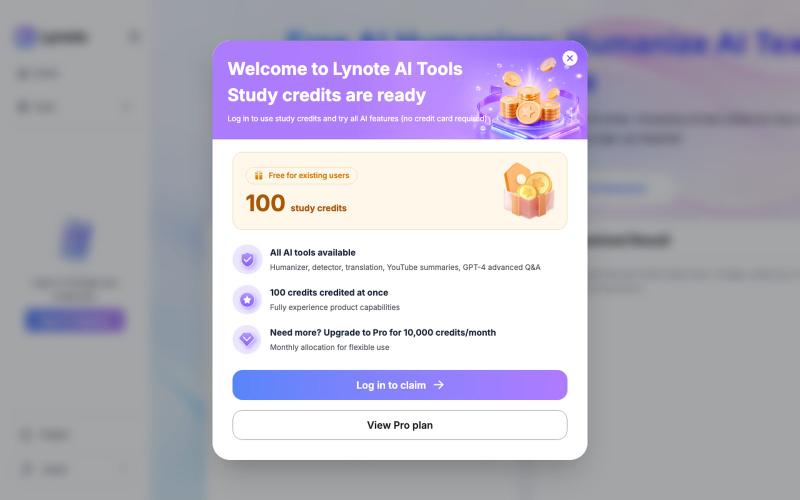
Instantly convert AI-generated text into natural, human-like writing without signing up.
fendouai · GitHub
humanize-text-skill Free AI Humanizer: Humanize AI Text Online
The full gallery
Tech stack
60 projects

Instantly convert AI-generated text into natural, human-like writing without signing up.
fendouai · GitHub
humanize-text-skill Free AI Humanizer: Humanize AI Text Online

Send self-destructing notes and files with zero-knowledge encryption and screenshot protection.
minpym · HN
Flashpaper – Self-destructing secret sharing with no database

Markdown notebook that automatically saves every version so you can return to any past edit.
@khagankarimi · X
simple markdown notebook with version history

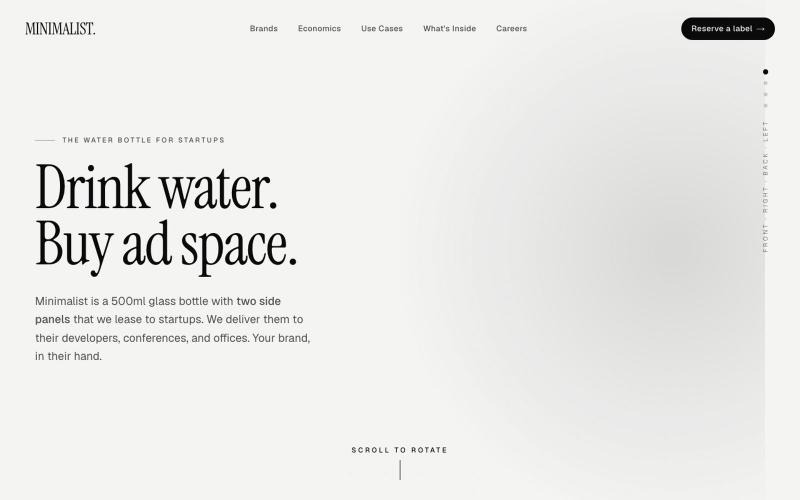
500ml of nothing. A label that goes everywhere your engineers go. The cheapest CPM in B2B advertising.
@Minimalists_us · X
Leasing a bottle as founder ad space.

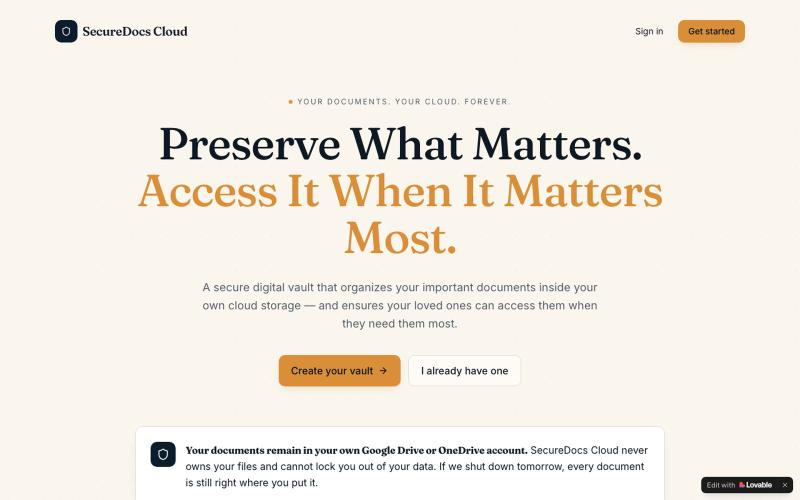
Secure cloud vault for organizing important documents with family access control.
@DwivediNitil · X
Go physical to digital

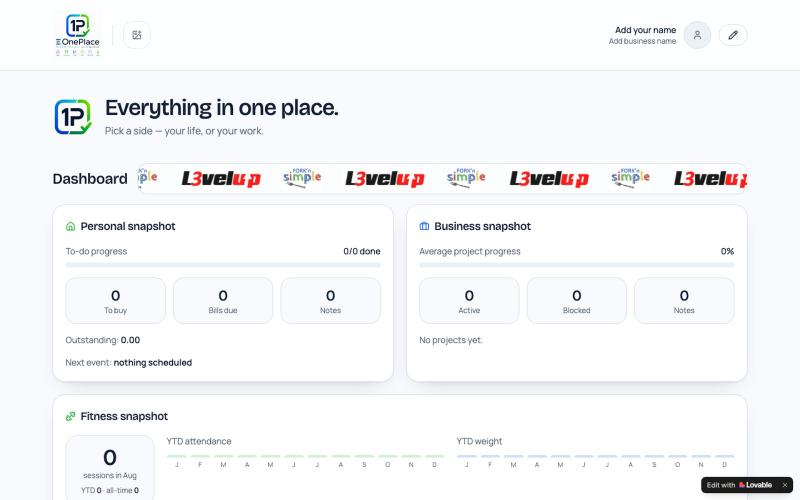
Organize your personal and business notes, tasks, bills, events and projects in one hub.
@MasterRubin007 · X
Check out what I just built with Lovable!

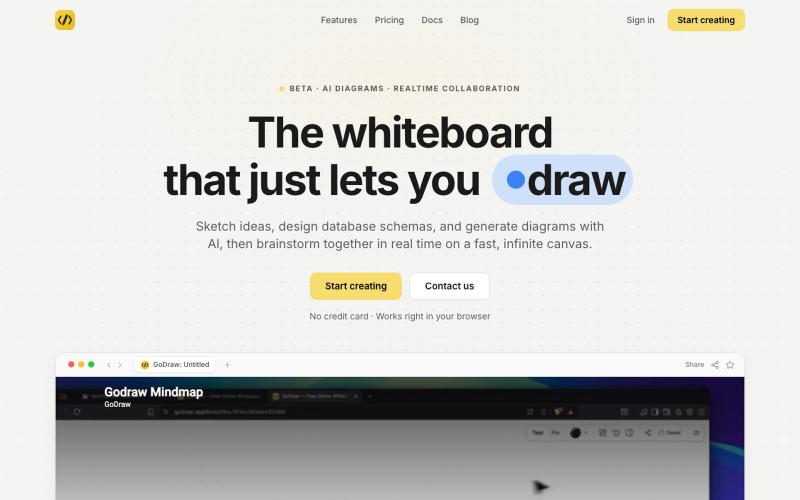
Draw and diagram online with instant collaboration, no sign-up required.
@rishabh21g · X
The whiteboard that just lets you draw

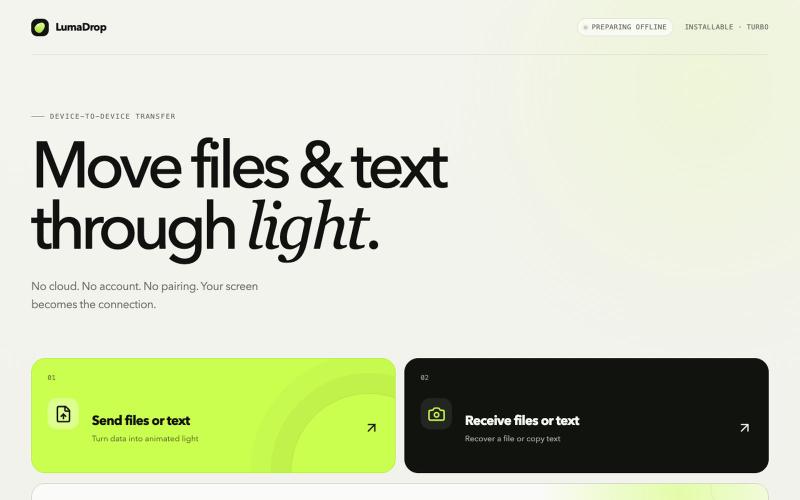
Transfer files and text between devices using light, offline and without accounts.
@0xajc · X
我做了一个不需要 Wi-Fi、蓝牙的文件传输工具 —— “LumaDrop”,它可以让两个设备在同时离线、且不接入 USB 的情况下进行文件传输,非常适合敏感信息的传输,如:助记词、私钥、私密照片…… 网站: Github(已开源):

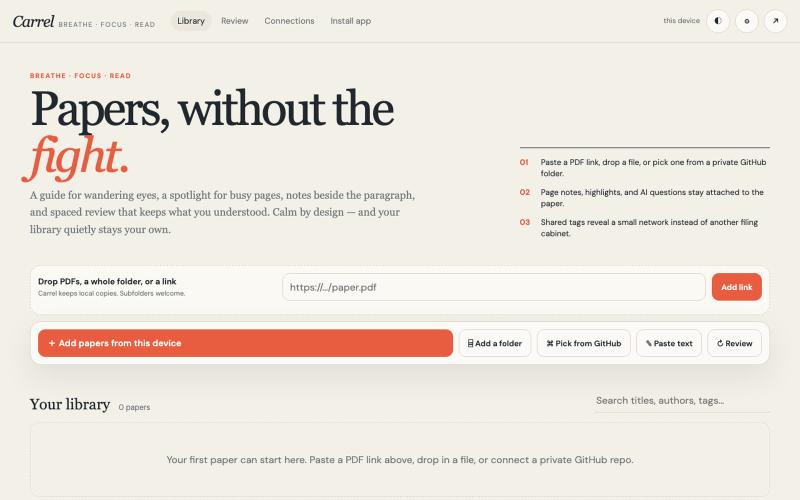
A focused reading interface for academic papers with notes, reading guides, and spaced review.
@houfu_chen · X
As a slight ADHD+anxiety, I tried to find a tool for reading papers, looking around for so long, non is working too well, so I vibecoded it. Now, let’s breathe, focus, and read. #vibecoding #adhd #anxiety #codex

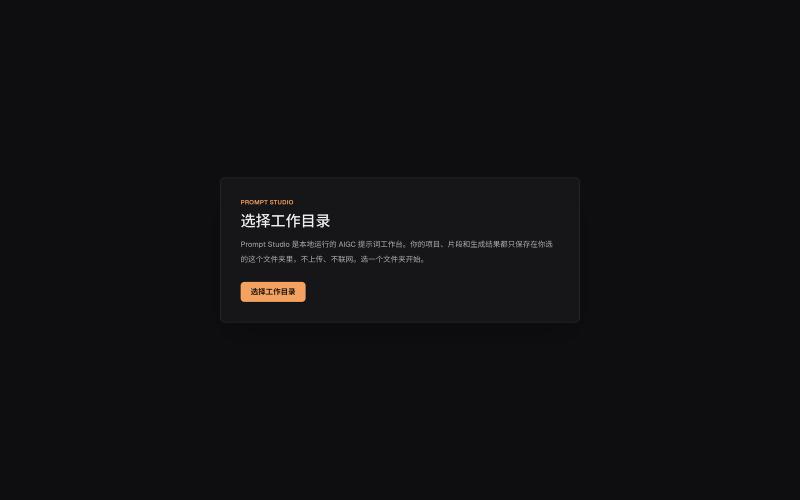
Organize prompts, character settings, and visual descriptions for AIGC projects locally.
innerpeace03 · V2EX
做了个管 AIGC 提示词的本地工作台 —— Prompt Studio 先放地址(纯静态、无后端,打开即用): https://prompt-studio-7gh.pages.dev ## 为什么做这个 起因是身边一个做漫剧 / AI 短视频的朋友,她的 prompt 和素材全靠飞书文档 + 手动复制粘贴管理。 同一段角色设定、画风描述,在几十条 prompt 里被物理复制了几十遍 —— 真实样本里同一段片段重复出现了 16 次。 改一个设定就得全文档翻着改,漏一处就出错。 市面上要么是「以图为中心」的图库( MJ / Civitai 那种),要么是通用文档( Notion / 飞书), 都没解决「同一段提示词在很多地方被重复、想改一处就同步所有引用」这件事。所以自己动手做了一个。 ## 它是什么 一句话:浏览器里运行、数据全在本地、单人用的「提示词 + 素材」工作台。 核心就一件事 —— 消灭 prompt 片段的物理重复: - 片段层 + 规则层两级可复用资源,prompt 里用「引用」而不是复制粘贴 - 改一次片段,所有引用它的

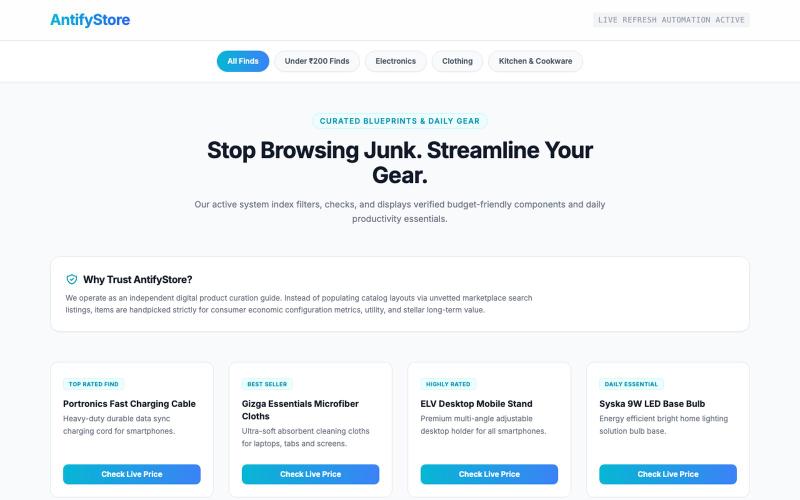
Browse and shop a curated collection of premium tech and desk essentials.
@FreakNgo · X

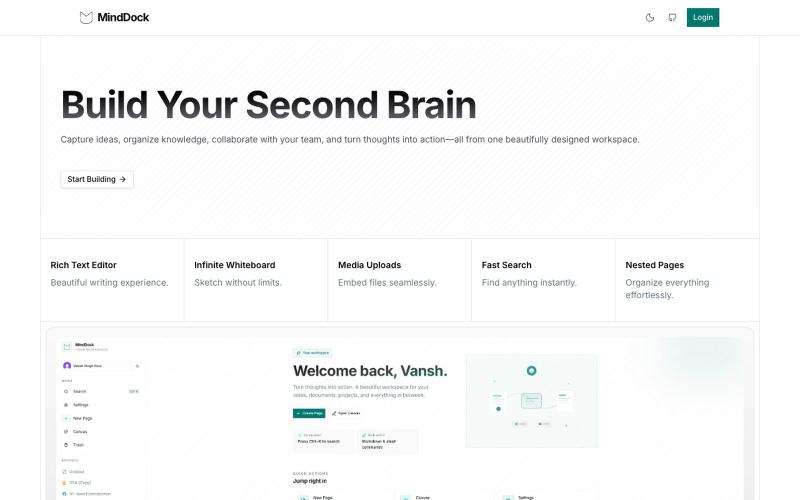
Capture ideas with a focused, flow-friendly interface.
@VanshSura · X
Just shipped a fresh UI update for MindDock ✨ Redesigned the experience to feel cleaner, faster, and more focused—making it easier to capture ideas and stay in flow. Still a lot more to build, but I'm happy with how it's evolving. 🚀 #buildinpublic