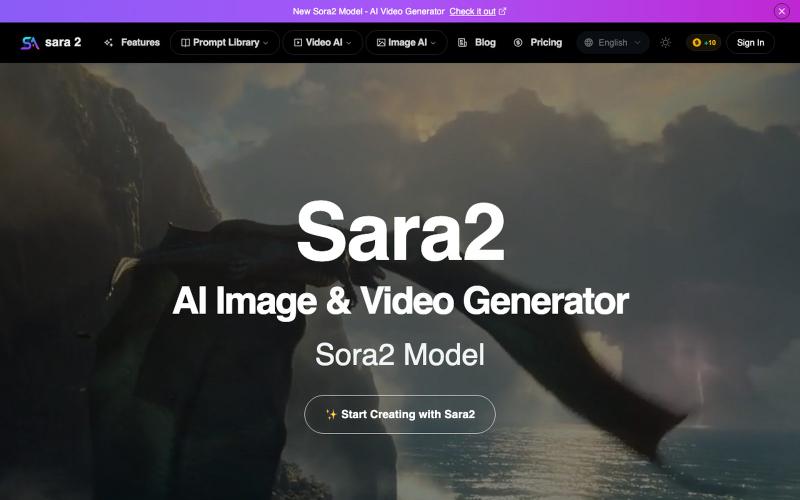
Sara2.io: Free AI Img & Video Generator with Sora2 & NanoBanana
Generate AI images and videos instantly using Sora2 and NanoBanana models, no watermarks or invite code needed.
sara2.io — AI 图像、视频一站式生成平台,内置Nano Banana、sora2 等优秀大模型。高效实现您的创意、告别多平台切换
The full gallery
Tech stack
60 projects

Generate AI images and videos instantly using Sora2 and NanoBanana models, no watermarks or invite code needed.
sara2.io — AI 图像、视频一站式生成平台,内置Nano Banana、sora2 等优秀大模型。高效实现您的创意、告别多平台切换

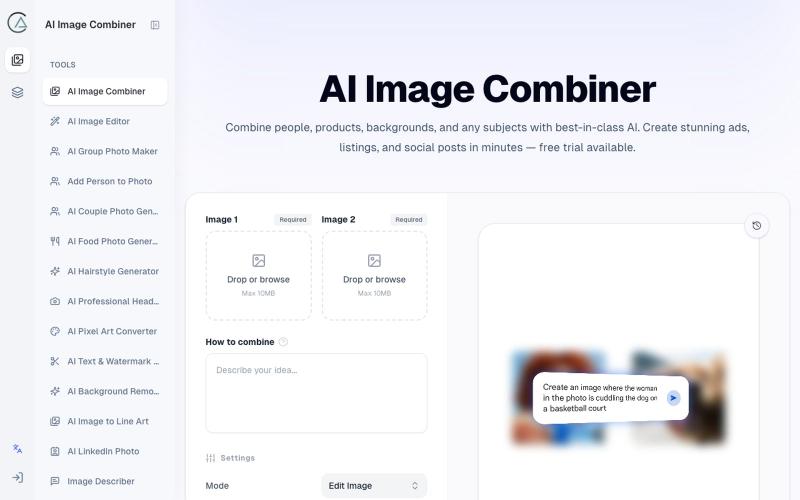
Blend two photos using AI with preset scenarios for studio-quality results.
ai image combine — AI 图像站,预设了一些场景的 prompt ,不用编写复杂的 prompt 直接使用

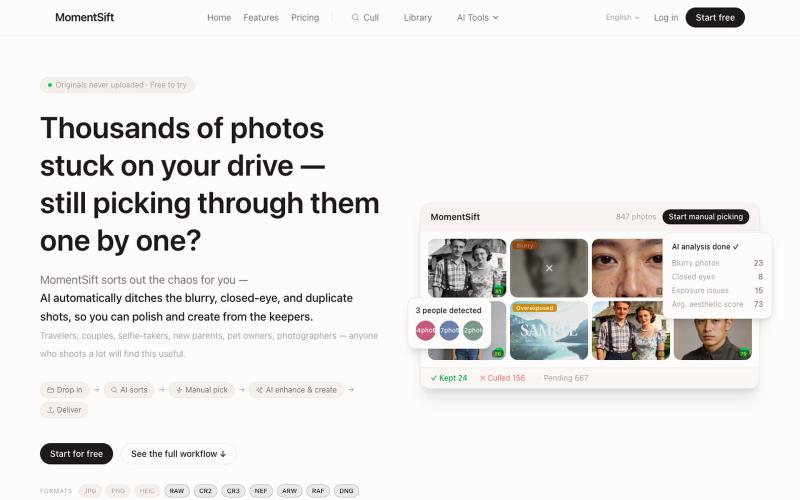
Cull, enhance, and generate photos with AI in your browser.
ansheng_hu · Product Hunt
MomentSift Cull, enhance, and create better photos with AI

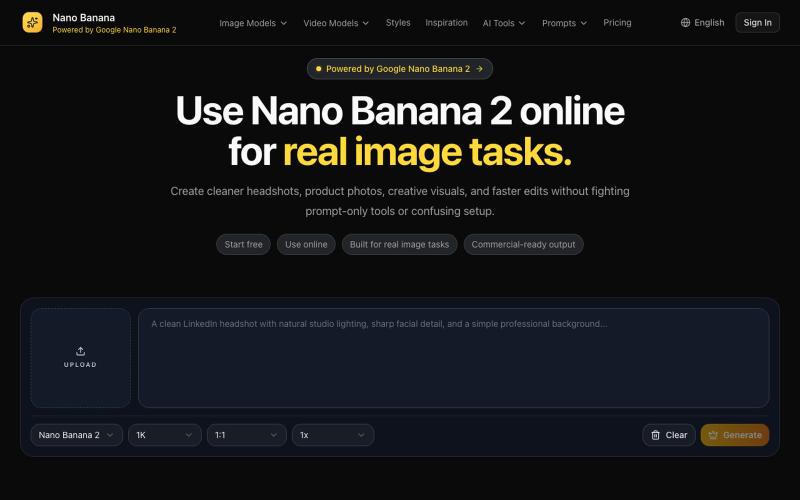
AI tool for generating and editing headshots, product photos, and creative visuals.
Nano Banana AI — AI 生图工具

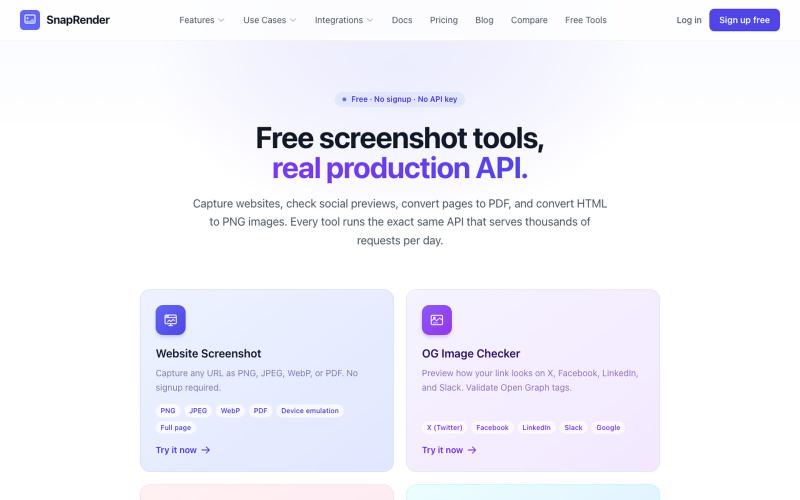
Screenshot websites, convert to PDF or PNG, and check Open Graph images—no login required.
u/SpecificNo8047 · Reddit
I built a screenshot API because my personal Puppeteer setup kept breaking. Six months later it has an MCP server and hundereds of users Solo founder here, this is my product, full disclosure. It started as super simple helper self hosted tool for myself: I needed website screenshots for a project, self-hosted Puppeteer, and spent more time babysitting Chromium than building. So I turned the babysitting into a product, because why not. What it does: one GET request in, rendered screenshot

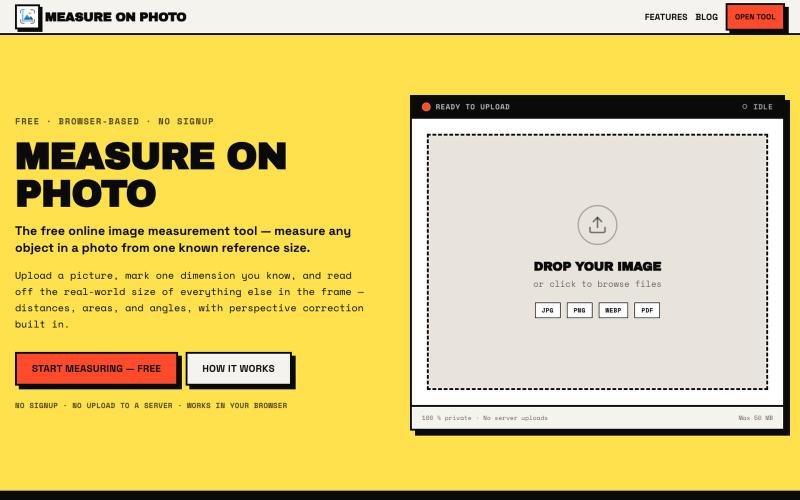
Measure objects in photos by setting one known reference size.
@Laxman101058405 · X
A few days ago I needed to measure something from a photo. Instead of searching for the perfect tool, I thought: "Why not build it?" So over the next 2 days, I built a Photo Measurement Tool using Cursor. If you try it, I'd love to know what you think.

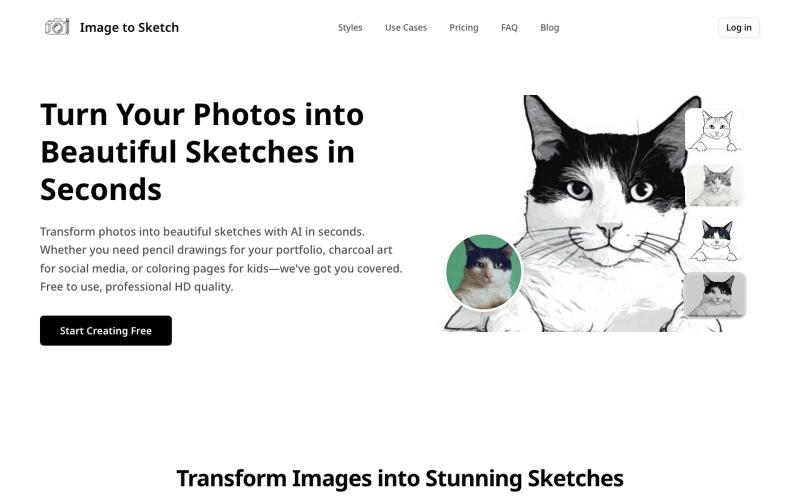
Convert photos into pencil drawings, charcoal sketches, or cartoon art using AI, instantly online.
image-to-sketch — 图片转素描 AI 小工具

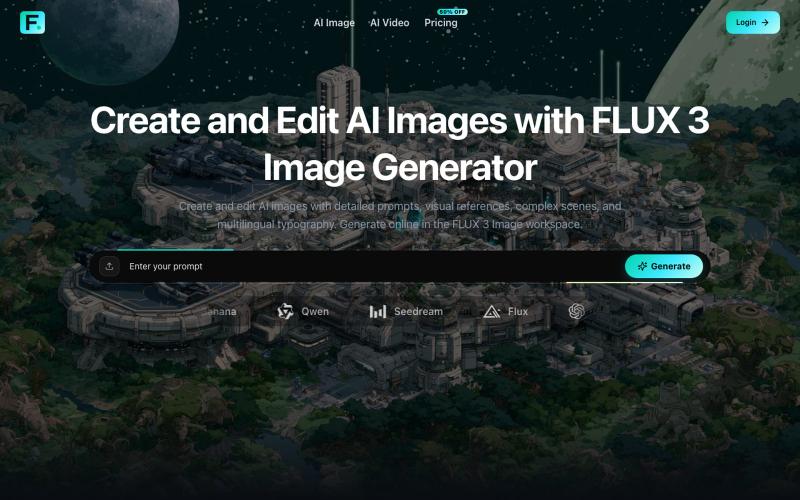
Generate and edit AI images with detailed prompts, reference images, and custom aspect ratios.
Zane3 · V2EX
做了一个视频生成工具,送大家一些积分体验体验 最近做了两个 AI 生成相关的小站,想发出来给大家试试,也顺便收一些真实反馈。 做了几个烂东西,满满的沉淀为现在的样子,实在是太不容易了。 图片站: https://flux3image.pro 视频站: https://flux3video.online 两个站的定位不太一样: Flux 3 Image 主要偏图片工作台,支持文生图、参考图生成、图片编辑、比例和分辨率选择,也接了一些不同风格的图片模型。 Flux 3 Video 主要偏视频生成,支持文本/图片输入生成视频,可以调时长、比例、分辨率、帧率,也有 Fast / Pro 这类模式。 独立 AI image / video workspace ,接第三方模型和自己的账号、积分、任务记录流程。 现在基础功能已经能用了,新用户登录后会有一些 starter credits ,可以先体验,不用一上来付费。具体积分和消耗以站内显示为准,避免我帖子里写死后面配置调整。 我自己知道现在还比较早期,尤其是两个站之间的定位、模型命名、价格解释,还

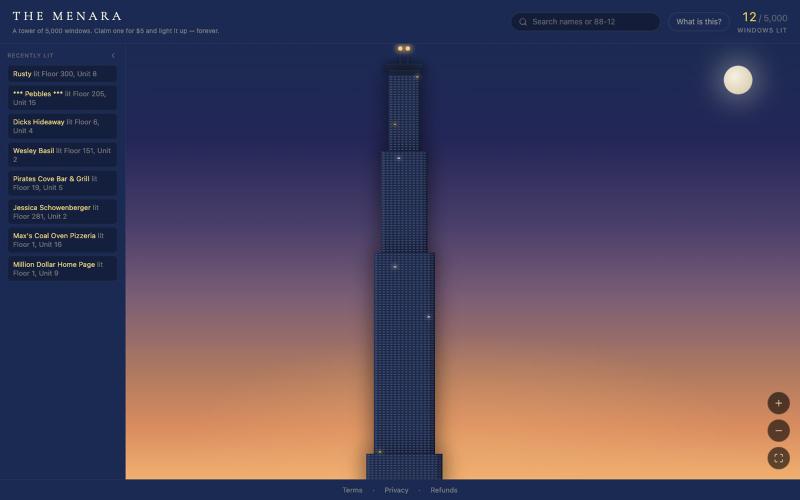
Buy pixels on a shared digital canvas, inspired by the Million Dollar Homepage concept.
u/TheMenara · Reddit
Inspired by the guy who sold a million pixels for a buck each in 2005 — built my own version A while back I was thinking about the old Million Dollar Homepage story — guy sells a million pixels for $1 each in 2005, makes a million dollars, becomes a meme. I kept wondering if a simple, honest version of that idea could still work today, so I figured I'd give it a shot. It's called The Menara — a tower with 5,000 windows. $5 claims one, permanently. You pick your exact floor and unit, add a n

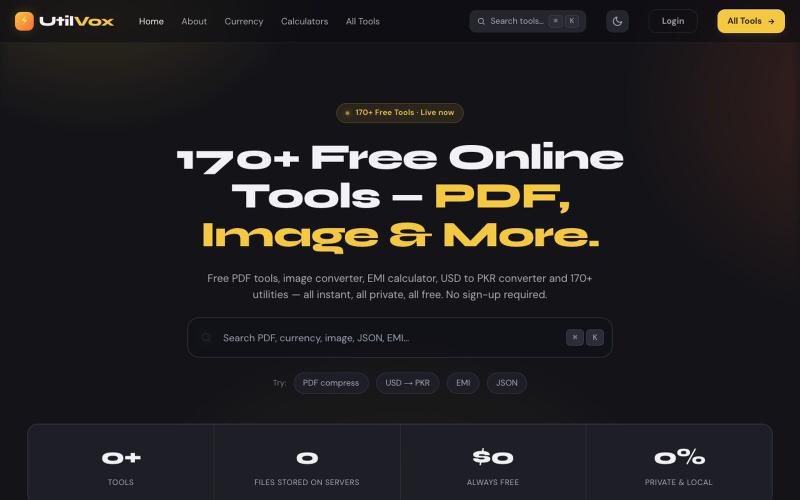
Free online tools for Pakistan & worldwide. Compress PDF, convert HEIC to JPG, USD to PKR, EMI calculator, QR generator & 170+ utilities. No sign-up.
@UtilVox · X

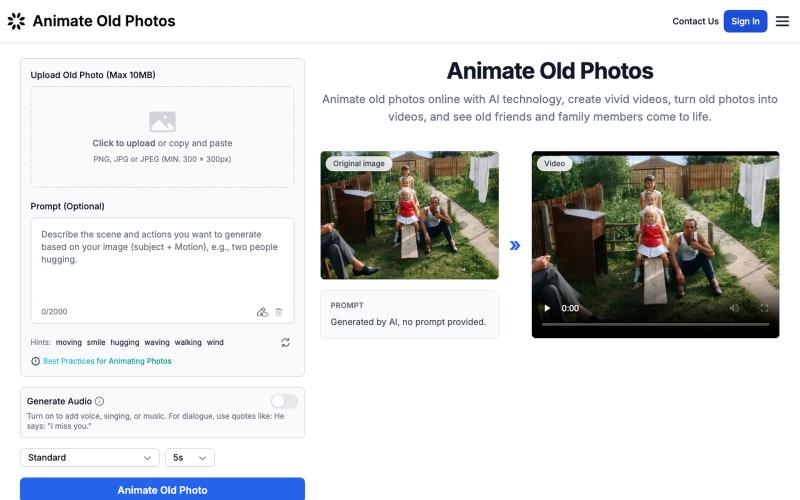
Turn your old photos into animated videos using AI.
Animate Old Photos — 利用 AI 让那些定格在老照片中的回忆再次“动起来”,让记忆变得更加生动,回到了过去的美好时光。

Generate and edit AI images for product shots, ads, portraits, and thumbnails via text prompts.
Plugcamp · V2EX
最近在折腾一个小站,主要是围绕 Nano Banana 2 Lite 做图片生成和图片编辑: https://nanobanana2lite.me/ 一开始只是自己想要一个比较轻的入口,用来快速试 prompt 。后来发现每次测图都会遇到几个重复问题: - prompt 写完之后,不知道适合什么比例 - 文生图和图生图入口经常混在一起 - 想找几个可复制的 prompt 示例,但很多站要么太重,要么示例不够直观 - 只是想快速生成一张产品图、头像、广告图、封面图,不想进一个很复杂的工作台 所以就做了这个站。 目前主要有几个部分: - Text to Image:直接输入 prompt 生成图 - Image to Image:上传一张图,再用 prompt 做改图 - AI Image Editor:偏日常编辑,比如换背景、改光线、改风格 - Prompt Library:整理了一些可直接复制的 prompt - Gallery:放了一些 before/after 和示例图 我自己比较在意的是首页别太像传统 SaaS 落地页,所以最近一直在改视觉。之前太干了,后来加了一些更丰富的样张和暗色主题,但也还在调。 这个站不是 Google 官方产品,只是一个第三方工具站。现在更多是想把「轻量、直接、可复制」这件事做好。 如果大家有空的话,想请教几个问题: 1. 首屏看起来会不会太营销,还是说信息还算清楚? 2. 对图片工具来说,大家更想先看到生成表单,还是先看到效果案例? 3. Prompt Library 这种页面有没有用,还是大家更习惯直接自己写? 4. 如果你平时会用 AI 生成图,最常用的场景是产品图、头像、封面、广告图,还是别的? 欢迎拍砖,尤其是 UI 、文案、信息结构这块。 链接再放一次: https://nanobanana2lite.me/