

Developer Tools2 months ago
Flashtype | The markdown editor for Claude & Codex
Markdown editor for reviewing and accepting code edits from Claude agents.
Open source
samuelstros
The full gallery
Tech stack
60 projects
Markdown editor for reviewing and accepting code edits from Claude agents.
samuelstros
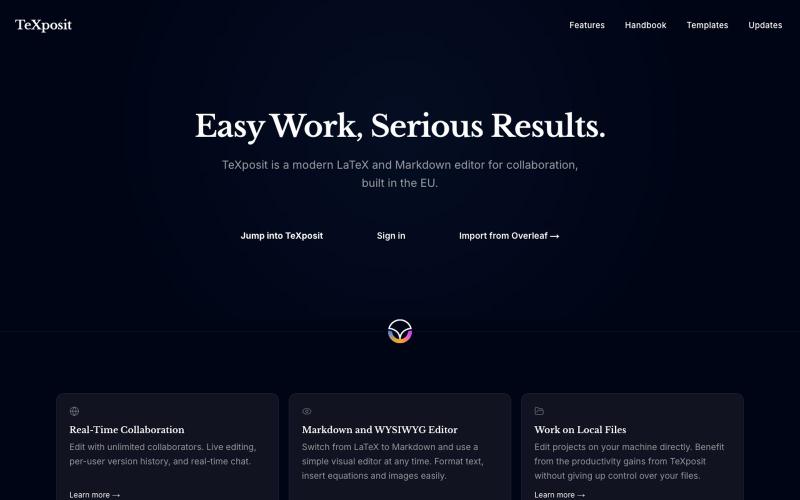
Collaborative LaTeX editor with Markdown support, real-time editing, and built-in reference management.
danielszabo · HN
Online editor with LaTeX, Markdown, LaTeX+Markdown Hybrid and WYSIWYG (MD only) support, AI assistant with resource lookup and anti-hallucination features, live collaboration and more fun things. Still in quite early beta. First institutional deployment scheduled in the autumn. Feel free to play around.
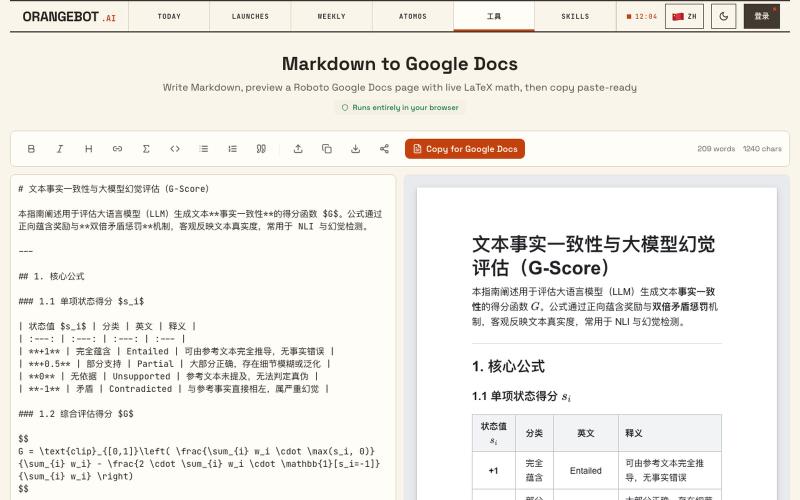
Convert Markdown to Google Docs with LaTeX math support, paste-ready.
shenhuang · Product Hunt
Markdown to Google Docs Paste AI markdown, get a clean Google Doc, math included
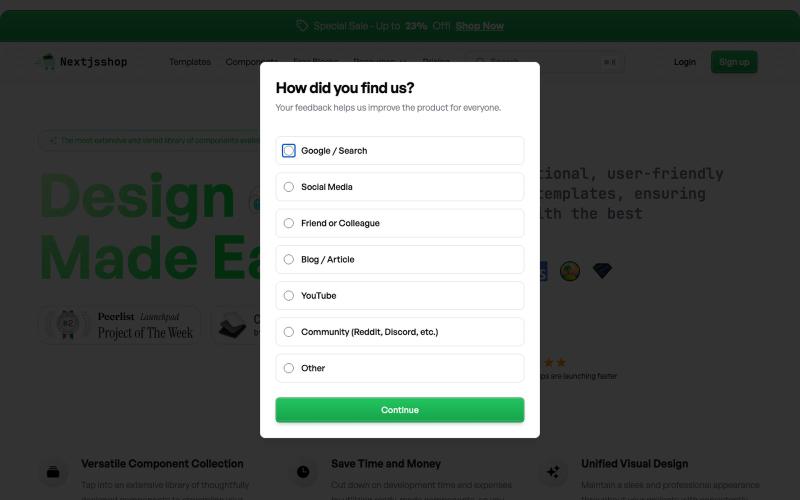
Browse premium multipage templates and components built with Next.js, Tailwind CSS, and modern CMS solutions. Designed for freelancers, developers, and small businesses.

@taher_max_ · X
Building and
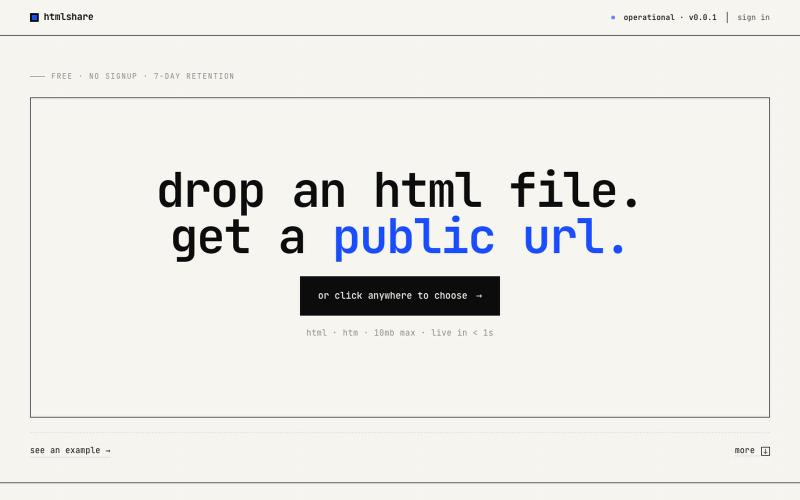
drop an html file. get a public url. free, no signup, links live for 7 days. share single-page html in one click.

@kylebuildsweb · X
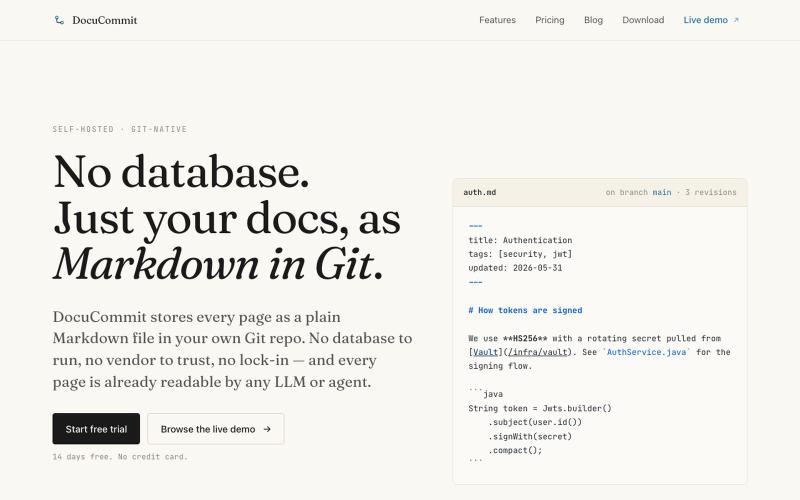
Store documentation as markdown in your Git repository with no database or lock-in.

@alizreim · X
Documentation that lives in your own git repository
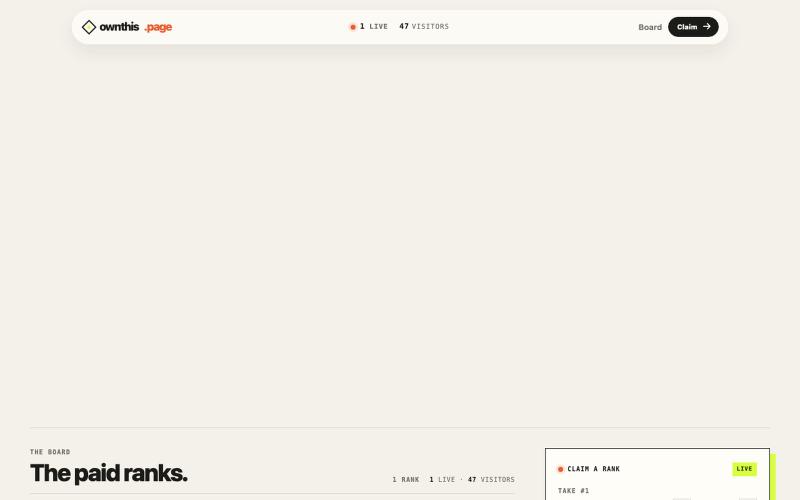
A public page where paid ranks determine the live HTML takeover.

@spidevX · X
we didn't just build another boring bid leaderboard. at the #1 spot lets you fetch and display any custom HTML or your site right on the main screen with zero limits. take the top and own the site:
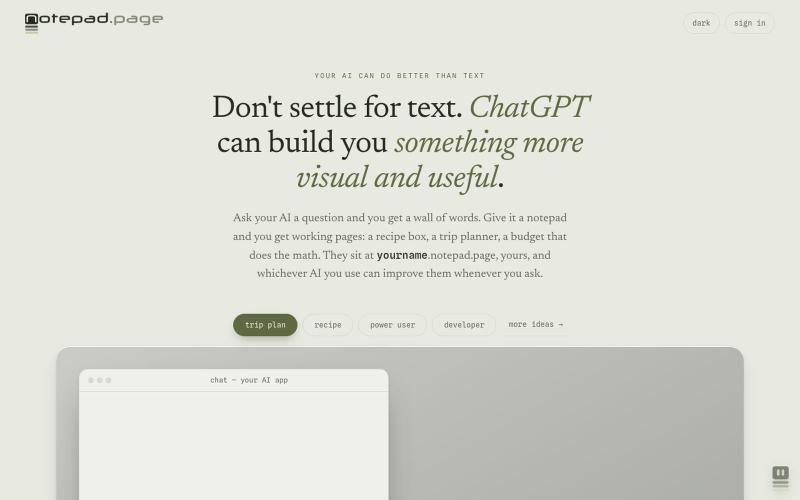
Your AI can build you working pages: a recipe box, a trip planner, a budget that does the math. Yours at yourname.notepad.page, private by default.

@edtadros · X
AI agents are great at writing little single page HTML tools and bad at giving them somewhere to live. <you>. is the address. Your agent publishes it, manages it, updates it, the page stays private until you share it, check a box on your computer it stays checked on your phone. Checkout for examples. Agent-first by design.
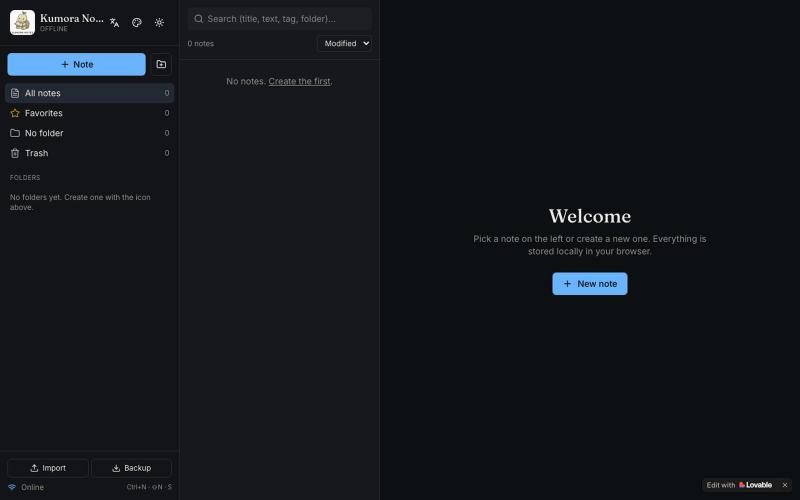
Offline notebook with folders, tags, and Markdown for notes and tasks.

@fuckingologist · X
🚀 Fully offline notes that actually work! 📱 KUMORA NOTES — ideas & tasks, no internet needed. Try now 👉 #OfflineNotes #Productivity #LovableAl #BuiltWithAl #SecondBrain Built with @Lovable @antonosika
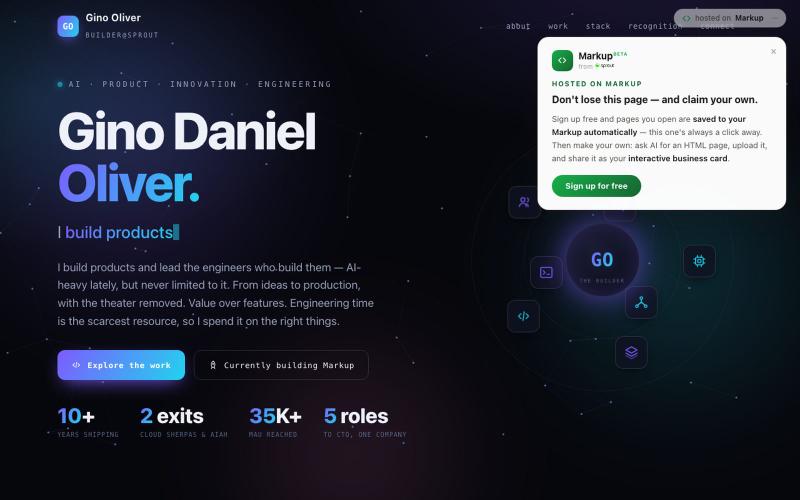
Scan to create an AI-generated personal page with customizable HTML and a permanent URL.

@ginolvr6 · X
Stopped handing out business cards. Now people just scan my phone into my page. AI (Claude/ChatGPT/Gemini) builds the HTML → claim a permanent name → upload. Free, minutes. Mine: make yours:
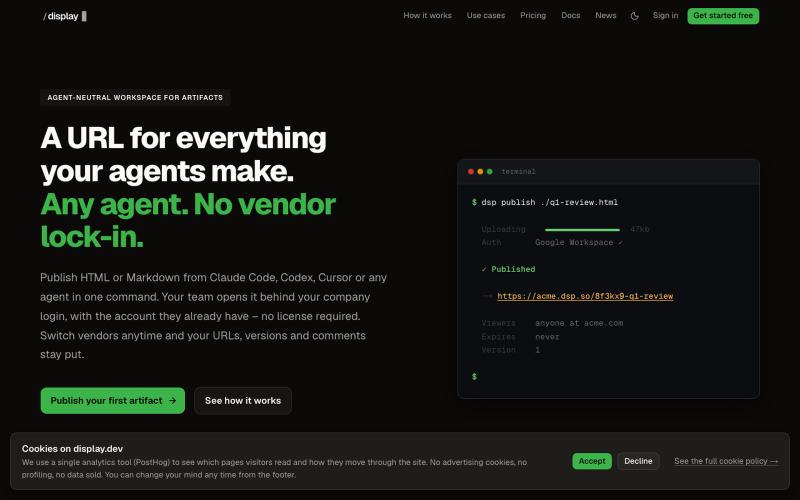
Workspace to publish and manage HTML and Markdown artifacts from any AI agent with version history.

@slashdisplay · X
One feature, two agents, one URL. Carl published v1 from Codex. Claude Code iterated to the version that shipped – every hand-off attributed in the audit log. A 3-minute walkthrough of a real workflow:
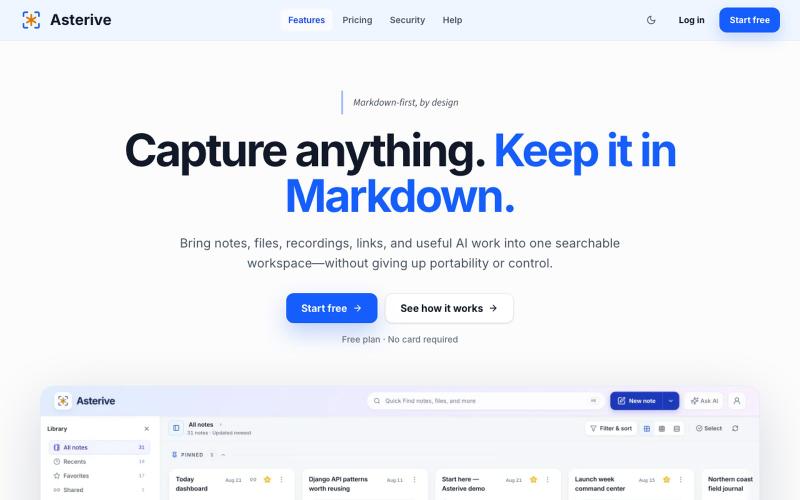
A Markdown-first capture workspace for developers, researchers, and AI-heavy knowledge workers to keep notes, files, recordings, links, and reviewable AI work together.

@mhkarimi12 · X
Something like notion and obsedian but markdown-based and beautiful