
Creative Tools1 week ago
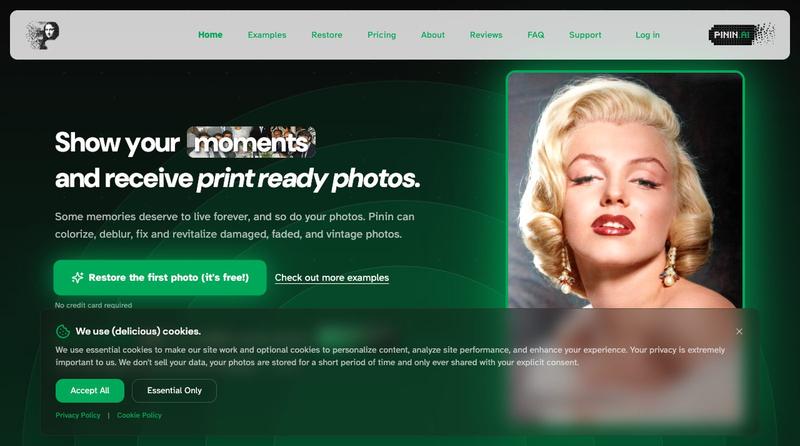
Pinin — restore, colorize, and enhance old photos with AI
Restore and enhance old photos with AI to repair damage, add color, and improve clarity

@Umitech_AU · X
AI photo restoration without the AI slop.
The full gallery
Tech stack
60 projects
Restore and enhance old photos with AI to repair damage, add color, and improve clarity
@Umitech_AU · X
AI photo restoration without the AI slop.
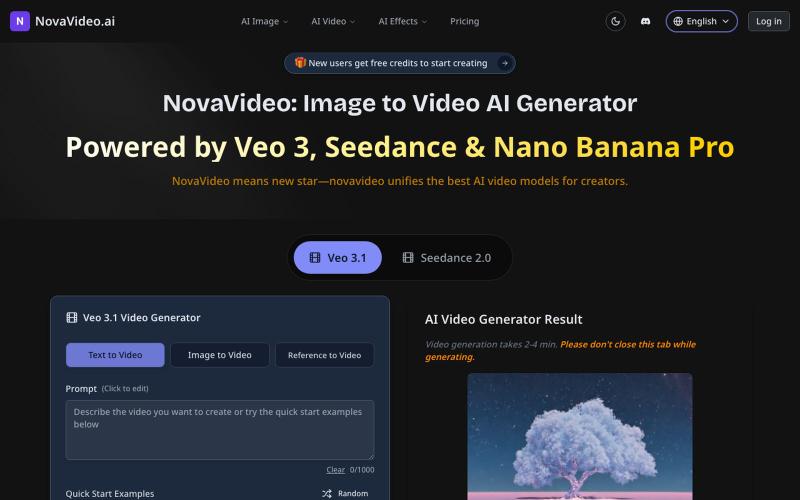
Convert images to cinematic videos using AI models like Sora, Kling, and Runway.
novavideo.ai — 使用领先的图片转视频 AI 模型和热门视频特效模板,将照片转化为视频
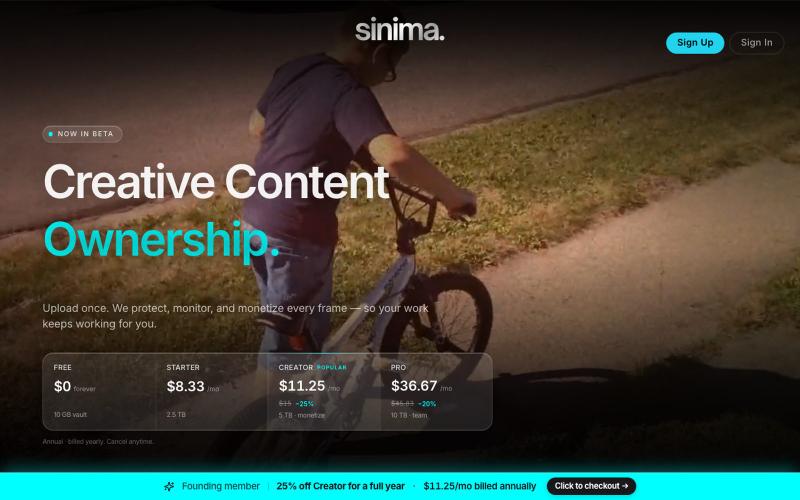
Upload your video to protect and license your screen IP to AI platforms.

@LisaTrublet · X
Vimeo alternative for creators and filmmakers, with IP protections built in. 25% off Creator Core. 🎉

Record your screen in the browser, save to Google Drive, and share via instant links for $29.

@HashamBuilds · X
Building Walkthrough, screen recorder, $29 once, videos save to your own Google Drive. No subscription, no vendor servers. 14 days refund with no question asked. Now shipping in public daily. 🔗

Blend two photos using AI with preset scenarios for studio-quality results.
ai image combine — AI 图像站,预设了一些场景的 prompt ,不用编写复杂的 prompt 直接使用

Roll 3D animated dice (D4-D20) for tabletop games instantly.
Nalife520 · V2EX
最近用 Codex 做了一个 3D 骰子! 最近做了一个很小的网页工具:3D 骰子。 做完后有点纠结: 这种小工具到底应该保持极简,还是把常见功能都补上? 抛骰子: https://wheelpage.com/zh/dice-roller/ Dice Roller: https://wheelpage.com/dice-roller/ 现在功能很简单:打开页面,点一下,骰子滚动,然后给出结果。 一开始觉得骰子就是 1 到 6 的随机数,应该很好做。 但做的时候发现,如果只是直接显示数字,又不太像“掷骰子”;做成 3D 动画,又担心有点多余。 现在倾向于先保持简单,打开就能用,不加太多设置。 顺便也做了一个抛硬币页面: https://wheelpage.com/zh/coin-flip/ 它和骰子类似,都是临时做随机决定的小工具。
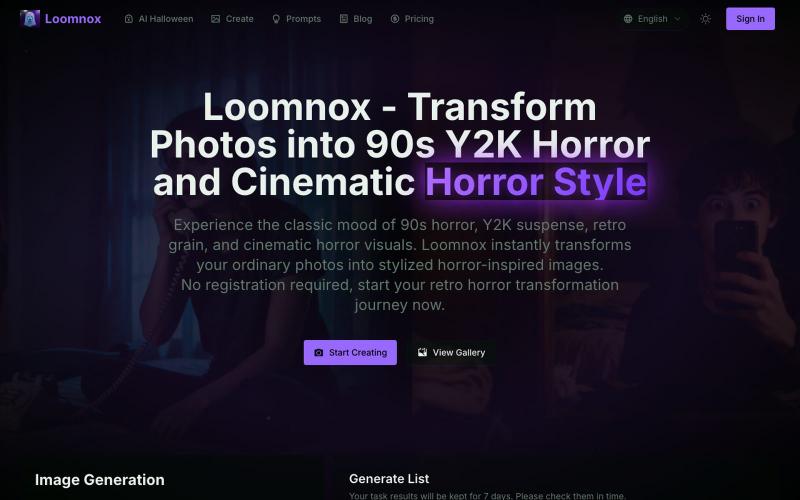
Transform photos into 90s Y2K horror, retro horror, and cinematic horror visuals.
aighostface.org — Ghostface AI 生成器,将照片转换为 90 年代恐怖风格
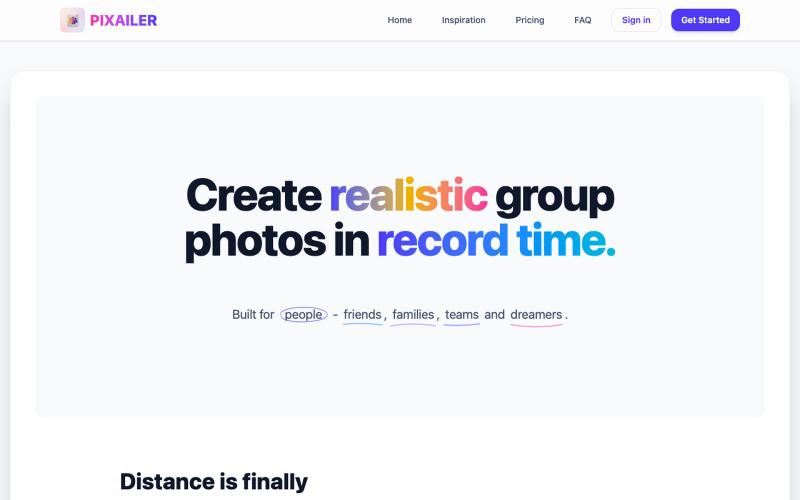
Create realistic group photos instantly using AI
keenthinker · HN
Create realistic group photos in real time with AI

Restore and colorize faded or black-and-white photos using AI.

@jay4fun_ · X
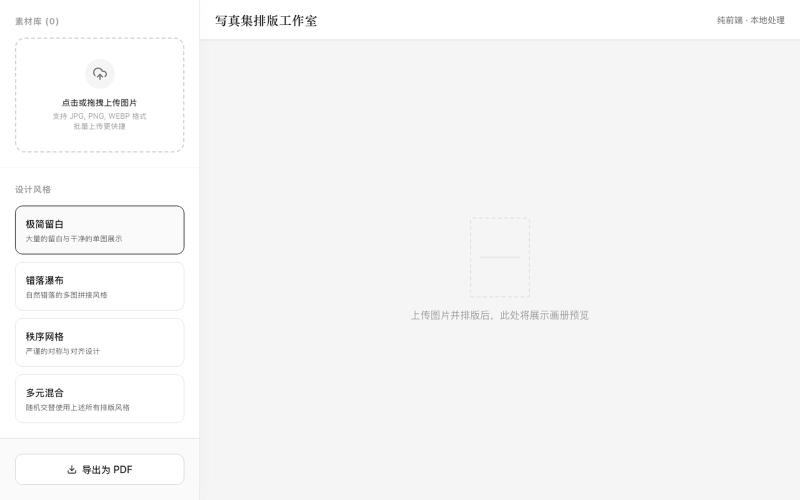
Upload photos, select a design style, and generate a PDF layout for printing.
mqx · V2EX
根据上传图片生成写真集网站 简介:纯前端,图片不经过服务器放心食用,上传图片后选择设计风格,一键自动排版,最后导出 pdf 打印 网站地址: https://8ceb3650.pinme.dev/

Turn PDFs into a calm reading experience with a beautiful library and AI-powered page guidance.

@dshelf_app · X

Apply motion from reference videos to turn static images into animated videos.
Kling Motion Control — AI Motion Transfer with Kling 3.0