
Developer Tools2 weeks ago
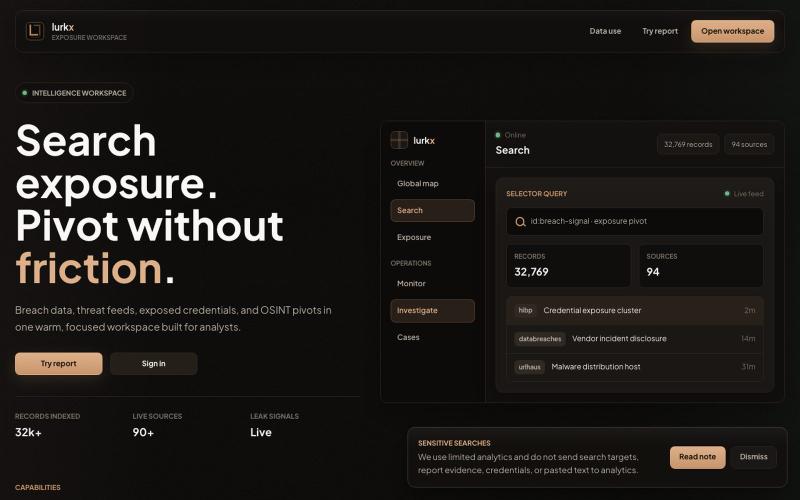
lurkx - Exposure workspace
Search and analyze breach data, threat feeds, and exposed credentials from a single workspace.

@alencristen · X
The full gallery
Tech stack
60 projects
Search and analyze breach data, threat feeds, and exposed credentials from a single workspace.
@alencristen · X

Versioned memory workspace for your ideas and code, readable by connected AI assistants.

@JohnTremendol · X
does this look vibe coded?
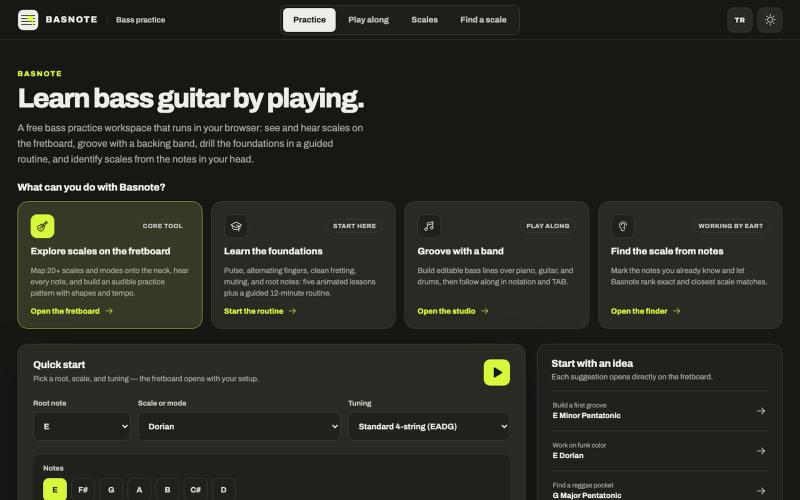
Free bass guitar practice workspace with interactive fretboard, backing tracks, and scale exploration tools.

@GururSon · X
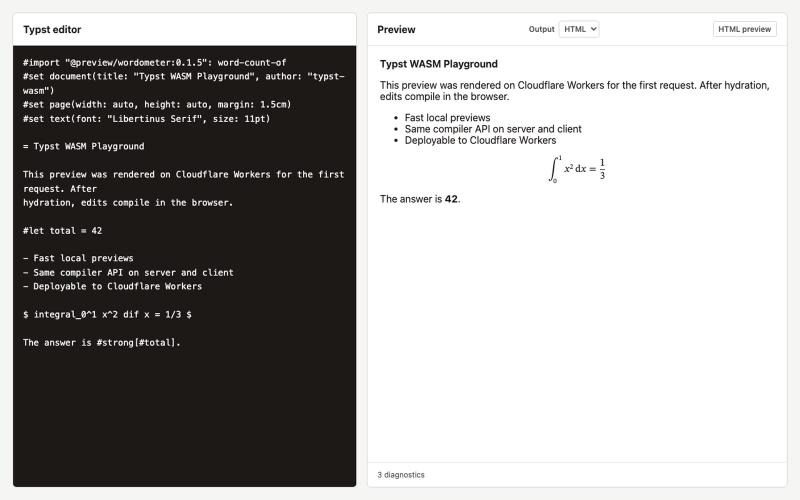
Compile and preview Typst documents directly in your browser using WebAssembly.
will-bradshaw · HN
Typst-WASM – Compile Typst in browsers, Node, and serverless runtimes
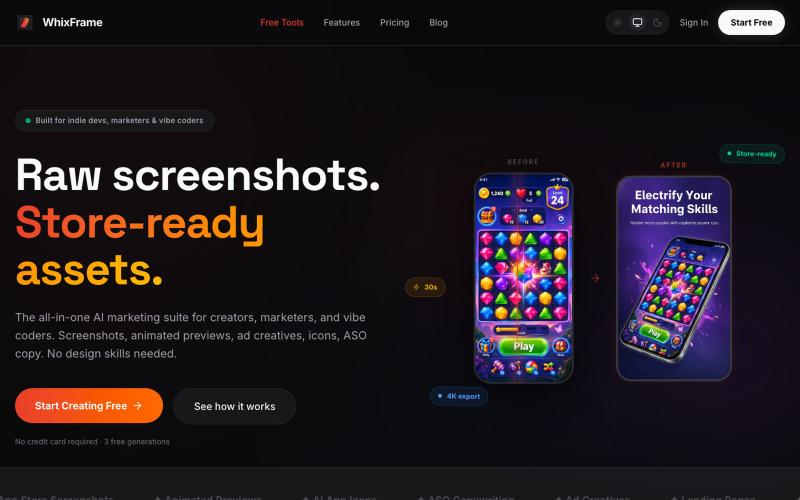
AI tool to create app store screenshots, icons, previews, and ad creatives without design skills.

@Erdousky · X
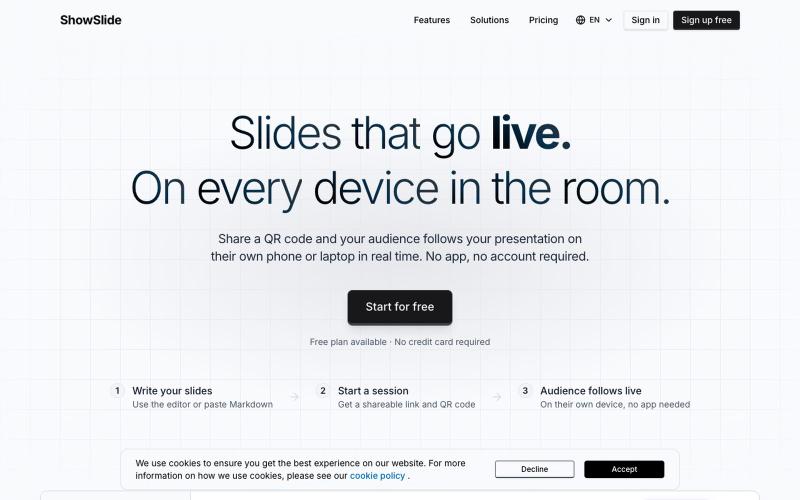
Create presentation slides from plain text and broadcast live to phones in the room in 30 seconds.

@danielberigoi · X
Type plain text, get a clean deck in 30 seconds, broadcast it live to every phone in the room
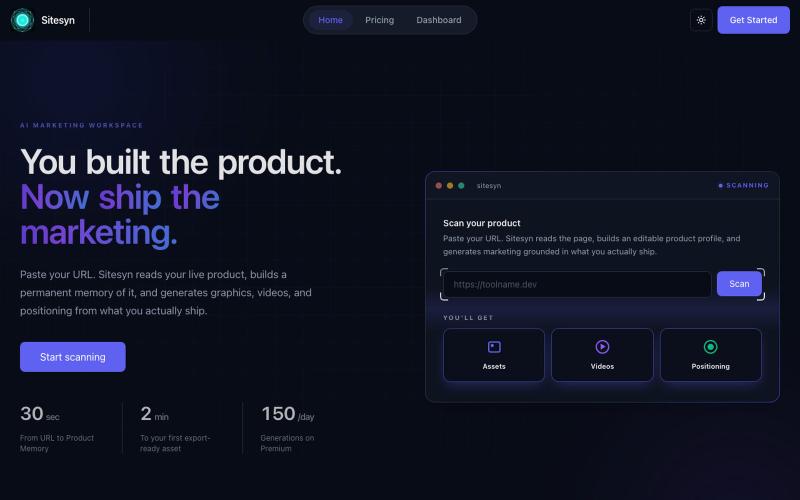
Scan your website to auto-generate marketing assets, videos, and positioning strategy.

@Synpoint · X
- Create marketing assets based on your website.
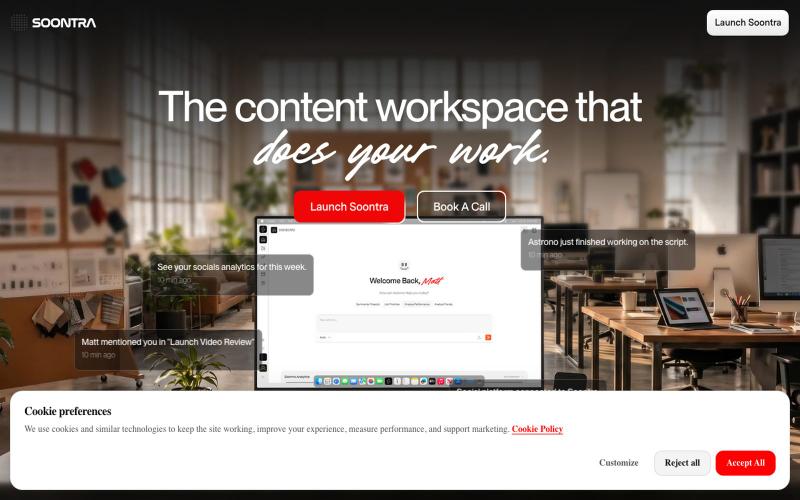
Content workspace that automates production pipelines through conversation with Astrono AI.

@wesselsHQ · X
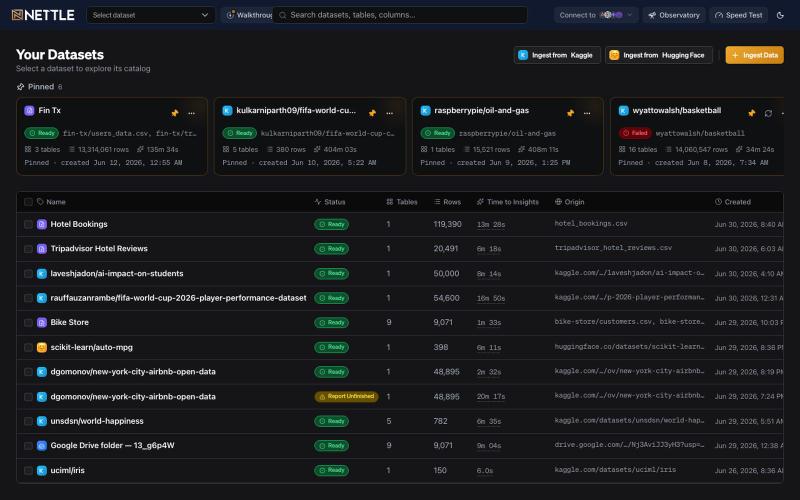
Ingest, explore, and analyze datasets with autonomous data processing in an interactive workspace.

@kashyap_ai · X
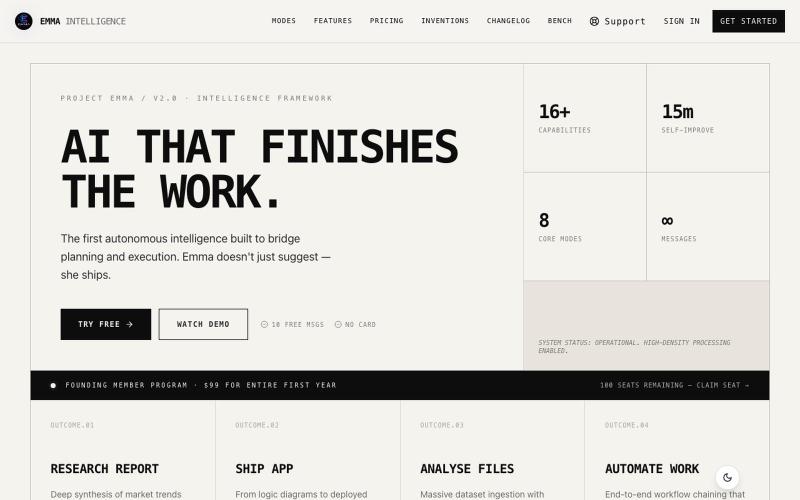
Autonomous AI workspace that researches, codes, analyzes data, and operates your browser.

@WorkFarOfficial · X
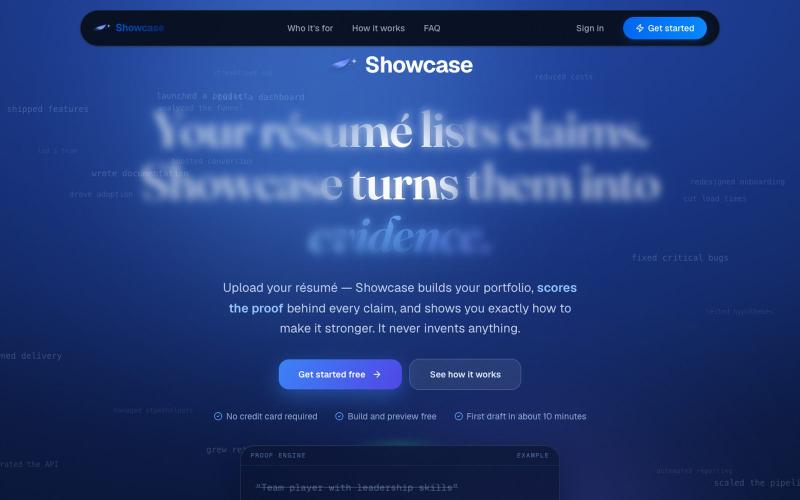
Turn your résumé into an evidence-first portfolio with AI-guided suggestions for improvement.

@Showcase_app1 · X
Building Showcase: turns a résumé into an editable, evidence-first portfolio for final-year students and new grads. AI-assisted drafts, nothing invented. Build/edit/preview free; live publishing is Pro.

Design custom themes for Codex Desktop with backgrounds, colors, transparency, and visual effects.
plutozc · V2EX
做了个 Codex Desktop 主题预览和切换工具,先调好再安装 最近一直在用 Codex Desktop ,觉得默认界面看久了有点单调,就顺手做了个主题编辑工具,分享一下: [Codex Skin]( https://getcodexskin.com) 可以先在网页里预览主题,调整背景透明度、面板透明度、颜色、模糊和圆角等参数,满意之后再下载并切换到 Codex Desktop 。 目前支持: - 自定义 JPG 、PNG 、WebP 背景 - 在线实时预览主题效果 - 调整透明度、颜色、模糊、圆角 - 预览满意后生成安装命令 - 不喜欢了可以恢复默认外观 目前主要面向 macOS 上的 Codex Desktop ,还是个人项目,功能和兼容性都在继续打磨。 欢迎试试,也想听听大家对主题参数、预览效果和安装流程的反馈。 直接网址: https://getcodexskin.com [轻喷 轻喷,可能还有些 bug