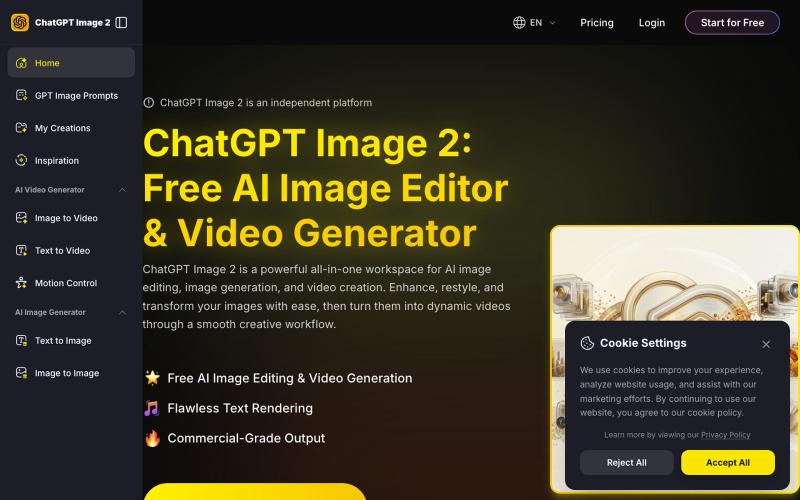
ChatGPT Image 2 - Free AI Image Editor & Video Generator
Generate and edit AI images, restyle photos, and create videos in one workspace.
ChatGPT Image2 — AI 图片生成工具,集 AI 图片生成、图片编辑与视频创作于一体的一站式工作流平台,帮助用户从文字或图片快速生成高质量创意内容。
The full gallery
Tech stack
29 projects

Generate and edit AI images, restyle photos, and create videos in one workspace.
ChatGPT Image2 — AI 图片生成工具,集 AI 图片生成、图片编辑与视频创作于一体的一站式工作流平台,帮助用户从文字或图片快速生成高质量创意内容。

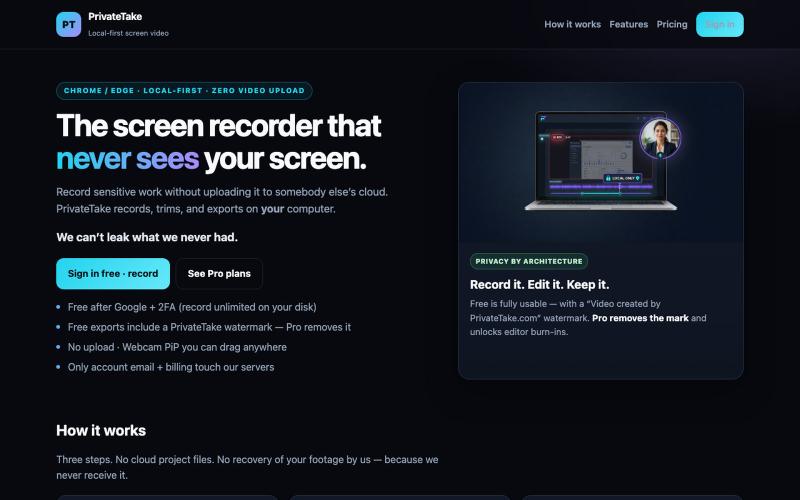
Record and edit screen videos locally without cloud uploads.
@MarkZofMarkZ · X
Screen Recorder that doesn't share your recordings to the cloud:

Cull and edit RAW photos in your browser with local processing.
@am56ay · X

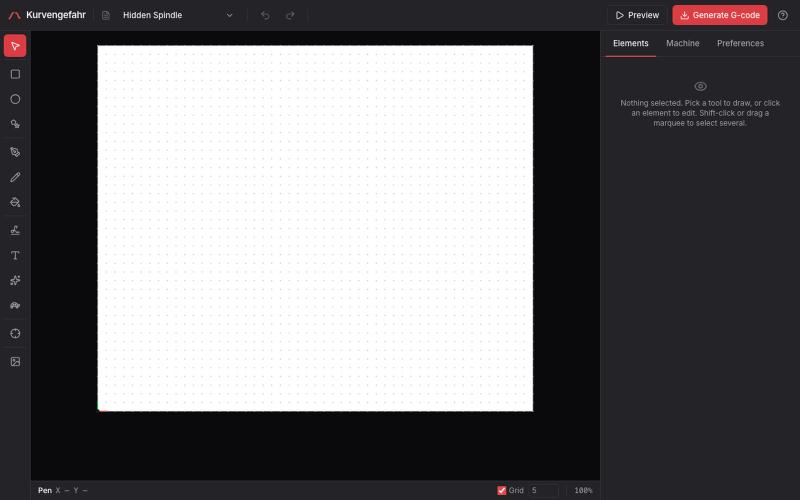
Browser CAM for pen plotters with handwriting, text, shapes, and generative art support.
tibordp · HN
Kurvengefahr – browser CAD/CAM for pen plotters

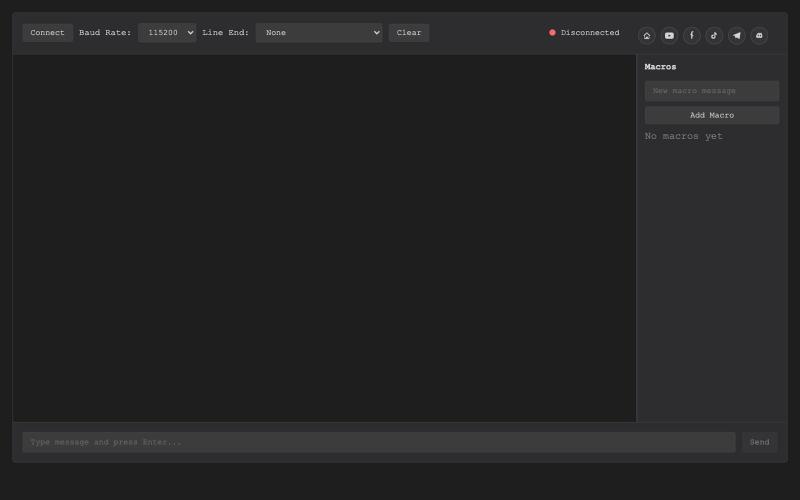
Browser-based USB serial terminal for hardware debugging and communication.
@thembeddevguy · X
The USB Type-C <-> RS-232 dongle got its well-deserved (and totally vibe-coded) browser-based serial terminal! No ads, no tracking, and the cookies are only there to store the settings.

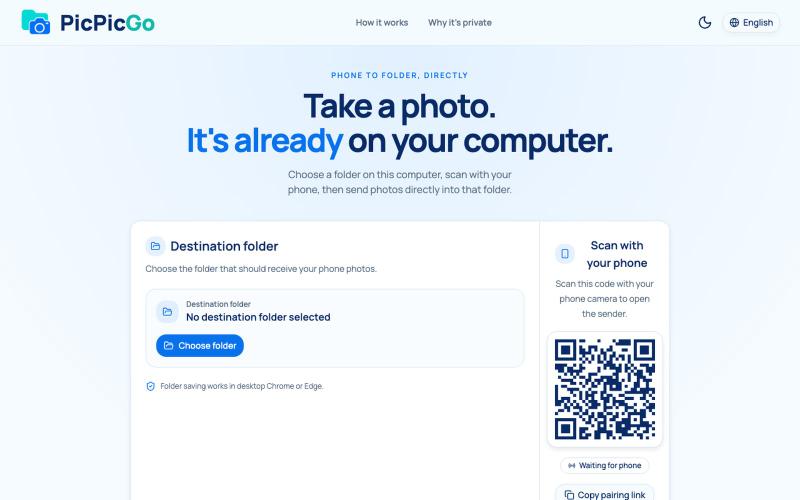
Transfer photos from your phone to your computer folder in real-time without creating an account.
1010115121 · V2EX
做了个网站,将手机的照片实时同步到电脑指定的文件夹,不需要复杂的操作! 最近自己有个需求:需要把手机刚拍的一批图(十来张)快速传到电脑 试了一圈手机和电脑的同步方案,都有点麻烦,所以自己做了个工具站:PicPicGo https://picpicgo.com 使用很简单: 1 、电脑打开网页,选择一个文件夹 2 、手机扫码进行连接 3 、手机拍照或选择照片 4 、照片自动保存到电脑刚才选择的文件夹 不需要安装电脑软件,也不需要安装手机 App ,打开网页就能用 照片通过 WebRTC 在设备之间直接传输。 目前只支持同局域网的设备,刚发布,发出来看看有没有人也有类似需求,欢迎试用和提意见。

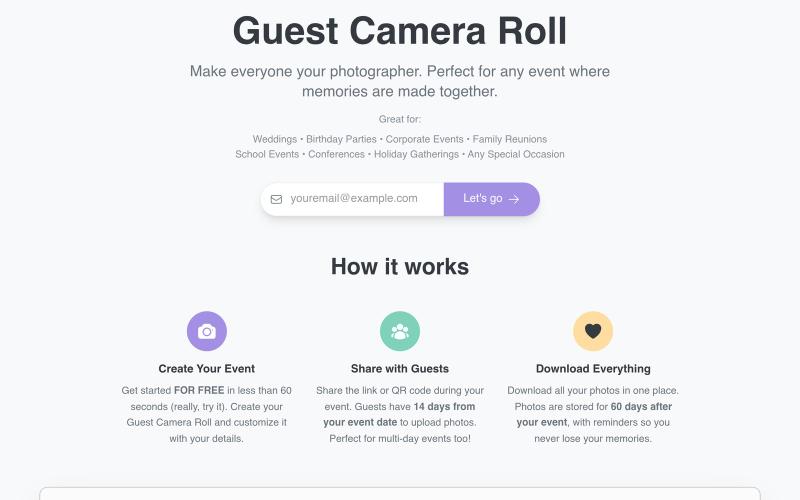
Collect guest photos at events via a shared link or QR code.
@aaronbatilo · X
Shout out I made it. Shout out to me. Pre-vibe coding

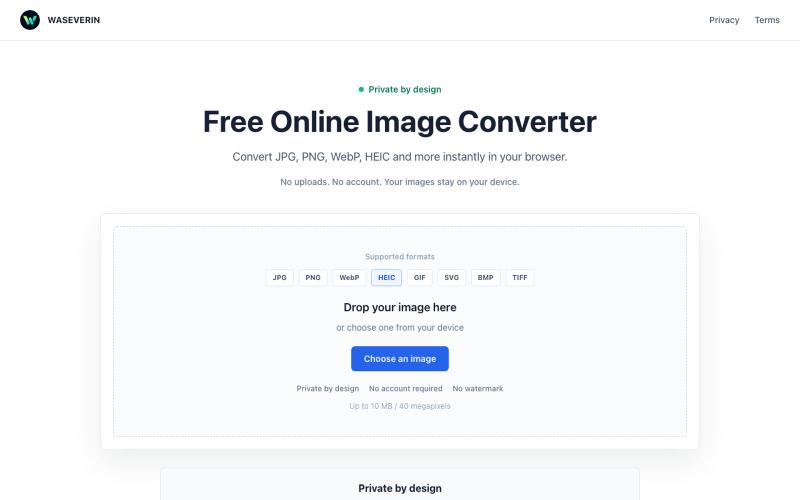
Convert images between formats like JPG, PNG, WebP, and HEIC directly in your browser.
@wGzKjDhsac93581 · X
Just launched my first side project 🚀 WASEVERIN Image Converter A lightweight browser-based image converter. ✓ No uploads ✓ No account required ✓ Privacy-friendly Convert JPG, PNG, WebP, HEIC and more. Building AI tools & digital products.

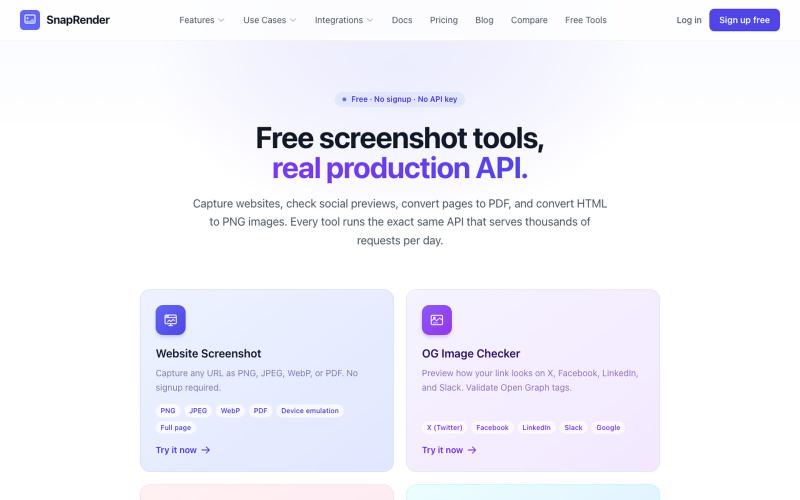
Screenshot websites, convert to PDF or PNG, and check Open Graph images—no login required.
u/SpecificNo8047 · Reddit
I built a screenshot API because my personal Puppeteer setup kept breaking. Six months later it has an MCP server and hundereds of users Solo founder here, this is my product, full disclosure. It started as super simple helper self hosted tool for myself: I needed website screenshots for a project, self-hosted Puppeteer, and spent more time babysitting Chromium than building. So I turned the babysitting into a product, because why not. What it does: one GET request in, rendered screenshot

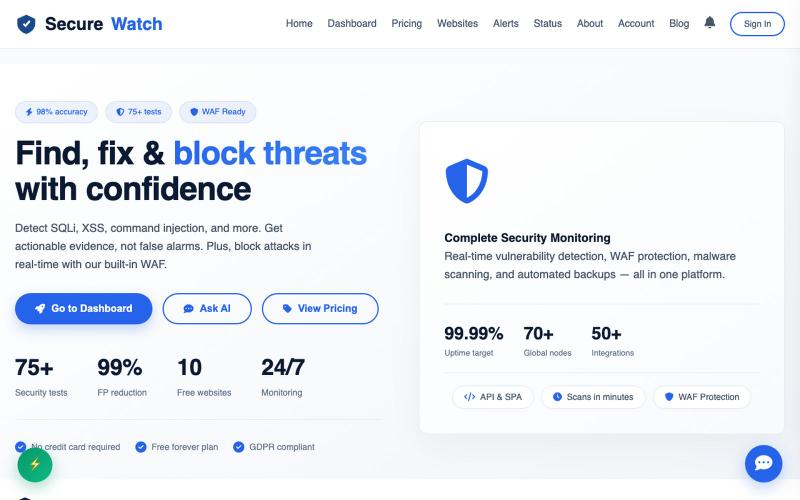
SecureWatch - Free website security scanner with 75+ vulnerability tests, WAF protection, SSL monitoring, and real-time alerts.
@rapidrewind0 · X
2nd link is still in development

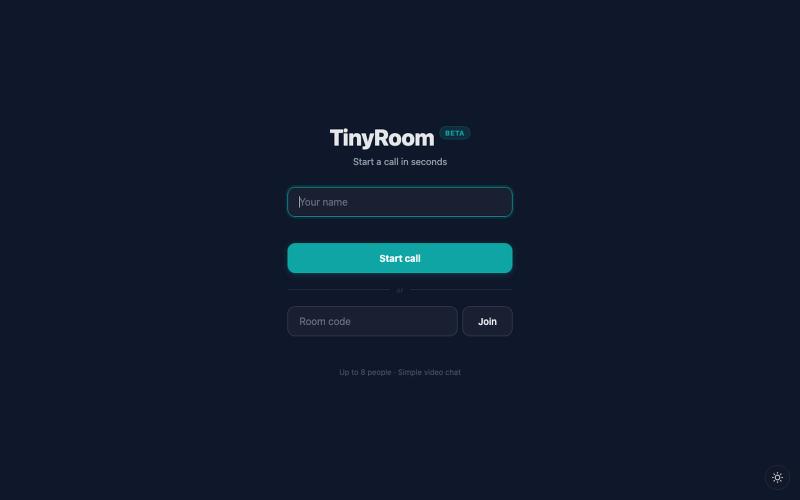
Share a link to start a video chat with anyone, no sign-up required.
u/abcde12399 · Reddit
I always begged engineers to fix even a typo. Now I've built my own video call app. I come from business and design. I was always the one begging engineers to fix even a typo. Then I found vibecoding and started building things myself!!! TinyRoom is my first real project. You share a link, people click it, you're in a video call. No accounts, no downloads. Up to 8 people (4 for mobile). Basically Zoom without everything annoying about Zoom. I use it for my own community's weekly sessions

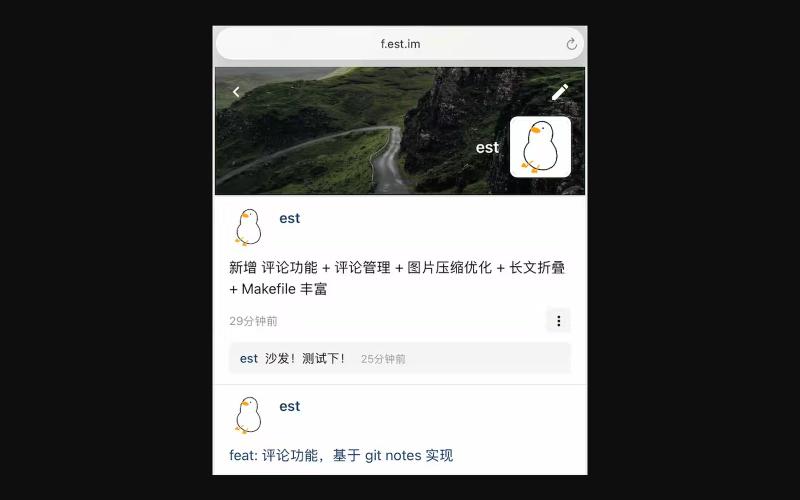
Share updates and moments on a web-based social network inspired by WeChat Moments.
est · V2EX
无聊,复刻了个 web 版的 微信朋友圈  <https://f.est.im/> 要说亮点还是有,所有发帖+评论数据,包括这套代码本身,都在[一个 git 仓库]( https://github.com/est/gitweets)里。搬家比较容易 说明 [1]( https://blog.est.im/2025/stdout-05) [2]( https://blog.est.im/2026/stdout-28) 大家提点看法?