Teleflow - Best Professional Teleprompter App & Autocue
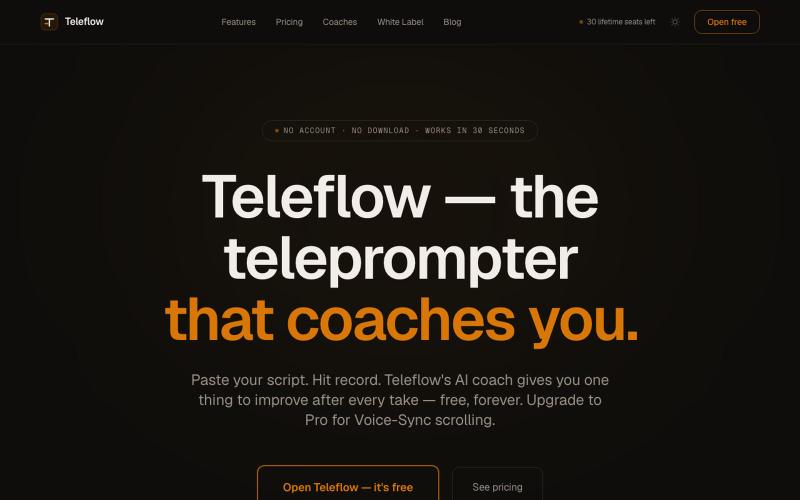
Master your on-camera delivery with Teleflow, the best professional teleprompter app for web and mobile. Reliable voice-sync scrolling, autocue tools, and multi-take recording for
@belk_dev · X
The full gallery
Tech stack
61 projects

Master your on-camera delivery with Teleflow, the best professional teleprompter app for web and mobile. Reliable voice-sync scrolling, autocue tools, and multi-take recording for
@belk_dev · X

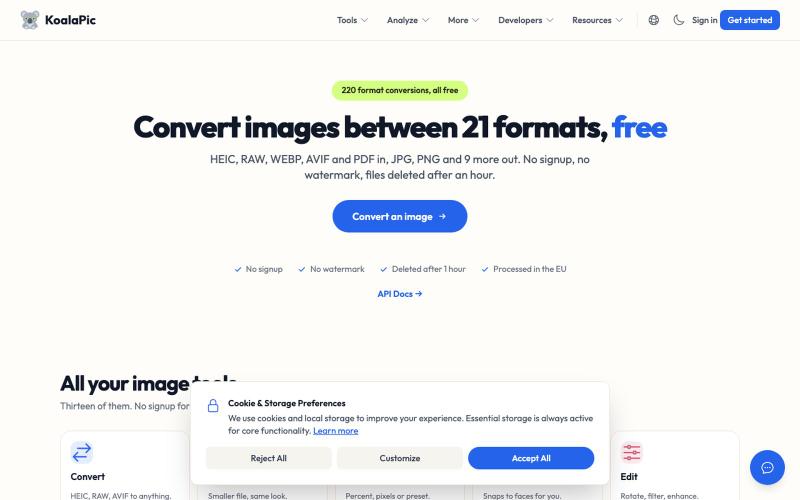
Convert HEIC, WEBP, AVIF images to JPG, PNG instantly. Free, private, no signup. Works on the web and in Telegram, Discord, WhatsApp and Slack.
@philippenamias · X

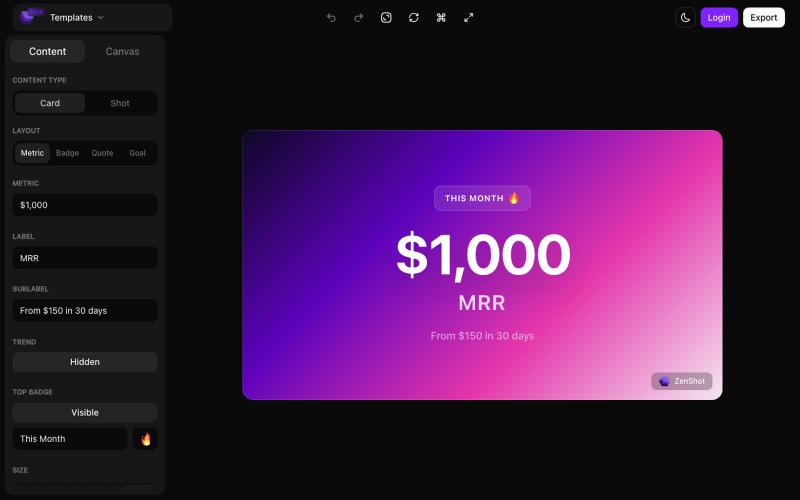
Create beautiful screenshots and progress cards ready to share with your audience.
@shreyassihasane · X

Suivez vos performances et statistiques sur Valorant avec SPYCAM.
@Gr4phO · X
This is for video games, to test in your browser and not directly on x

Record your screen in the browser, save to Google Drive, and share via instant links for $29.
@HashamBuilds · X
Building Walkthrough, screen recorder, $29 once, videos save to your own Google Drive. No subscription, no vendor servers. 14 days refund with no question asked. Now shipping in public daily. 🔗

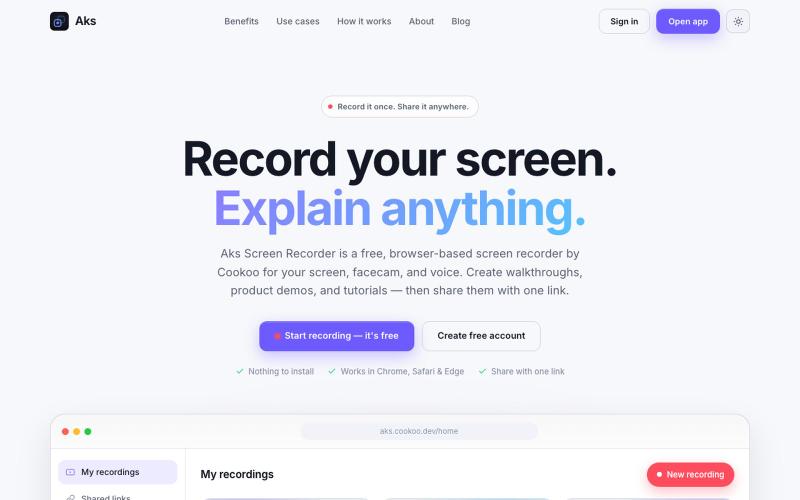
Aks Screen Recorder is a browser-based screen recorder by Cookoo. Record your screen, facecam, and voice without an extension, then share the video with a link.
@i_m_abdullahktk · X
We’re building Aks—an affordable, easy-to-use Loom alternative 🚀 🌐 Web: 📱 Android:

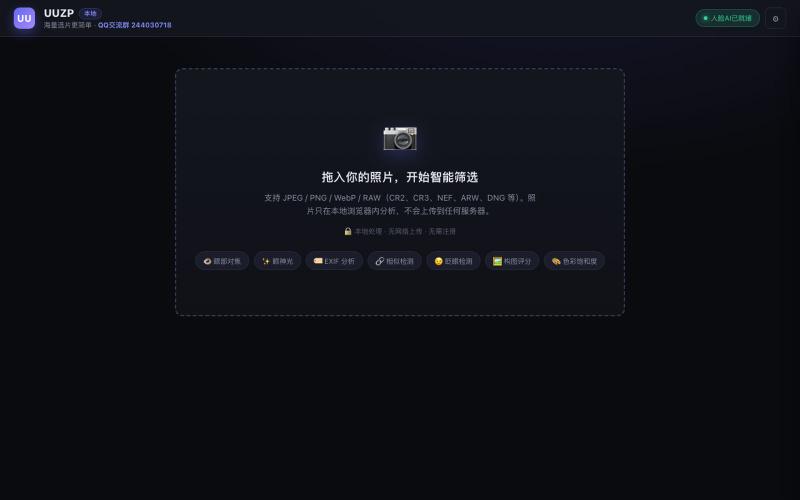
Quickly curate hundreds of photos in your browser using local, privacy-focused processing.
alexmaster · V2EX
玩摄影,选片神马的最烦,于是搞了个选片工具 uuzp.cn 每次拍完照片都是几百张,选片最烦人了。 当然隐私更重要,本地处理,无上传。 纯浏览器端处理。 https://uuzp.cn 欢迎大家使用

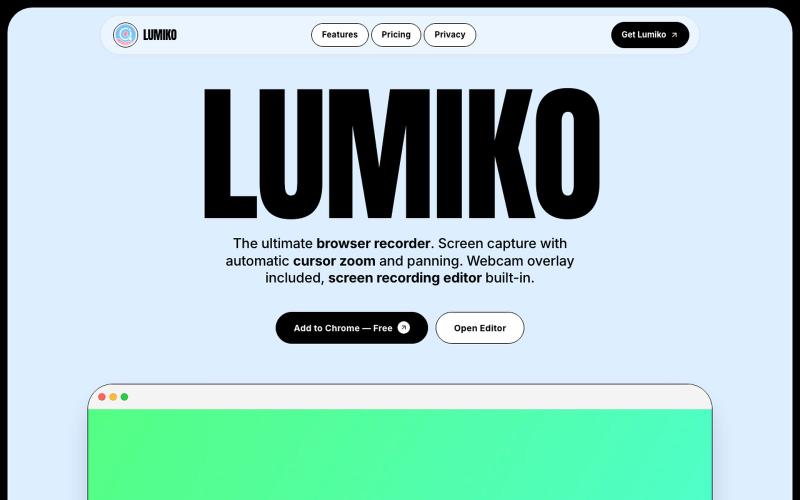
Free Chrome screen recorder with automatic cursor zoom, panning, and built-in editor.
Ashish106 · HN
Lumiko – Chrome screen recorder with automatic cursor zoom

Chrome extension for recording screen demos with automatic zoom effects and custom backgrounds.
@gabani_vatsal · X
Building Screen recorder which adds zoom effects and custom backgrounds

Edit, compress, convert, and merge video and audio files in your browser.
zhw2590582 · V2EX
最近对网站进行了重构,做成了免费的视频工具站:[ArtPlayer Tools]( https://artplayer.org/tools/) 主要是围绕着 ffmpeg.wasm 和 mediabunny 实现的一些可以直接在浏览器里用的视频/音频工具,常用的有: - 视频压缩:[Compress Video]( https://artplayer.org/compress-video/) - 视频裁剪:[Crop Video]( https://artplayer.org/crop-video/) - 视频合并:[Merge Video]( https://artplayer.org/merge-video/) - 视频尺寸调整:[Resize Video]( https://artplayer.org/resize-video/) - 视频旋转:[Rotate Video]( https://artplayer.org/rotate-video/) - 视频调速:[Change Video Speed]( https://artplayer.org/change-video-speed/) - 添加文字到视频:[Add Text to Video]( https://artplayer.org/add-text-to-video/) - 添加水印:[Watermark Video]( https://artplayer.org/watermark-video/) - 提取字幕:[Subtitle Editor]( https://artplayer.org/subtitle-editor/) - HLS 转 MP4:[HLS to MP4]( https://artplayer.org/hls-to-mp4/) - 音频可视化:[Audio Visualizer]( https://artplayer.org/audio-visualizer/) 大部分工具都是本地处理,文件不会上传到服务器。最开始是因为自己偶尔要处理一些视频,开剪辑软件又有点重,在线工具又担心隐私,所以就慢慢做成了一个站。 目前还在持续完善,体验肯定还有不少粗糙的地方,比如不同浏览器的兼容、移动端操作、长视频性能之类的。 网站: [ArtPlayer Tools]( https:

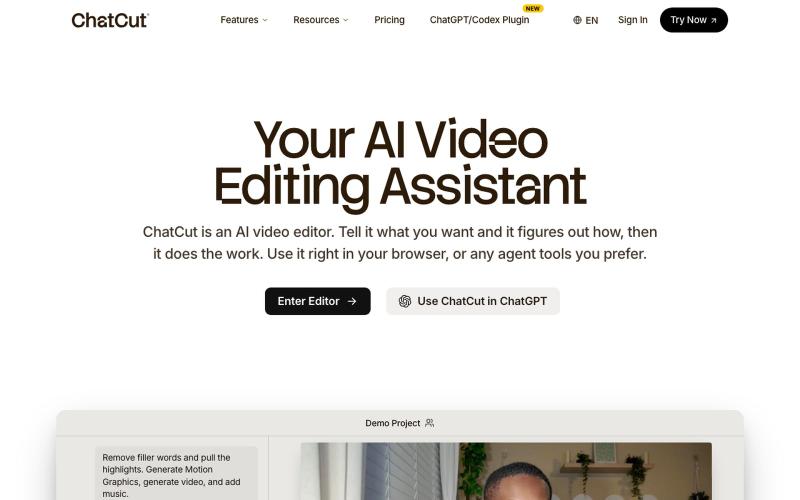
Edit videos using text prompts in ChatGPT, web, or desktop app.
zaczuo · Product Hunt
ChatCut Your AI video editor in ChatGPT, desktop, and web

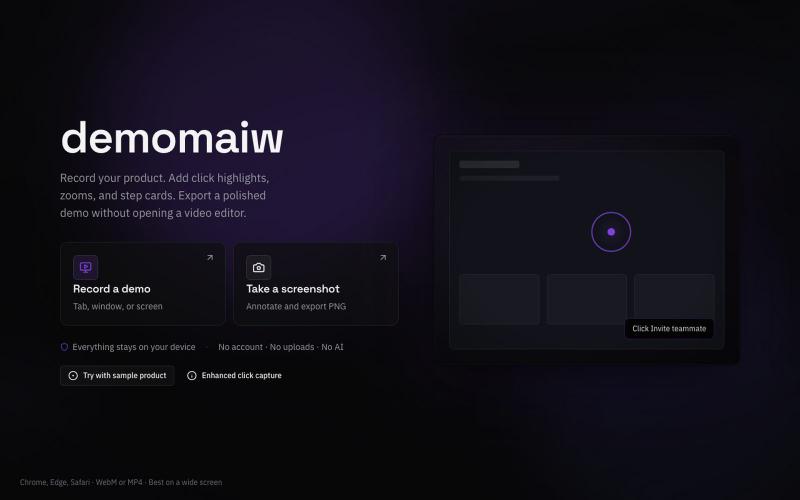
Record silent product demo videos in your browser with all data staying on your device.
@xyzmaiw · X