
Developer Tools2 months ago · 2 tries
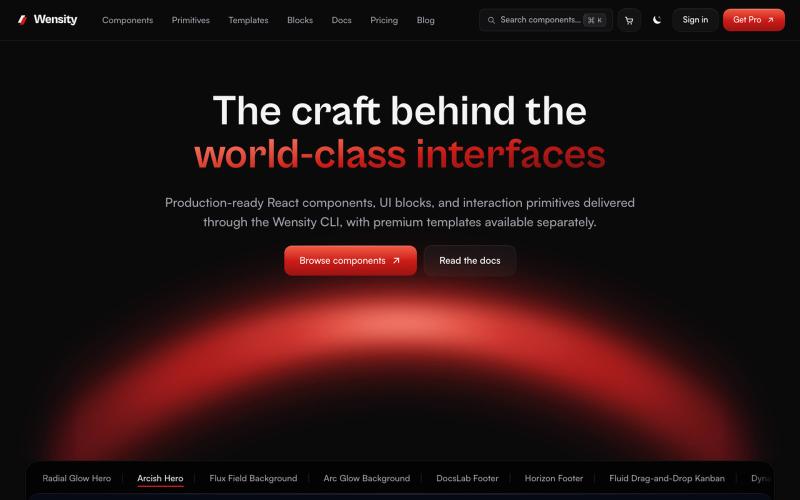
Wensity UI | Premium Components, Blocks and Templates for React and Next.js
Browse interactive React and Next.js components, blocks, and Tailwind templates.

@Ksparth12 · X
The full gallery
Tech stack
18 projects
Browse interactive React and Next.js components, blocks, and Tailwind templates.
@Ksparth12 · X

Turn screenshots into polished designs using a Chrome extension and web-based editor.

@buildwithshyam · X
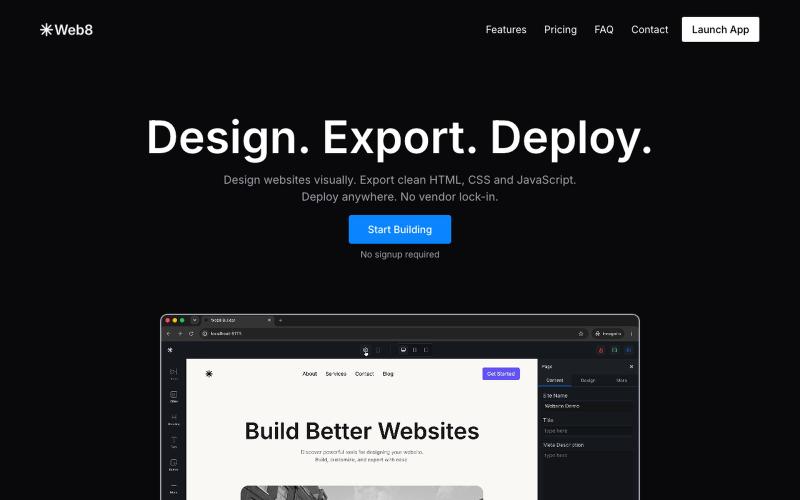
A no-code website builder for designers and developers. Build visually, export your website, and host it anywhere.

@montychandwani · X
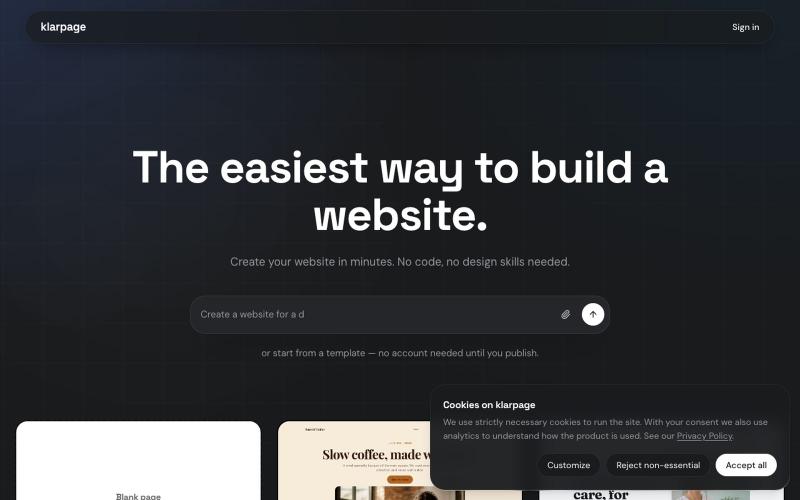
Create and publish professional websites in minutes using AI or templates with inline editing.

@KhaledMMatar · X

Edit, compress, convert, and merge video and audio files in your browser.
zhw2590582 · V2EX
最近对网站进行了重构,做成了免费的视频工具站:[ArtPlayer Tools]( https://artplayer.org/tools/) 主要是围绕着 ffmpeg.wasm 和 mediabunny 实现的一些可以直接在浏览器里用的视频/音频工具,常用的有: - 视频压缩:[Compress Video]( https://artplayer.org/compress-video/) - 视频裁剪:[Crop Video]( https://artplayer.org/crop-video/) - 视频合并:[Merge Video]( https://artplayer.org/merge-video/) - 视频尺寸调整:[Resize Video]( https://artplayer.org/resize-video/) - 视频旋转:[Rotate Video]( https://artplayer.org/rotate-video/) - 视频调速:[Change Video Speed]( https://artplayer.org/change-video-speed/) - 添加文字到视频:[Add Text to Video]( https://artplayer.org/add-text-to-video/) - 添加水印:[Watermark Video]( https://artplayer.org/watermark-video/) - 提取字幕:[Subtitle Editor]( https://artplayer.org/subtitle-editor/) - HLS 转 MP4:[HLS to MP4]( https://artplayer.org/hls-to-mp4/) - 音频可视化:[Audio Visualizer]( https://artplayer.org/audio-visualizer/) 大部分工具都是本地处理,文件不会上传到服务器。最开始是因为自己偶尔要处理一些视频,开剪辑软件又有点重,在线工具又担心隐私,所以就慢慢做成了一个站。 目前还在持续完善,体验肯定还有不少粗糙的地方,比如不同浏览器的兼容、移动端操作、长视频性能之类的。 网站: [ArtPlayer Tools]( https:

A curated library of reusable UI components built with Framer.

@buildlylibrary · X