ClipWave — short videos, endless vibes
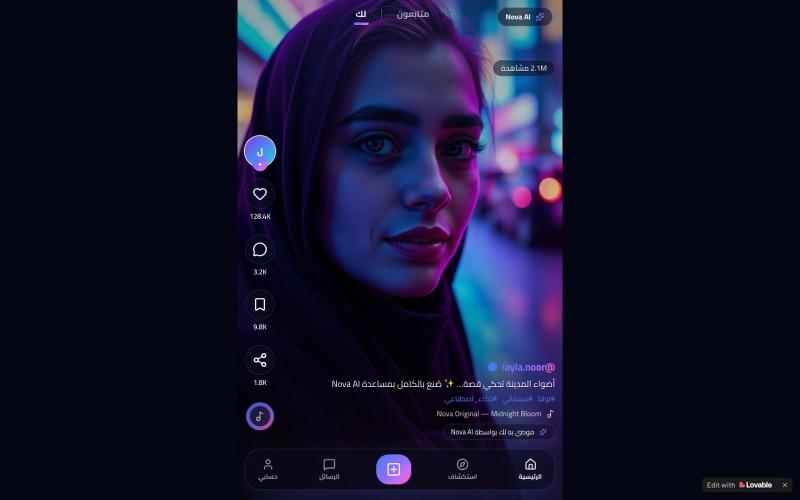
Swipe through an endless feed of short videos with sound.
@GlenryR10023 · X
Check out what I just built with Lovable!
The full gallery
Tech stack
60 projects

Swipe through an endless feed of short videos with sound.
@GlenryR10023 · X
Check out what I just built with Lovable!

Browser-based tools for video and audio compression, cropping, merging, and conversion without uploading files.
zhw2590582 · V2EX
最近对网站进行了重构,做成了免费的视频工具站:[ArtPlayer Tools]( https://artplayer.org/tools/) 主要是围绕着 ffmpeg.wasm 和 mediabunny 实现的一些可以直接在浏览器里用的视频/音频工具,常用的有: - 视频压缩:[Compress Video]( https://artplayer.org/compress-video/) - 视频裁剪:[Crop Video]( https://artplayer.org/crop-video/) - 视频合并:[Merge Video]( https://artplayer.org/merge-video/) - 视频尺寸调整:[Resize Video]( https://artplayer.org/resize-video/) - 视频旋转:[Rotate Video]( https://artplayer.org/rotate-video/) - 视频调速:[Change Video Speed]( https://artplayer.org/change-video-speed/) - 添加文字到视频:[Add Text to Video]( https://artplayer.org/add-text-to-video/) - 添加水印:[Watermark Video]( https://artplayer.org/watermark-video/) - 提取字幕:[Subtitle Editor]( https://artplayer.org/subtitle-editor/) - HLS 转 MP4:[HLS to MP4]( https://artplayer.org/hls-to-mp4/) - 音频可视化:[Audio Visualizer]( https://artplayer.org/audio-visualizer/) 大部分工具都是本地处理,文件不会上传到服务器。最开始是因为自己偶尔要处理一些视频,开剪辑软件又有点重,在线工具又担心隐私,所以就慢慢做成了一个站。 目前还在持续完善,体验肯定还有不少粗糙的地方,比如不同浏览器的兼容、移动端操作、长视频性能之类的。 网站: [ArtPlayer Tools]( https:

Create AI-powered faceless videos for TikTok, Instagram and YouTube with AI voiceovers and automated editing.
@heyayankai · X
ReelsMakerAI 🎬 Create AI-powered short videos from a single idea. Curious to hear your rating and feedback! 😊

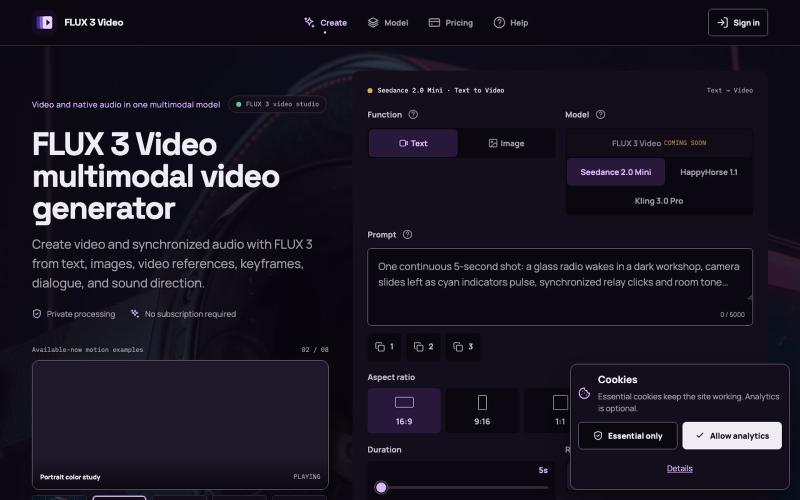
Create 1080p videos with native audio and camera-level control.
Veo 3.1 AI — 使用 Veo3.1 创作电影级视频,配备 1080p 原生音频、首尾帧控制及免费试用额度

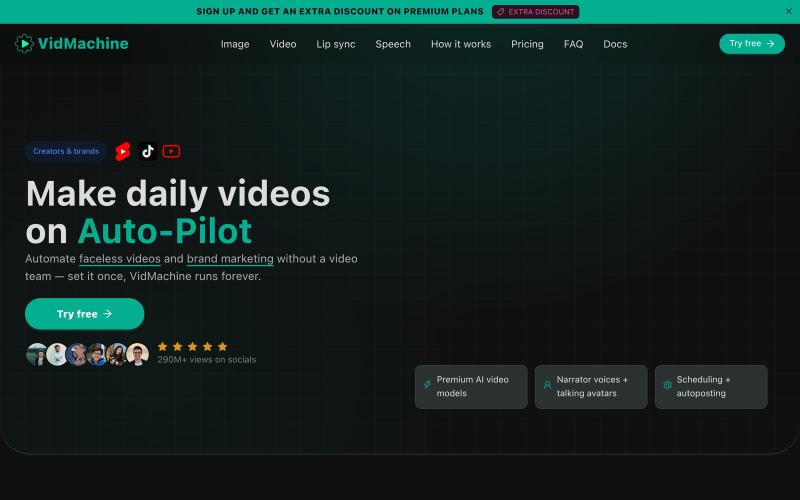
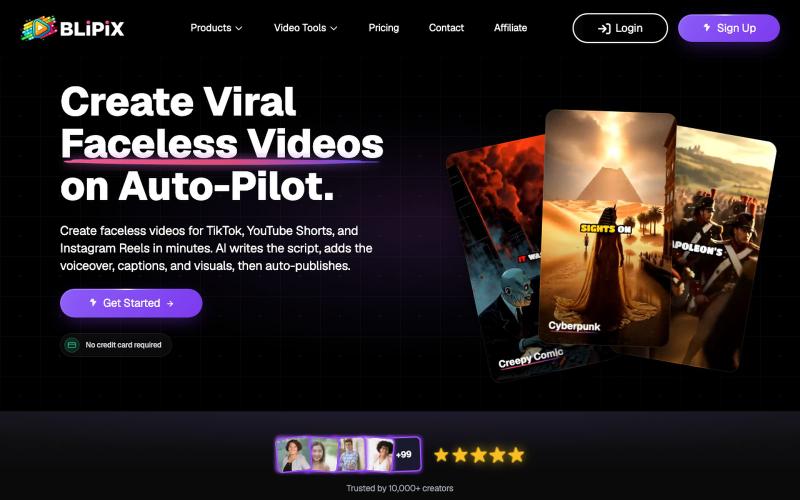
Create faceless videos with AI-generated scripts, voiceovers, and captions, auto-posted to TikTok and YouTube.
Fableclip — AI 视频自动化工具,输入创意即可自动写脚本、生成配音与配图,并按排期自动发布到 YouTube、TikTok 等平台

Share a link to start a video chat with anyone, no sign-up required.
u/abcde12399 · Reddit
I always begged engineers to fix even a typo. Now I've built my own video call app. I come from business and design. I was always the one begging engineers to fix even a typo. Then I found vibecoding and started building things myself!!! TinyRoom is my first real project. You share a link, people click it, you're in a video call. No accounts, no downloads. Up to 8 people (4 for mobile). Basically Zoom without everything annoying about Zoom. I use it for my own community's weekly sessions

Create animated videos from prompts or URLs using AI; edit with keyframes and effects, export as MP4, WebM, or GIF.
u/Savings_Wolverine408 · Reddit
turns out you can make launch videos in the browser now! turns out you can make launch videos in the browser now, and Claude Opus is doing the heavy part we have been working on vidmo.app , a free browser based motion design editor for making product videos, launch clips, social ads, and simple motion graphics without opening After Effects. the idea is not to make another AI video toy where you type one prompt and get stuck with whatever comes out. the editor works more lik

AI voice agent that answers missed calls, books jobs, and tracks revenue.
@Jithendhar40266 · X
Ai voice agents that books calls

Create AI-generated videos from text or images with automatic voiceovers.
Wan AI — AI 视频生成器,可将文本或图像转换为视频

Send a product URL and get AI-generated demo videos for marketing and social media.
u/Rae_Shin_ · Reddit
Why spend hours making demo videos? Paste a URL and let AI do it These days everyone is building products, but promoting them is a completely different challenge. Recording demos, editing videos, adding captions, and making content for Shorts, TikTok, Reels, or ads takes a lot of time. So I built Screenzy.pro. Just paste your product URL, and it automatically creates product demo videos that explain what your product does. It works well for social media content, launch videos, tutoria

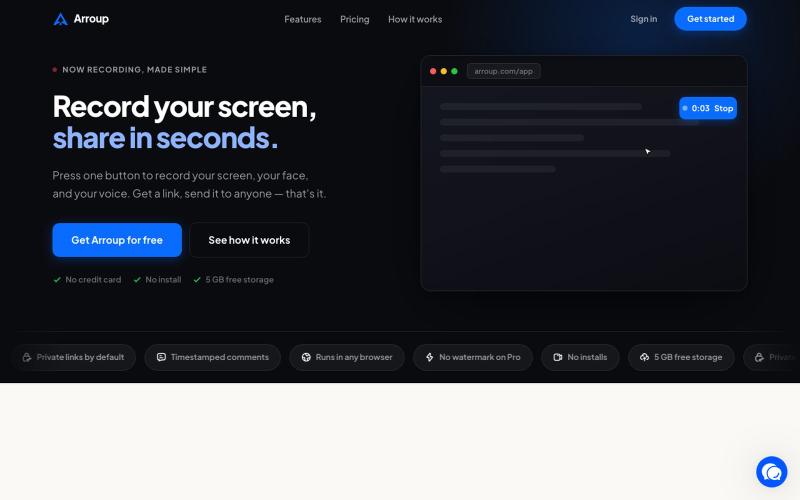
Record your screen in the browser, save to Google Drive, and share via instant links for $29.
@HashamBuilds · X
Building Walkthrough, screen recorder, $29 once, videos save to your own Google Drive. No subscription, no vendor servers. 14 days refund with no question asked. Now shipping in public daily. 🔗

Generate custom video overlays with AI from text descriptions; export as transparent WebM.
@rsaladocid · X
Generate unique video overlays with AI