

Other3 weeks ago
Zaena — Your Business, Provable.
Get real-time profit clarity and business economics analytics.

@uchechukwuevan · X
The full gallery
Tech stack
26 projects
Get real-time profit clarity and business economics analytics.
@uchechukwuevan · X
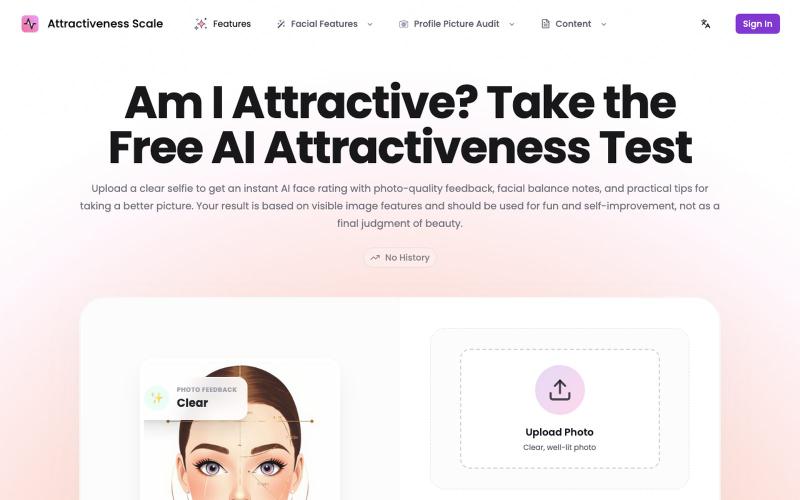
Upload a photo to get AI feedback on attractiveness, lighting, and composition.
Attractiveness Scale — 颜值打分网站(基于 AI)
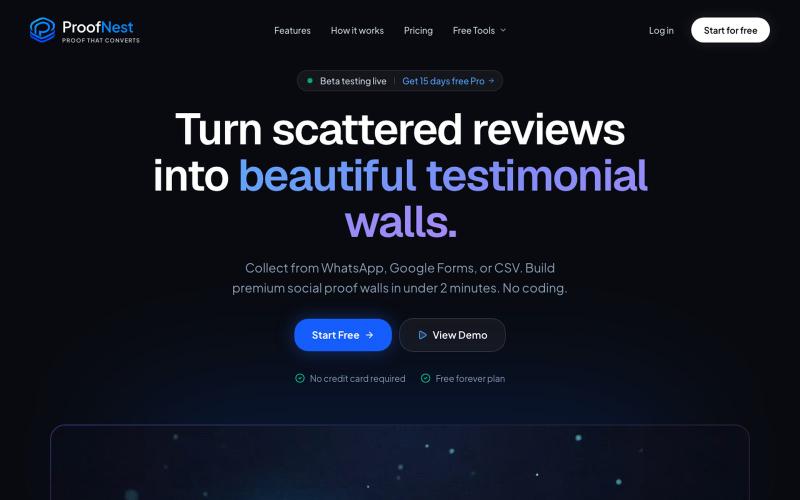
Collect and display customer testimonials with analytics to track conversion impact.

@AmyVaradkar · X
It solves the scattered testimonial problem. Freelancers and agencies collect feedback via shareable form, display it anywhere, get real analytics on what converts. Beta access available right now which gives free pro plan for 15 days.
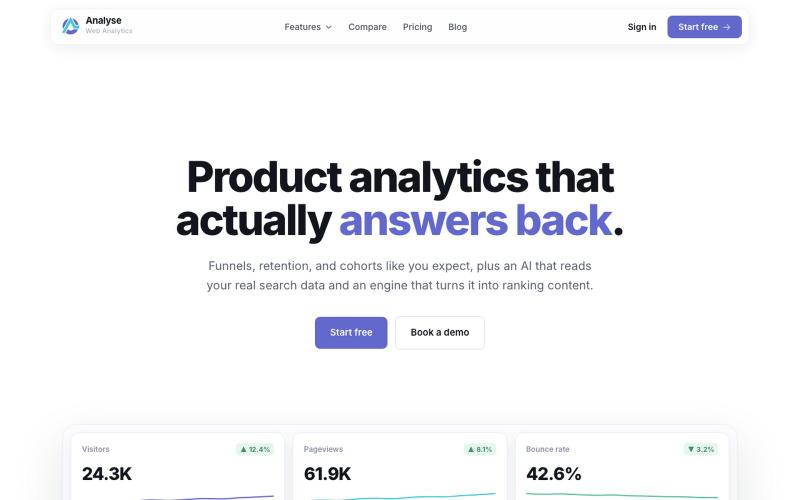
Privacy-first analytics platform with AI copilot for SEO content research and publishing.

@VertCodeEU · X
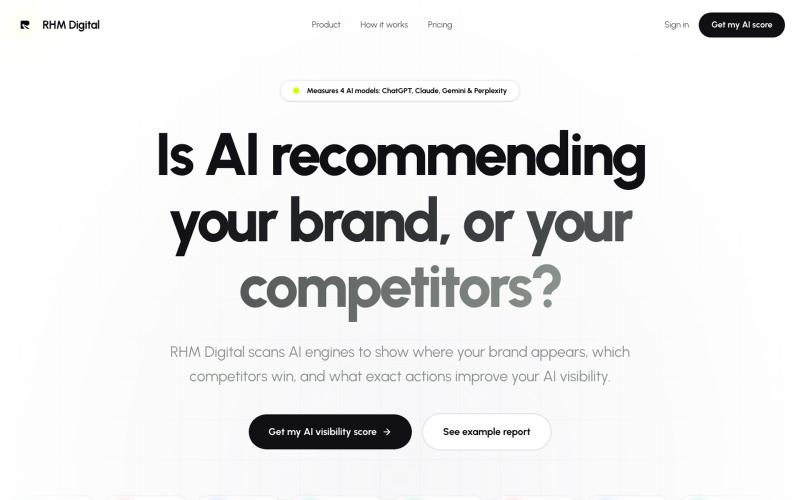
Track your brand's visibility across ChatGPT, Claude, Gemini and Perplexity while monitoring competitors.

@RHMDigitalSeo · X
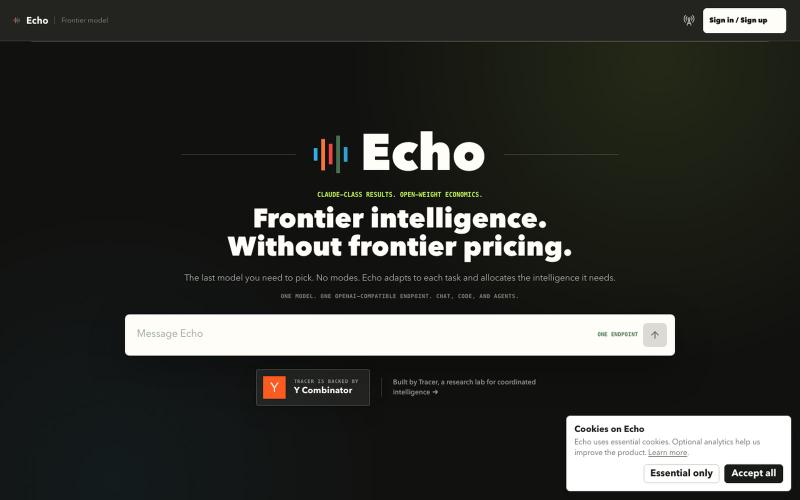
Echo – Fable-level results at 1/3 the cost using open-weight models
adam_rida · HN
Echo – Fable-level results at 1/3 the cost using open-weight models
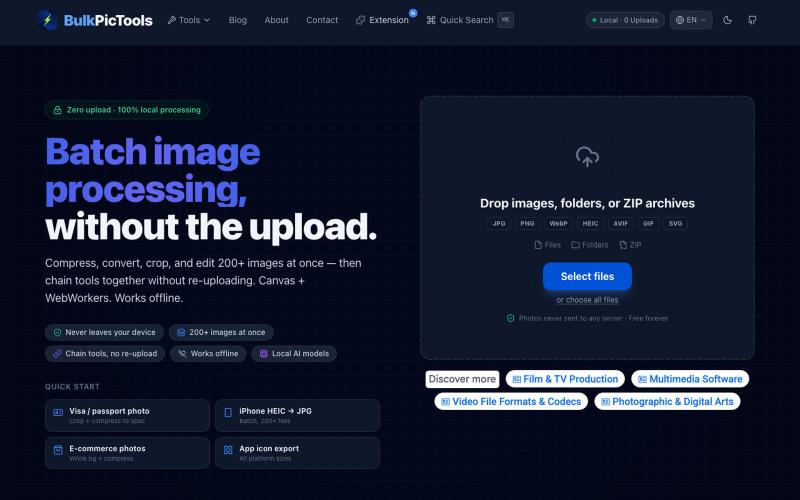
Batch edit images in your browser with tool chaining, compression, and format conversion.
BulkPicTools — 免费浏览器端图片批量处理工具,支持**工具链串联**(压缩→转格式→裁剪一次完成,无需重复上传),本地 AI 去背景/人脸模糊(WebGPU,无需 API Key),支持 200+ 张图片批量处理,文件不上传服务器。
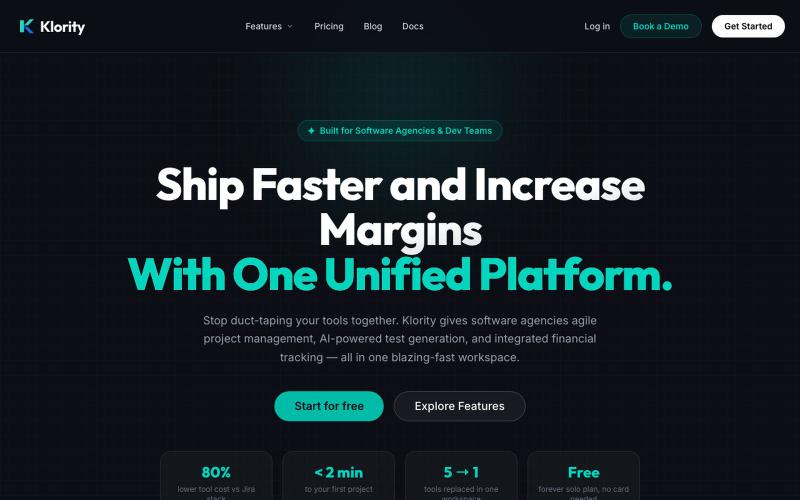
All-in-one workspace for project management, documentation, and test management.

@klorityx · X
One workspace for project management, documentation, test management & CRM. Enterprise features without enterprise pricing.
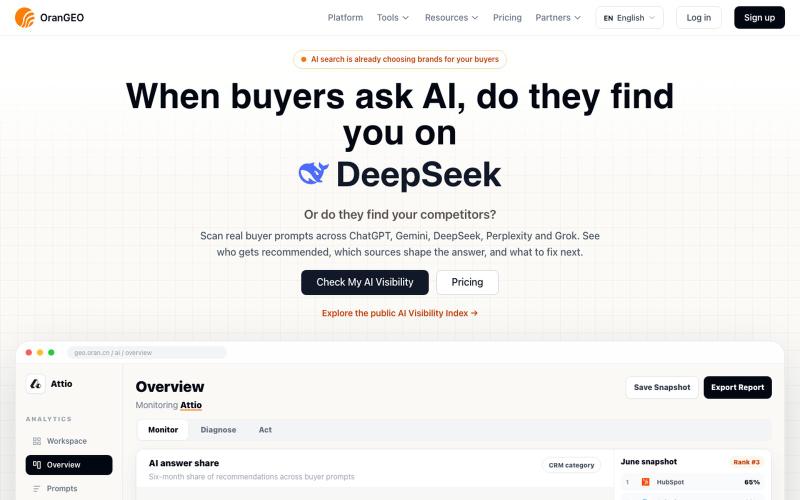
Checks whether your brand appears and is accurately described across ChatGPT, Gemini, DeepSeek, Perplexity, and Grok.

@NianyaXie · X
Building OranGEO — helping brands turn AI search into a new traffic channel. It shows whether ChatGPT/Perplexity mention your brand, which competitors show up instead, and how to improve AI visibility. Run a quick check on your product/site:

Design custom themes for Codex Desktop with backgrounds, colors, transparency, and visual effects.
plutozc · V2EX
做了个 Codex Desktop 主题预览和切换工具,先调好再安装 最近一直在用 Codex Desktop ,觉得默认界面看久了有点单调,就顺手做了个主题编辑工具,分享一下: [Codex Skin]( https://getcodexskin.com) 可以先在网页里预览主题,调整背景透明度、面板透明度、颜色、模糊和圆角等参数,满意之后再下载并切换到 Codex Desktop 。 目前支持: - 自定义 JPG 、PNG 、WebP 背景 - 在线实时预览主题效果 - 调整透明度、颜色、模糊、圆角 - 预览满意后生成安装命令 - 不喜欢了可以恢复默认外观 目前主要面向 macOS 上的 Codex Desktop ,还是个人项目,功能和兼容性都在继续打磨。 欢迎试试,也想听听大家对主题参数、预览效果和安装流程的反馈。 直接网址: https://getcodexskin.com [轻喷 轻喷,可能还有些 bug

Edit, compress, convert, and merge videos and audio files directly in your browser.
zhw2590582 · V2EX
最近对网站进行了重构,做成了免费的视频工具站:[ArtPlayer Tools]( https://artplayer.org/tools/) 主要是围绕着 ffmpeg.wasm 和 mediabunny 实现的一些可以直接在浏览器里用的视频/音频工具,常用的有: - 视频压缩:[Compress Video]( https://artplayer.org/compress-video/) - 视频裁剪:[Crop Video]( https://artplayer.org/crop-video/) - 视频合并:[Merge Video]( https://artplayer.org/merge-video/) - 视频尺寸调整:[Resize Video]( https://artplayer.org/resize-video/) - 视频旋转:[Rotate Video]( https://artplayer.org/rotate-video/) - 视频调速:[Change Video Speed]( https://artplayer.org/change-video-speed/) - 添加文字到视频:[Add Text to Video]( https://artplayer.org/add-text-to-video/) - 添加水印:[Watermark Video]( https://artplayer.org/watermark-video/) - 提取字幕:[Subtitle Editor]( https://artplayer.org/subtitle-editor/) - HLS 转 MP4:[HLS to MP4]( https://artplayer.org/hls-to-mp4/) - 音频可视化:[Audio Visualizer]( https://artplayer.org/audio-visualizer/) 大部分工具都是本地处理,文件不会上传到服务器。最开始是因为自己偶尔要处理一些视频,开剪辑软件又有点重,在线工具又担心隐私,所以就慢慢做成了一个站。 目前还在持续完善,体验肯定还有不少粗糙的地方,比如不同浏览器的兼容、移动端操作、长视频性能之类的。 网站: [ArtPlayer Tools]( https:
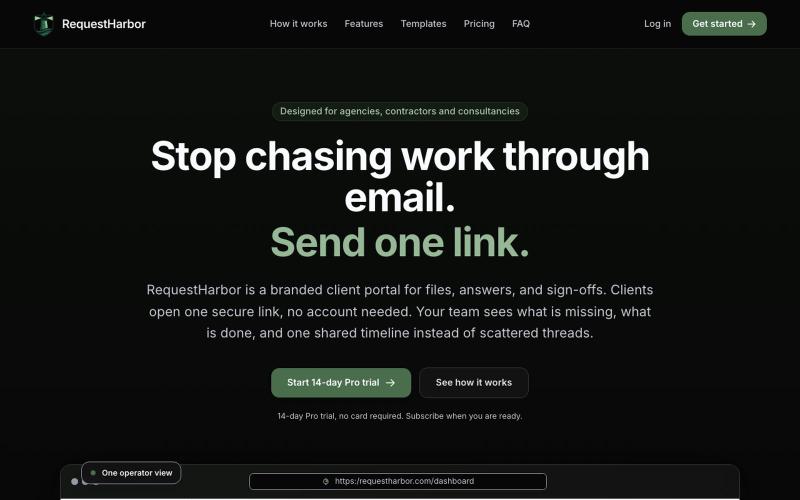
Secure client portal for sharing files, answers, and approvals with real-time status visibility.

@danielkleach · X
is a branded client portal for files, answers, sign-offs, and signatures. No more scattered email threads, docs in Google Drive, or confusion about who is waiting for whom. Business and client both see what is done and what is in progress on both sides, in