
Creative Tools1 month ago
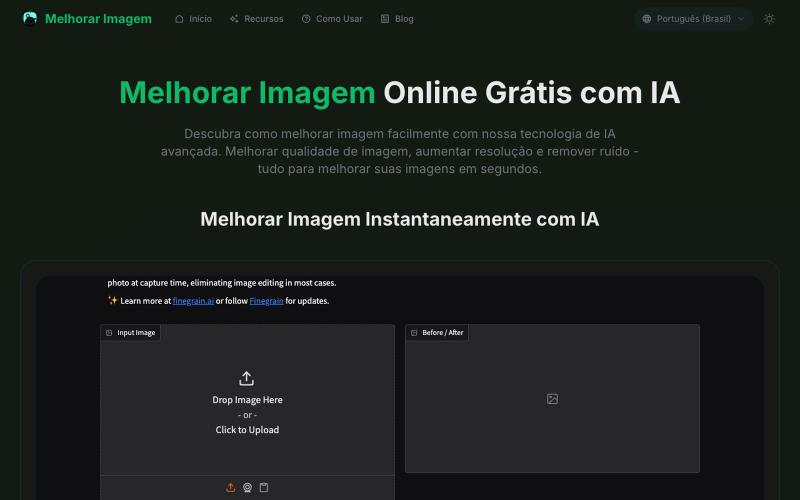
Melhorar Imagem Online Grátis com IA Qualidade Profissional
AI tool to enhance photos: upscale resolution, remove noise, and fix blurriness.
melhorar imagem — 专注巴西市场的在线图像处理工具,用 AI 帮助用户提升图片分辨率、增强画质、修复模糊和噪点,让您的照片焕然一新。
The full gallery
Tech stack
32 projects
AI tool to enhance photos: upscale resolution, remove noise, and fix blurriness.
melhorar imagem — 专注巴西市场的在线图像处理工具,用 AI 帮助用户提升图片分辨率、增强画质、修复模糊和噪点,让您的照片焕然一新。
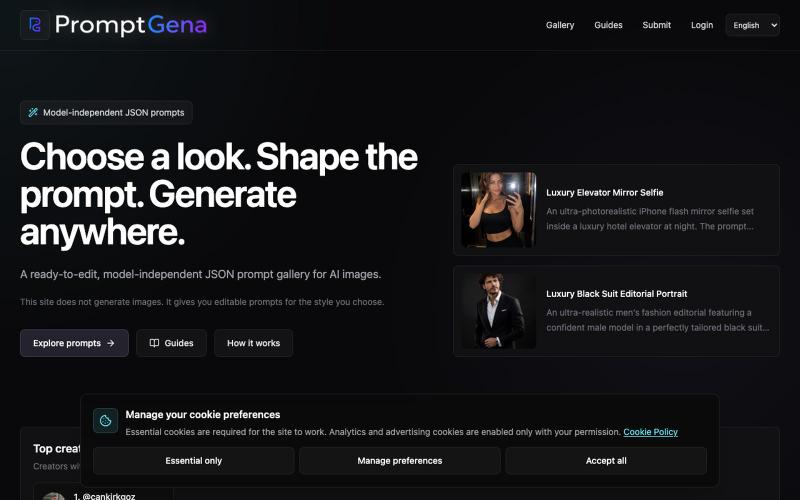
Access curated, editable prompts for AI image generation with model adaptation guidance.
u/cankirkgoz · Reddit
I kept rewriting AI portrait prompts for every reference photo, so I built a tool for it Over the past few months, I’ve been experimenting a lot with realistic AI portraits, and I kept running into the same problem. Finding a good-looking result online is easy. Finding the prompt behind it is harder, but still possible. The real problem starts when you try to use that prompt with your own reference photo. Change the person, outfit, location, or number of people, and the pr
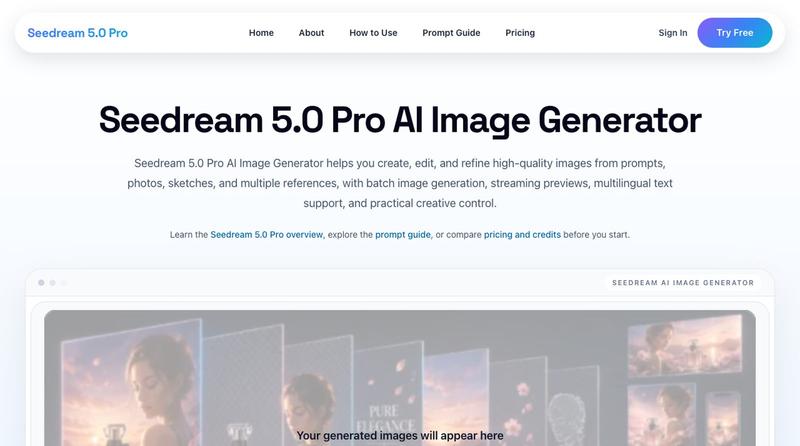
Generate 4K images from prompts and photos with batch processing and watermark-free downloads.
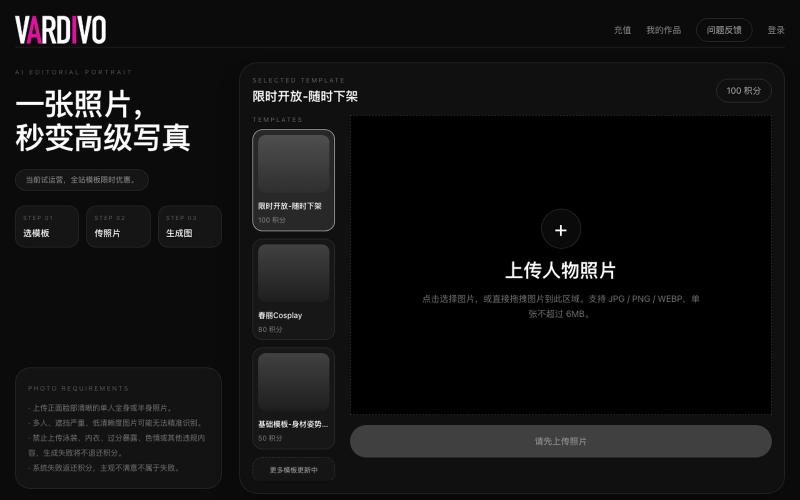
Upload a photo and select a template to generate AI-powered portraits and visual content.

@pshenzhishen2 · X
来了来了,Vibe coding了两个月,地表最强写真生图工具VARDIVO上线了!傻瓜式上传图片选择模板即可生成。目前三个模板,欢迎各位探索使用。未来会陆续增加更多模板。附送一个春丽大幂幂。传送门👉🏻
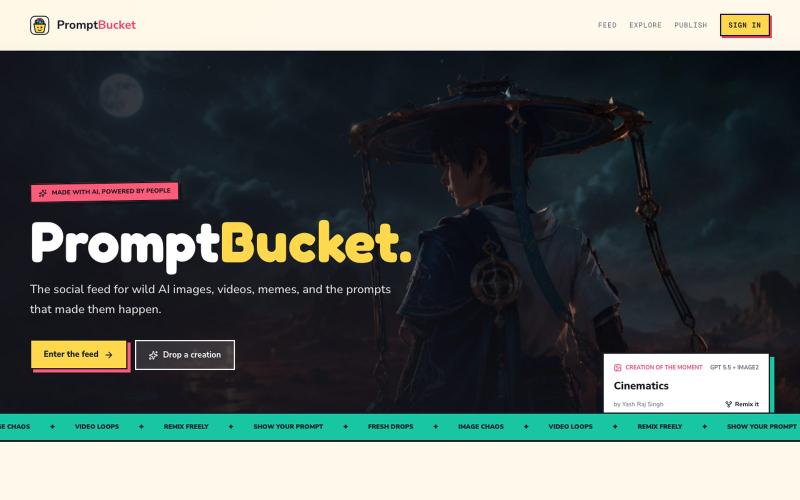
Browse AI-generated images and videos, share the prompts behind them, and remix creations from the community.

@yashrajcodes · X
Please visit check and provide feedback for my new product:

Turn screenshots into polished designs using a Chrome extension and web-based editor.

@buildwithshyam · X
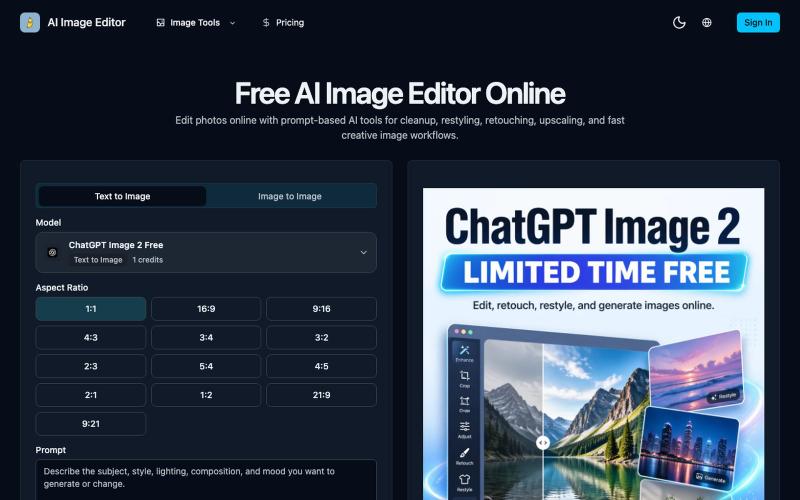
Edit photos online with prompt-driven AI tools for retouching, cleanup, upscaling, and creative image generation.
AI Image Editor — 在线 AI 修图与图片生成工具,支持抠图、消除、放大、风格化和基于提示词的图片编辑,并提供 [ChatGPT Image 2](https://ai-image-editor.io/chatgpt-image-2) 免费体验
Ask questions, get answers from your team.

@AshK36478121360 · X
Built FeedbackNotify: a place people can ask questions or give feedback without their name attached, so you actually get the honest answer instead of the polite one. Try it here

Turn any public post into a polished, shareable image for X, TikTok, YouTube, and Bluesky.

@larsbuilds · X
here's the link for the lazy ones :)
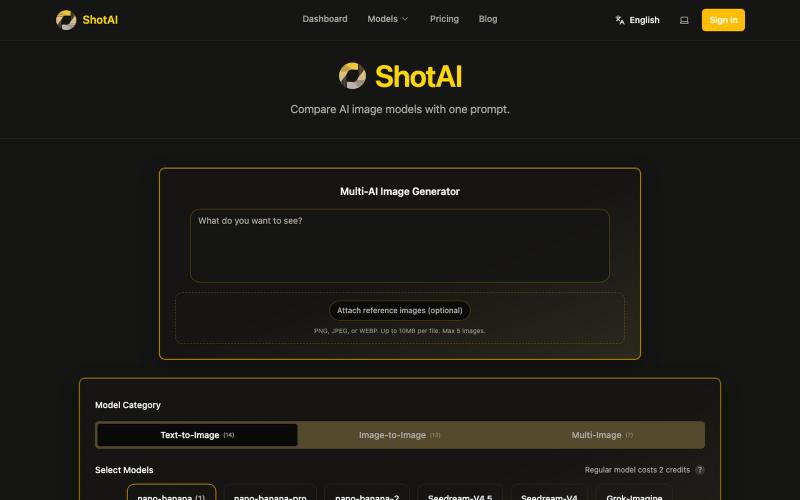
Generate and compare images from multiple AI models with a single prompt.
ShotAI — 一键生成多个 AI 模型的图片,方便对比效果

Generate and edit AI images for product shots, ads, portraits, and thumbnails via text prompts.
Plugcamp · V2EX
最近在折腾一个小站,主要是围绕 Nano Banana 2 Lite 做图片生成和图片编辑: https://nanobanana2lite.me/ 一开始只是自己想要一个比较轻的入口,用来快速试 prompt 。后来发现每次测图都会遇到几个重复问题: - prompt 写完之后,不知道适合什么比例 - 文生图和图生图入口经常混在一起 - 想找几个可复制的 prompt 示例,但很多站要么太重,要么示例不够直观 - 只是想快速生成一张产品图、头像、广告图、封面图,不想进一个很复杂的工作台 所以就做了这个站。 目前主要有几个部分: - Text to Image:直接输入 prompt 生成图 - Image to Image:上传一张图,再用 prompt 做改图 - AI Image Editor:偏日常编辑,比如换背景、改光线、改风格 - Prompt Library:整理了一些可直接复制的 prompt - Gallery:放了一些 before/after 和示例图 我自己比较在意的是首页别太像传统 SaaS 落地页,所以最近一直在改视觉。之前太干了,后来加了一些更丰富的样张和暗色主题,但也还在调。 这个站不是 Google 官方产品,只是一个第三方工具站。现在更多是想把「轻量、直接、可复制」这件事做好。 如果大家有空的话,想请教几个问题: 1. 首屏看起来会不会太营销,还是说信息还算清楚? 2. 对图片工具来说,大家更想先看到生成表单,还是先看到效果案例? 3. Prompt Library 这种页面有没有用,还是大家更习惯直接自己写? 4. 如果你平时会用 AI 生成图,最常用的场景是产品图、头像、封面、广告图,还是别的? 欢迎拍砖,尤其是 UI 、文案、信息结构这块。 链接再放一次: https://nanobanana2lite.me/
Generate and edit images using AI text-to-image and image-to-image capabilities.
AI-NanoBanana — AI 图像工作室,让你轻松把创意变成高质量视觉作品