
Creative Tools1 month ago
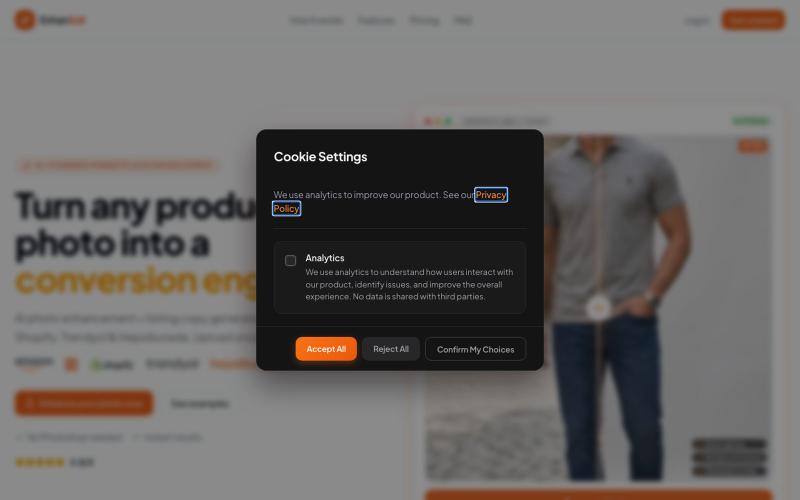
EnhanSell — AI Product Photo Enhancement
Enhance product photos and auto-generate SEO listings for e-commerce sellers.
mufugo · Product Hunt
EnhanSell AI premium studio photos & SEO listings for Shopify stores
The full gallery
Tech stack
60 projects
Enhance product photos and auto-generate SEO listings for e-commerce sellers.
mufugo · Product Hunt
EnhanSell AI premium studio photos & SEO listings for Shopify stores
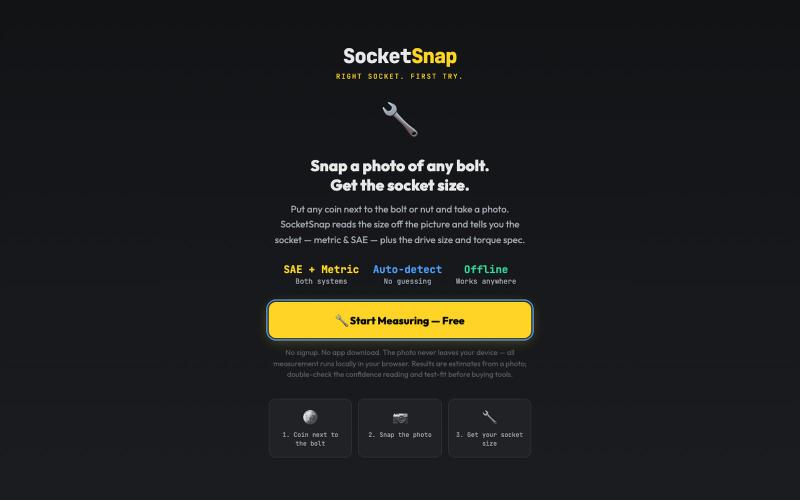
Identify socket sizes by photographing bolts or nuts with your phone.

@FirstDeployAI · X

Collect event photos from guests via QR code, no app or login required.

@twfaria · X
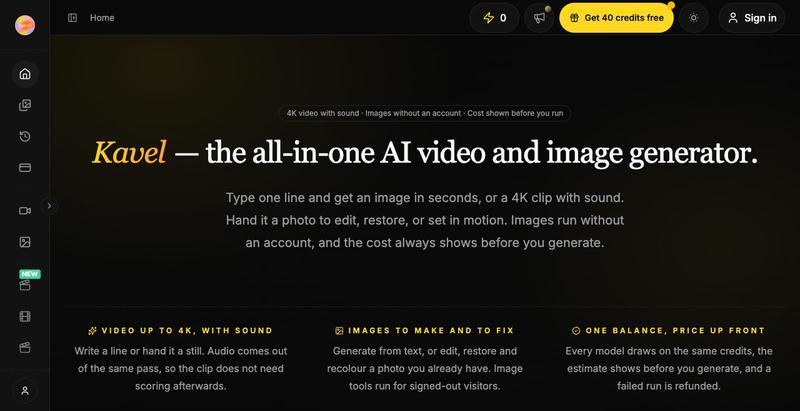
AI photo and video editor with 30+ one-click effects like outfit swapping and photo restoration.
kavel — AI 图片和视频生成工具,支持多种趣味场景的生图和生视频 — 免费
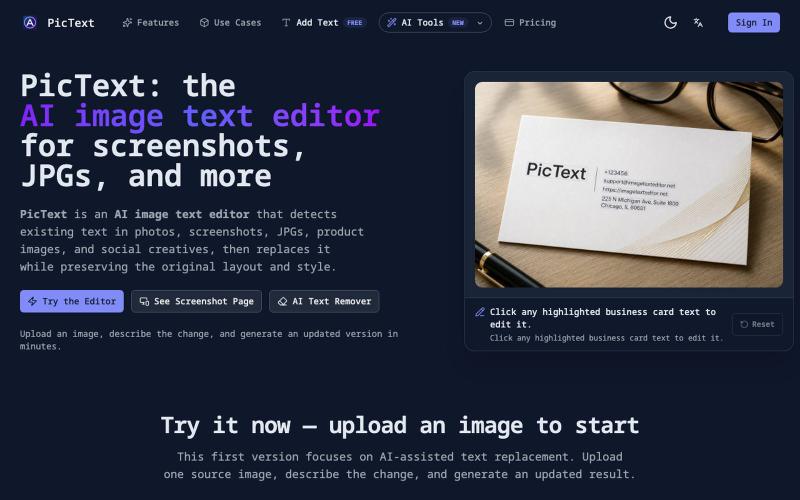
Detect and replace text in images while preserving layout and style.
PicText - 图片文字编辑器 — AI 驱动的图片文本编辑器,检测并替换照片、截图和产品图中的文本,同时保留原始布局和字体
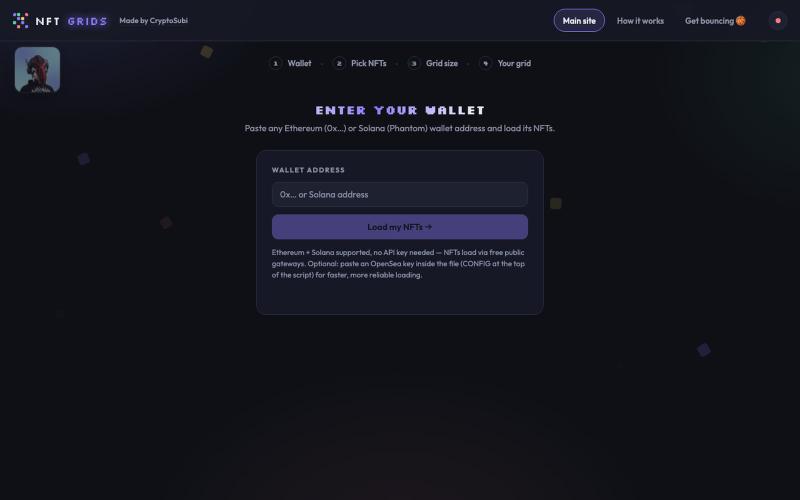
Paste a wallet, pick your NFTs, build a grid, save it as a PNG.

@CryptoSubi · X
Just vibe coded NFT Grids. Check it out here. 👇 No wallet connection needed, just paste in your wallet address, select your NFTs and add them to your grid. Notify me if you realise any bugs. 🐛 Ready to post on socials in under a minute! My grid of NFTs👇
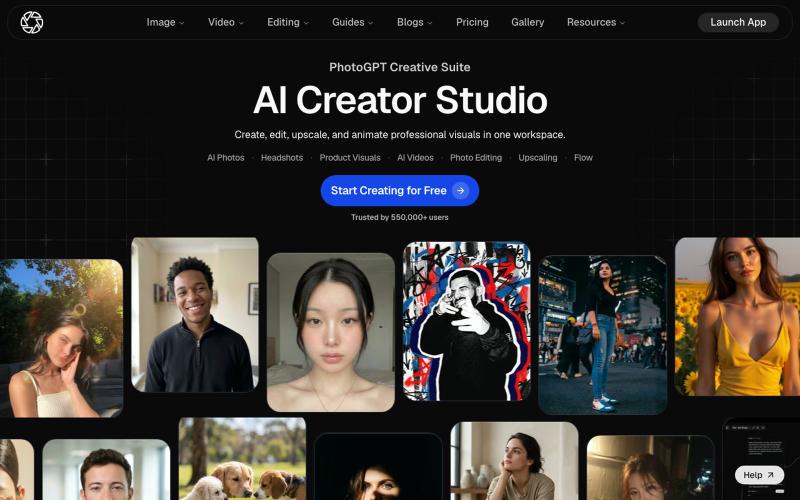
Create personalized AI images, AI photos, AI videos, professional headshots, product visuals, and edited photos in minutes. PhotoGPT helps you generate, edit, upscale, and style vi

@Ayush_07_10 · X
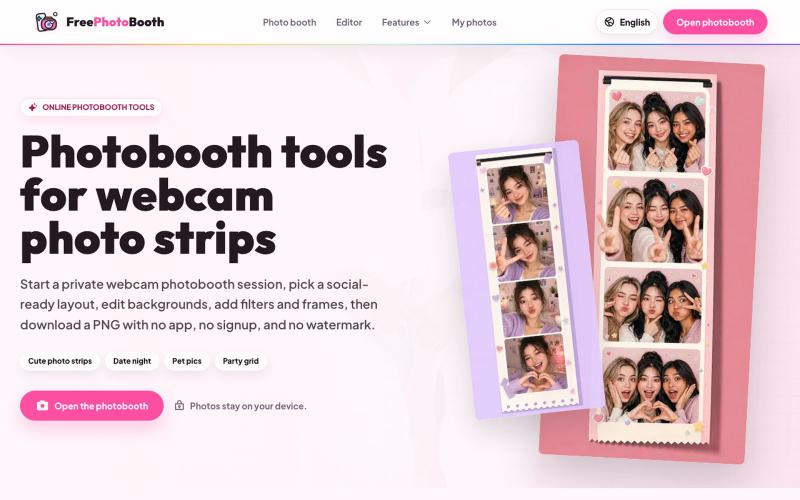
Create webcam photo strips with filters, frames, and background editing.
cmlanche · V2EX
做的在线照相亭本来还有点流量,结果我 301 瞎整一通,彻底废了,重新上了一个站 地址:[freephotobooth.online]( https://freephotobooth.online/) 上面是老地址,本来流量还可以,上站第二天就有 300 个新点击,但我嫌弃域名后期没有品牌优势,所以 301 到了另外一个域名,但上了之后看到流量没有了,又很焦虑,然后又把新站 301 到老站,现在彻底 game over 不得已重新写了一个站,再上,有兴趣可以围观一下,看看哪个更好,有啥问题我可以改改,主打听劝 新站地址:[https://photobooth100.com/]( https://photobooth100.com/)

Generate and edit AI images for product shots, ads, portraits, and thumbnails via text prompts.
Plugcamp · V2EX
最近在折腾一个小站,主要是围绕 Nano Banana 2 Lite 做图片生成和图片编辑: https://nanobanana2lite.me/ 一开始只是自己想要一个比较轻的入口,用来快速试 prompt 。后来发现每次测图都会遇到几个重复问题: - prompt 写完之后,不知道适合什么比例 - 文生图和图生图入口经常混在一起 - 想找几个可复制的 prompt 示例,但很多站要么太重,要么示例不够直观 - 只是想快速生成一张产品图、头像、广告图、封面图,不想进一个很复杂的工作台 所以就做了这个站。 目前主要有几个部分: - Text to Image:直接输入 prompt 生成图 - Image to Image:上传一张图,再用 prompt 做改图 - AI Image Editor:偏日常编辑,比如换背景、改光线、改风格 - Prompt Library:整理了一些可直接复制的 prompt - Gallery:放了一些 before/after 和示例图 我自己比较在意的是首页别太像传统 SaaS 落地页,所以最近一直在改视觉。之前太干了,后来加了一些更丰富的样张和暗色主题,但也还在调。 这个站不是 Google 官方产品,只是一个第三方工具站。现在更多是想把「轻量、直接、可复制」这件事做好。 如果大家有空的话,想请教几个问题: 1. 首屏看起来会不会太营销,还是说信息还算清楚? 2. 对图片工具来说,大家更想先看到生成表单,还是先看到效果案例? 3. Prompt Library 这种页面有没有用,还是大家更习惯直接自己写? 4. 如果你平时会用 AI 生成图,最常用的场景是产品图、头像、封面、广告图,还是别的? 欢迎拍砖,尤其是 UI 、文案、信息结构这块。 链接再放一次: https://nanobanana2lite.me/
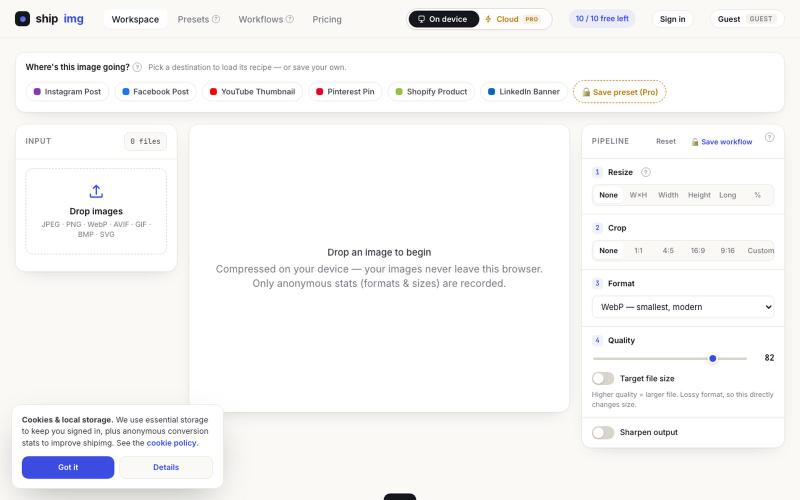
Convert and compress images in multiple formats directly in your browser without uploading files.

@SamoreVaibhav · X
The online image converter experience: → upload → wait → download → "free limit reached, upgrade now" → open competitor site → upload the same files AGAIN → next week: which site was it? what size did I use?? I got tired of this loop. So I built Runs 100% in your browser — files never upload, so there's no limit to hit. Save your presets once, they're there forever. My first SaaS. Launching in public 😁
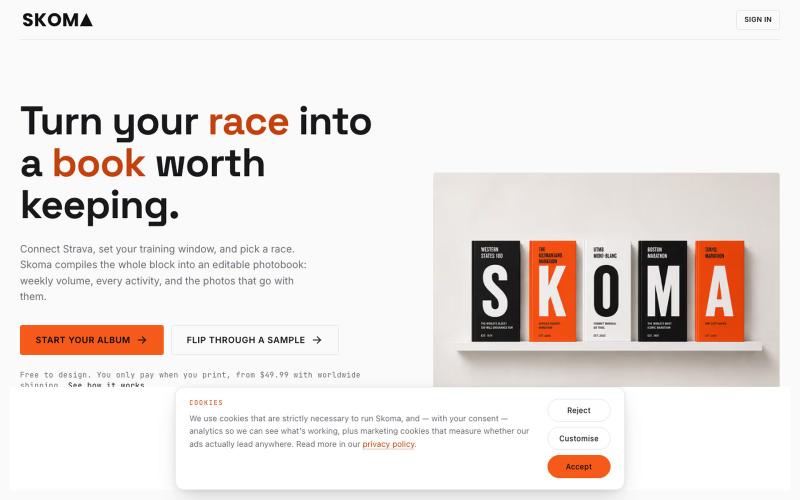
Turn your Strava season into an editable photobook with stats, maps, and photos.

@oitozero · X
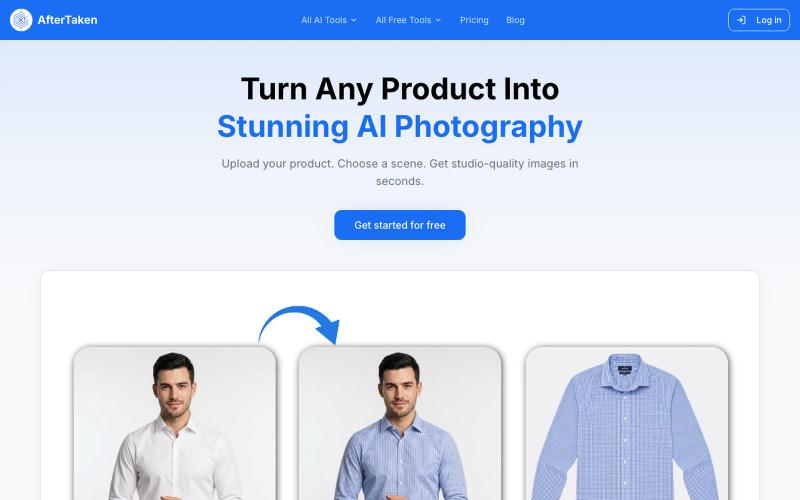
Upload a product image and choose a scene to generate studio-quality AI photos.

@aftertakenai · X
for AI e-commerce product photography