
Other1 week ago
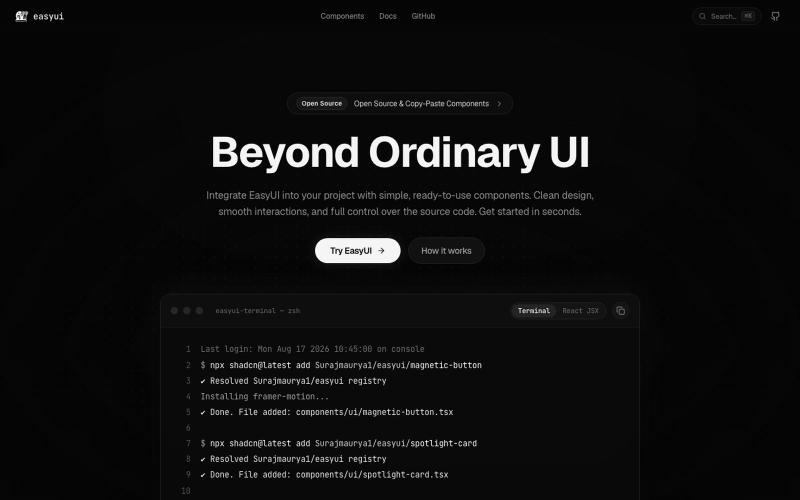
EasyUI — Beautiful UI. Made easy.
Production-ready, beautifully crafted animated UI components built with React, Tailwind CSS, and Framer Motion for modern web applications.
Open source

@surajmaurya_m · X
The full gallery
Tech stack
60 projects
Production-ready, beautifully crafted animated UI components built with React, Tailwind CSS, and Framer Motion for modern web applications.
@surajmaurya_m · X
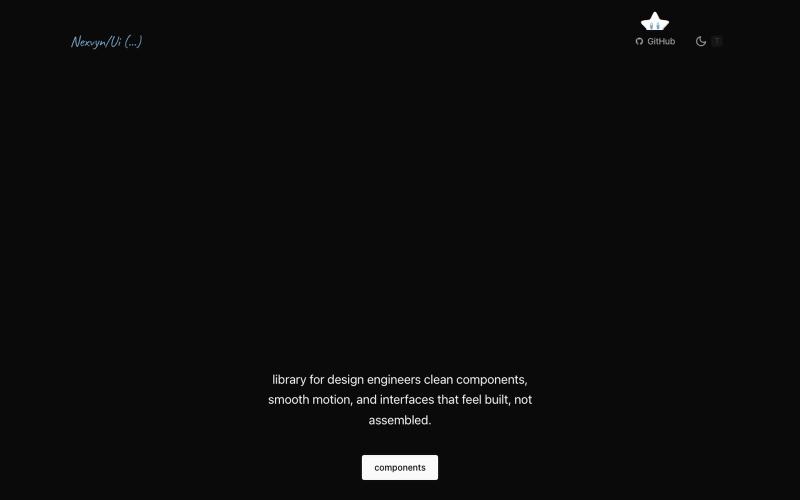
Browse and use prebuilt React components with purposeful motion design

@nexvyn · X
I'm building a component library focused on purposeful motion Link:-
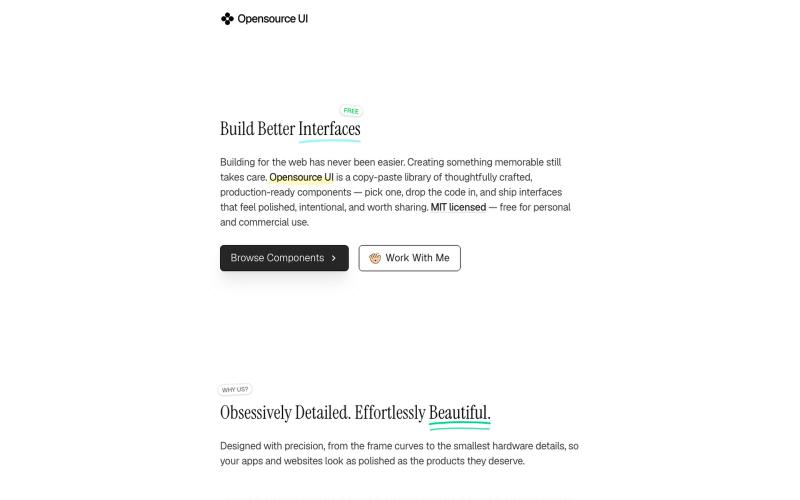
Copy production-ready React and Next.js UI components with live previews.

@BidyutKundu12 · X
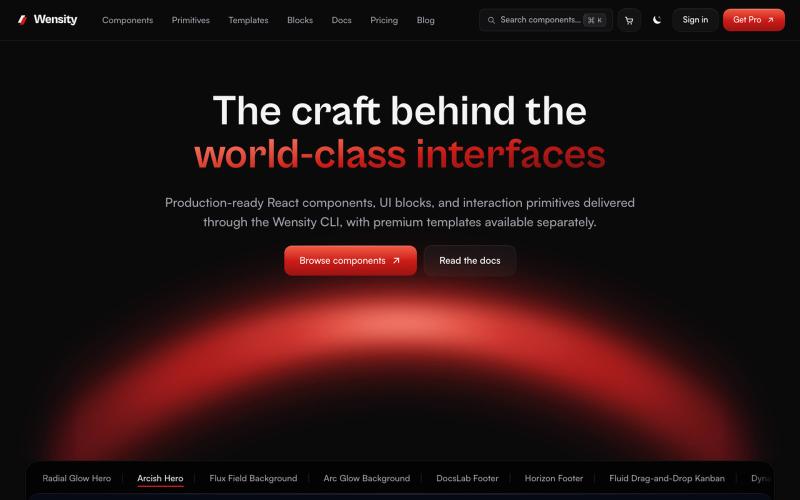
Browse interactive React and Next.js components, blocks, and Tailwind templates.

@Ksparth12 · X
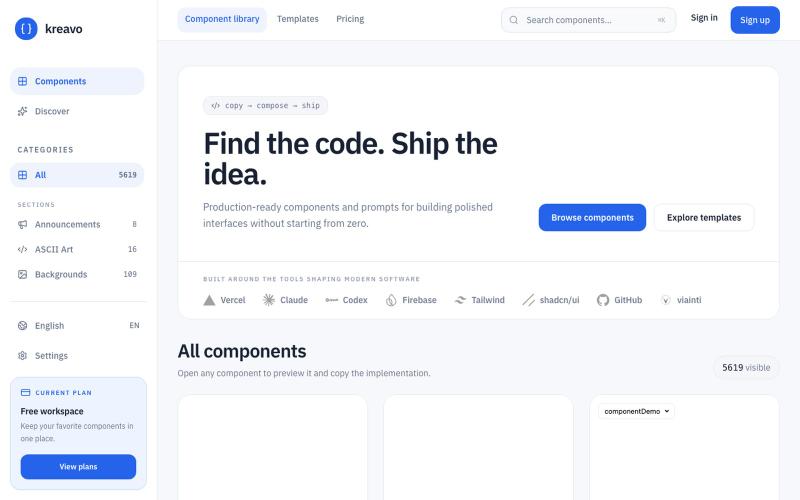
A curated index of React components and templates for building polished, production-ready interfaces.

@edinsoncode · X
Hey, I’m Eddy 👋 solana:8T3suJtKUGrWRytVNKe7RLV81AumvmBPQfEkyeHtpump I’m building and Looking to connect with people into: • AI • SaaS • Startups • Vibe Coding • Tech • Product Building • Content Creation • Design If you’re building, creating, or shipping something interesting — let’s connect and grow together 🤝
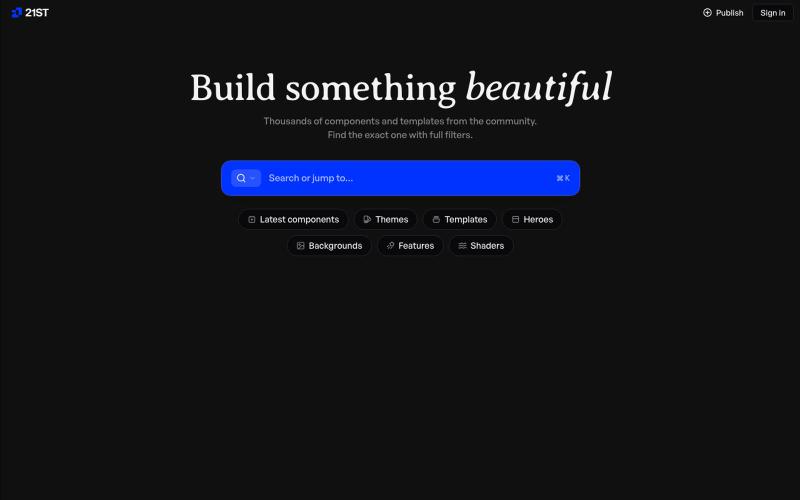
Hand-crafted React components and templates for building polished user interfaces.

@polyqoy · X
This video shows a fully animated 3D site built in 2 minutes with claude code. one terminal command. but the prompt was almost irrelevant. the real work was the pre-load: ui/ux pro max skill, a hero component from framer motion stacked in before claude touched anything the toolkit did the job. the prompt just pulled the trigger. that's also why most people's claude output looks generic. they skip the setup and blame the model.

A curated library of reusable UI components built with Framer.

@buildlylibrary · X

Generate production-ready HTML and Tailwind UIs by chatting with AI.

@AmberProgrammer · X
I am building an Ai powered ui generator that can generate Mobile App UI, Desktop App UI, Website UI & Responsive Web Design. Try it!
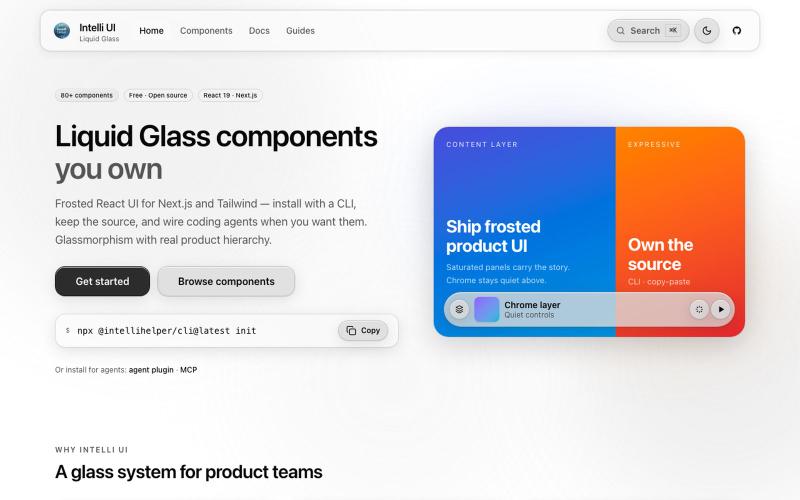
Free React component library with 80+ glassmorphic designs for Next.js and Tailwind CSS.

@AdeebMirza83 · X
🚀 I just shipped IntelliHelper UI — my Liquid Glass React component library. Try it: GitHub: 80+ components. 5 gorgeous themes. CLI installs in seconds. Frosted chrome that stays quiet. Expressive content panels that pop. Built for Next.js + Tailwind, copy-paste ownership like shadcn, but with a stunning glass design system that feels premium. And yes — official plugins & MCP so Claude, Grok, Cursor & agents actually understand how to use it. Live previews, full source, open source (MIT). What do you think of the glass effect? 👇 Drop your feedback — building in public starts now! #React #NextJS #Tailwind #UI #OpenSource #WebDev #DesignSystem
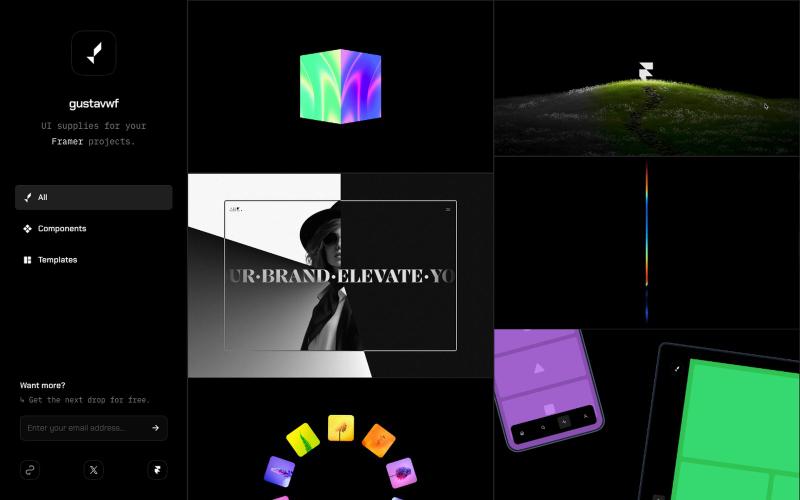
Reusable UI components and supplies for Framer design projects.

@gustavwf · X
Working on a new @framer creation for
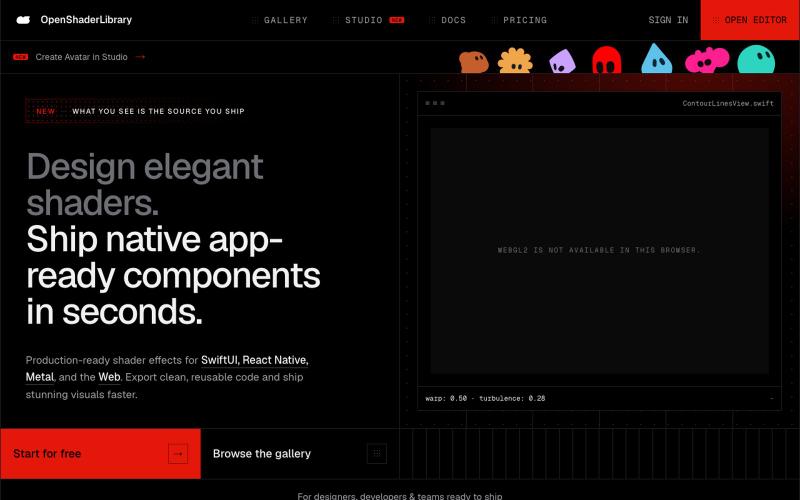
Browse parametric visual effects, tune them live in the browser, and export compiling source for SwiftUI, React Native, and the web.

@dotvonesy · X
Beautiful Effects for Mobile and Web:
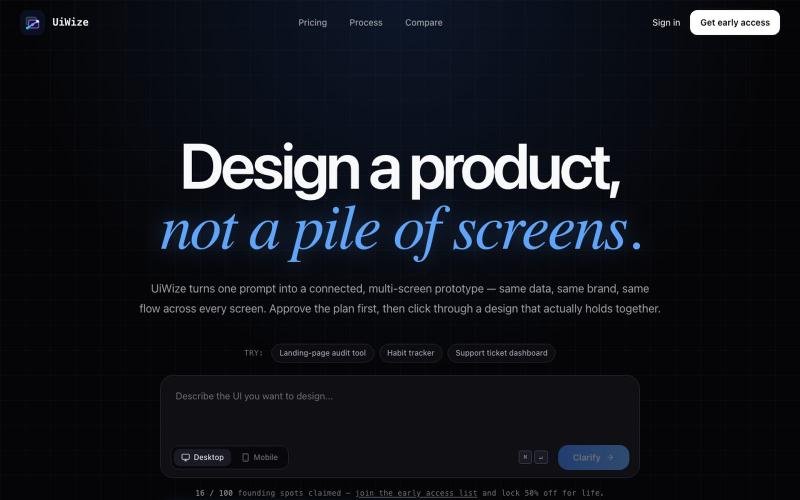
Generate connected multi-screen UI prototypes from text prompts.

@shokhkarim1212 · X