
Productivity1 week ago
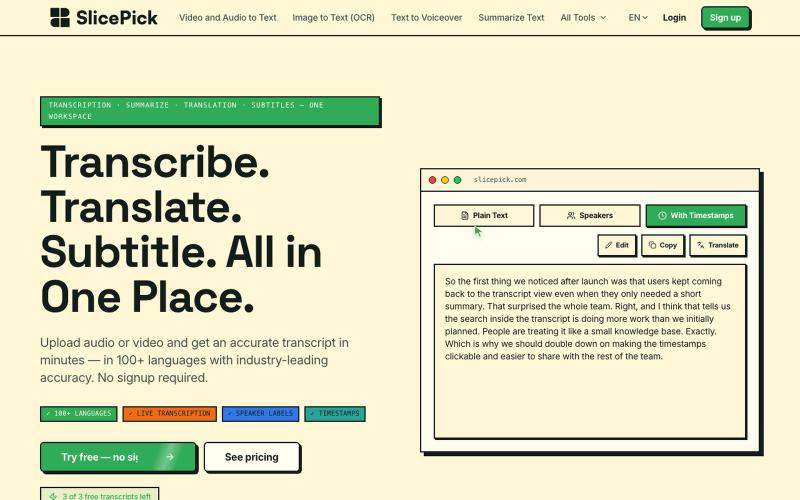
SlicePick | Free AI Video & Audio Transcription
AI transcription for video and audio with 40+ tools for captions, summaries, translations, and image upscaling.

@indrapurnomos · X
Check out what I just built with Lovable!
The full gallery
Tech stack
30 projects
AI transcription for video and audio with 40+ tools for captions, summaries, translations, and image upscaling.
@indrapurnomos · X
Check out what I just built with Lovable!

Create professional screenshot mockups with frames, backgrounds, and annotations in your browser.

@Aticmatic_com · X
of course for people:
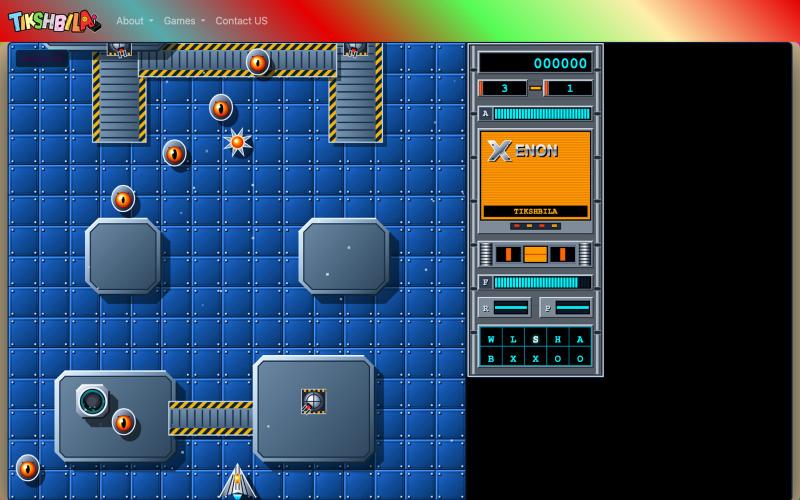
High-definition modern recreation of the classic Commodore Amiga shoot 'em up Xenon, featuring real-time vector graphics, dual-mode craft transformation, and procedural levels.

@YounElan · X
In today's #vibecoding session I got #ai to remake iconic #game Xenon from #Atari & #Amiga days. Not 100% there but @Google #Gemini close enough. As usual, on my github or #play online in my Tikshbila Gaming museum where I remade 50 games from my past at
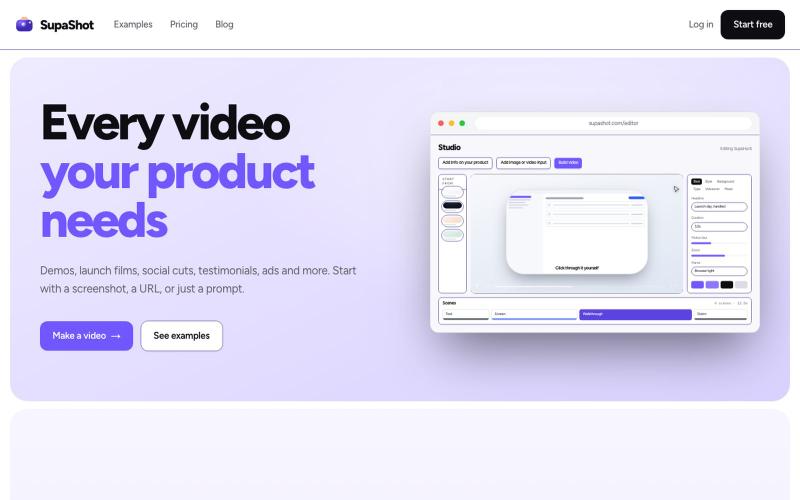
A complete way to promote your product with video. Demos, launch films, social cuts, testimonials and ads, from a screenshot, a URL or a sentence.

@therealaky · X
Create product videos that convert
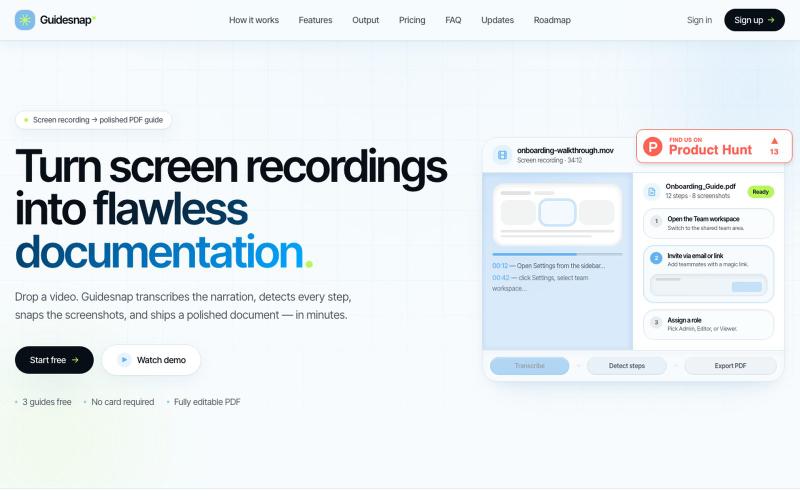
Convert screen recordings into formatted PDF guides automatically.

@vanmurten_eth · X
Guidesnap: turn any screen recording into a polished PDF guide.

Screen recorder for Mac & Windows with auto-zoom on clicks, gradient backgrounds, and webcam overlay.

@zuess05 · X
Shipped some banger updates to
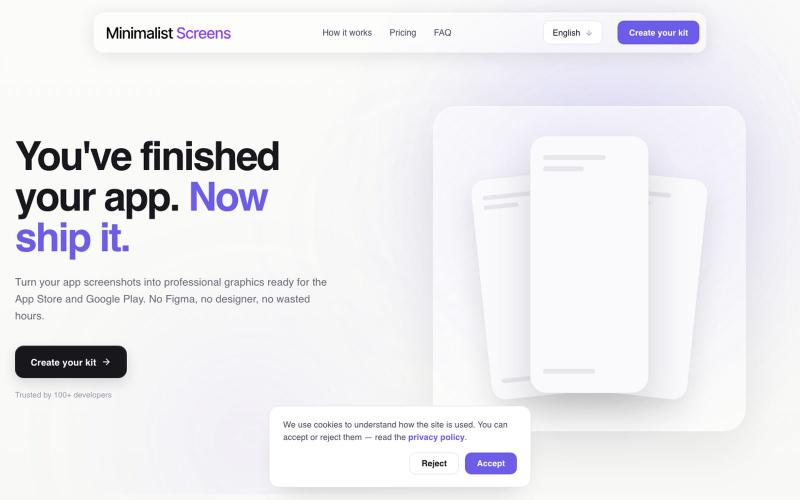
Turn your app screenshots into polished App Store and Play Store graphics in minutes.

@tyd3n_ · X
I'm building Minimalist Screens ( a tool that helps solo founders turn app screenshots into store-ready visuals in minutes.
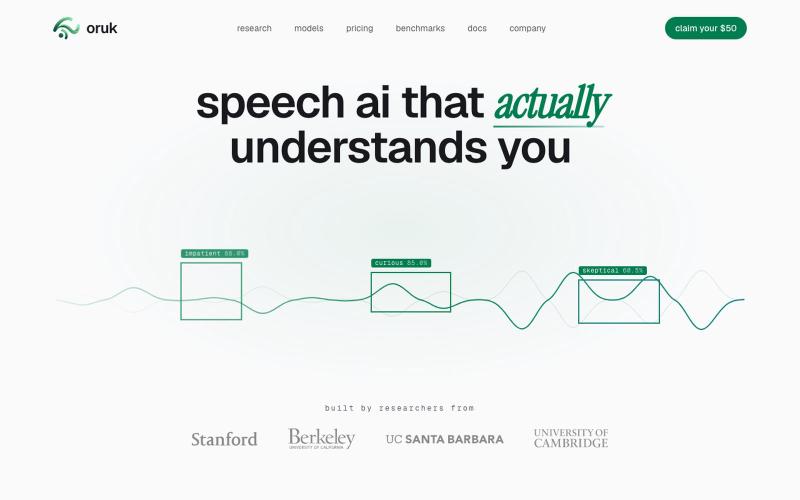
Audio API for transcription, emotion detection, and speaking style analysis.
dillon_silzer · Product Hunt
Oruk Speech AI that actually understands you

Edit, compress, convert, and merge video and audio files in your browser.
zhw2590582 · V2EX
最近对网站进行了重构,做成了免费的视频工具站:[ArtPlayer Tools]( https://artplayer.org/tools/) 主要是围绕着 ffmpeg.wasm 和 mediabunny 实现的一些可以直接在浏览器里用的视频/音频工具,常用的有: - 视频压缩:[Compress Video]( https://artplayer.org/compress-video/) - 视频裁剪:[Crop Video]( https://artplayer.org/crop-video/) - 视频合并:[Merge Video]( https://artplayer.org/merge-video/) - 视频尺寸调整:[Resize Video]( https://artplayer.org/resize-video/) - 视频旋转:[Rotate Video]( https://artplayer.org/rotate-video/) - 视频调速:[Change Video Speed]( https://artplayer.org/change-video-speed/) - 添加文字到视频:[Add Text to Video]( https://artplayer.org/add-text-to-video/) - 添加水印:[Watermark Video]( https://artplayer.org/watermark-video/) - 提取字幕:[Subtitle Editor]( https://artplayer.org/subtitle-editor/) - HLS 转 MP4:[HLS to MP4]( https://artplayer.org/hls-to-mp4/) - 音频可视化:[Audio Visualizer]( https://artplayer.org/audio-visualizer/) 大部分工具都是本地处理,文件不会上传到服务器。最开始是因为自己偶尔要处理一些视频,开剪辑软件又有点重,在线工具又担心隐私,所以就慢慢做成了一个站。 目前还在持续完善,体验肯定还有不少粗糙的地方,比如不同浏览器的兼容、移动端操作、长视频性能之类的。 网站: [ArtPlayer Tools]( https:
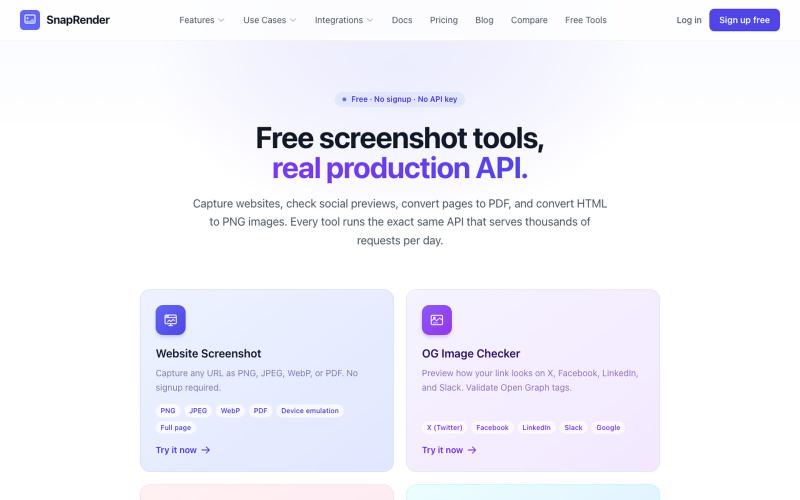
Screenshot websites, convert to PDF or PNG, and check Open Graph images—no login required.
u/SpecificNo8047 · Reddit
I built a screenshot API because my personal Puppeteer setup kept breaking. Six months later it has an MCP server and hundereds of users Solo founder here, this is my product, full disclosure. It started as super simple helper self hosted tool for myself: I needed website screenshots for a project, self-hosted Puppeteer, and spent more time babysitting Chromium than building. So I turned the babysitting into a product, because why not. What it does: one GET request in, rendered screenshot
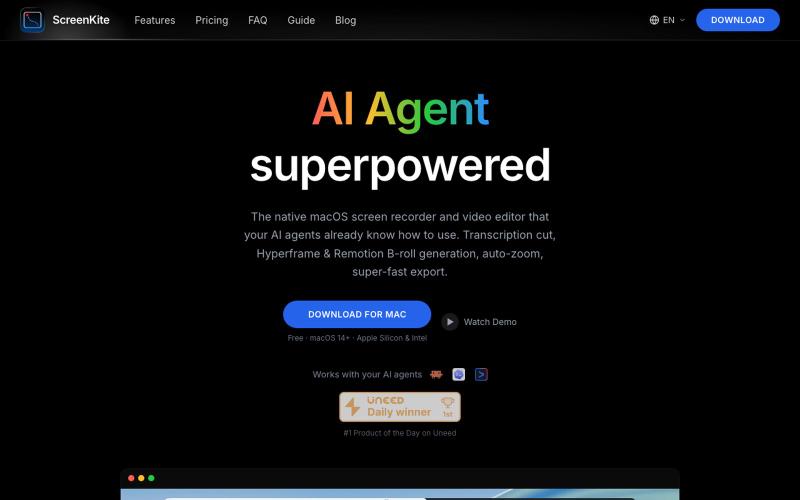
Free native macOS screen recorder with built-in editor and auto-zoom.

@screenkite_com · X
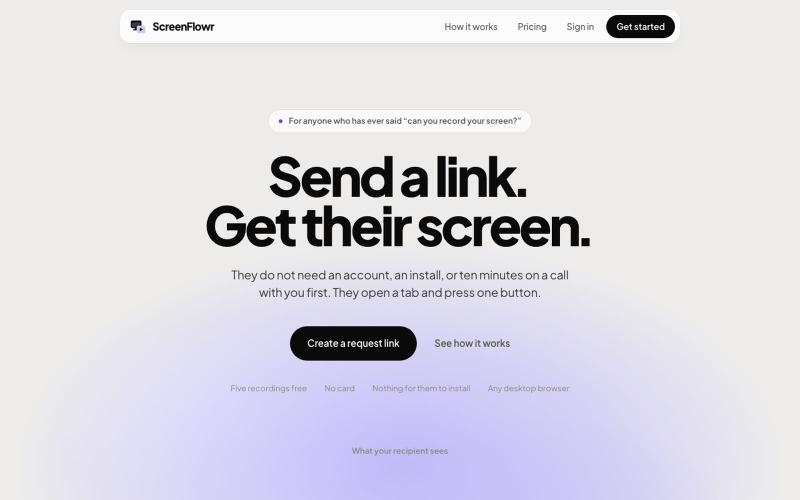
Send someone a link and get their screen recording back. No account, no install, and nothing for them to work out. Five recordings free.

@mikevannelli · X