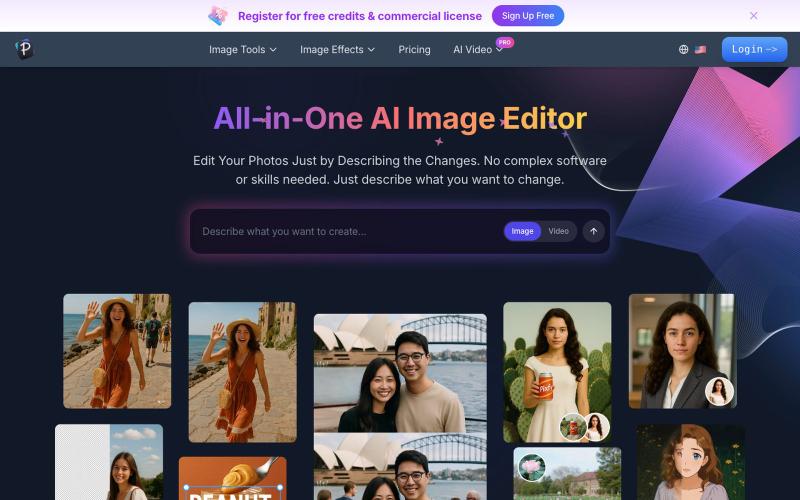
All-in-One AI Image Editor | Edit Photos Instantly with Pixfy AI
Edit photos by describing changes in plain text using AI to enhance, remove backgrounds, erase objects, and swap faces.
AI 图像编辑器 — 图像编辑工具套件,集多种功能于一体。从照片质量、放大低分辨率图像、进行创意设计等等
The full gallery
Tech stack
29 projects

Edit photos by describing changes in plain text using AI to enhance, remove backgrounds, erase objects, and swap faces.
AI 图像编辑器 — 图像编辑工具套件,集多种功能于一体。从照片质量、放大低分辨率图像、进行创意设计等等
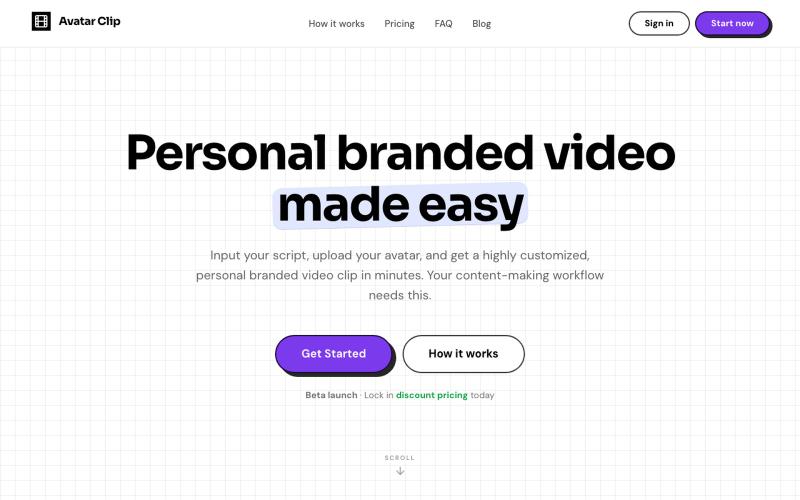
Convert audio or text scripts into customized avatar video clips in minutes.
@CyberBlueCollar · X
Faceless content booster 🚀

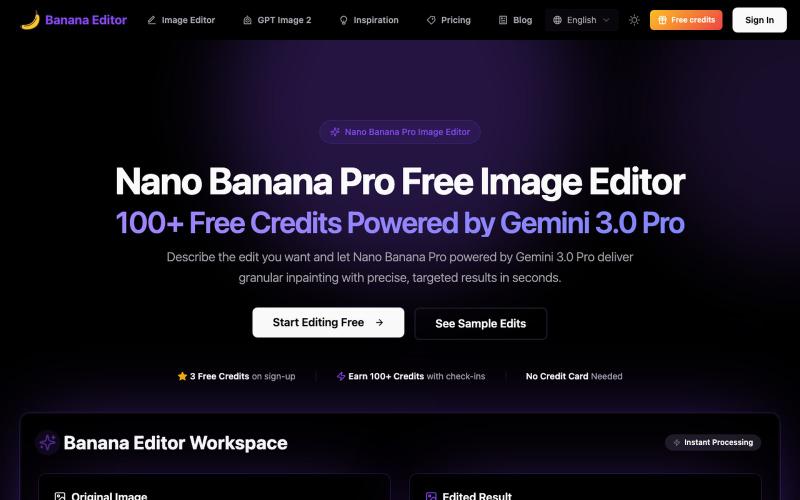
Edit photos with AI commands: remove objects, change backgrounds, edit portraits for free.
Banana Editor — 基于 Gemini 3.0 Pro 的免费 AI 图片编辑器,支持精确修图、背景替换、服装更换等功能,提供 3 个免费积分 + 每日签到可获 100+ 积分

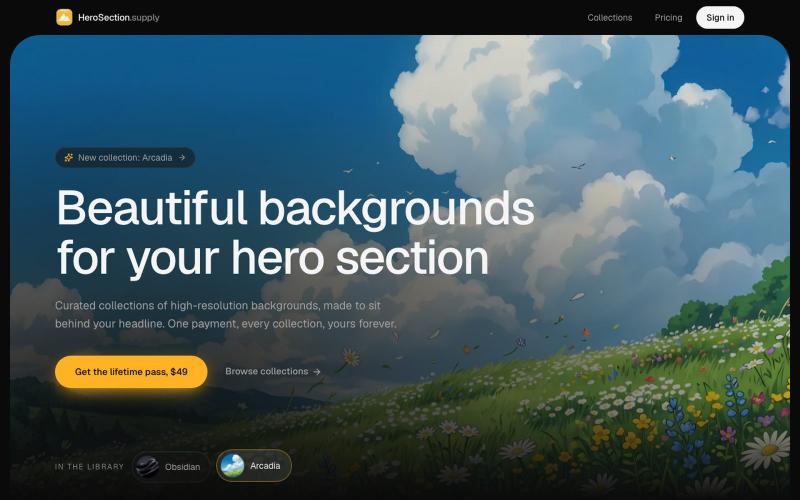
Download or purchase curated background images designed for hero sections.
@ugo_builds · X

Chrome extension for recording screen demos with automatic zoom effects and custom backgrounds.
@gabani_vatsal · X
Building Screen recorder which adds zoom effects and custom backgrounds

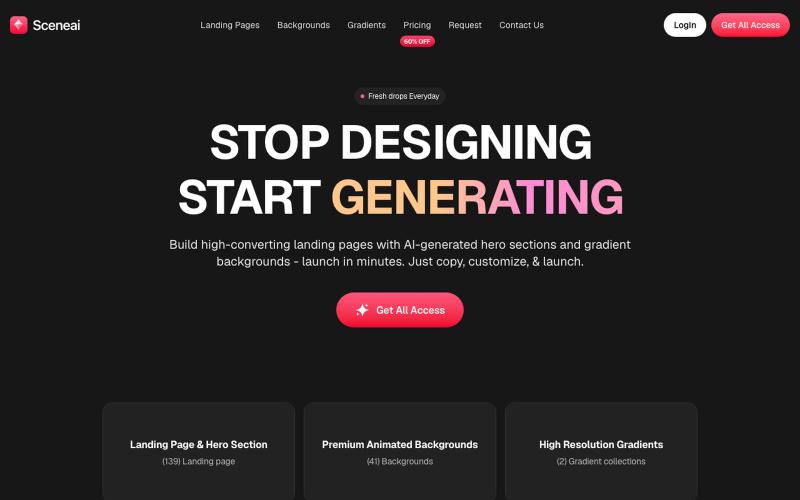
Generate landing pages with AI-created hero sections, animated backgrounds, and custom gradients.
@yeasindesign · X
Beautiful prompt library

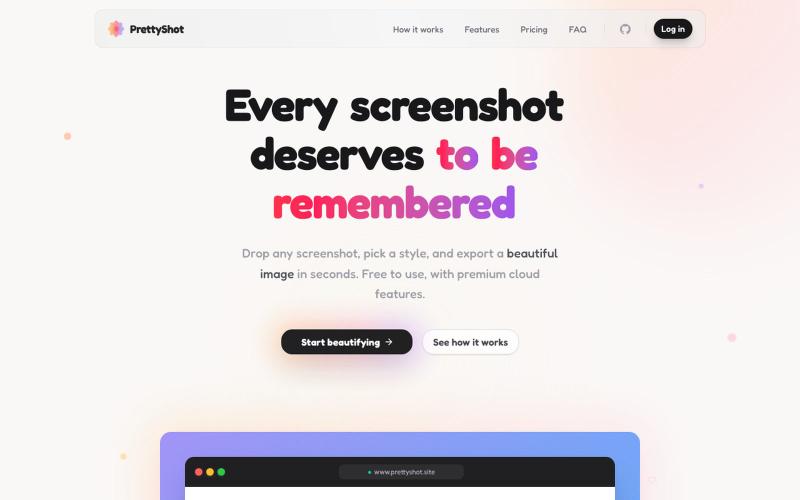
Apply custom styles to screenshots and export them as beautifully formatted images.
@prassami · X
- instantly turns your boring raw screenshots into beautiful images.

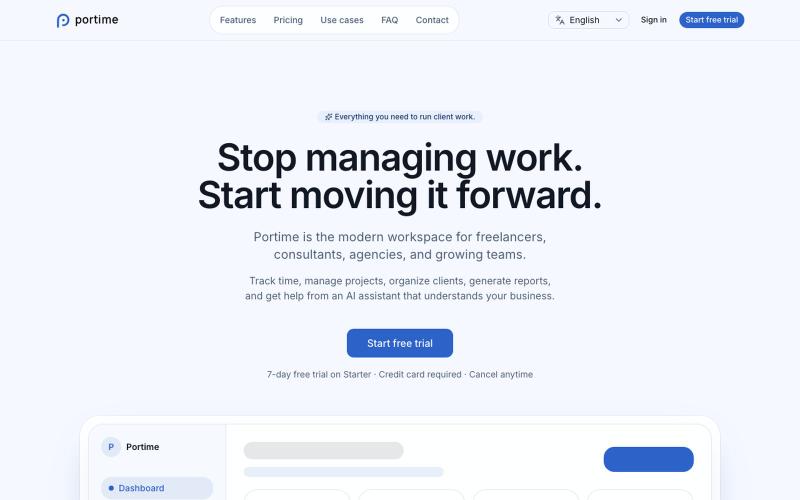
Track time, manage projects, and organize clients with AI-powered workspace.
@baptistedulac · X
time tracking for freelancers and agencies

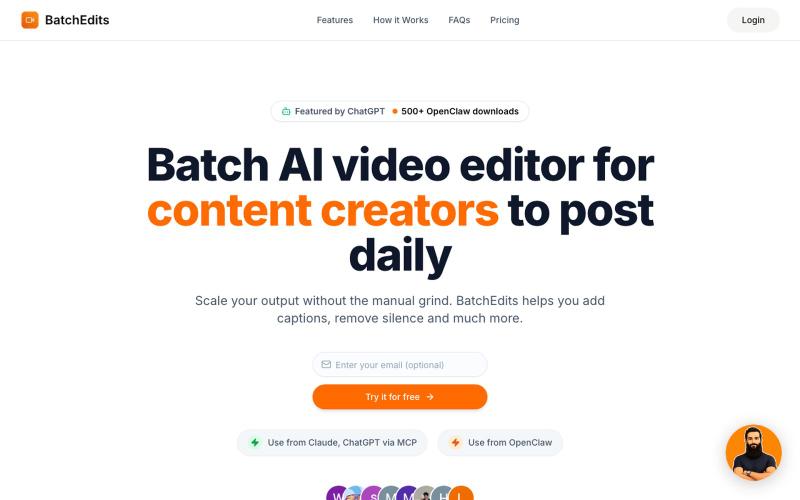
Batch edit videos with AI: remove silence, auto-generate captions, and export multiple videos at once.
shayannadeem321 · HN
BatchEdits – Batch AI video editor to edit content in volume

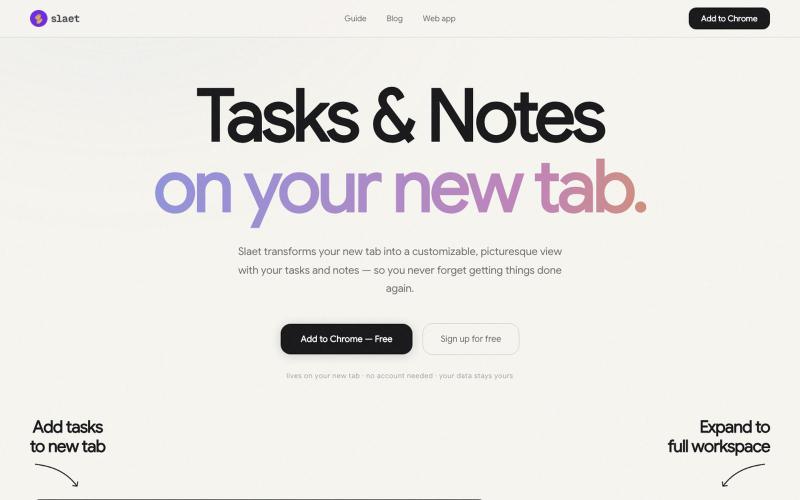
Add custom wallpaper, tasks, notes, and reminders to your Chrome new tab page.
@Slaetapp · X

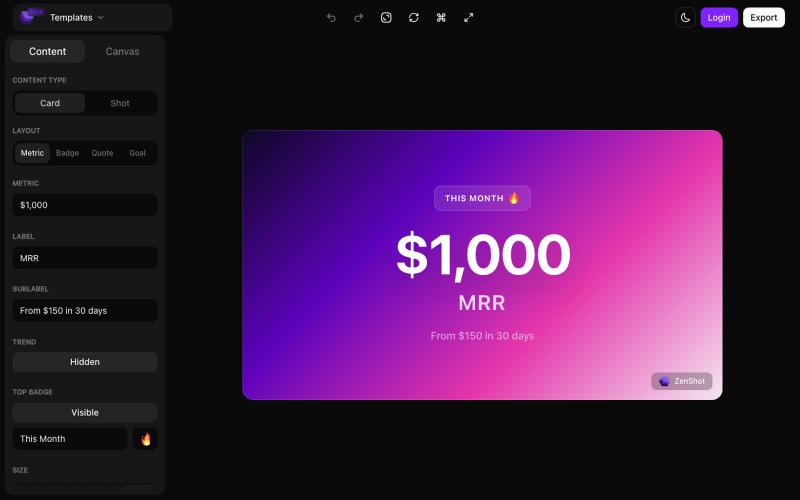
Create beautiful screenshots and progress cards ready to share with your audience.
@shreyassihasane · X

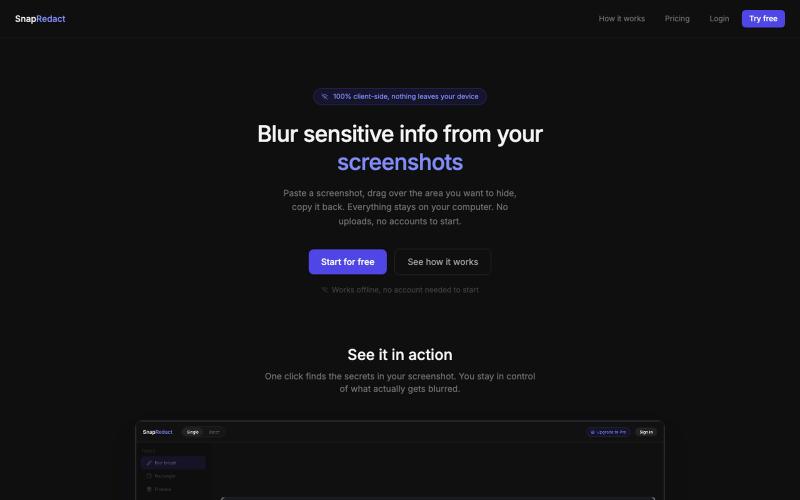
Blur sensitive details in screenshots without leaving your browser.
@fmonteirox · X
Simple client-side tool that lets you paste a screenshot, blur or redact the sensitive parts (manually or via built-in AI/OCR detection), all without anything ever leaving your browser. (