Pixae AI | AI Image & Video Generator
Create and edit images and videos using AI models like GPT Image, Kling, and Veo in your browser.
PIXAE — AI 原生创作平台,支持在浏览器端生成图像、视频,提供去背景、老照片修复、高清化、魔法擦除等专项工具及即用型 AI Prompt showcase。
The full gallery
Tech stack
35 projects

Create and edit images and videos using AI models like GPT Image, Kling, and Veo in your browser.
PIXAE — AI 原生创作平台,支持在浏览器端生成图像、视频,提供去背景、老照片修复、高清化、魔法擦除等专项工具及即用型 AI Prompt showcase。

Convert images between formats like JPG, PNG, WebP, and HEIC directly in your browser.
@wGzKjDhsac93581 · X
Just launched my first side project 🚀 WASEVERIN Image Converter A lightweight browser-based image converter. ✓ No uploads ✓ No account required ✓ Privacy-friendly Convert JPG, PNG, WebP, HEIC and more. Building AI tools & digital products.

Edit photos with AI-powered one-click tools and text prompts in your browser.
vtoolpro · HN
AI Photo Editor – Professional-Grade Image Editing with Text Prompts

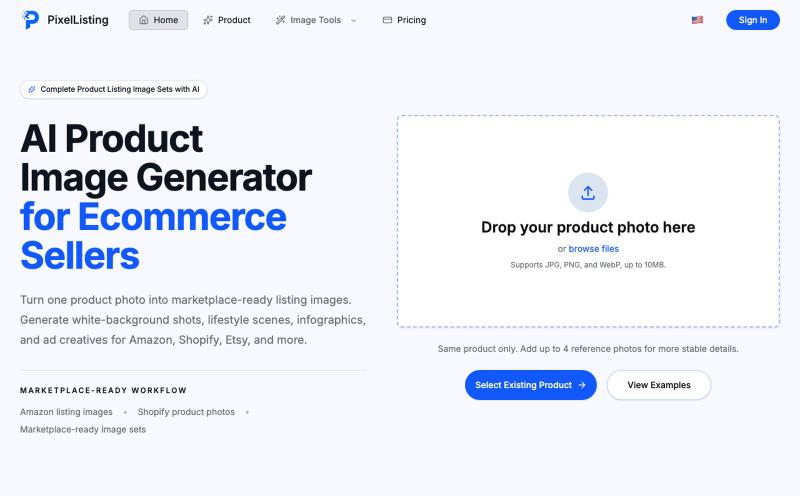
Generate and edit images online with AI for product photos, ads, and social posts.
Samlion · HN
I built CraftVis, an AI image editor

Convert photos or text into cartoon images in Disney, Ghibli, or Pixar styles.
免费在线 AI 卡通图片生成工具 — 将文本和照片转换为令人惊艳的卡通风格图像。它提供多种艺术风格、丰富的自定义选项和高质量的输出,让用户轻松创建独特的头像、社交媒体内容和品牌插画

Generate a circular avatar from any photo with automatic background removal in the browser.
@appsbywill · X
i've been playing around with this profile picture maker, I really want to fine tune the background removal and add more styling templates. Let me know if you find more bugs!

Receive daily batches of hand-picked, available .com domains under $100.
@okshreee · X
Building to help people find good brand names and available domains.

Chrome extension for recording screen demos with automatic zoom effects and custom backgrounds.
@gabani_vatsal · X
Building Screen recorder which adds zoom effects and custom backgrounds

Generate AI images from text using GPT-4o and Gemini technology.
4oimage — 文生图网站,基于 Gemini 和 GPT4o

Generate and edit AI images for marketing, ecommerce, social media, and branded content.
Gptimage2 — AI 图片生成工具

Generate and edit AI images for product shots, ads, portraits, and thumbnails via text prompts.
Plugcamp · V2EX
最近在折腾一个小站,主要是围绕 Nano Banana 2 Lite 做图片生成和图片编辑: https://nanobanana2lite.me/ 一开始只是自己想要一个比较轻的入口,用来快速试 prompt 。后来发现每次测图都会遇到几个重复问题: - prompt 写完之后,不知道适合什么比例 - 文生图和图生图入口经常混在一起 - 想找几个可复制的 prompt 示例,但很多站要么太重,要么示例不够直观 - 只是想快速生成一张产品图、头像、广告图、封面图,不想进一个很复杂的工作台 所以就做了这个站。 目前主要有几个部分: - Text to Image:直接输入 prompt 生成图 - Image to Image:上传一张图,再用 prompt 做改图 - AI Image Editor:偏日常编辑,比如换背景、改光线、改风格 - Prompt Library:整理了一些可直接复制的 prompt - Gallery:放了一些 before/after 和示例图 我自己比较在意的是首页别太像传统 SaaS 落地页,所以最近一直在改视觉。之前太干了,后来加了一些更丰富的样张和暗色主题,但也还在调。 这个站不是 Google 官方产品,只是一个第三方工具站。现在更多是想把「轻量、直接、可复制」这件事做好。 如果大家有空的话,想请教几个问题: 1. 首屏看起来会不会太营销,还是说信息还算清楚? 2. 对图片工具来说,大家更想先看到生成表单,还是先看到效果案例? 3. Prompt Library 这种页面有没有用,还是大家更习惯直接自己写? 4. 如果你平时会用 AI 生成图,最常用的场景是产品图、头像、封面、广告图,还是别的? 欢迎拍砖,尤其是 UI 、文案、信息结构这块。 链接再放一次: https://nanobanana2lite.me/

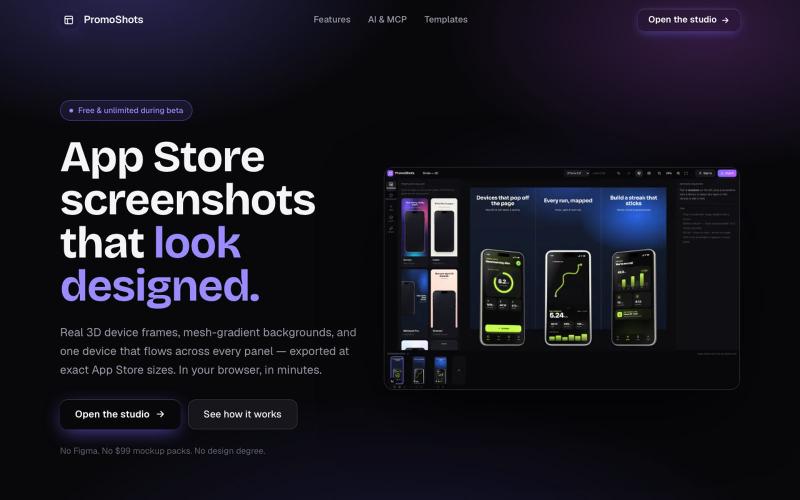
AI tool to create app store screenshots, icons, previews, and ad creatives without design skills.
@Erdousky · X