
Creative Tools1 month ago
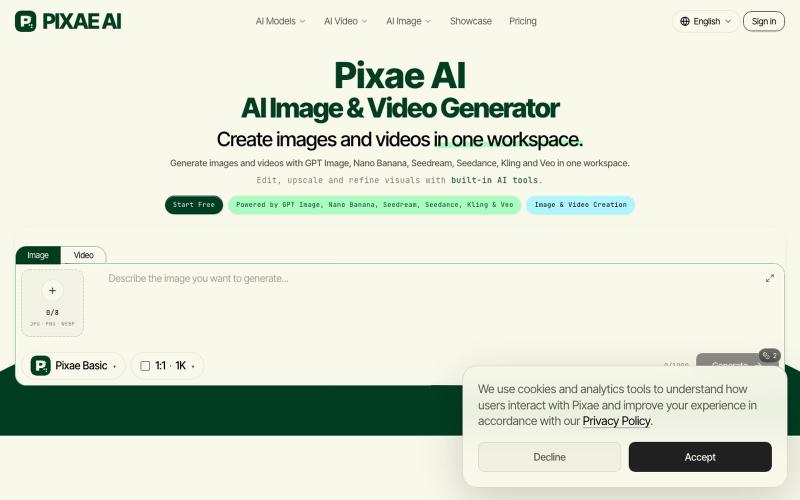
Pixae AI | AI Image & Video Generator
Create and edit images and videos using AI models like GPT Image, Kling, and Veo in your browser.
PIXAE — AI 原生创作平台,支持在浏览器端生成图像、视频,提供去背景、老照片修复、高清化、魔法擦除等专项工具及即用型 AI Prompt showcase。
The full gallery
Tech stack
60 projects
Create and edit images and videos using AI models like GPT Image, Kling, and Veo in your browser.
PIXAE — AI 原生创作平台,支持在浏览器端生成图像、视频,提供去背景、老照片修复、高清化、魔法擦除等专项工具及即用型 AI Prompt showcase。
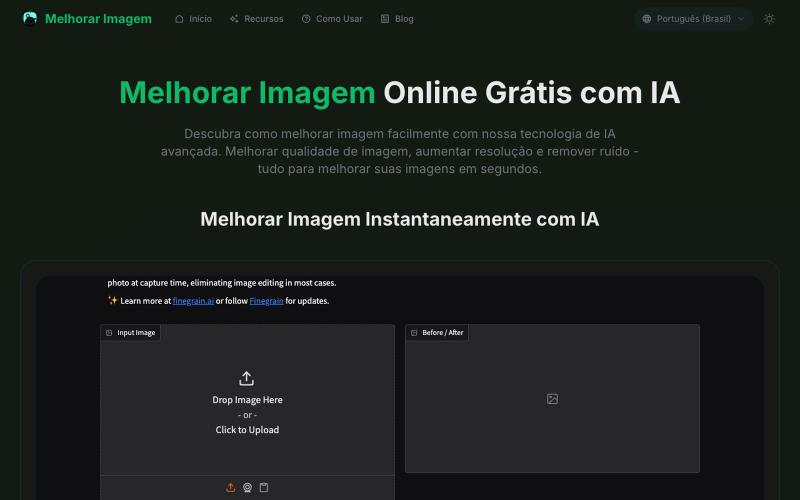
AI tool to enhance photos: upscale resolution, remove noise, and fix blurriness.
melhorar imagem — 专注巴西市场的在线图像处理工具,用 AI 帮助用户提升图片分辨率、增强画质、修复模糊和噪点,让您的照片焕然一新。
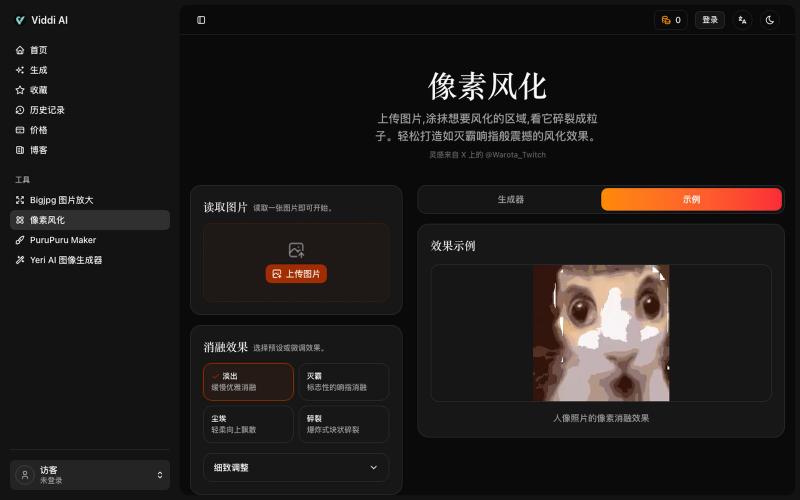
Upload an image and paint areas to dissolve them into pixel particles.

@wanai666 · X
我做了一个,左边这个网站点进去可以用
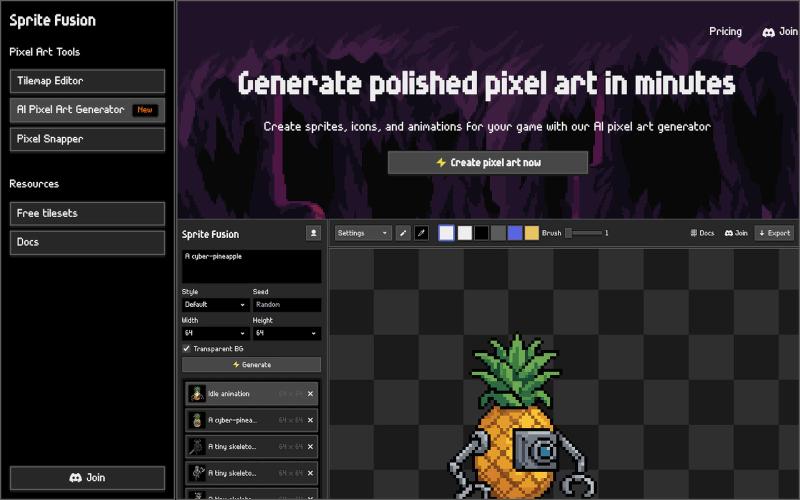
Create pixel art sprites and game assets with AI, then edit and export them in your browser.
hugodpz · Product Hunt
AI Pixel Art Generator The professional AI pixel art generator for game developers
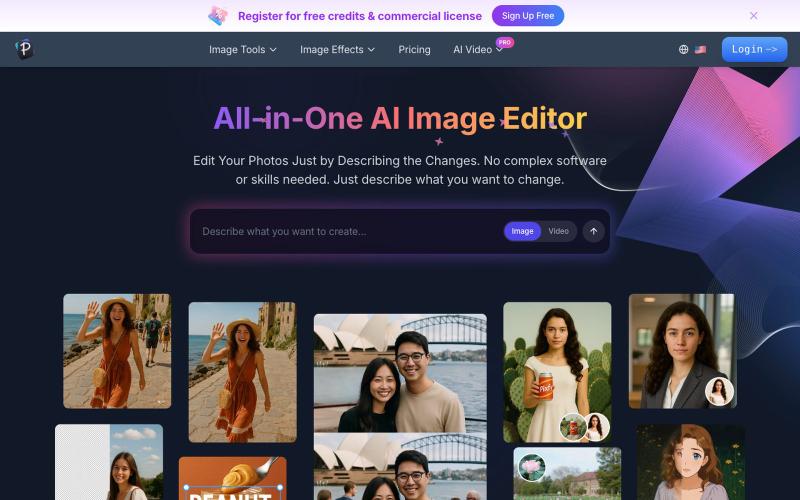
Edit photos by describing changes in plain text using AI to enhance, remove backgrounds, erase objects, and swap faces.
AI 图像编辑器 — 图像编辑工具套件,集多种功能于一体。从照片质量、放大低分辨率图像、进行创意设计等等
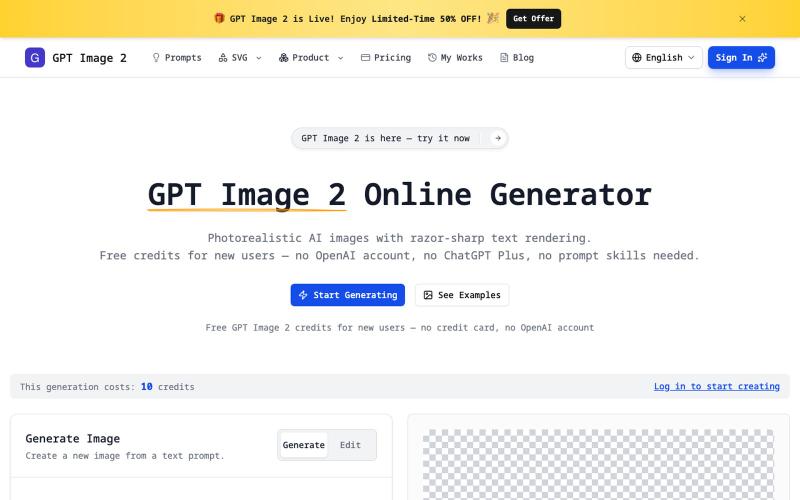
Generate photorealistic AI images with sharp text, transparent PNG, and SVG exports without account creation.
imagesv2.ai — AI 视觉工具箱,提供透明 PNG 生成、SVG 图标制作、海报转 PSD、文章配图、微信聊天截图、推文截图、抖音/TikTok 直播间模拟、LinkedIn 商务头像、个人风格卡、360° 全景图等任务型工具。
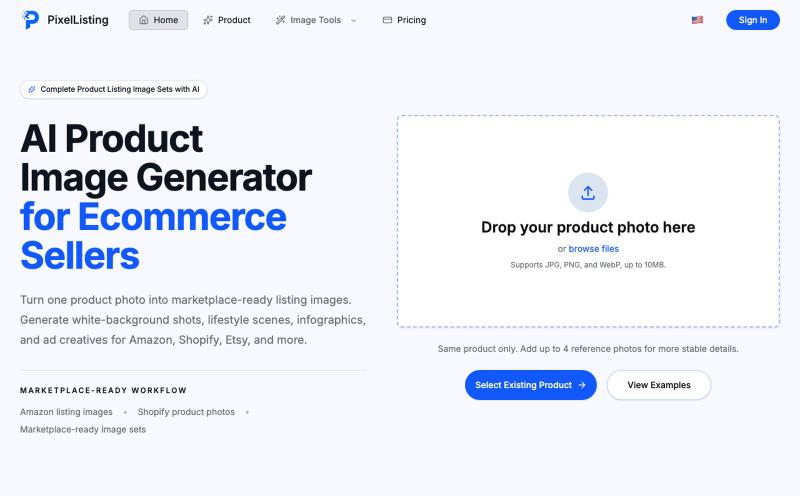
Turn a single product photo into complete e-commerce listing images with AI.
PixelListing — 面向电商卖家的 AI 商品图片生成工具,帮助卖家在没有摄影棚、设计师和 Photoshop 流程的情况下,快速制作更适合上架和营销的商品图片
Generate and edit images using AI text-to-image and image-to-image capabilities.
AI-NanoBanana — AI 图像工作室,让你轻松把创意变成高质量视觉作品
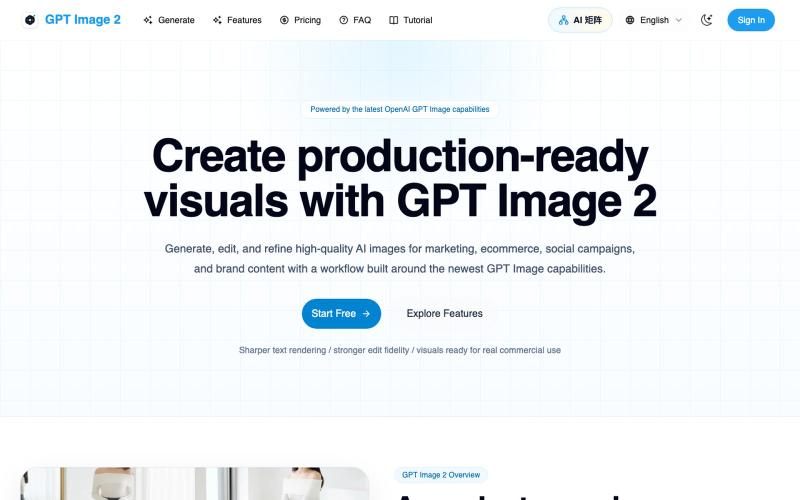
Generate and edit AI images for marketing, ecommerce, social media, and branded content.
Gptimage2 — AI 图片生成工具
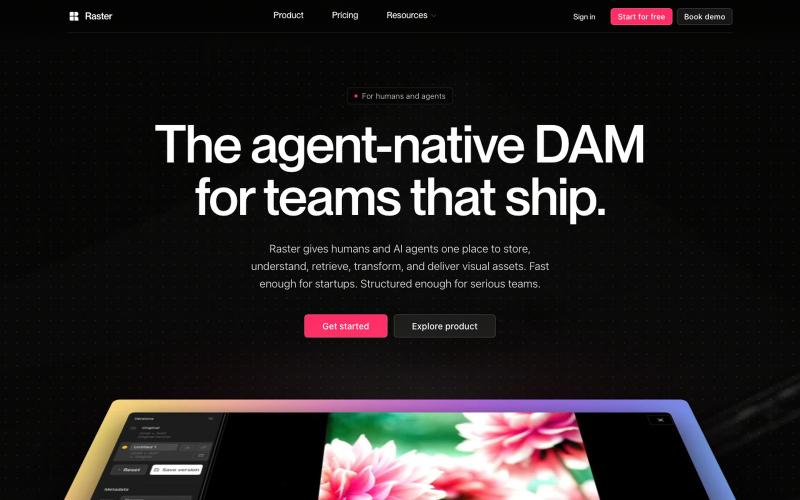
Digital asset management platform for organizing and sharing visual assets with AI agent integration.

@raster_app · X
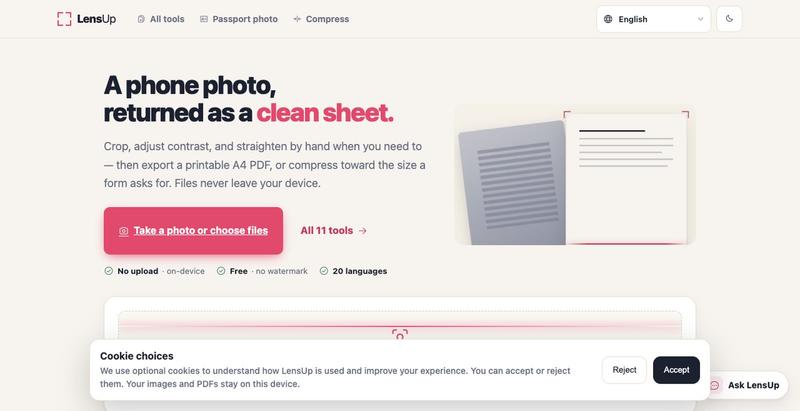
Turn photos into clean, printable PDFs with automatic cropping, de-shadowing, and compression.

Convert photos and videos to ASCII art, pixel art, mosaic, and more in your browser.

@kail_designs · X
Jokes aside but honestly (Landing page) was built with Claude (Opus 4.7) in 1 day. But no, it was not just four prompts or some random skills. Here's how I built the entire AsciiMagic landing page with Claude in one day👇 Started with a rough sketched wireframe. Then designed it in @paper Then I used the Paper MCP with Claude to recreate that design in code and get a solid first version running. From there, the real work began. I kept iterating with specialised Claude skills: • impeccable • frontend-design • emil-design-eng • review-animations • responsive-design • seo-audit Each one improved a different part of the experience. By the end, the page had: • Mobile-first responsiveness • Better SEO optimised copy • Smooth micro-interactions • Cleaner frontend architecture Then came the part people don't see. For the next 5–6 hours, I wasn't asking Claude to "make it prettier." I was: • Fine-tuning layouts • Uploading and compressing assets • Moving files across diff