Folder Desktop
Organize and manage files and folders in a desktop-like interface.
@jenidesignns · X
Day 19 challenge by @IwuezeAmarachi built with Claude AI 🤖 Live link:
The full gallery
Tech stack
60 projects

Organize and manage files and folders in a desktop-like interface.
@jenidesignns · X
Day 19 challenge by @IwuezeAmarachi built with Claude AI 🤖 Live link:

Automatically organize and rename documents in Google Drive
@filently · X
Get rid of the CHAOS in document filing

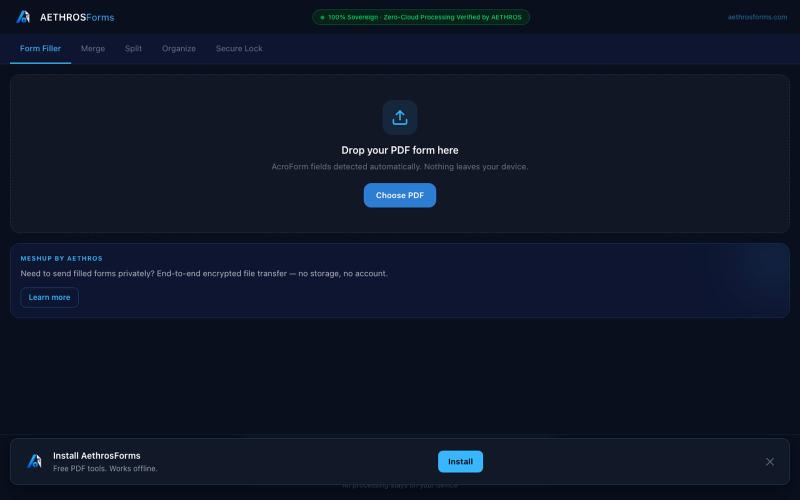
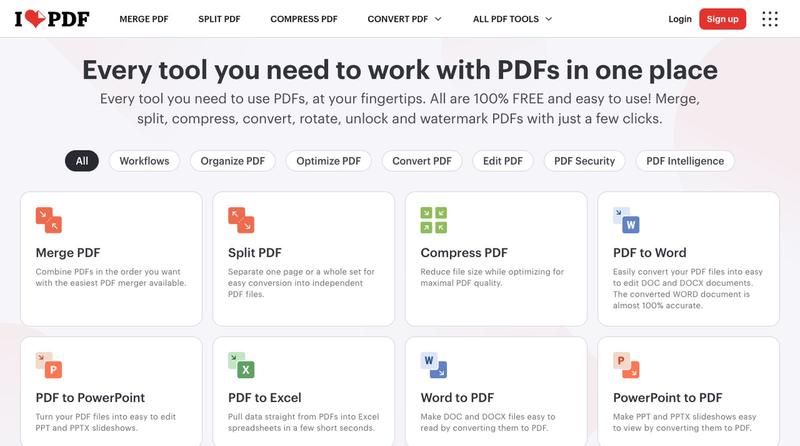
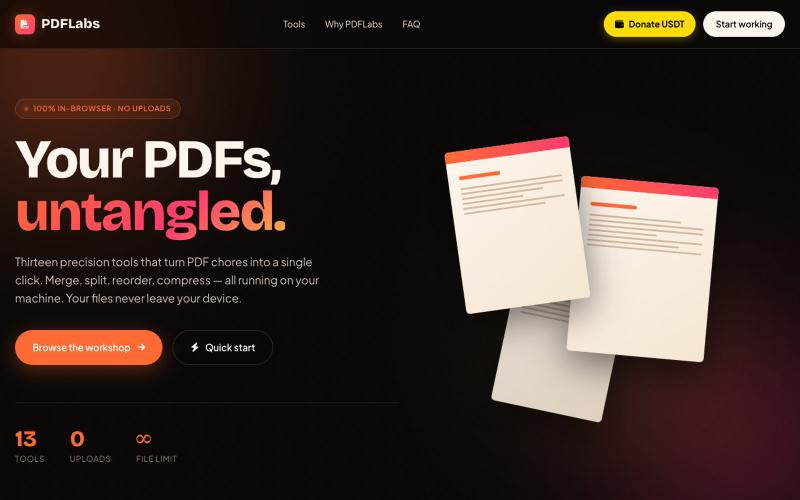
Free in-browser PDF tools for merging, splitting, converting, and editing without uploading files.
u/Key_Caramel_5578 · Reddit
Built a free PDF toolkit solo (with AI help) — need feedback on the in-browser text editor before I keep pushing on it Been heads-down on this for a while: thepdftool.in Standard PDF stuff : merge, split, compress, convert, OCR — but most of the conversion tools run entirely client-side (WASM), so files never leave your browser for those. Built solo, leaned on AI tools for a good chunk of the code and debugging. The feature I care most about right now is an inline text editor :— click i

Clean and standardize CSV files by fixing formatting inconsistencies, duplicates, and encoding errors.
@cleanmycsv_app · X
hi alisha, just shipped to fix corrupted utf-8, missing zeros and bad formatting before importing to crms. building in public now 🚀 let’s connect!

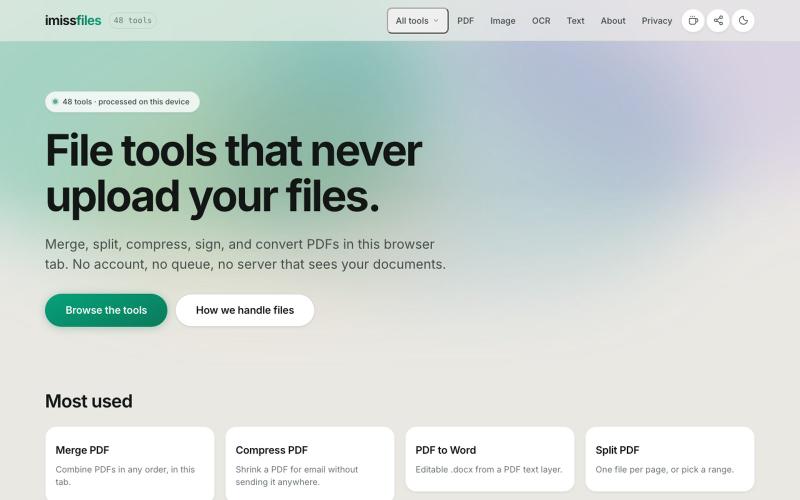
Use 450+ privacy-friendly tools to format, convert, and process PDFs and images directly in your browser.
@tentaco_cc · X
Hey! I built 🐙 It’s a privacy-first web space packed with over 450+ free micro-tools for tech, design, marketing, and PDFs. The best part? Everything runs 100% locally in your browser. No registration, no ads. Let's connect! 🛠️

Organize your team's tasks, files, and chat in a single shared workspace.
@foldtaskapp · X

Free online PDF editor with 51 tools for merging, signing, OCR, and translation—works offline, no login needed.
@zubidavies · X

Browser-based markdown editor with live preview and export to HTML, Word, and PDF.
u/Eleraffa · Reddit
Built a browser-only Markdown editor for my own daily LLM workflows — live DBML schemas, proper DOCX export, token counts Hey r/SideProject , I move a lot of text between LLMs, local docs, and web tools every day. I couldn't find a lightweight browser editor that handled a few specific micro-annoyances without shoving ads in my face, requiring a signup, or routing text through a server. So I vibe-coded Markdown Online (mostly hacked together with Claude) to solve my own itch. It’s a plai

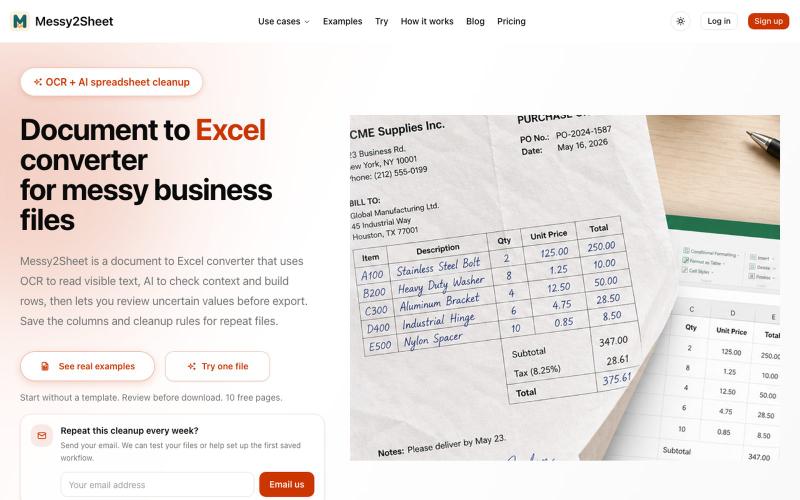
Extract text from images, documents, and PDFs in over 100 languages.
ScanRead.ai — OCR 文字提取工具,支持 100+ 语言,可从图片、PDF、截图和手写文档中提取文字

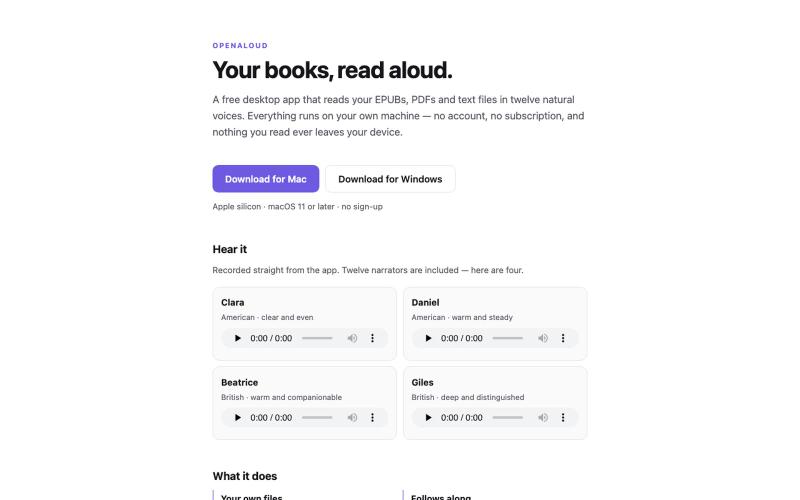
AI-powered e-book reader that integrates notes, reading, and AI responses to build and systematize your personal knowledge base.
mekery · V2EX
我开源了一个 AI 电子书阅读器,欢迎大家体验 Hi V 友们, AI 时代,搭建自己的知识库非常有必要,我想把笔记、阅读和 AI 回答集成在一起,不断完善知识的积累和系统化,因此做了这款阅读器。 ## 整体预览  ## 阅读 ### 书架  ### 阅读视图   ### 目录、书签、高亮、注释和 AI  ###

Turn YouTube videos, PDFs, and URLs into Anki flashcard decks in seconds.
u/holios89 · Reddit
Built an AI SaaS that turns your notes/articles/PDFs into study flashcards — looking for harsh feedback (and bugs) Hey folks, Solo/small side project here: Deckly ( deckly.one ) — an AI-powered flashcard generator for spaced-repetition learning (Anki-compatible export). You give it text, a PDF, or an article link, it generates a deck of flashcards (Q&A, Cloze, or multiple choice), optionally with TTS audio and images per card, and you can study it right in the browser or export to `.apkg`.

Convert screen recordings into formatted PDF guides automatically.
@vanmurten_eth · X
Guidesnap: turn any screen recording into a polished PDF guide.