NOLO · Private AI with no account · chat, web search, images and documents
Private AI that runs in your browser with no account, enabling chat, web search, and image generation.
@NoloAI_Official · X
The full gallery
Tech stack
60 projects

Private AI that runs in your browser with no account, enabling chat, web search, and image generation.
@NoloAI_Official · X

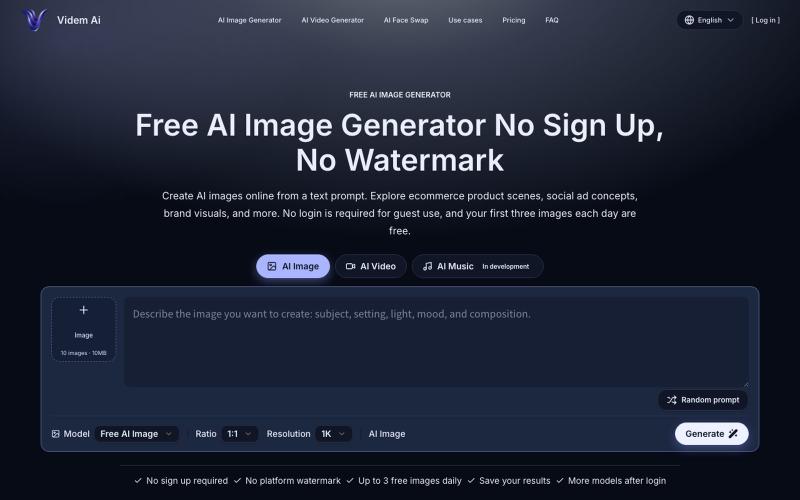
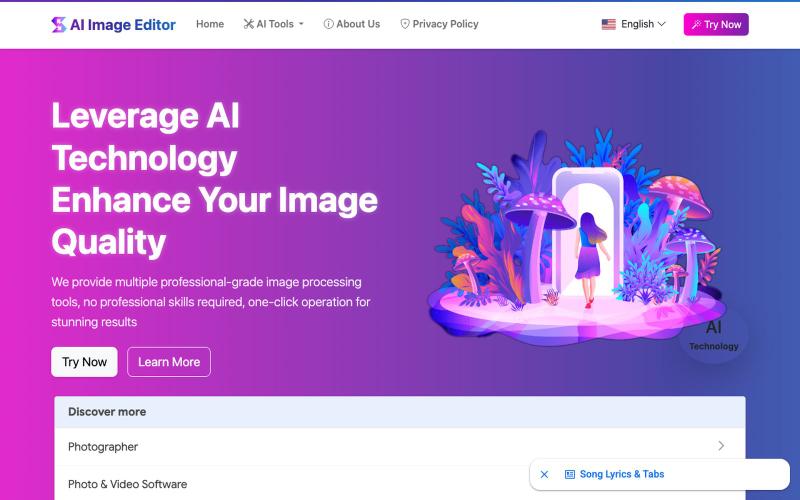
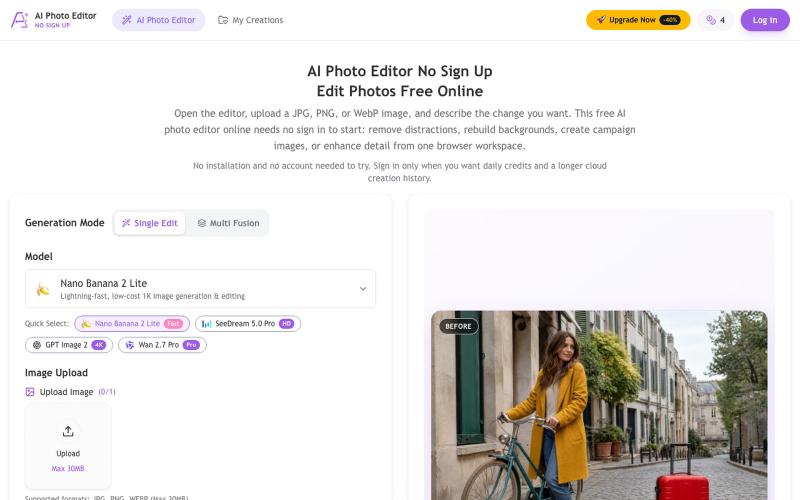
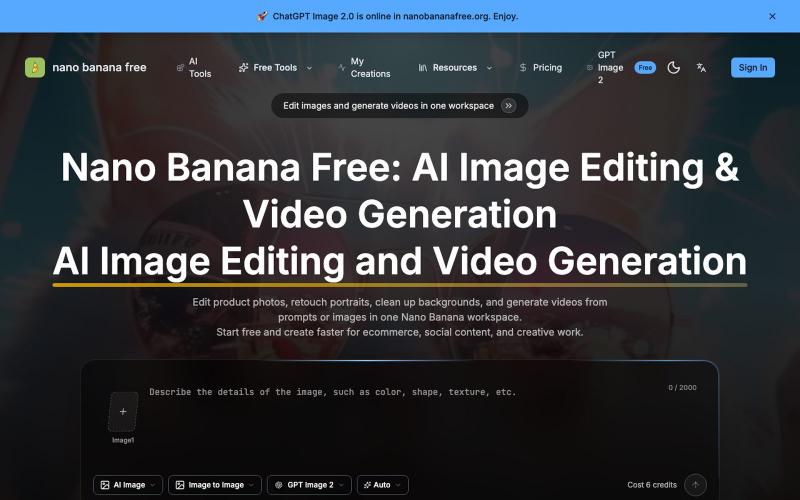
Free AI image editor that lets you upload photos and describe edits to apply effects like background removal and style transfer.
@wybucm1 · X
我的出海创业日记 今天我的网站

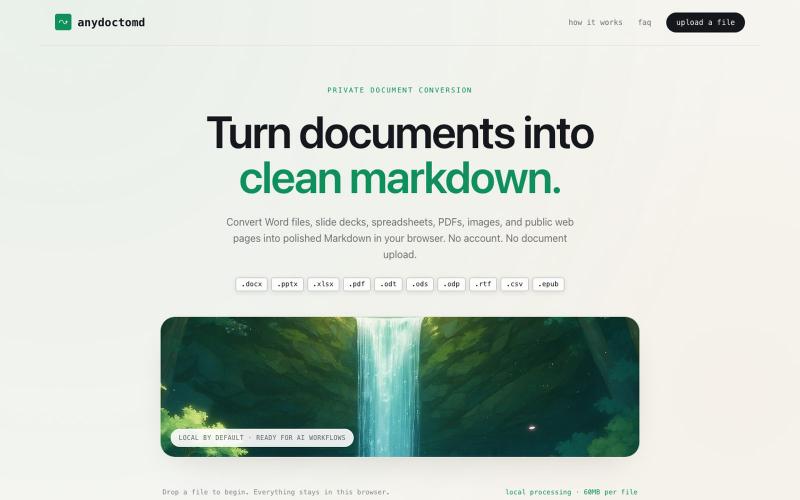
Crop, redact, blur, and export screenshots privately without uploading to any server.
@noshkass · X
Built SAFEFRAME a private, browser-only screenshot sanitizer. Crop, blackout, blur, and export sensitive screenshots without uploading a single byte. Try it: Built with ChatGPT Sites. @chatgptapp #Giveaway

Generate 1080p watermark-free AI videos with Sora 2 motion controls, synchronized audio, and no signup required.
Sora2 AI — 体验 Sora 2 视频生成 – 创建 1080p 无水印视频,配备同步音频

Free AWS bill scanner that runs in your browser with no signup or API keys required.
@malinuonuo · X
Day 1 live: I just shipped CloudSaver AI on Reddit. A free AWS bill scanner. No signup. No API keys. Runs entirely in your browser. Demo: #buildinpublic #aws #indiemaker

Share encrypted files with self-destructing links without signing up.
@cortexdrop · X
CortexDrop- first consumer file sharing built on IPFS. Drop a file, get a private link.

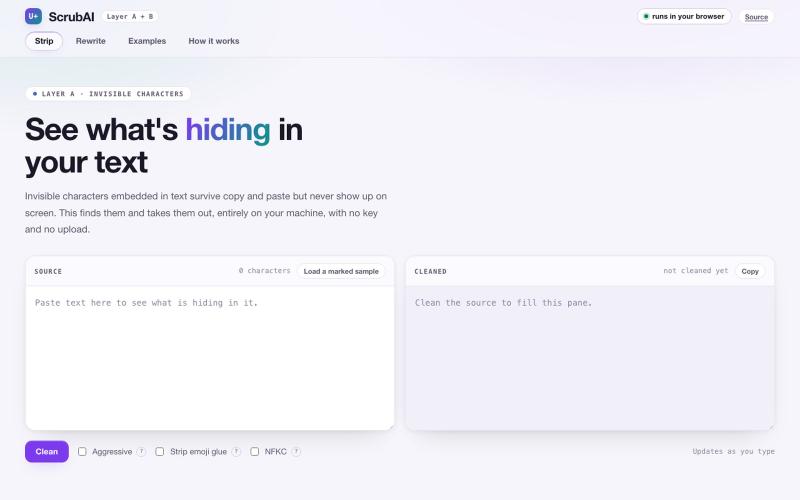
Mask API keys, passwords, and tokens locally before sending to AI chat tools.
@souvik_ghosh975 · X
A small Chrome extension with one job: stop accidental secret leaks into AI chats. That's Secret Sanitizer 🥷.

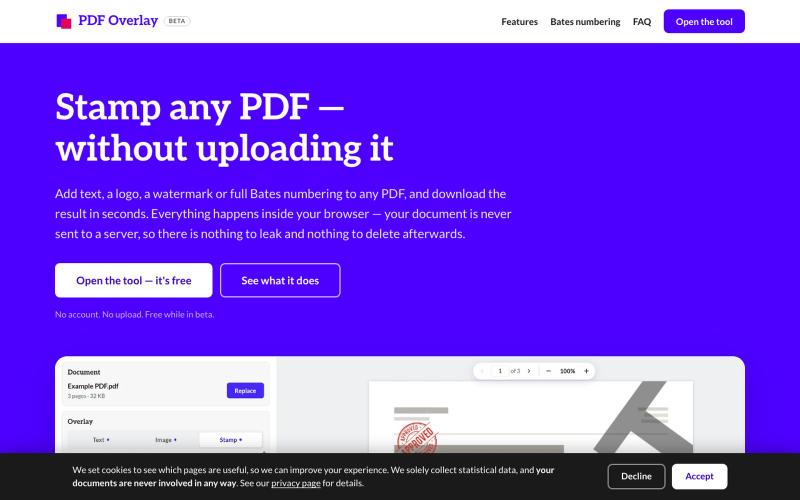
Free online PDF editor with 51 tools for merging, signing, OCR, and translation—works offline, no login needed.
@zubidavies · X

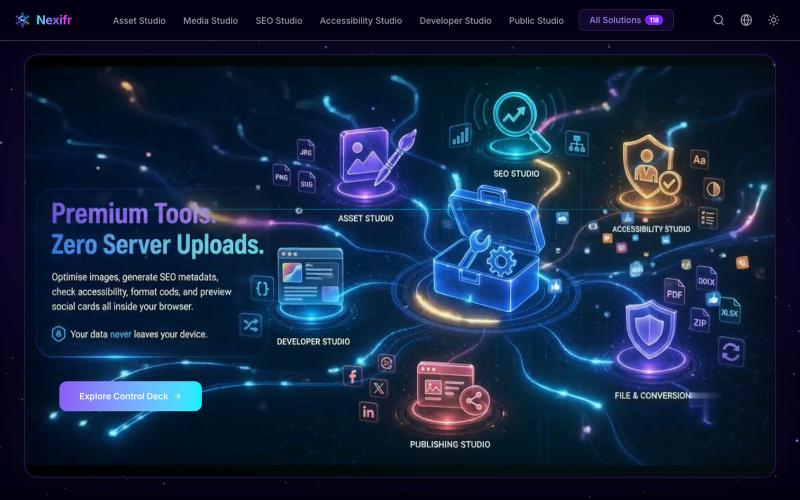
Merge PDFs, compress images, remove backgrounds, and access utilities entirely in your browser.
@damiadeh · X
Your files utility tools stacks in your browser. No uploads, files stays on your pc.

Convert HTML and Markdown content into shareable links and QR codes.
@gomixo · X
和团队做了一个非常实用的小工具:HTMLShare。 现在用 AI 生成网页、报告、可视化作品越来越方便,但生成后的 HTML 文件,想分享给别人却很麻烦:要么发文件,要么部署网站,要么截图。 HTMLShare 解决的就是这个问题: 👉 欢迎体验,也欢迎反馈建议。

Record silent product demo videos in your browser with all data staying on your device.
@xyzmaiw · X

Import your X bookmarks and access them in a fast, organized, searchable library.
@xoshiLads · X
I'm launching my first SaaS today: I'm usually the type to have a million creative ideas daily, start something, get another idea, and abandon that ship. I joined @shipordie_ recently because I genuinely think it's a cool concept: launch a product monthly or get kicked from the group. For procrastinators that seems like a good solution. Happy to be on board. I built marksave because my bookmarks were a graveyard. I kept saving more every day and never used any of it. Thousands of things I saved and never found again. While saving more and more each day. So: a free Chrome extension pulls your X bookmarks in (read-only, it never sees your password), AI auto-categorizes them (paid feature), and you get a library you can actually search. Search by meaning instead of keywords, ask questions about your own saves, and it resurfaces the stuff worth a second look. You can also group saves into folders and share them with a public link. One thing that's already in there: