
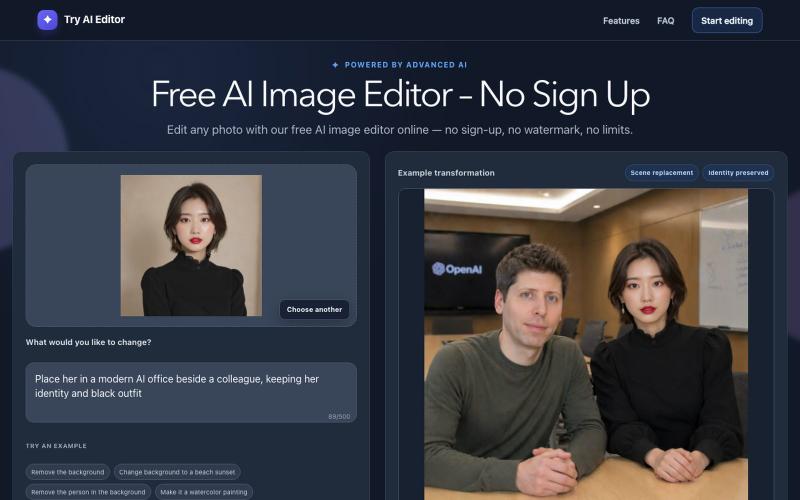
Creative Tools1 month ago
Free AI Image Editor Online – No Sign Up | Try AI Editor
Free AI image editor that lets you upload photos and describe edits to apply effects like background removal and style transfer.

@wybucm1 · X
我的出海创业日记 今天我的网站
The full gallery
Tech stack
64 projects
Free AI image editor that lets you upload photos and describe edits to apply effects like background removal and style transfer.
@wybucm1 · X
我的出海创业日记 今天我的网站
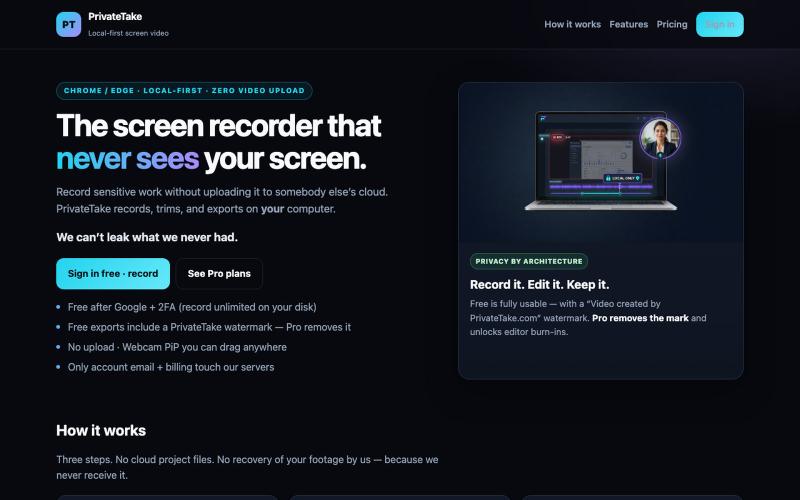
Record and edit screen videos locally without cloud uploads.

@MarkZofMarkZ · X
Screen Recorder that doesn't share your recordings to the cloud:
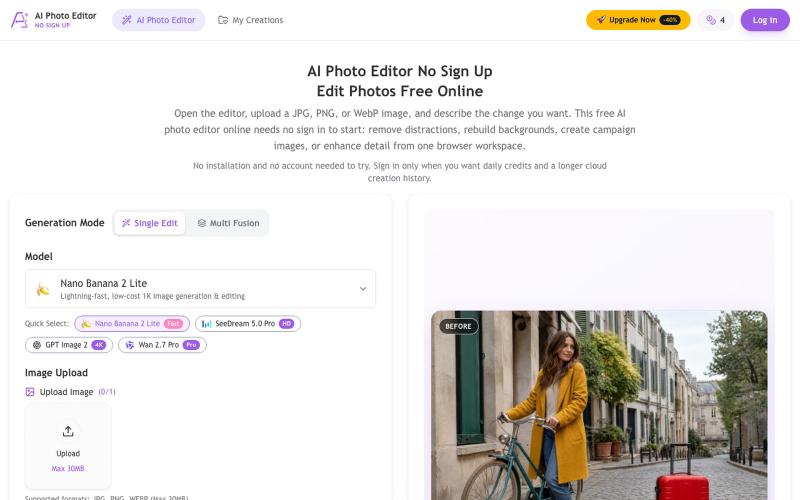
Remove objects, replace backgrounds, and enhance photos using AI—no signup required.
chenliang001 · HN
AI Photo Editor No Sign Up – Edit Photos with Prompts
Browser-based PDF and image tools for merging, converting, compressing, editing, and generating — no signup needed.

@badbyeseason · X
Just shipped a big update to file transfer: resume broken transfers, multi-file queue, end-to-end encryption, custom room codes, and 2GB limit. Still 100% P2P, no server stores your files. 28+ tools live now. #buildinpublic #privacy
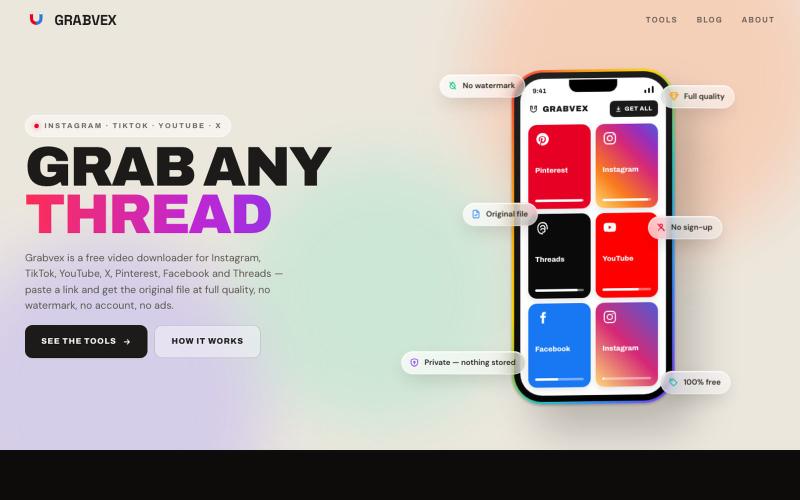
Download videos from Instagram, TikTok, YouTube, and other social platforms without watermarks.

@grabvex · X
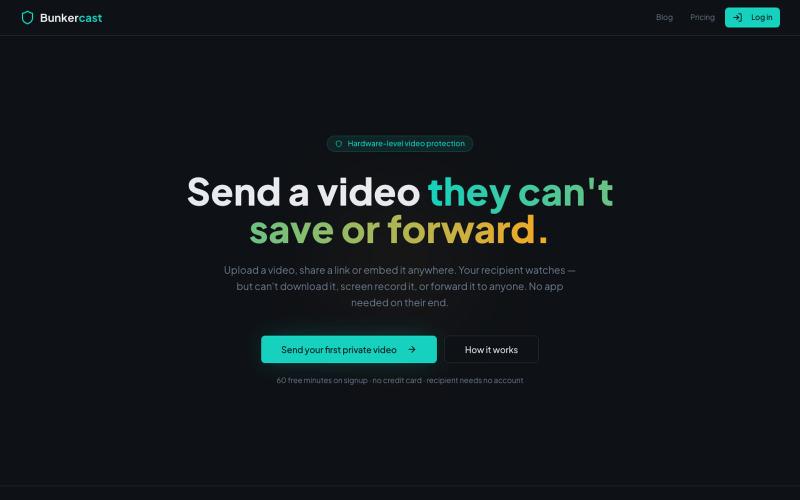
Share videos that can't be downloaded, screen recorded, or forwarded.

@bunkercastDRM · X

Free tools to convert, compress, and edit files directly in your browser without uploads.

@faisalhaleem · X
Just launched — free browser-based file tools runs entirely in your browser. Video to GIF (with trim slider) Merge / Split / Shrink PDF Your files NEVER leave your device. No sign-up needed. Free forever. #buildinpublic #webdev #indiedev #tools #privacy
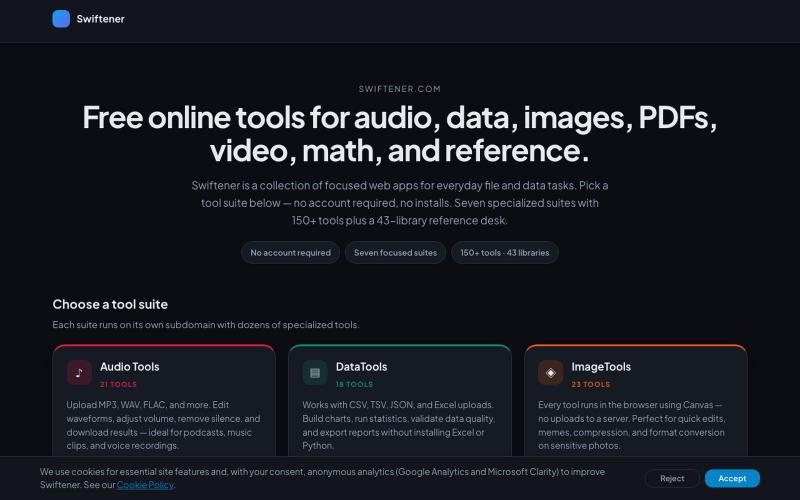
Convert and edit audio, images, PDFs, and videos with 150+ free online tools, no signup required.

@factfile0 · X
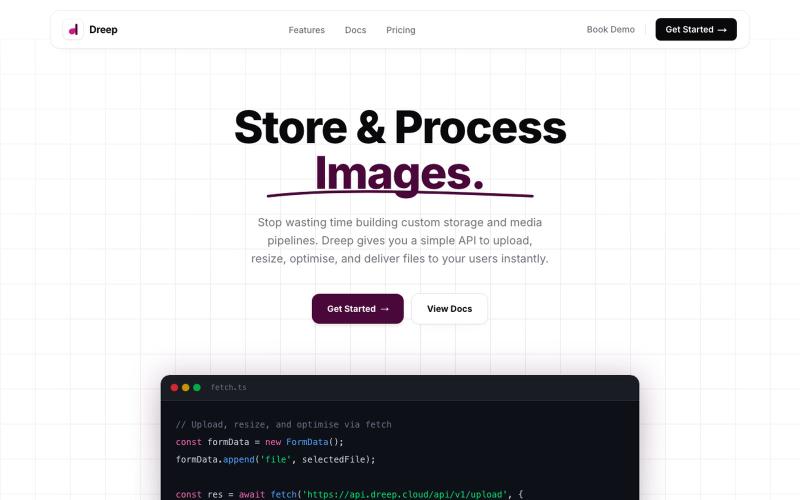
Upload, store, and deliver media files through an API and dashboard.

@SOrjiude · X
Hey Peter, you can store those files here
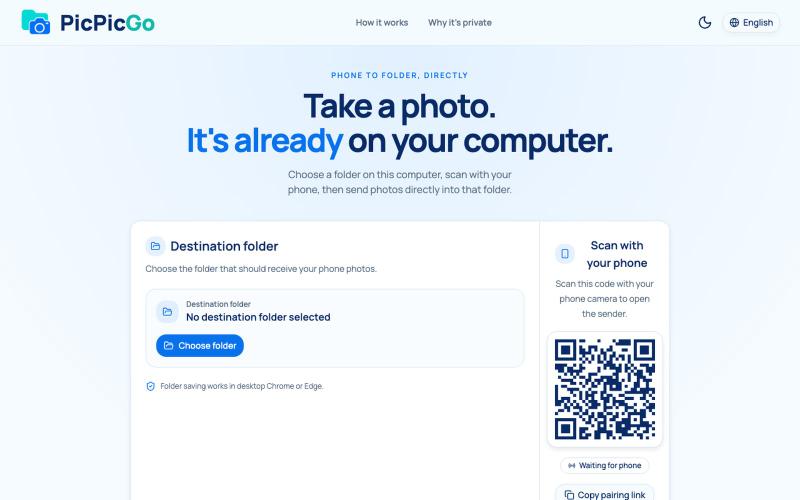
Transfer photos from your phone to your computer folder in real-time without creating an account.
1010115121 · V2EX
做了个网站,将手机的照片实时同步到电脑指定的文件夹,不需要复杂的操作! 最近自己有个需求:需要把手机刚拍的一批图(十来张)快速传到电脑 试了一圈手机和电脑的同步方案,都有点麻烦,所以自己做了个工具站:PicPicGo https://picpicgo.com 使用很简单: 1 、电脑打开网页,选择一个文件夹 2 、手机扫码进行连接 3 、手机拍照或选择照片 4 、照片自动保存到电脑刚才选择的文件夹 不需要安装电脑软件,也不需要安装手机 App ,打开网页就能用 照片通过 WebRTC 在设备之间直接传输。 目前只支持同局域网的设备,刚发布,发出来看看有没有人也有类似需求,欢迎试用和提意见。

Paste any X, TikTok, Pinterest, Reddit, Vimeo, Bluesky, Twitch, SoundCloud or Dailymotion link and save HD MP4, GIF, photos or MP3. Free, no login.

@stackfindover · X
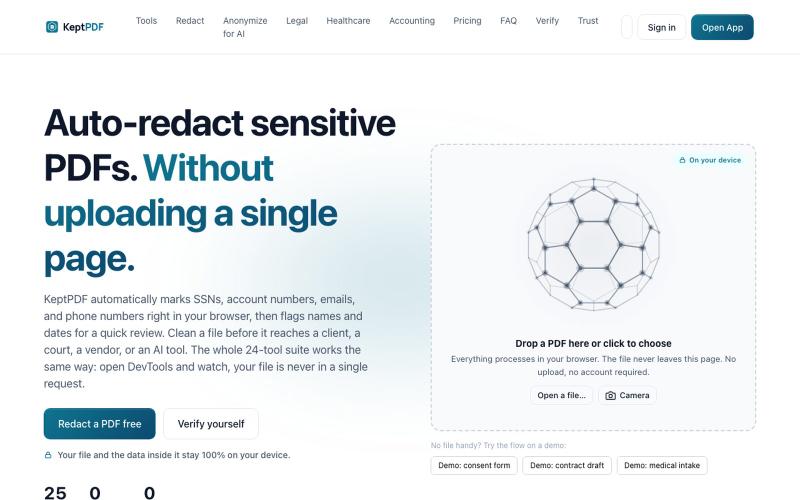
Redact, edit, OCR, and sign PDFs in your browser without uploading files.
u/jwwpua · Reddit
I built a PDF redactor that auto-detects names, SSNs, and account numbers without sending your file anywhere - works on your phone too. Free, no sign-up. Plenty of redaction tools upload your file to their server first (no thanks for legal/medical/tax docs). Some keep the file local but send the text off to an AI, so the text still leaves. And most of the truly local ones only let you draw black boxes by hand, which is how those "redacted" documents in the news keep getting un-r