
Developer Tools2 weeks ago
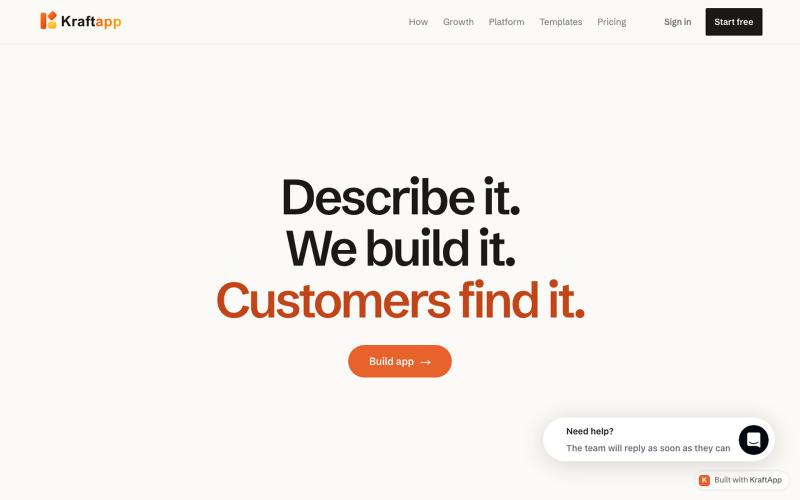
KraftApp — describe it, watch it appear
Build and preview AI apps with real backends and model choice.

@SanikaSurse · X
The full gallery
Tech stack
26 projects
Build and preview AI apps with real backends and model choice.
@SanikaSurse · X
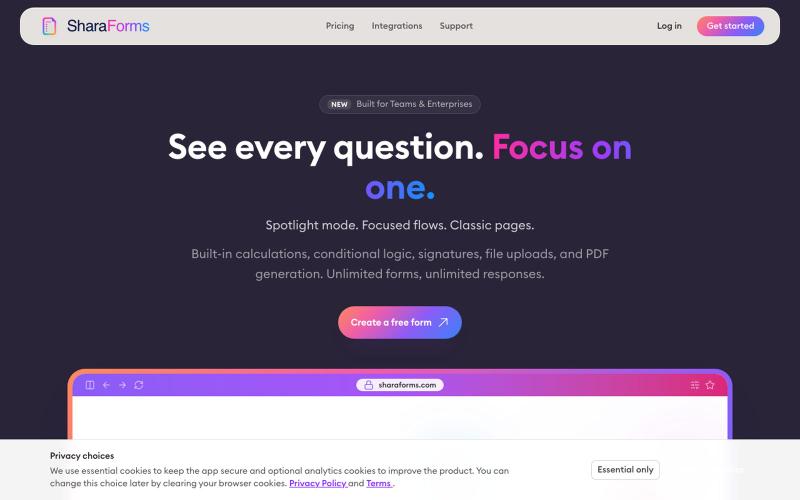
Spotlight forms show every question while one stays in focus. Classic pages and focused flows too, plus calculations, conditional logic, signatures, PDFs.

@SharaForms · X
Free online PDF editor with 51 tools for merging, signing, OCR, and translation—works offline, no login needed.

@zubidavies · X
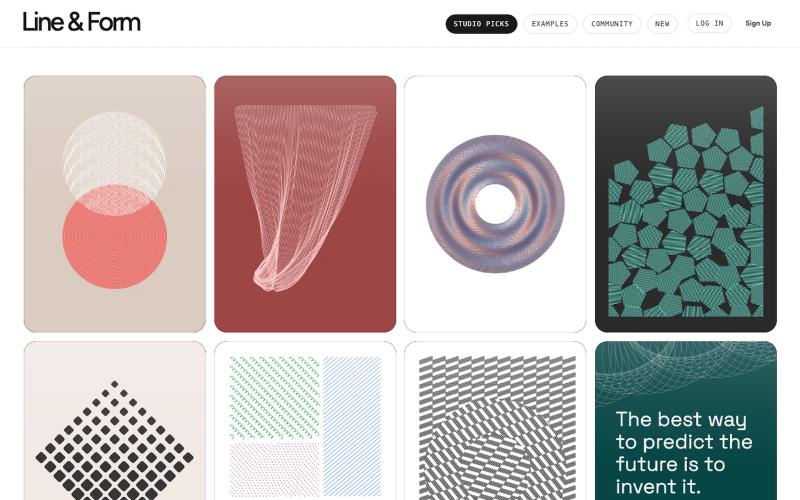
Design visual art with lines and forms directly in your browser.

@josephflaherty · X
by @golnik is the best vibe-coded software project I've seen, both in its aesthetics and the difficulty of its accomplishment. You can see the finished output of his work here:
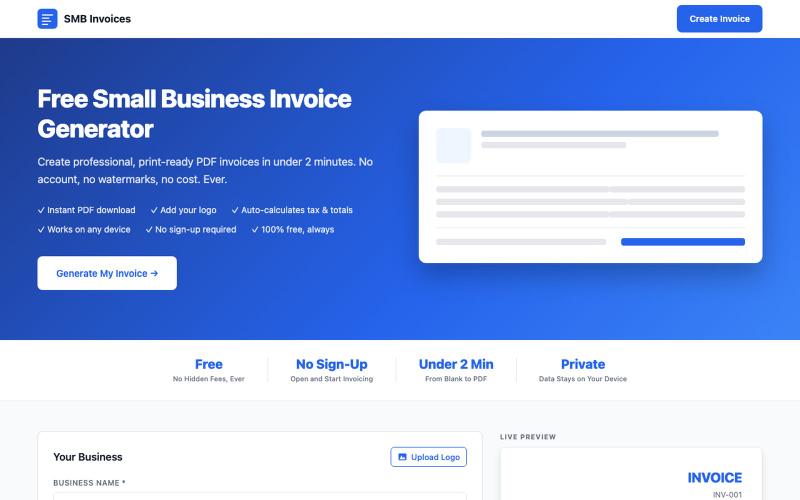
Create and download professional PDF invoices with your logo and tax calculations.

@jcolementor · X
Fast free invoice generator for small businesses
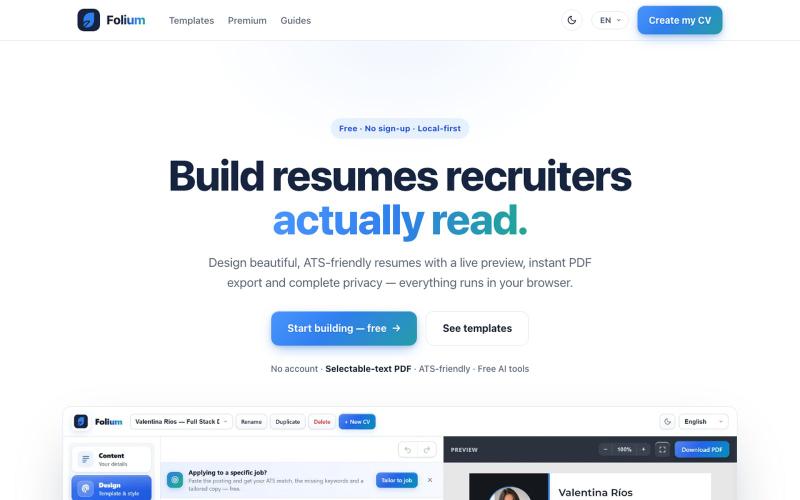
Free resume builder with 24 templates, live preview, and PDF export—no login needed.
u/Bulky-Walk-2745 · Reddit
I built the cv builder I always wanted to use ⭐ I got tired of cv builders making me create an account, fill out everything, and then asking for money when I just wanted to download my resume. So I started building my own. What began as a small side project has slowly turned into a full resume builder with: • 24 customizable templates • live preview while you edit • ATS match analysis • AI-generated tailored cvs and cover letters • clean PDF export One thing I wanted from day one was
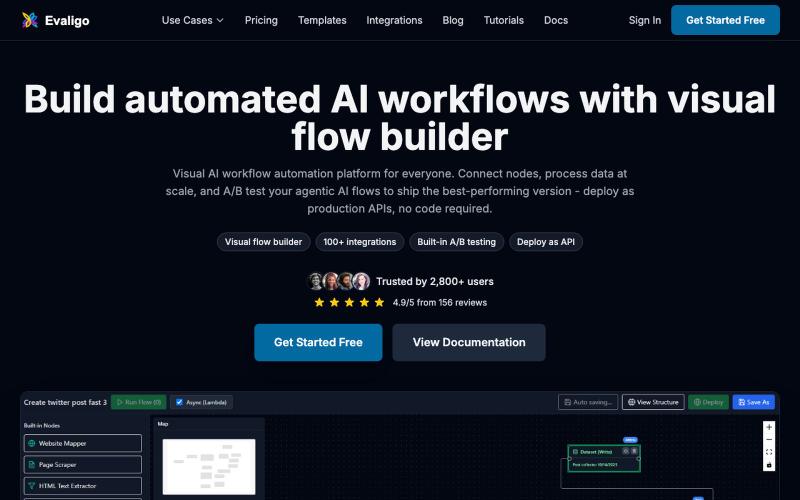
Design and deploy AI workflows and agents with a visual no-code builder.

@RanRan1357699 · X
Just shipped a smart guardrail in experiments: if your flow needs test data, it now blocks runs with a friendly prompt and offers one-click AI-generated samples. No more silent all-fail runs! Small details, big peace of mind. #BuildInPublic
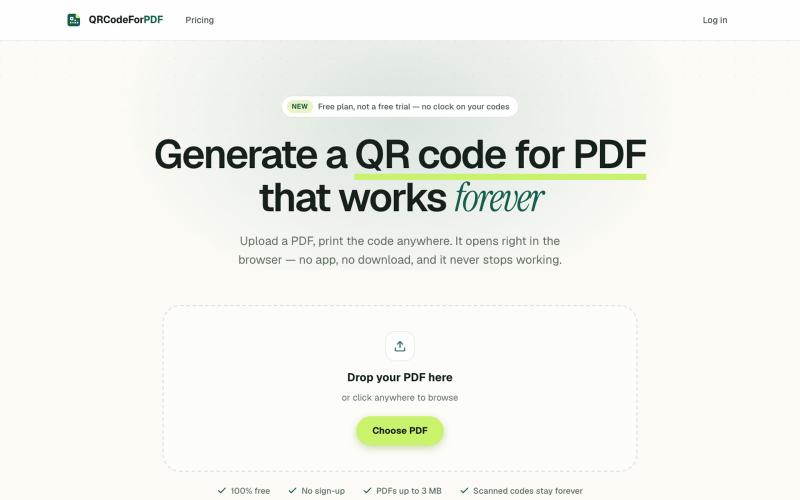
Create QR codes for PDFs that open in the browser without downloads or sign-ups.
EdenSu · V2EX
做了个托管 PDF 的二维码工具 最近老婆一直在抱怨给老外传 pdf 文件很麻烦,之前一直是走邮件附件。麻烦在于文件一改就得重发一遍,对方手上可能还留着旧版本,来回确认到底看的是哪一版特别费劲。 想着不如给她生成个二维码或者短链接,文件更新了直接换后面的,链接不变。搜了一圈现成的工具,试了几家都有点别扭。有的免费能生成,点下载却要注册。还有的会在扫码后的落地页上放广告,但那是发给客户看的东西,不太合适。 干脆自己做了一个: https://qrcodeforpdf.app 传个 PDF ,出一个二维码和短链接,扫了在浏览器里直接打开,不用下载也不用装 App 。文件可以随时替换,码和链接都不变,已经发出去或者印出去的都还能用。不注册就能生成和下载,PNG 和 SVG 都没有水印,应该是比较完美的,刚好也作为自己的一个小项目,也欢迎大伙们试用给建议,逐步优化!
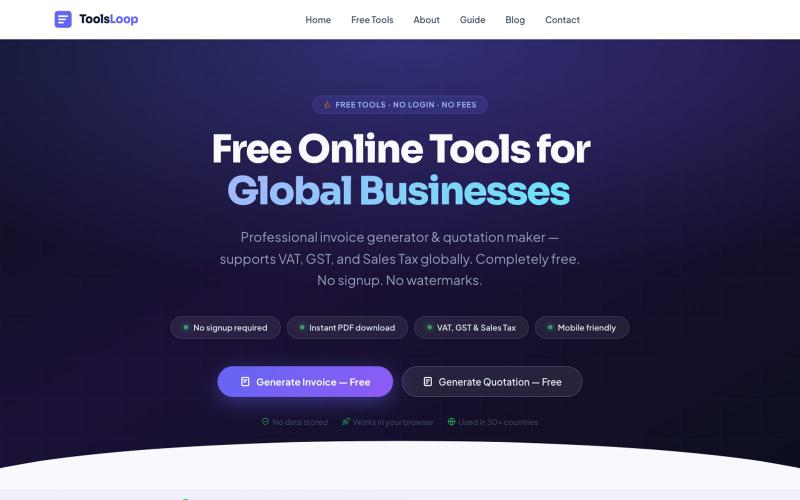
Free no-login business tools for freelancers: invoicing, VAT calculation, quotations, expenses, and naming.

@tools_loop · X
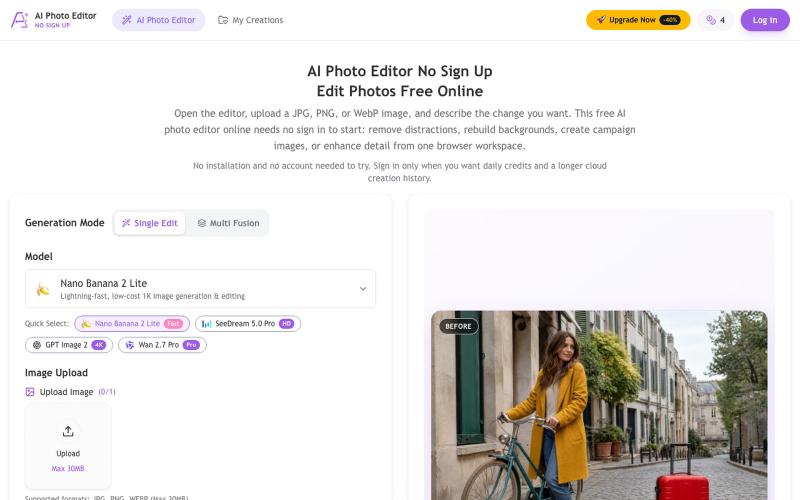
Remove objects, replace backgrounds, and enhance photos using AI—no signup required.
chenliang001 · HN
AI Photo Editor No Sign Up – Edit Photos with Prompts
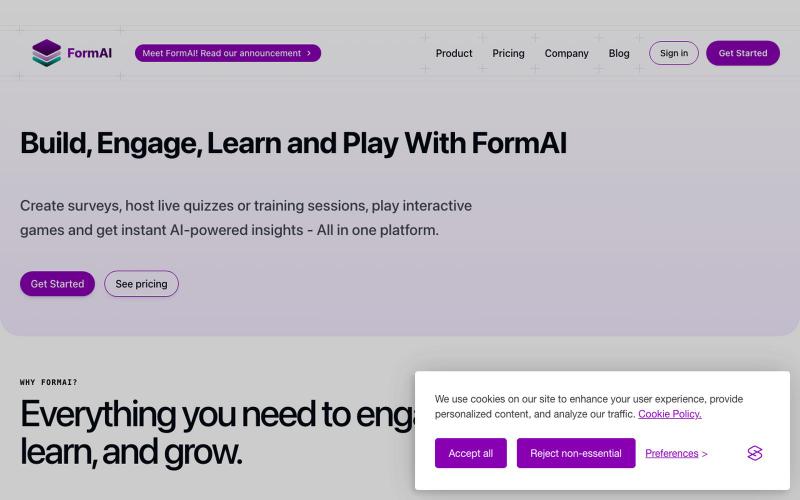
Create surveys, quizzes, and interactive games with AI-powered insights in one platform.

@lemhamza · X
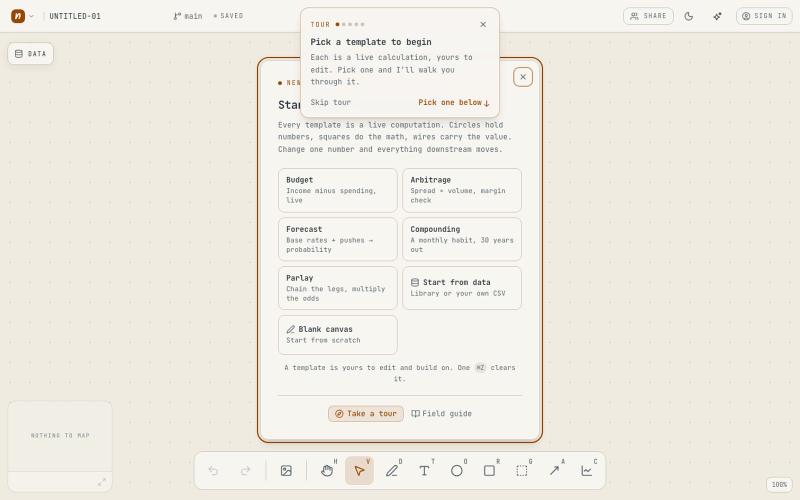
Computational whiteboard for data analysis and insights, no signup required.
tccole · HN
Napkinbook, a smart canvas for discovering, and sharing insights