SaveAnywhere by AMZBoosted | Save Directly to Your Cloud
Chrome extension that saves files, images, and links directly to Google Drive, Dropbox, and OneDrive with local processing.
@SaveAnywhere · X
Free chrome extension :
The full gallery
Tech stack
60 projects

Chrome extension that saves files, images, and links directly to Google Drive, Dropbox, and OneDrive with local processing.
@SaveAnywhere · X
Free chrome extension :

Automatically rewrites viral videos in your brand voice for instant content creation.
@furkanships · X
I currently building for content creator and content creator agency

Record and edit screen videos locally with no cloud storage or uploads.
@MarkZofMarkZ · X
Screen Recorder that doesn't share your recordings to the cloud:

Autofill submissions to 210+ product launch directories with one upload.
@gonelf · X
Yeah, and I have a good track record. Also let’s colab for

A shared memory layer that persists your decisions, preferences, and projects across different AI tools and devices.
upload — 跨 AI 的长期记忆层,让 ChatGPT、Claude、Codex、Hermes、OpenClaw、WorkBuddy 等共用同一份记忆,换工具换设备都接着上次继续,注册即用免装插件

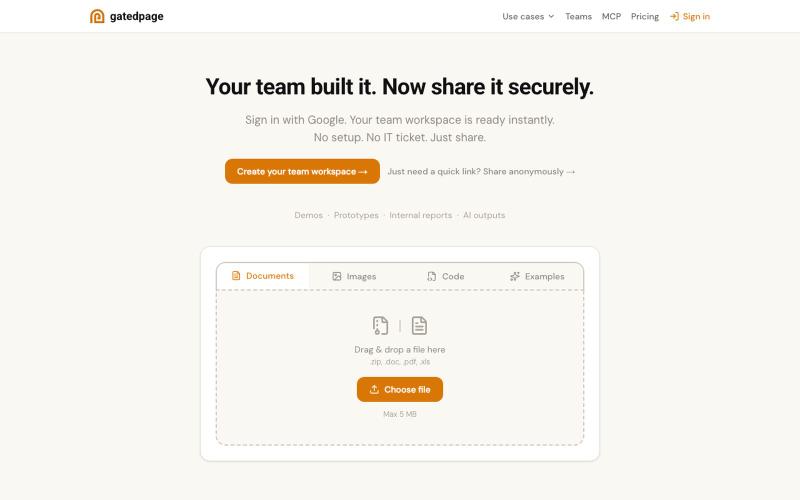
Drag an HTML file or folder to instantly host it on a custom domain with global edge delivery.
@dorongrinstein · X
drag and drop any .html and go live with a custom domain in 20 seconds

Paste a link to download videos from Instagram, TikTok, YouTube, X, Pinterest, Facebook, and Threads without watermark.
@grabvex · X

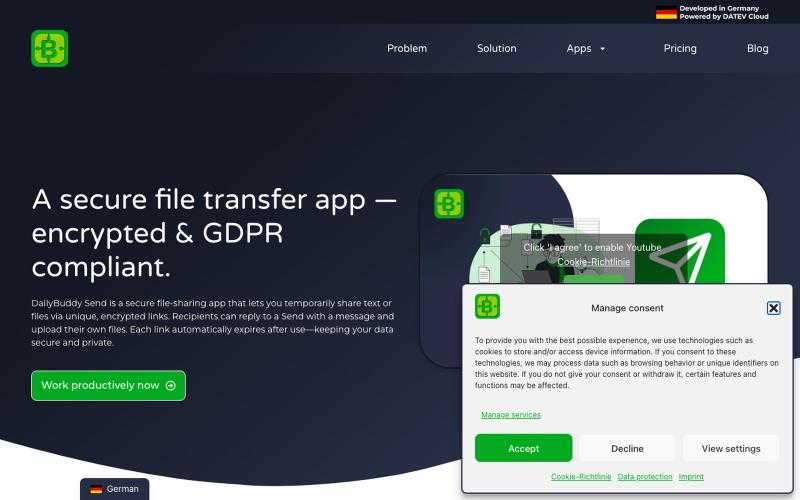
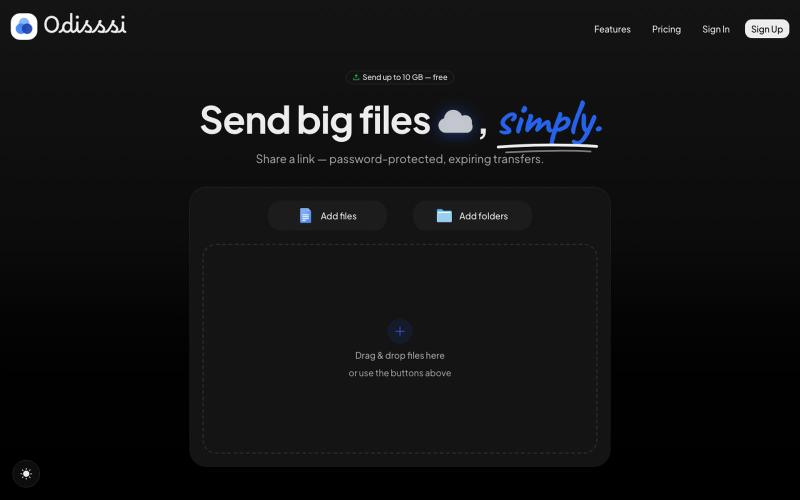
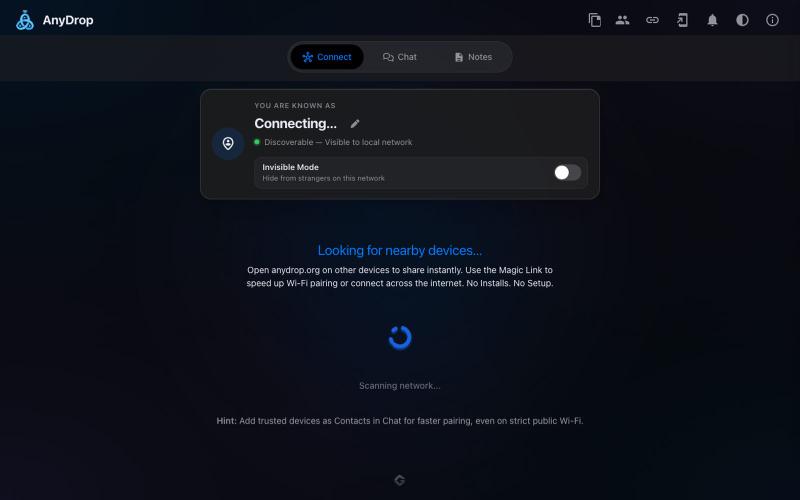
Share files and text directly between browsers without server storage or login.
@bytestreak · X
Building a frictionless, forever free file sharing utility tool. Check it out here:

Serve and publish HTML files directly from your Google Drive.
debamitro · HN
I found that AI tools are generating excellent HTML documents nowadays, yet there's no easy way to show them to others. Yes, there's GitHub pages - but I don't know if it is user-friendly for non-technical people. This app allows you to keep your HTML file in your Google Drive and serve it from there. Feedback is most welcome.

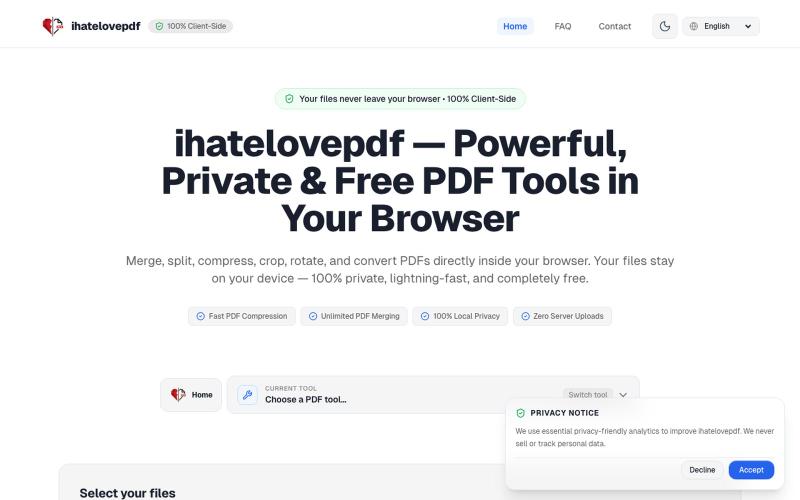
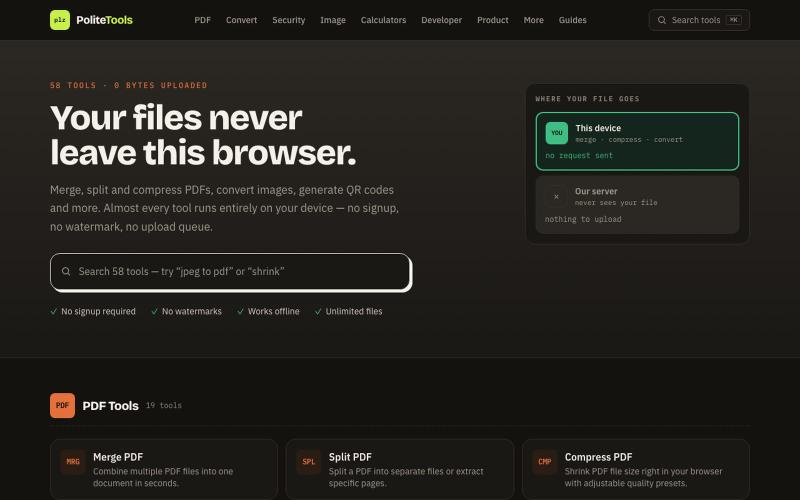
Browser-based tools for video and audio compression, cropping, merging, and conversion without uploading files.
zhw2590582 · V2EX
最近对网站进行了重构,做成了免费的视频工具站:[ArtPlayer Tools]( https://artplayer.org/tools/) 主要是围绕着 ffmpeg.wasm 和 mediabunny 实现的一些可以直接在浏览器里用的视频/音频工具,常用的有: - 视频压缩:[Compress Video]( https://artplayer.org/compress-video/) - 视频裁剪:[Crop Video]( https://artplayer.org/crop-video/) - 视频合并:[Merge Video]( https://artplayer.org/merge-video/) - 视频尺寸调整:[Resize Video]( https://artplayer.org/resize-video/) - 视频旋转:[Rotate Video]( https://artplayer.org/rotate-video/) - 视频调速:[Change Video Speed]( https://artplayer.org/change-video-speed/) - 添加文字到视频:[Add Text to Video]( https://artplayer.org/add-text-to-video/) - 添加水印:[Watermark Video]( https://artplayer.org/watermark-video/) - 提取字幕:[Subtitle Editor]( https://artplayer.org/subtitle-editor/) - HLS 转 MP4:[HLS to MP4]( https://artplayer.org/hls-to-mp4/) - 音频可视化:[Audio Visualizer]( https://artplayer.org/audio-visualizer/) 大部分工具都是本地处理,文件不会上传到服务器。最开始是因为自己偶尔要处理一些视频,开剪辑软件又有点重,在线工具又担心隐私,所以就慢慢做成了一个站。 目前还在持续完善,体验肯定还有不少粗糙的地方,比如不同浏览器的兼容、移动端操作、长视频性能之类的。 网站: [ArtPlayer Tools]( https:

Organize and manage files and folders in a desktop-like interface.
@jenidesignns · X
Day 19 challenge by @IwuezeAmarachi built with Claude AI 🤖 Live link:

Press a mysterious button and discover what happens.
@saralsachan · X
Waste you time on weird websites