
Creative Tools1 month ago
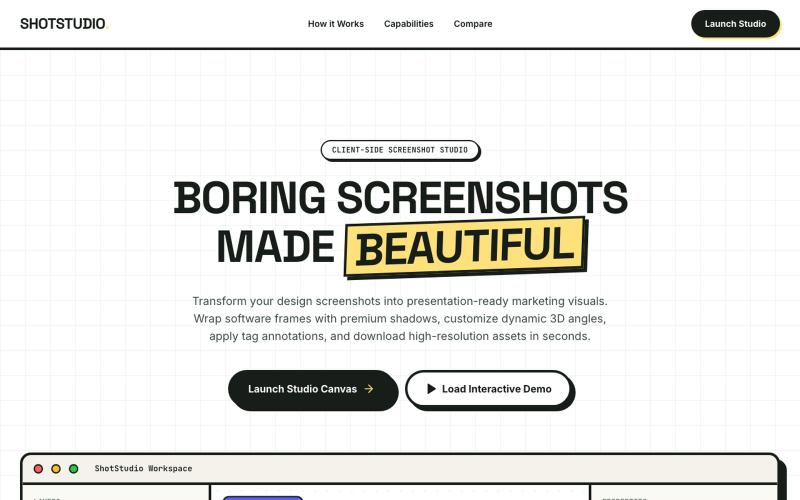
ShotStudio : Beautiful Screenshots in Seconds
Add device frames, shadows, and annotations to screenshots.

@klein_more88816 · X
The full gallery
Tech stack
60 projects
Add device frames, shadows, and annotations to screenshots.
@klein_more88816 · X
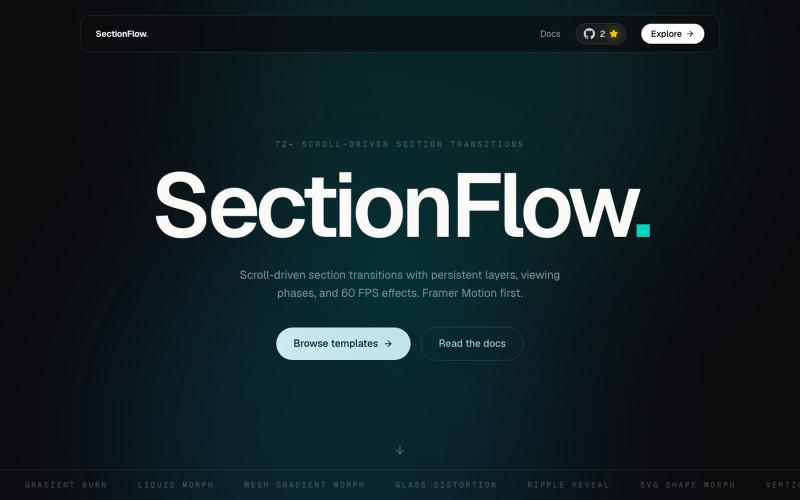
React library with 60+ scroll-driven section transitions for modern websites.

@itz_sayan_03 · X
Ever wondered how cinematic scroll-driven websites are built? 👀 Meet SectionFlow—an open-source React library with 60+ ready-to-use section transitions, a one-command CLI, reusable sections, and optimized performance. 🚀
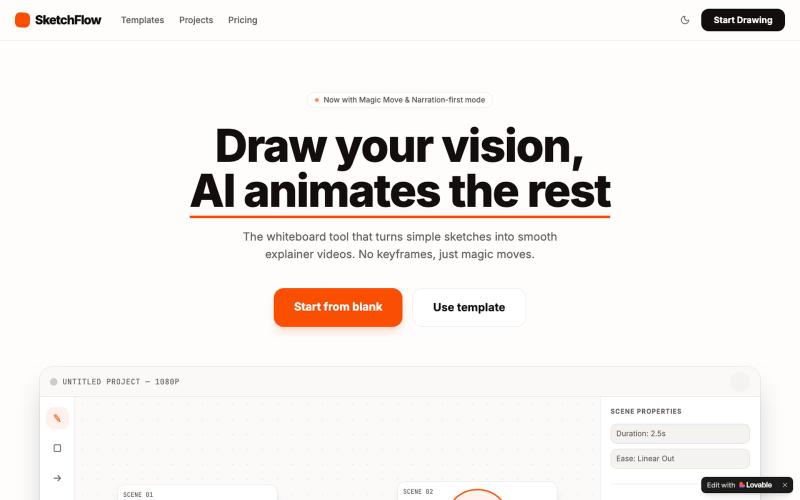
Convert sketches into animated explainer videos with AI-assisted animation and narration.

@berekib · X
Check out what I just built with Lovable!
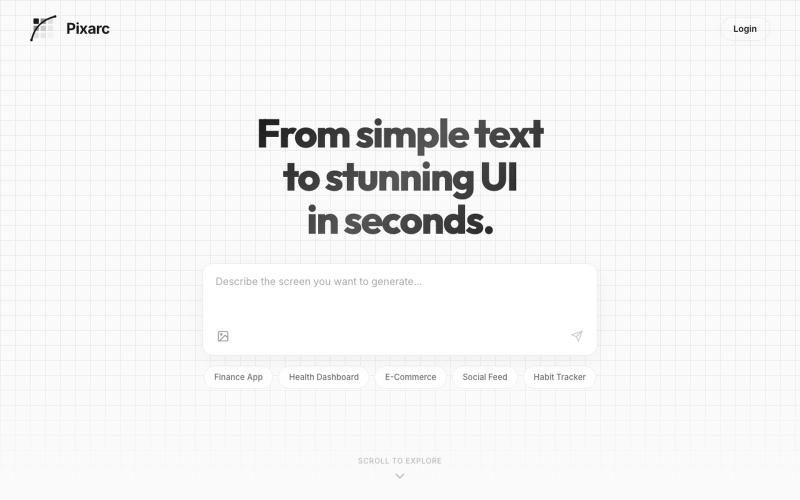
Generate interactive UI previews from text descriptions; export to native code or Figma.

@ArjunVr58131189 · X
- Design mobile apps like you own a team!
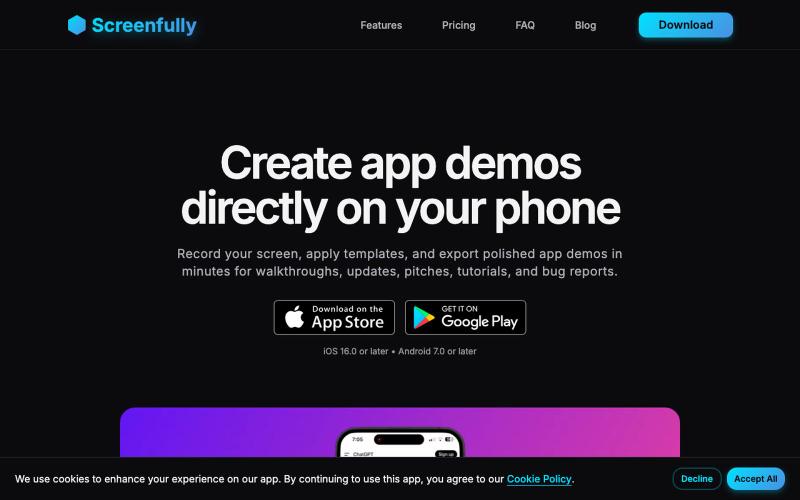
Create polished mobile app demos and mockups directly on your phone.

@startappdev · X
I'm working on a mockup and demo creation tool straight on your phone so you can build in public easily.
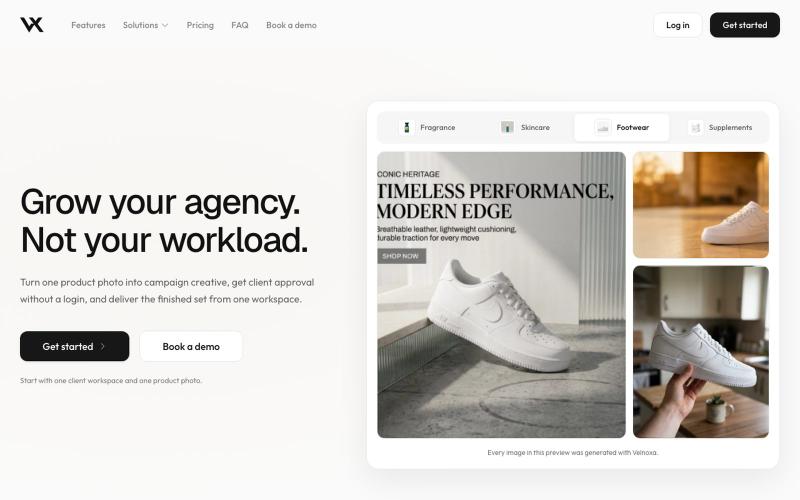
Manage creative projects for multiple clients with isolated workspaces and white-label review links.

@monkmodeceo · X
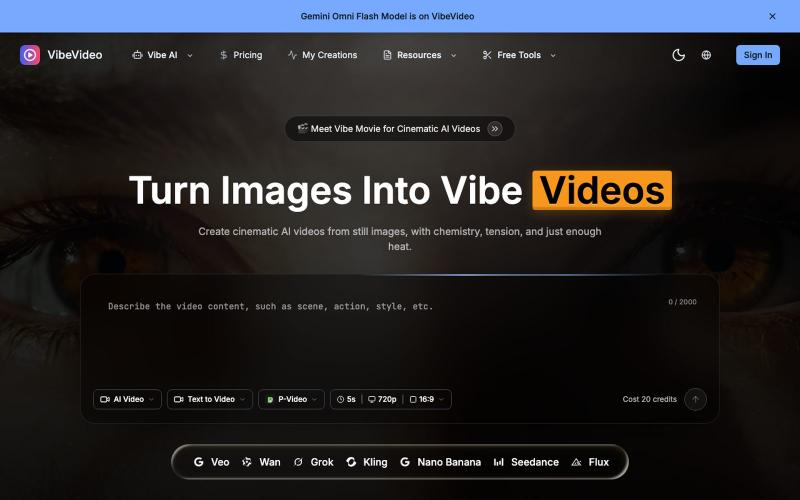
Generate cinematic videos from images and text with AI-controlled motion effects.
Vibe Video — 面向普通用户的 AI 视频生成网站,支持文生视频、图生视频、参考图生视频和电影化镜头控制,适合创作者和营销团队快速产出视频

Turn screenshots into polished designs using a Chrome extension and web-based editor.

@buildwithshyam · X
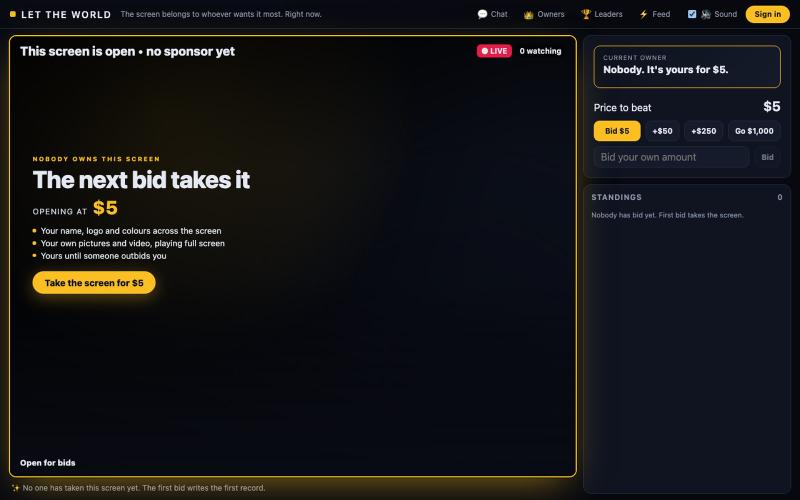
One screen, owned by whoever bids highest. Your name, logo, colours and video fill it until someone outbids you. The price only goes up, and you only ever pay the difference.

@bibinomathew · X
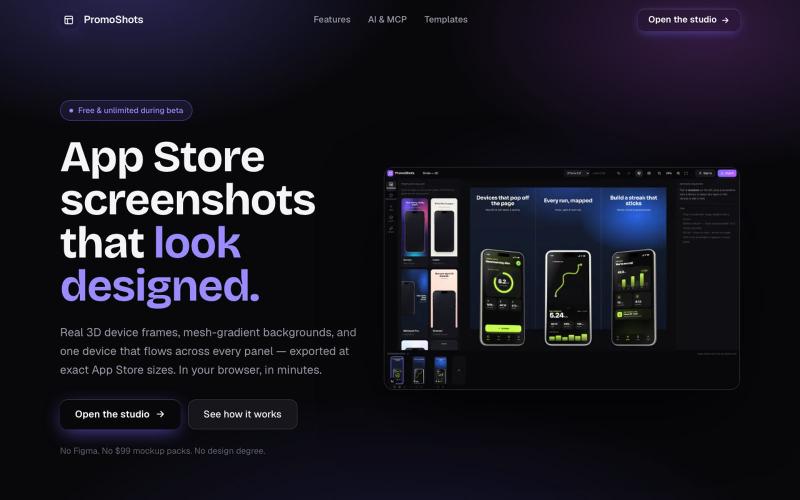
Design App Store screenshot sets with 3D device frames, gradients, and one-click export.

@MSiatrak · X
Checked my Umami stats this morning - straight from Claude Code via my Umami MCP 📊 ~30% of visitors are on mobile… and every single one hit the "desktop only" gate. Shown 11 times, 0 continued past it. A third of traffic couldn't even try it.

Create professional screenshot mockups with frames, backgrounds, and annotations in your browser.

@Aticmatic_com · X
of course for people:
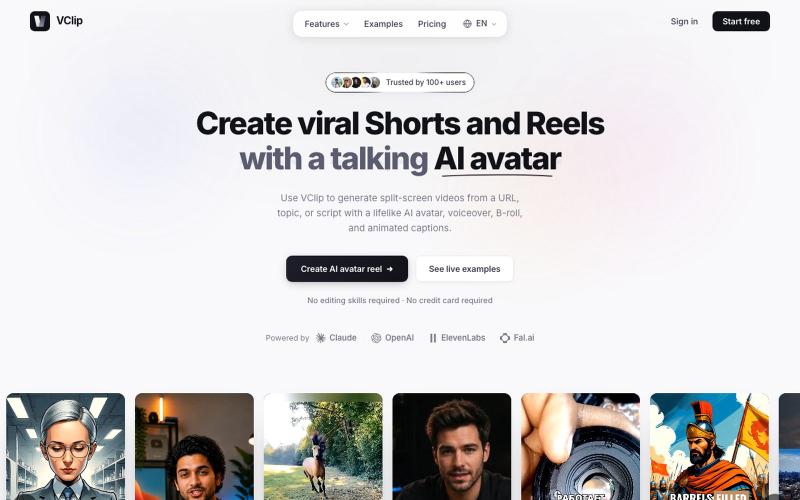
Create split-screen videos featuring AI avatars, voiceover, and animated captions.

@ilya990000 · X