Lingue | App Store screenshots that get more installs
Generate ASO-optimized App Store and Play Store screenshots with AI, edit them, and sync directly to your stores.
@radomir_3 · X
Let’s connect. I’m building App screenshot studio
The full gallery
Tech stack
60 projects

Generate ASO-optimized App Store and Play Store screenshots with AI, edit them, and sync directly to your stores.
@radomir_3 · X
Let’s connect. I’m building App screenshot studio

Eight free browser-based tools including JSON formatter, password generator, and color picker.
@Supportpintutec · X
Just launched QuickTools — 8 free online tools 🛠️ Word Counter • JSON Formatter • Password Generator • Color Picker 100% browser-based, no signup 🔗 #SideProject #WebDev #FreeTools #BuildInPublic

Cut long videos into short clips up to 1080p HD, entirely in your browser.
@cutearham46 · X
Check out what I just built with Lovable!

Try realistic beard styles and colors online instantly with visual previews.
Beardstyle AI — 虚拟试戴胡子

Generate AI-powered descriptions of images without login required.
AI Image Description Generator — 精准提取图片中的主要元素,解读图片创作目的;可用于科研、艺术创作中图文互搜领域

Generate and edit images using AI text-to-image and image-to-image capabilities.
AI-NanoBanana — AI 图像工作室,让你轻松把创意变成高质量视觉作品
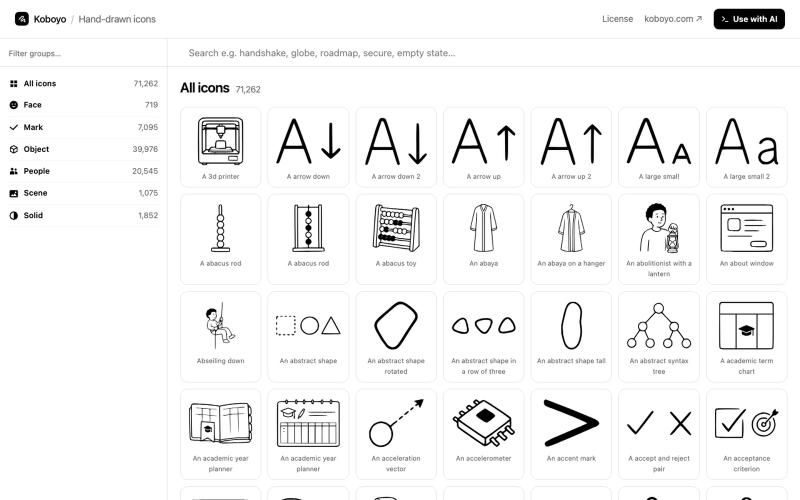
Search 50,000+ free SVG icons, customize colors and stroke, download as SVG/PNG/XML — no login required.
@thedeepflux · X
i'm shipping for designers who need a massive library of high-quality icons without the subscription. it solves the 'i need it now' problem. for other builders, how do you handle feature creep vs. sticking to the core problem?

Convert text prompts into commercial-grade images and videos instantly.
AI Amazing — AI 图像/视频生产平台,面向创作者与团队

Generate and edit AI images for product shots, ads, portraits, and thumbnails via text prompts.
Plugcamp · V2EX
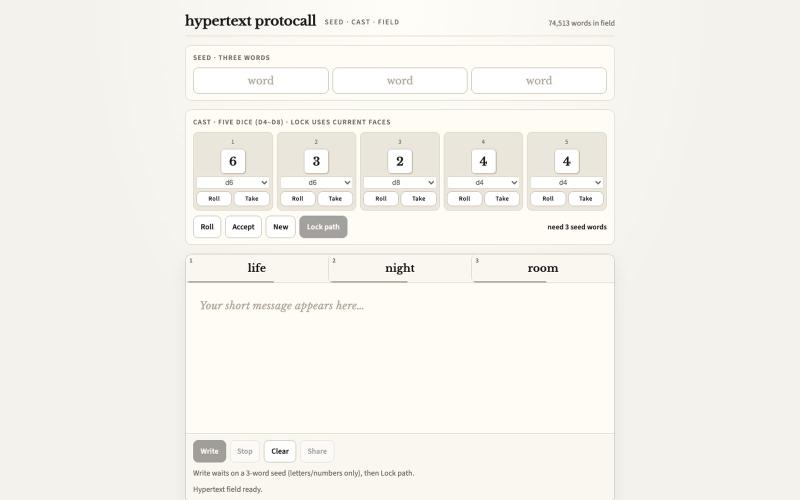
最近在折腾一个小站,主要是围绕 Nano Banana 2 Lite 做图片生成和图片编辑: https://nanobanana2lite.me/ 一开始只是自己想要一个比较轻的入口,用来快速试 prompt 。后来发现每次测图都会遇到几个重复问题: - prompt 写完之后,不知道适合什么比例 - 文生图和图生图入口经常混在一起 - 想找几个可复制的 prompt 示例,但很多站要么太重,要么示例不够直观 - 只是想快速生成一张产品图、头像、广告图、封面图,不想进一个很复杂的工作台 所以就做了这个站。 目前主要有几个部分: - Text to Image:直接输入 prompt 生成图 - Image to Image:上传一张图,再用 prompt 做改图 - AI Image Editor:偏日常编辑,比如换背景、改光线、改风格 - Prompt Library:整理了一些可直接复制的 prompt - Gallery:放了一些 before/after 和示例图 我自己比较在意的是首页别太像传统 SaaS 落地页,所以最近一直在改视觉。之前太干了,后来加了一些更丰富的样张和暗色主题,但也还在调。 这个站不是 Google 官方产品,只是一个第三方工具站。现在更多是想把「轻量、直接、可复制」这件事做好。 如果大家有空的话,想请教几个问题: 1. 首屏看起来会不会太营销,还是说信息还算清楚? 2. 对图片工具来说,大家更想先看到生成表单,还是先看到效果案例? 3. Prompt Library 这种页面有没有用,还是大家更习惯直接自己写? 4. 如果你平时会用 AI 生成图,最常用的场景是产品图、头像、封面、广告图,还是别的? 欢迎拍砖,尤其是 UI 、文案、信息结构这块。 链接再放一次: https://nanobanana2lite.me/

Extract text from images, documents, and PDFs in over 100 languages.
ScanRead.ai — OCR 文字提取工具,支持 100+ 语言,可从图片、PDF、截图和手写文档中提取文字

The first social ecosystem where visibility is earned through contribution, not algorithms or ads. Join communities, share posts, and build your reputation.
@Woopeeu · X
You said drop your startup link, so here we go 👀 We’re building Woope — a social network where you actually find people who share your interests. No paid reach. No endless algorithm games. Just people, communities and ideas. 🚀

Design App Store screenshot sets with 3D device frames, gradients, and one-click export.
@MSiatrak · X
Checked my Umami stats this morning - straight from Claude Code via my Umami MCP 📊 ~30% of visitors are on mobile… and every single one hit the "desktop only" gate. Shown 11 times, 0 continued past it. A third of traffic couldn't even try it.