
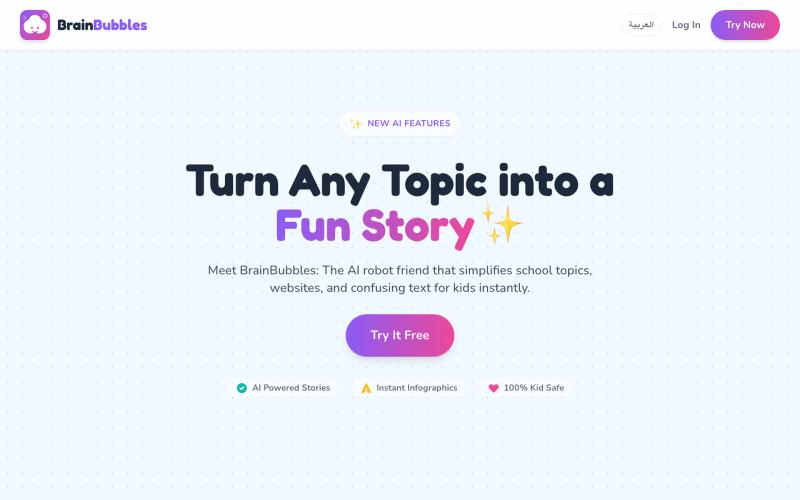
Education1 week ago
BrainBubbles - Learn anything in a snap!
Turn school topics and confusing text into interactive stories and infographics.

@hazemnassr · X
The full gallery
Tech stack
17 projects
Turn school topics and confusing text into interactive stories and infographics.
@hazemnassr · X
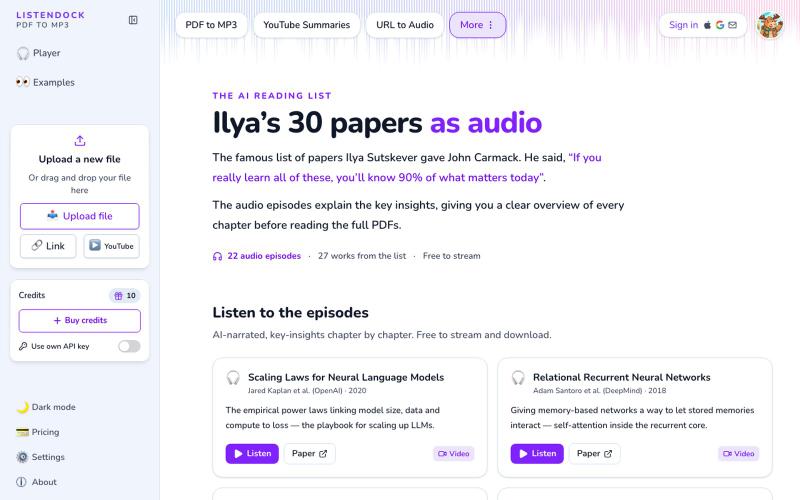
Listen to Ilya Sutskever's 30 AI papers explained as free audio episodes.
janpmz · HN
Ilya's 30 papers, explained in audio

Take AI-powered skill assessments to verify your knowledge and earn certifications.

@syprayt · X
We are building platform to verify user knowledge using AI, so you can avoid boring lectures and save years of life. It’s Academission baby. Yesterday we launched online mode, so that everyone could test our technology, here is the link:
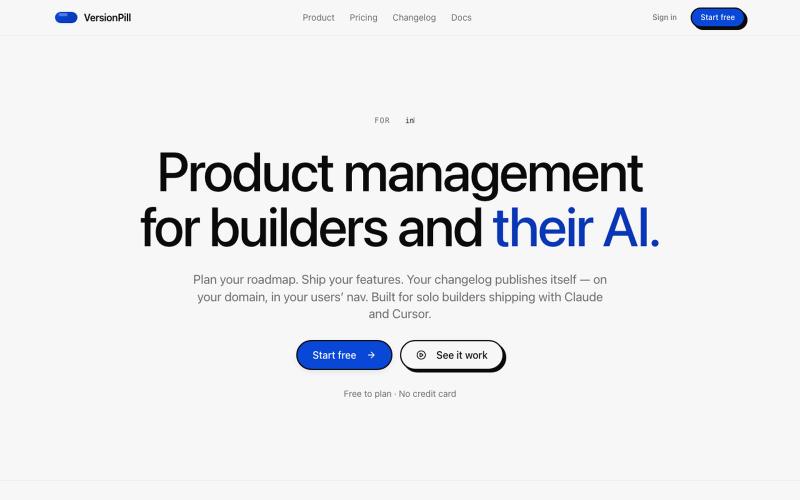
Build product roadmaps, manage tasks, and collect feature feedback with AI assistance.

@jimmy_harika · X
TLDR: Notion shipped my exact app that I have using in my daily workflow from last 2 years. Try here: It got a mcp that wires to your claude code and codex. Git integration is almost complete and will ship in coming days
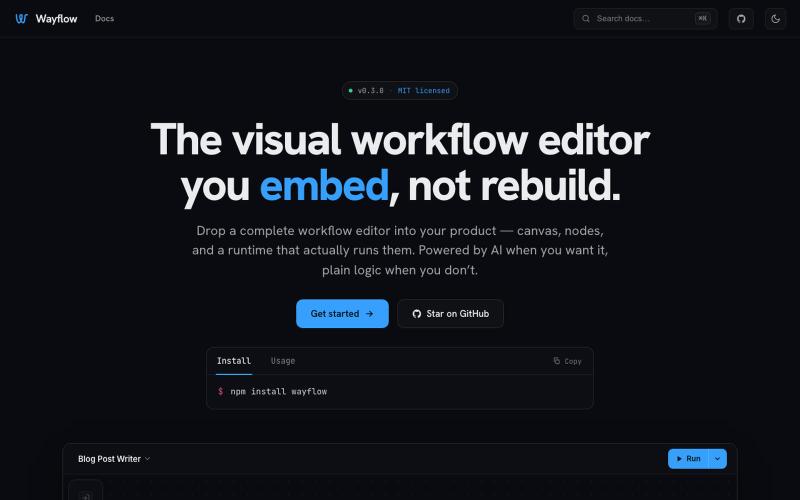
Embeddable visual workflow builder for web apps with optional AI assistance.
tahazsh · HN
Hi! I’m Taha. In many agentic products that support workflows (including one I worked on), I noticed they either don’t support node-based editors, or use React Flow and go through the difficult work of integrating it into their product to run it and work with their existing logic. So I thought about creating a tool that could help with this by closing the gap between the editor and the runtime. That’s why I created Wayflow. The basic architecture is simple: you just need to create a graph (which is a JSON object) that the runtime knows how to run. The runtime doesn’t care where that graph is coming from, it just needs the right schema. And with the help of the editor, you can create the graph, and then export it or directly save it on your backend in your database. And then when you want to execute it, you just hand it to the runtime. The runtime can either stream the execution (which is useful for the editor), or give you the final result. How you execute the graph is up to you: t