
Creative Tools1 month ago · 2 tries
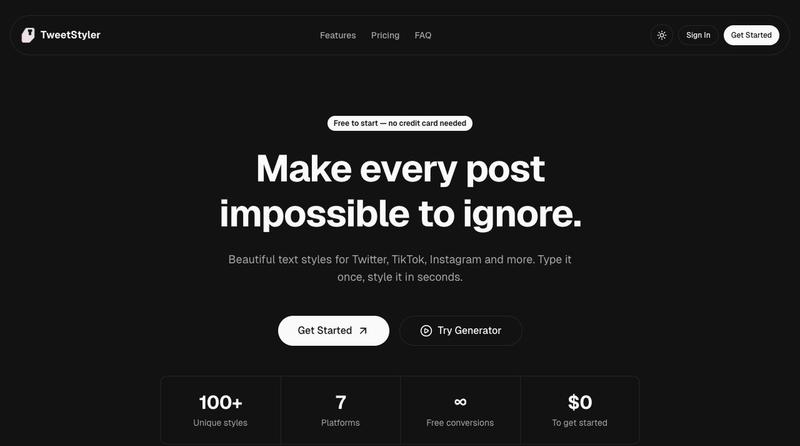
TweetStyler - Transform Your Tweets Into Stylish Unicode Fonts
Convert your tweets into stylish Unicode fonts for sharing on X and Twitter.
The full gallery
Tech stack
60 projects
Convert your tweets into stylish Unicode fonts for sharing on X and Twitter.
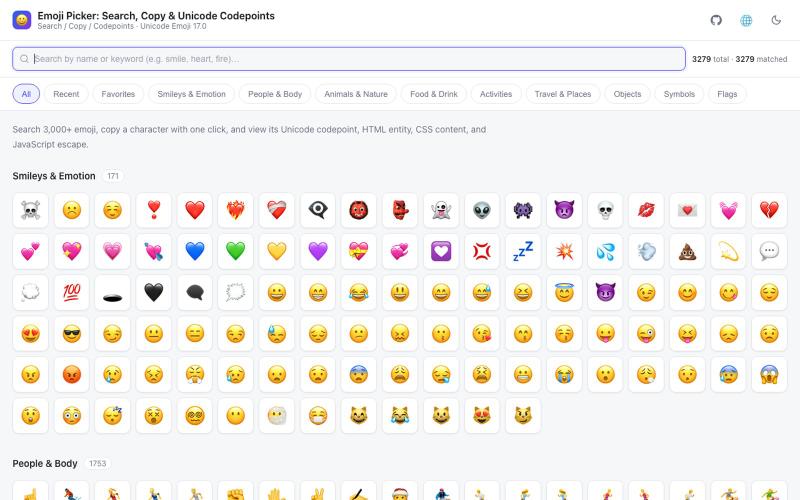
Search and copy emojis using Chinese or English keywords, view Unicode code points.

@im_arthas_ · X
🎉 人人都爱 emoji,一起来玩耍吧! 做了一个免费开源的 Emoji 搜索小工具 👇 🔍 中英文关键词秒搜,「苹果」「开心」都能搜到 ⭐ 悬停星标收藏,常用 emoji 一键直达 🎨 9 大分类 · 7 种语言 · 深浅色主题 📱 纯前端零广告,PWA 离线也能用 点击复制即走,快来玩 👉
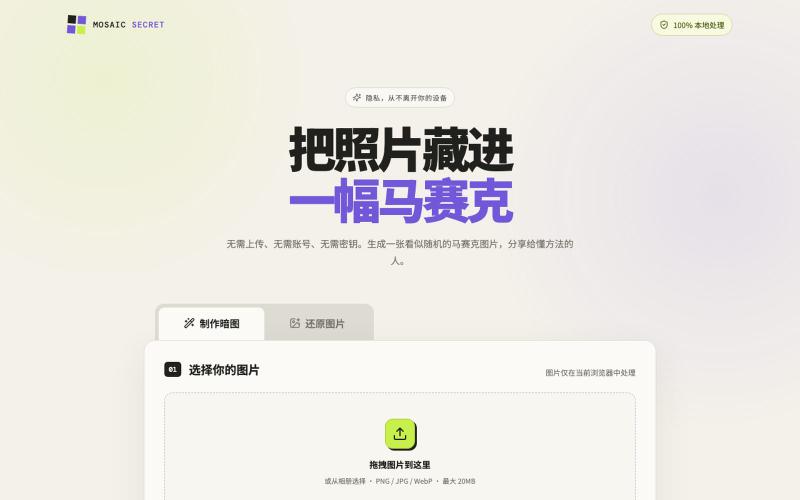
Hide sensitive images with client-side pixelation that only you can restore.
mqx · V2EX
图片转马赛克网站 简介:可以把敏感的图片生成马赛克,然后发送给别人,别人再上传还原,纯前端(隐私安全) 网站地址: https://e5660498.pinme.dev/ 放一张测试图片在一楼
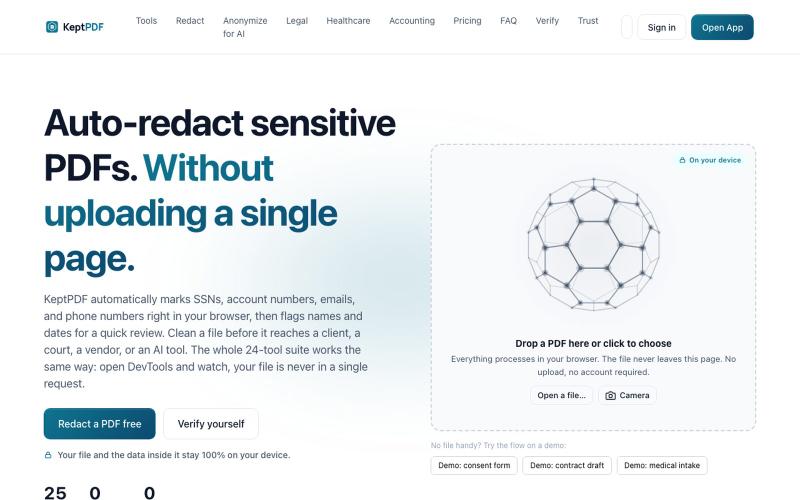
Redact, edit, OCR, and sign PDFs in your browser without uploading files.
u/jwwpua · Reddit
I built a PDF redactor that auto-detects names, SSNs, and account numbers without sending your file anywhere - works on your phone too. Free, no sign-up. Plenty of redaction tools upload your file to their server first (no thanks for legal/medical/tax docs). Some keep the file local but send the text off to an AI, so the text still leaves. And most of the truly local ones only let you draw black boxes by hand, which is how those "redacted" documents in the news keep getting un-r
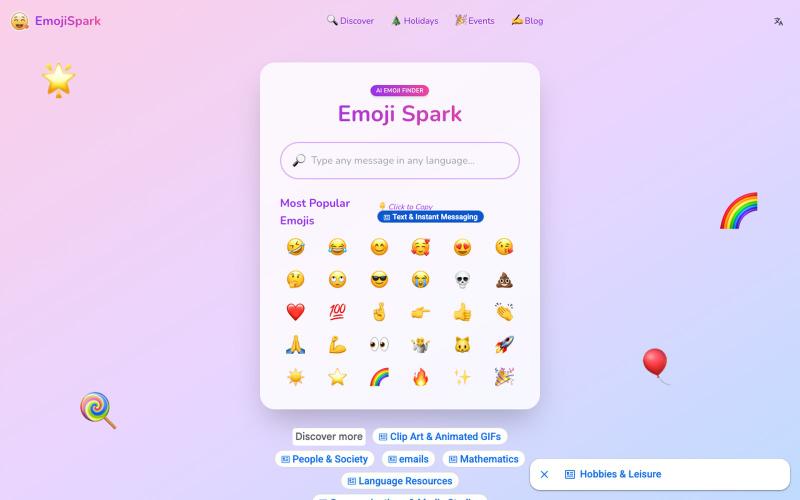
AI Emoji Finder: Search and copy the perfect emoji for any message, with Unicode 17.0 support.
Emoji Spark — AI Emoji 搜索工具
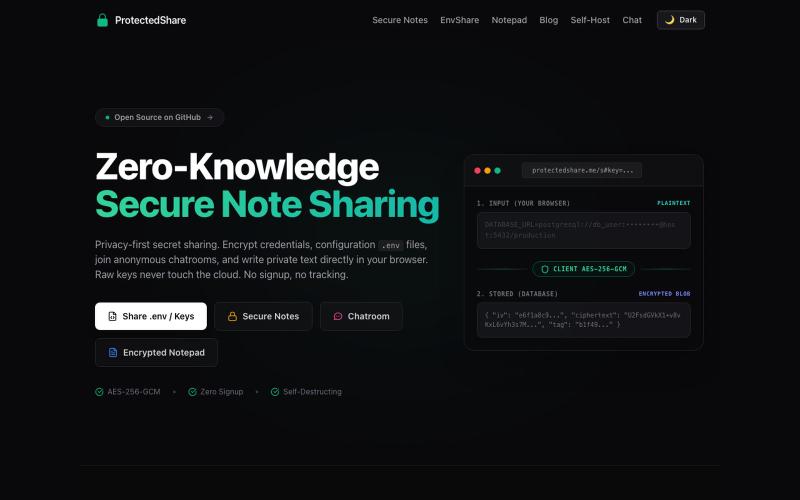
The modern ProtectedText alternative and secret sharing website. Free encrypted online notepad, .env file sharing (EnvShare), and self-destructing secret links — all with AES-256 z

@kunal_twts · X
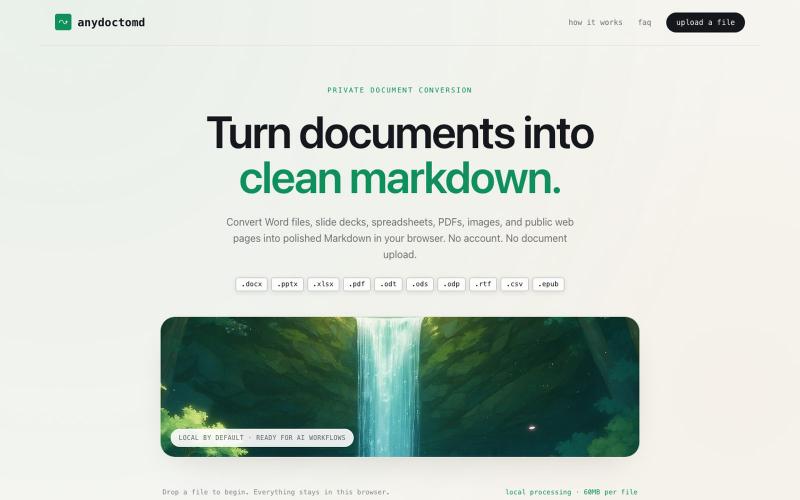
Convert documents, scans, and web pages to clean Markdown in your browser.

@HematejaAluru · X
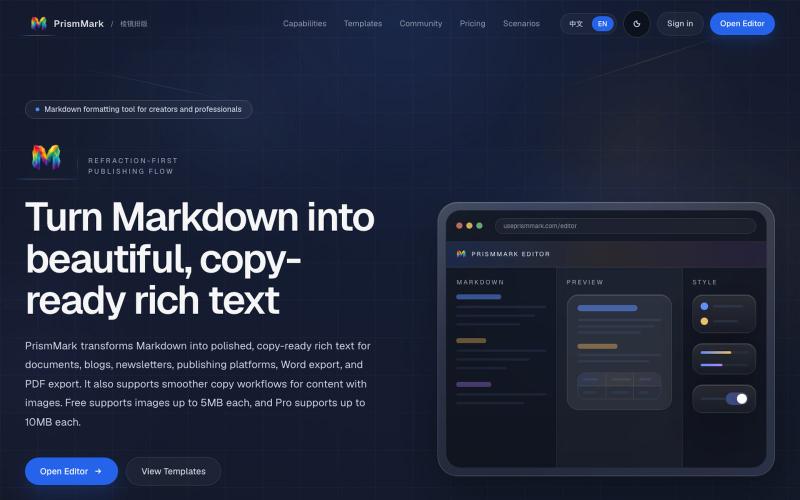
Convert Markdown to formatted content for WeChat Official Accounts, Word, and PDF export.

@bingobray · X
我做了一个类似的工具: 除了支持公众号,还支持word和pdf😁
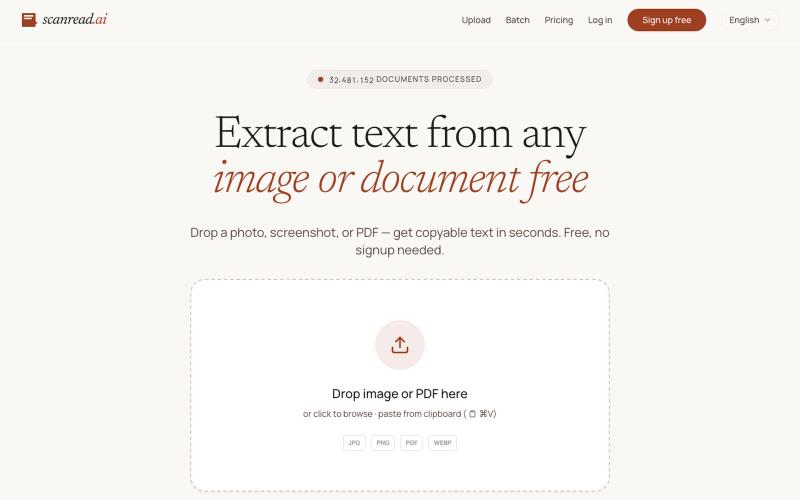
Extract text from images, documents, and PDFs in over 100 languages.
ScanRead.ai — OCR 文字提取工具,支持 100+ 语言,可从图片、PDF、截图和手写文档中提取文字
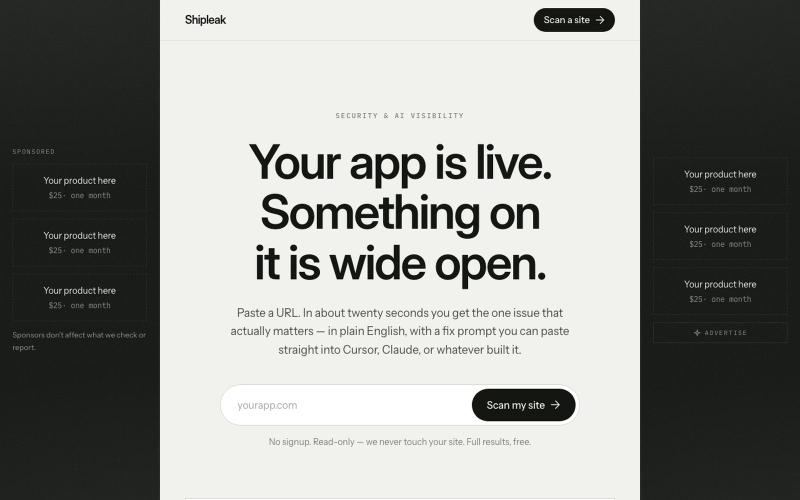
Paste a URL. Get the one issue that actually matters, in plain English, with a fix prompt you can paste straight into Cursor or Claude.
u/Salty-Excitement-107 · Reddit
Free security + AI visibility scan. No signup needed. Just finished a project called [Shipleak]( https://www.shipleak.com ). You paste a URL, it runs 65 checks against the live site, takes about twenty seconds. Headers, TLS, cookies, CORS, DNS and email records, common exposed paths, and anything that looks like an API key sitting in your JS bundles. Then the AI visibility half: structured data, whether your content exists before JavaScript runs, whether AI crawlers are allowed, llms.txt. Eac
Add drawings and annotations to HTML and Markdown pages with encryption.
pandrre · HN
I've built tldraw for HTML and Markdown pages (with encryption)

Merge PDFs, compress images, remove backgrounds, and access utilities entirely in your browser.

@damiadeh · X
Your files utility tools stacks in your browser. No uploads, files stays on your pc.