

Creative Tools1 week ago
Snapester - Turn Screenshots into Beautiful Visuals
Turn screenshots into polished designs using a Chrome extension and web-based editor.

@buildwithshyam · X
The full gallery
Tech stack
22 projects
Turn screenshots into polished designs using a Chrome extension and web-based editor.
@buildwithshyam · X
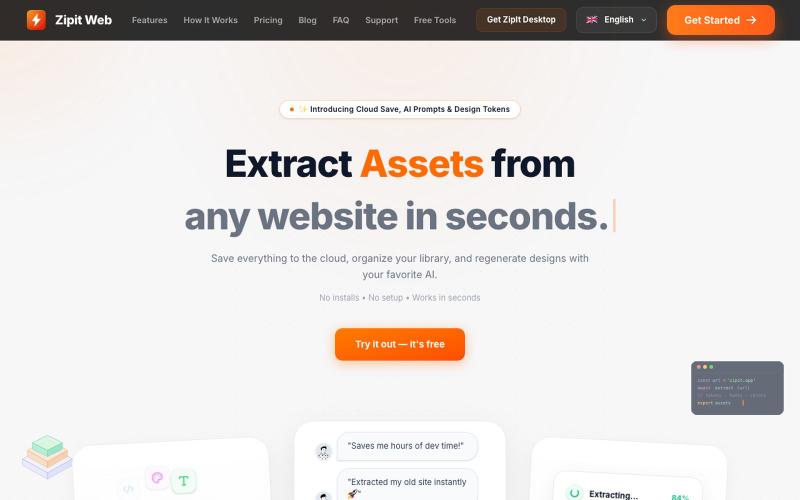
Extract code, design tokens, fonts, colors, and media from any website instantly.

@bharatmodi2014 · X
Extract code, design tokens, fonts, colors, and media instantly. Save everything to the cloud, organize your library, and regenerate designs with your favorite AI.
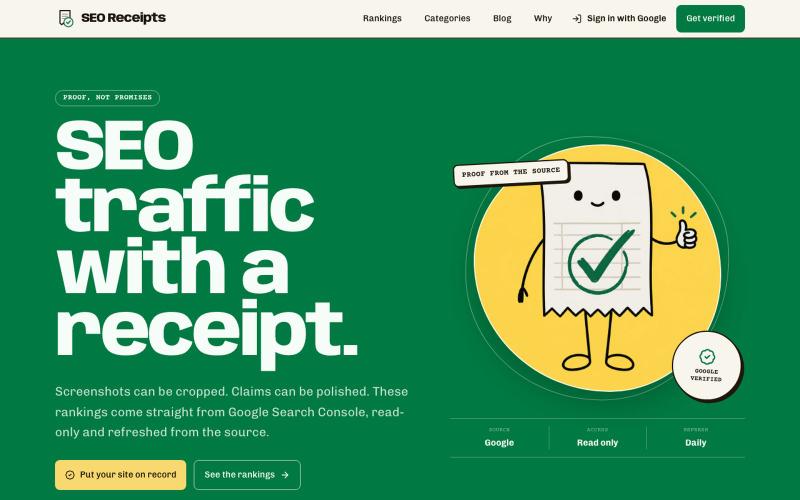
View and share verified organic SEO traffic data pulled from Google Search Console.

@GainFrameApp · X
I built a TrustMRR for SEO - Its free and looking for test users I see people share screenshots of Google Search Console Dashboards here and had an idea where we can create a verified leaderboard with easy shareable links to your SEO traffic - If anyone is interested in giving it a shot let me know. I would love the feedback

Chrome extension for recording screen demos with automatic zoom effects and custom backgrounds.

@gabani_vatsal · X
Building Screen recorder which adds zoom effects and custom backgrounds
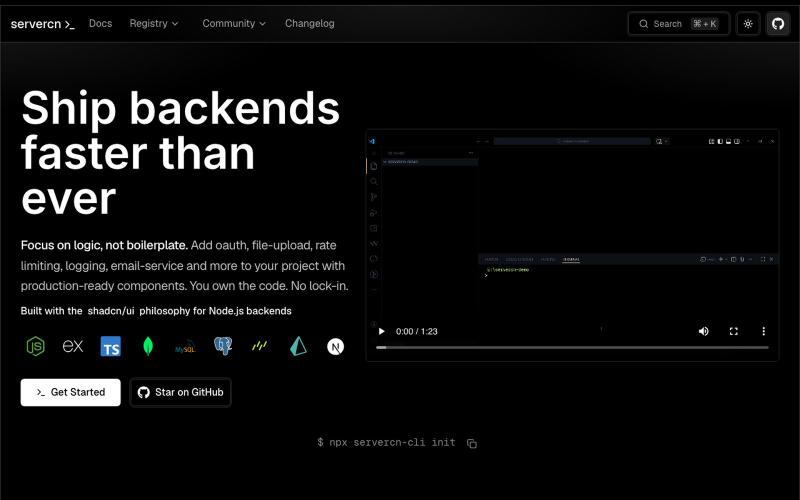
Browse and copy production-ready Node.js backend components inspired by shadcn/ui

@_akkal_dhami · X
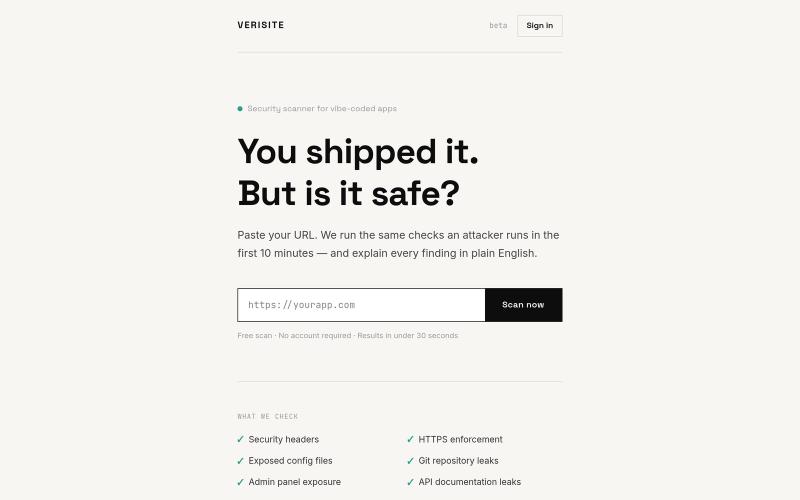
Paste your URL to get security findings for web apps explained in plain English

@luqmandv · X
I built a free security scanner for vibe-coded apps. You shipped with Cursor, Bolt, or Lovable. But did you check if it's actually safe? Paste your URL → get a plain English security report in 30 seconds. No setup! 👉 #buildinpublic #vibecode
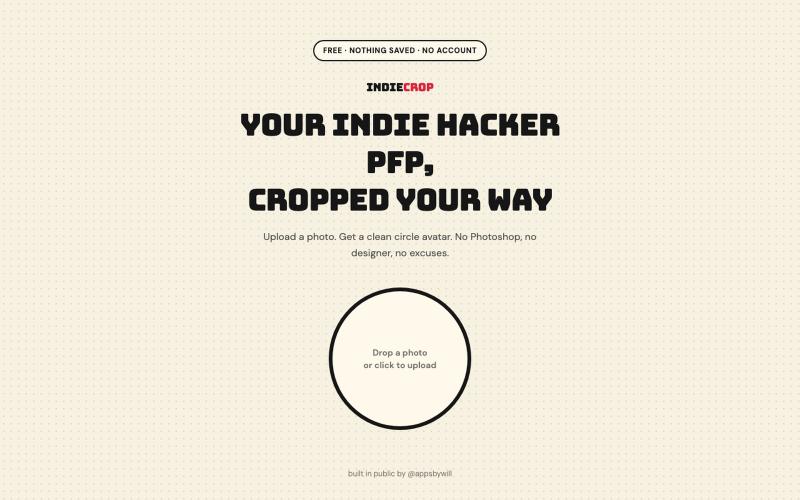
Generate a circular avatar from any photo with automatic background removal in the browser.

@appsbywill · X
i've been playing around with this profile picture maker, I really want to fine tune the background removal and add more styling templates. Let me know if you find more bugs!
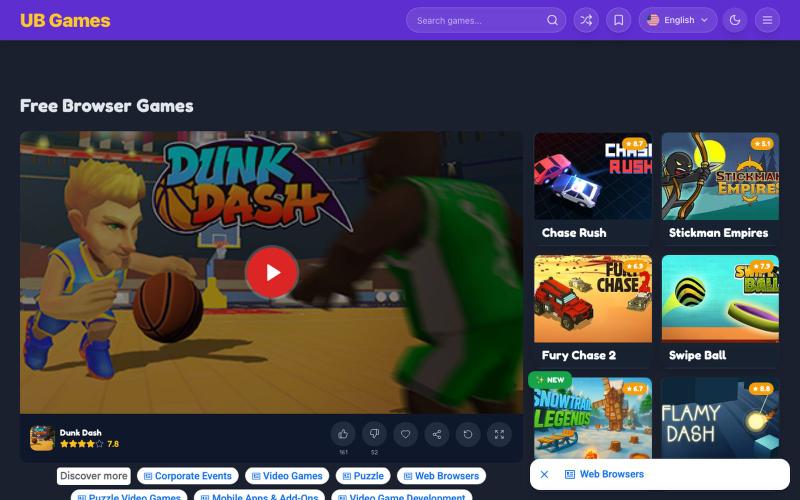
Play thousands of free browser games instantly without registration or downloads.
UB Games — 免费浏览器游戏
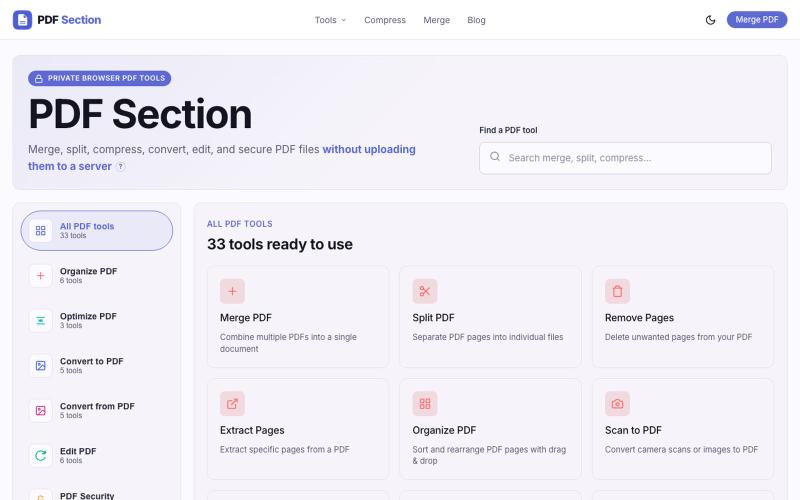
Merge, split, compress, convert, and edit PDFs in your browser without uploading.

@muzammilkarimi · X

Merge PDFs, compress images, remove backgrounds, and access utilities entirely in your browser.

@damiadeh · X
Your files utility tools stacks in your browser. No uploads, files stays on your pc.