

Creative Tools1 month ago
Imagerry | Image Editor, Converter & Customizer
Edit, resize, crop and convert images directly in your browser without uploading files.

@its_ajseven · X
The full gallery
Tech stack
60 projects
Edit, resize, crop and convert images directly in your browser without uploading files.
@its_ajseven · X

Create webcam photo strips with filters, frames, and background editing.
cmlanche · V2EX
做的在线照相亭本来还有点流量,结果我 301 瞎整一通,彻底废了,重新上了一个站 地址:[freephotobooth.online]( https://freephotobooth.online/) 上面是老地址,本来流量还可以,上站第二天就有 300 个新点击,但我嫌弃域名后期没有品牌优势,所以 301 到了另外一个域名,但上了之后看到流量没有了,又很焦虑,然后又把新站 301 到老站,现在彻底 game over 不得已重新写了一个站,再上,有兴趣可以围观一下,看看哪个更好,有啥问题我可以改改,主打听劝 新站地址:[https://photobooth100.com/]( https://photobooth100.com/)

A private map for saving and sharing places, photos, videos, and memories with trusted people.

@pinlytech · X
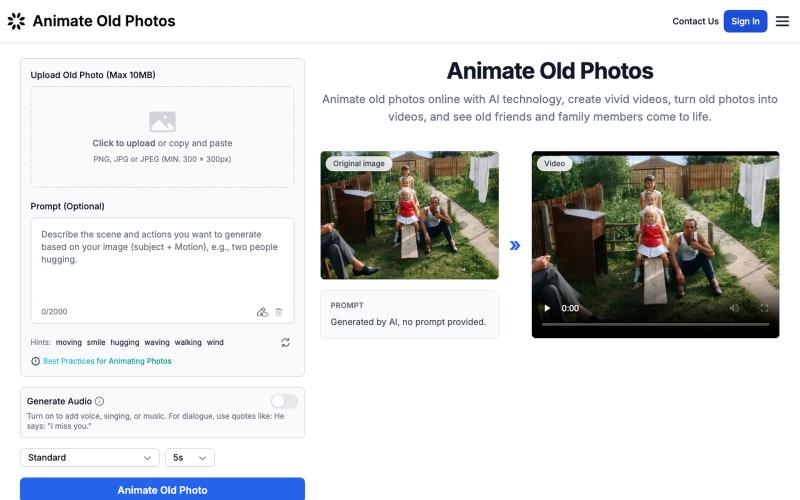
Turn your old photos into animated videos using AI.
Animate Old Photos — 利用 AI 让那些定格在老照片中的回忆再次“动起来”,让记忆变得更加生动,回到了过去的美好时光。

Cull and edit RAW photos in your browser with local processing.

@am56ay · X
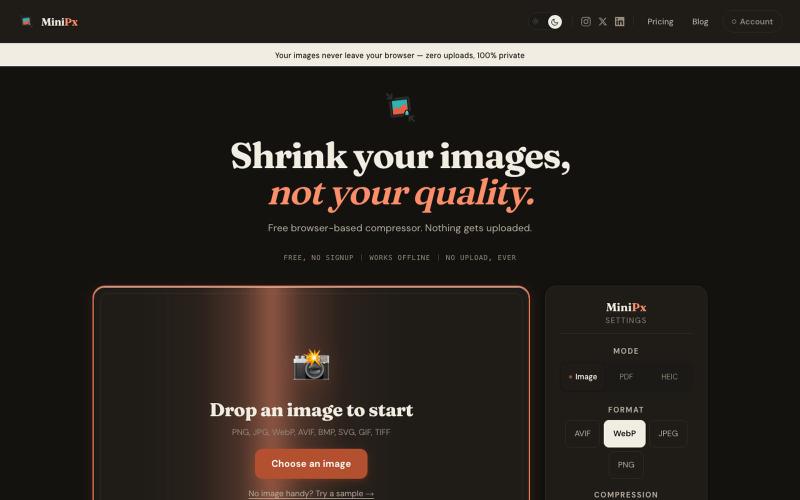
Compress and convert images in your browser without uploading or creating an account.

@getminipx · X
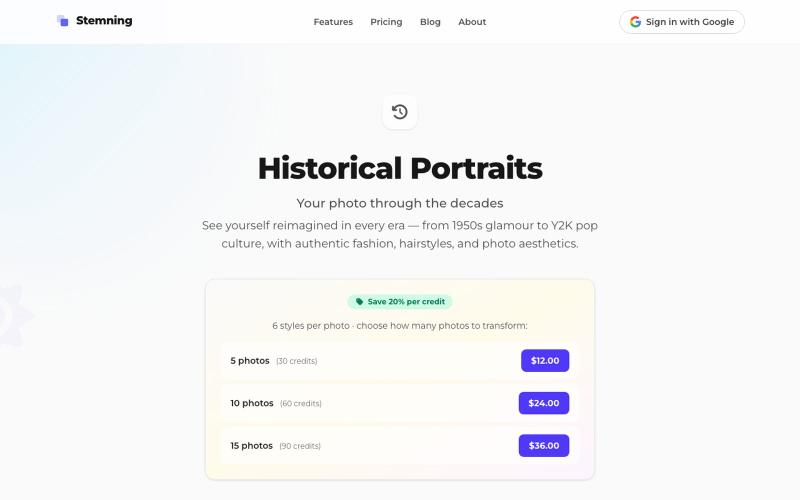
Transform your photos into historical portraits from the 1950s to 2000s.
theill · HN
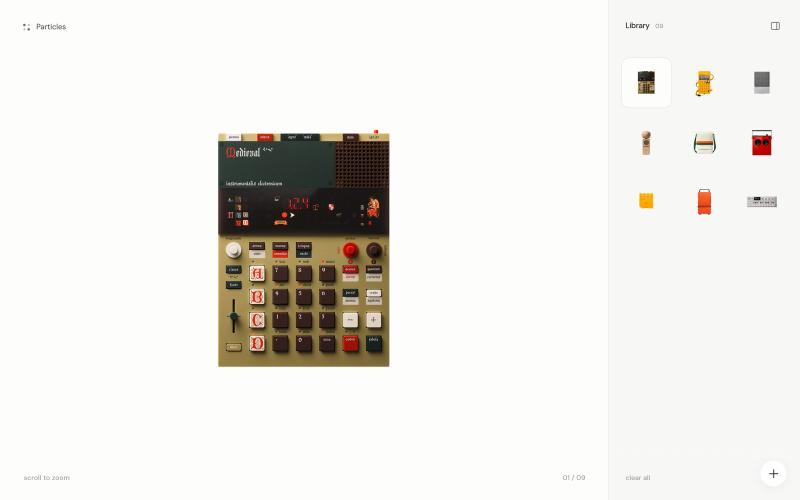
A tiny image playground where photographs dissolve into thousands of particles.

@TylerJBeauchamp · X
fun little particle experiment, built with codex 🤗 play with it here:
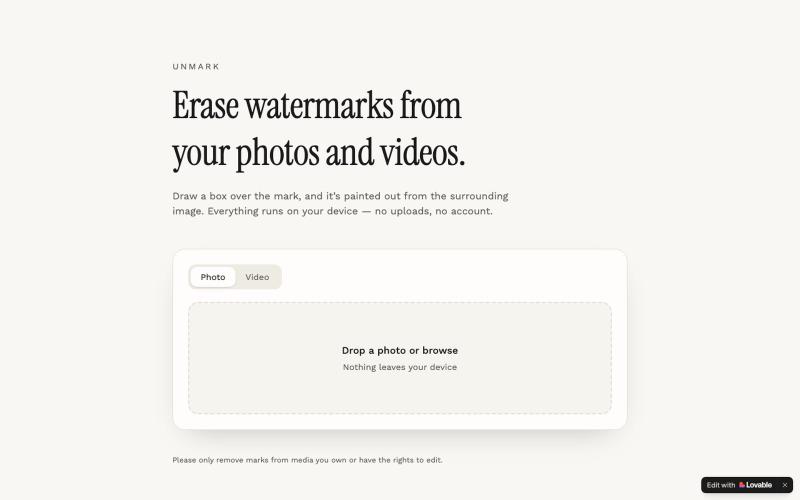
Remove watermarks from photos and videos by drawing a box and erasing, directly in your browser.

@ultra33gh · X
Check out what I just built with Lovable!

Reels, recipes, movies and places, saved from anywhere and remembered in one place.

@JoinFavorit · X

EyeSky walks you through a guided privacy sweep of hotels, hospitals, doctors' offices, gyms and public restrooms, then keeps every alert on record.

@BostonCrowd · X
Check out what I just built with Lovable!
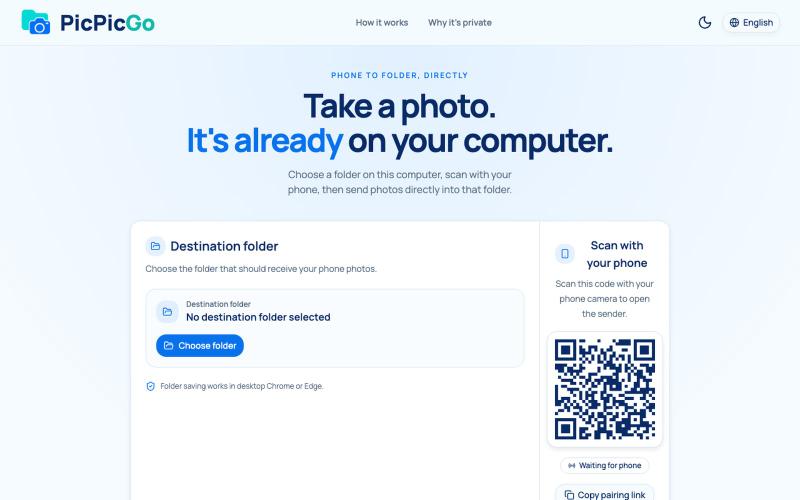
Transfer photos from your phone to your computer folder in real-time without creating an account.
1010115121 · V2EX
做了个网站,将手机的照片实时同步到电脑指定的文件夹,不需要复杂的操作! 最近自己有个需求:需要把手机刚拍的一批图(十来张)快速传到电脑 试了一圈手机和电脑的同步方案,都有点麻烦,所以自己做了个工具站:PicPicGo https://picpicgo.com 使用很简单: 1 、电脑打开网页,选择一个文件夹 2 、手机扫码进行连接 3 、手机拍照或选择照片 4 、照片自动保存到电脑刚才选择的文件夹 不需要安装电脑软件,也不需要安装手机 App ,打开网页就能用 照片通过 WebRTC 在设备之间直接传输。 目前只支持同局域网的设备,刚发布,发出来看看有没有人也有类似需求,欢迎试用和提意见。