
Utilities1 day ago
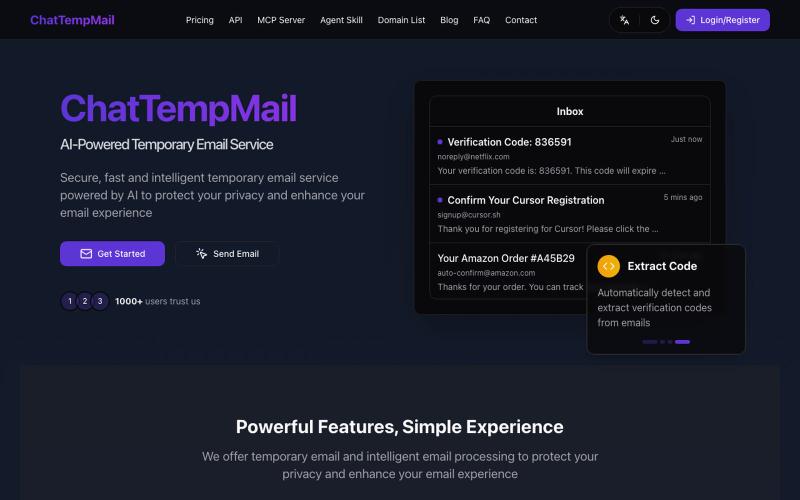
ChatTempMail - AI-Powered Temporary Email Service
Temporary email service with AI features like translation, summarization, and Q&A.
ChatTempMail — AI 驱动的临时邮箱服务
The full gallery
Tech stack
24 projects
Temporary email service with AI features like translation, summarization, and Q&A.
ChatTempMail — AI 驱动的临时邮箱服务
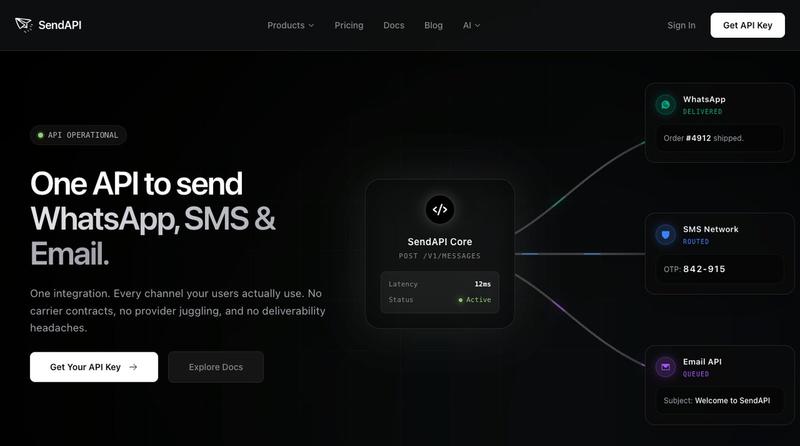
One API to send WhatsApp, SMS, OTP codes, and transactional emails.

@amifideles_ · X
Built SendAPI, solving the complexity of managing multiple messaging providers by bringing WhatsApp, SMS, OTPs, and transactional emails into one API. Built for developers and startups.
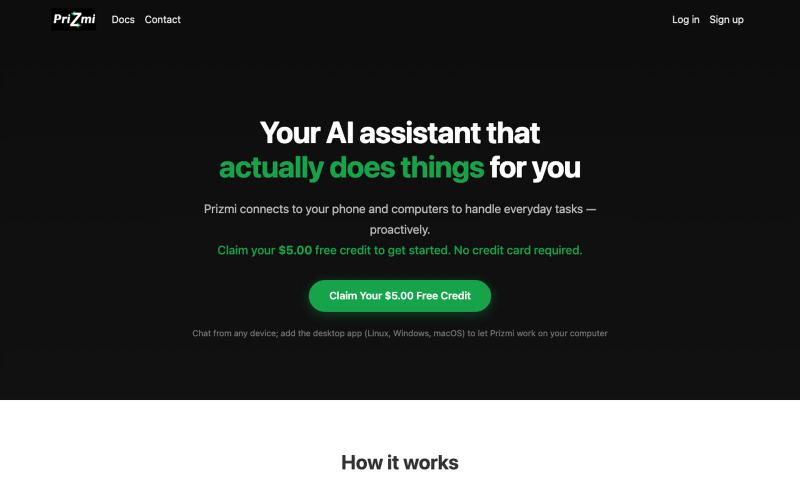
AI assistant that manages email, sends reminders, and organizes files across devices.
hramezani · HN
Hi HN, we built Prizmi because we wanted an AI assistant that would i) do real and interesting things instead of explaining how to do them ourselves, ii) act on all our devices, iii) be proactive in true sense, iv) keep us in full control, v) respect our privacy, vi) be easy to set up, and vii) be used by non-technical people including seniors. This is what Prizmi is designed to do: you text it from a messaging app, and it acts for you across your phone and your computers. It's also proactive, so you can set something up once and it keeps running. It also follows up on its own when it has something useful to say. Some examples: - "Check my email every weekday at 9am, 11am, 3pm, and 5pm and draft replies for me" - "Send me a reminder to take my medication every day at 6pm" - "Look at my screen and solve this coding question" - "Sort my Downloads folder by file type" - "Turn on my gmail vacation auto-reply from monday to friday, and write a message for me." It remembers what you'v
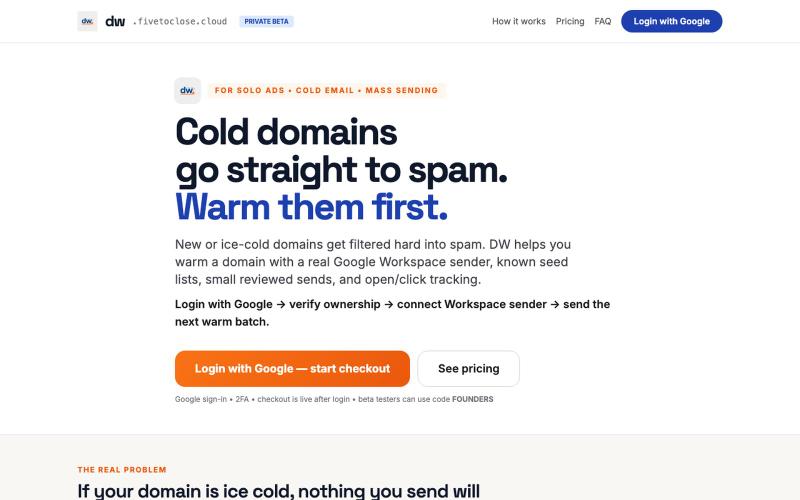
Warms cold domains for bulk email with Google Workspace sender verification, seed lists, and open/click tracking.

@MarkZofMarkZ · X
Marketers who email - - still testing it, but I could use some help to validate.
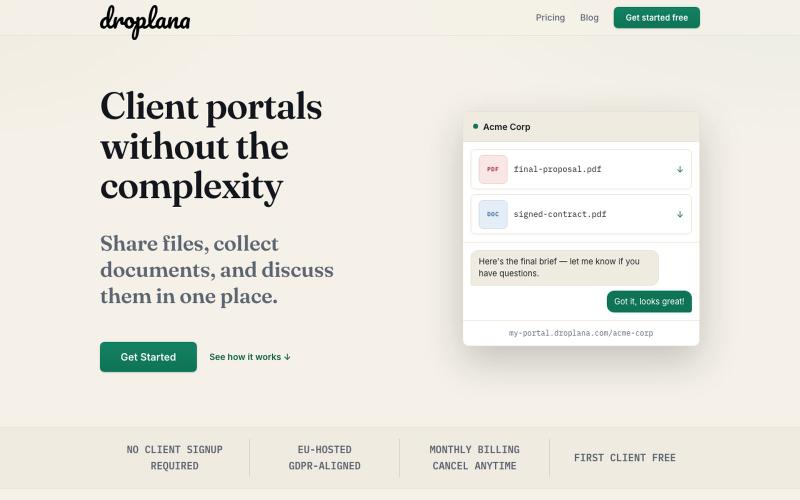
Share files, collect documents, and discuss them with clients—no signup required.

@droplana_com · X
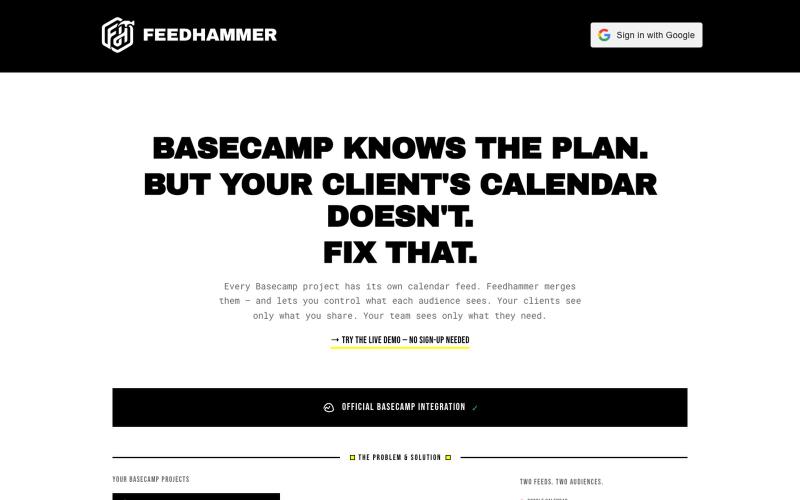
Sync all Basecamp project calendars into a unified iCal feed for Google Calendar, Outlook, or Apple Calendar.
bhagyeshsp · HN
First things first: On the landing page, click on the "demo" link below the Hero section to try it without jumping any hoops ** I'm a long-time Basecamp user and satisfied with its overall functionality. Of course, there are many things that can be improved but that is not the point of this post. *Background* Basecamp lets users create "Projects". These projects are isolated workspaces that contain: members, todos, chat, files, message board, and calendar, etc. My issue was with the scattered calendars. Because I (and every other Basecamp user) creates a dedicated project for different scope of work, even if it is for the same client. For example, at any given time, I may have 4 projects for client-X and 3 projects for client-Y. *My pain point* I have experienced that most clients (especially the decision-makers) do not use Basecamp as often as we--the agency folks use it. They just use it when some reviews or comments are required or some file access. The clients organize their
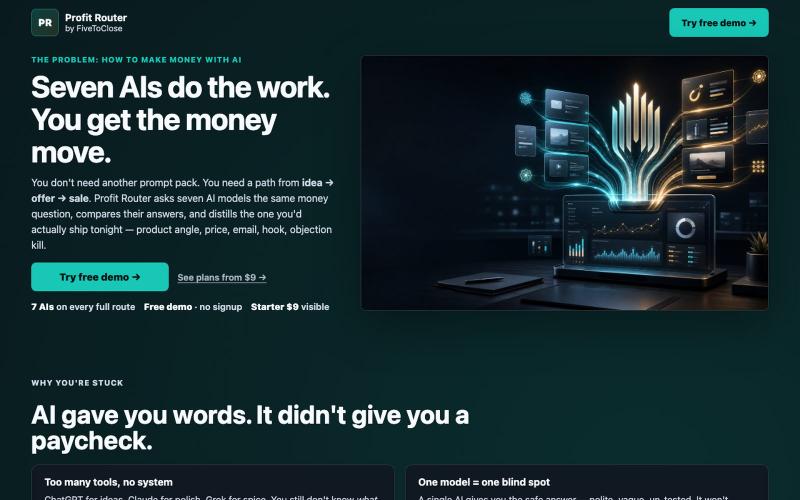
Generate and compare offers, emails, and ad copy across seven AI models.
@MarkZofMarkZ · X
Let's connect! Profit Router 📈
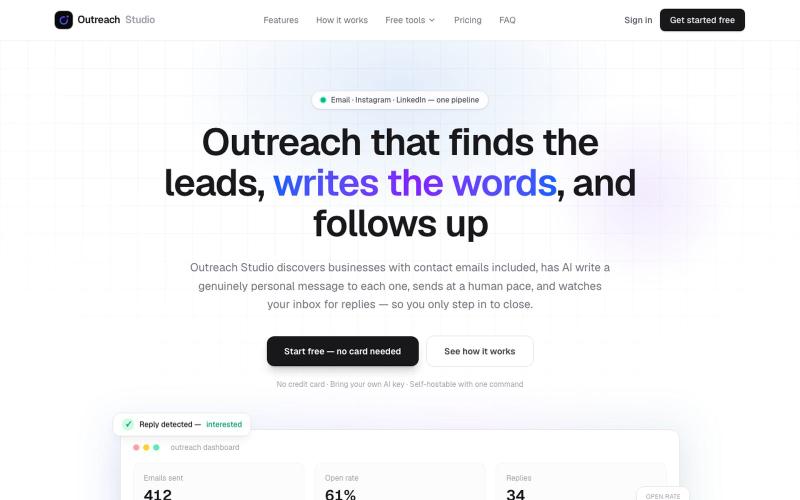
Find and message business leads with AI-written outreach across email, Instagram, and LinkedIn.

@Null_penure · X
Outreach Studio finds business leads with emails included, has AI write a personal message to each one, sends at a human pace, and triages the replies. Free plan included.
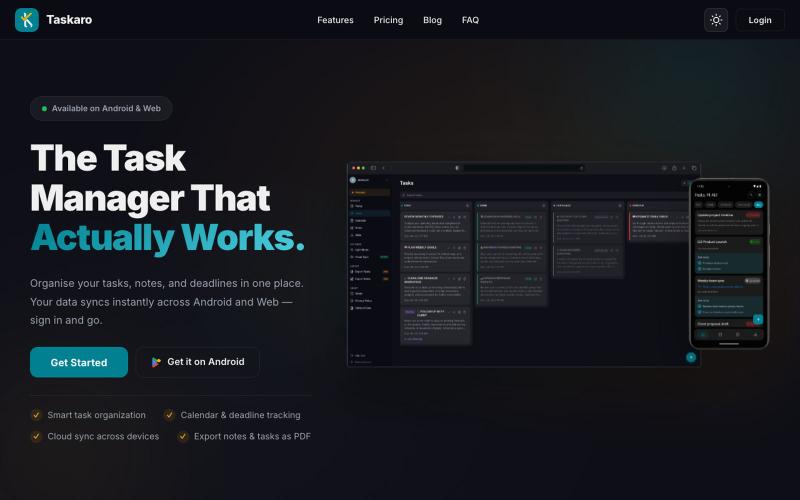
Free task manager with kanban, notes, calendar, and cloud sync for Android and web.

@ak14053 · X
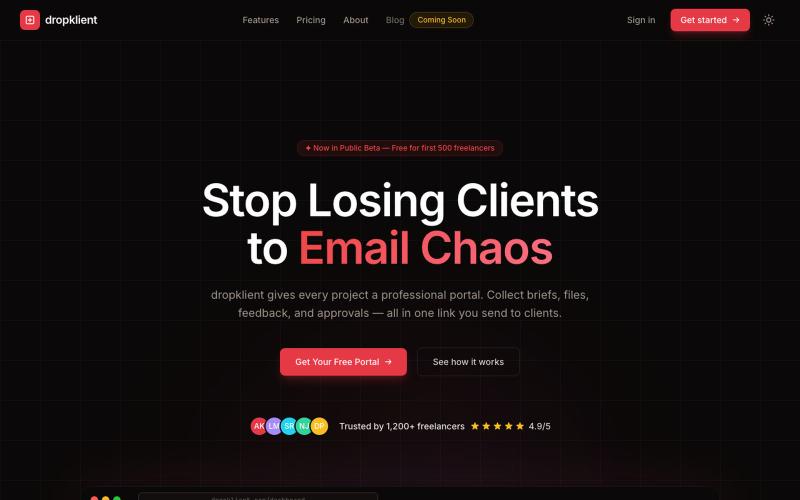
Centralized portal for freelancers to collect briefs, files, and feedback from clients in one place.

@DropKlient · X
The only website freelancers need to manage their work.
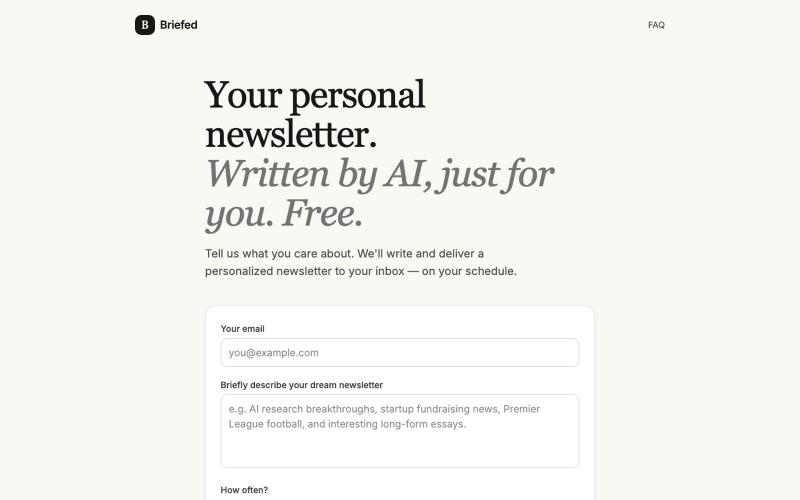
Receive a personalized AI-written newsletter delivered to your inbox on your schedule.
tozcoded · HN
Show HN: I built a personalized AI newsletter you configure by replying to it

Create richly formatted posts and publish them instantly to the web with a single click.

@masafumiohta · X
I’ve been using Windows as my daily use lately despite I have been using Mac/Linux for a long time, but I keep running into all sorts of issues, so I’ve been fixing them vibe-coding with Claude. I’m gonna dump all that stuff on This blog is fully automated with Claude Code, from coding all the way to reporting. It’s nothing special—anyone could do it—but it’s actually pretty fun once you try it. The only annoyed is that it burns through tokens like crazy. Most of the tips are pretty interesting, so I hope you find them useful.