
Creative Tools1 week ago
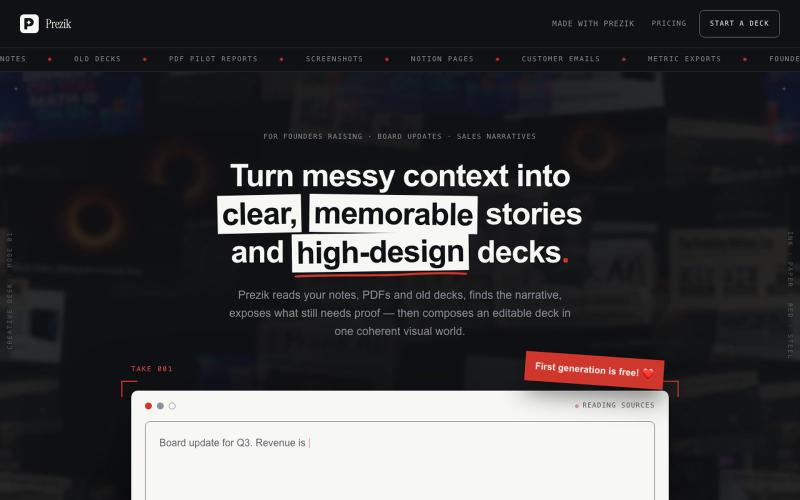
Prezik — A deck a designer would sign
Upload a document. Prezik authors a visual movement around it and prints every slide as a designed image — the design quality no template tool can make.

@behindceo · X
The full gallery
Tech stack
60 projects
Upload a document. Prezik authors a visual movement around it and prints every slide as a designed image — the design quality no template tool can make.
@behindceo · X

Design custom themes for Codex Desktop with backgrounds, colors, transparency, and visual effects.
plutozc · V2EX
做了个 Codex Desktop 主题预览和切换工具,先调好再安装 最近一直在用 Codex Desktop ,觉得默认界面看久了有点单调,就顺手做了个主题编辑工具,分享一下: [Codex Skin]( https://getcodexskin.com) 可以先在网页里预览主题,调整背景透明度、面板透明度、颜色、模糊和圆角等参数,满意之后再下载并切换到 Codex Desktop 。 目前支持: - 自定义 JPG 、PNG 、WebP 背景 - 在线实时预览主题效果 - 调整透明度、颜色、模糊、圆角 - 预览满意后生成安装命令 - 不喜欢了可以恢复默认外观 目前主要面向 macOS 上的 Codex Desktop ,还是个人项目,功能和兼容性都在继续打磨。 欢迎试试,也想听听大家对主题参数、预览效果和安装流程的反馈。 直接网址: https://getcodexskin.com [轻喷 轻喷,可能还有些 bug
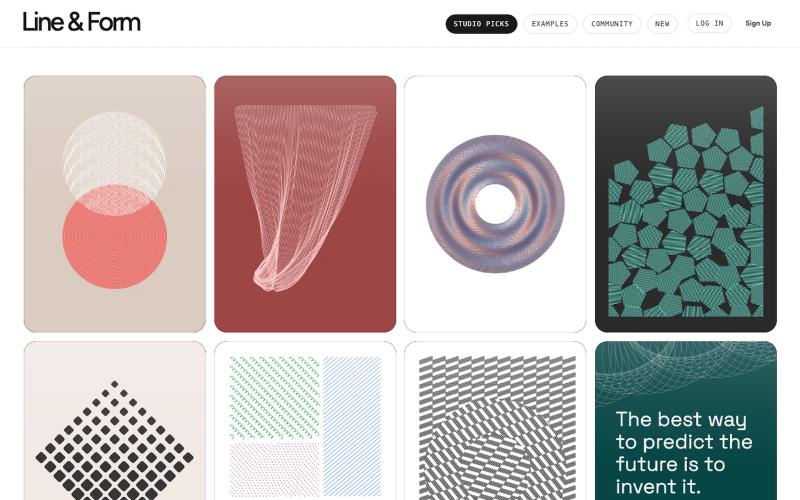
Design visual art with lines and forms directly in your browser.

@josephflaherty · X
by @golnik is the best vibe-coded software project I've seen, both in its aesthetics and the difficulty of its accomplishment. You can see the finished output of his work here:
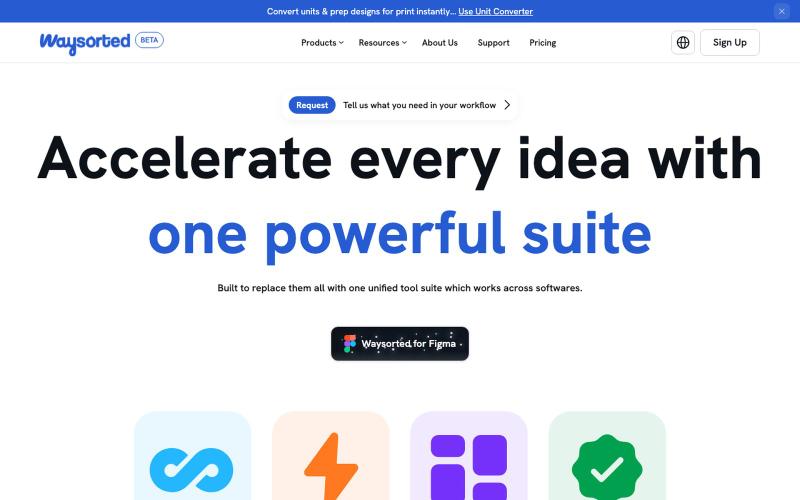
Set of design tools that integrate with your other software.

@aviralgarg05 · X
Here's what you get on One toolkit. Every design task.
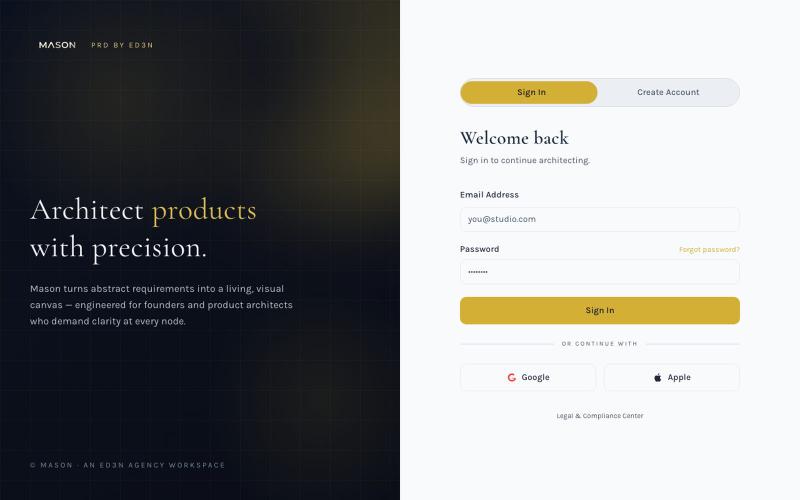
Create visual product requirements documents using a minimalist canvas interface.

@KolhyP92244 · X
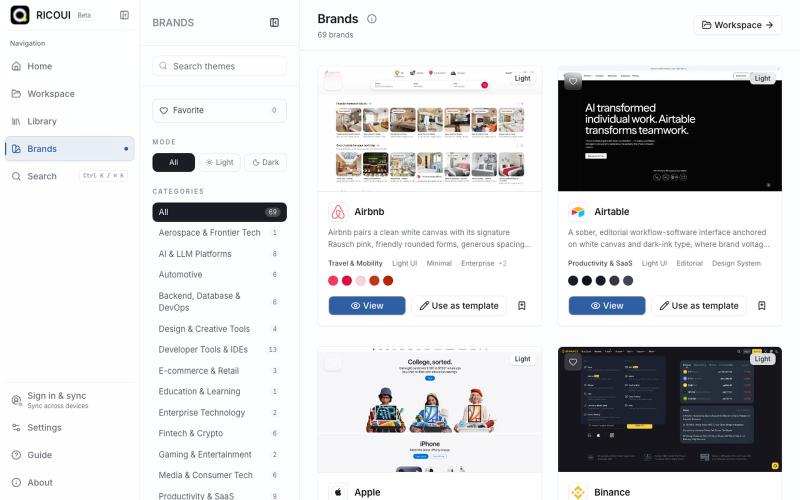
Local-first workspace for authoring, previewing, and exporting design systems.

@ricouii · X
我已经围绕 design.md 做了一个开源的工作台,以及品牌库 工作台支持模板编辑、预览、AI 生成、文件派生 token、css,品牌库方面还支持 HTML preview... 我还是相信 design md 是很有潜力的,比大部分的设计 skill 好用
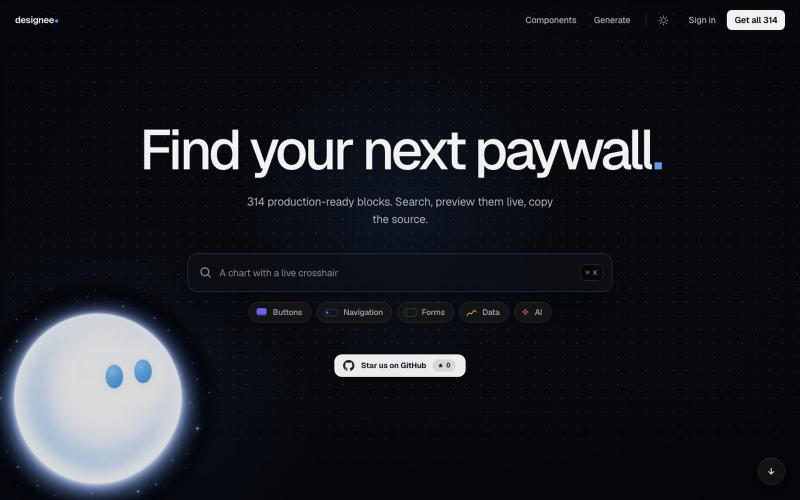
Search and copy production-ready UI components for your projects.

@ArthurMrcnr · X

Generate UI screens for mobile and web apps from text descriptions in seconds.

@ninakolari · X
Google just dropped Stitch and it changes the entire vibe coding workflow. You describe what you want your app to look like. It builds full high-fidelity screens in seconds. No Figma. No designer. No credit card. Here is how to use it: Go to Sign in with your Google account. That’s it. You’re in. Instead of typing “make me an app” type this: “A lesson planning app for teachers. Clean and calm. Inspired by Notion. Minimal. White space.” The more specific you are the better your screens. Then refine with follow up prompts. Change the nav. Try dark mode. Get 3 menu variations. Or just speak it. Your screens become a clickable prototype in seconds. Click a button and Stitch generates the next screen automatically. Your entire app flow. Before you write one line of code. Then take it further. Export to Lovable or Cursor and build the logic on top. Use the MCP server to keep your design and code in sync. Pull any website’s design system in seconds. Save everything as
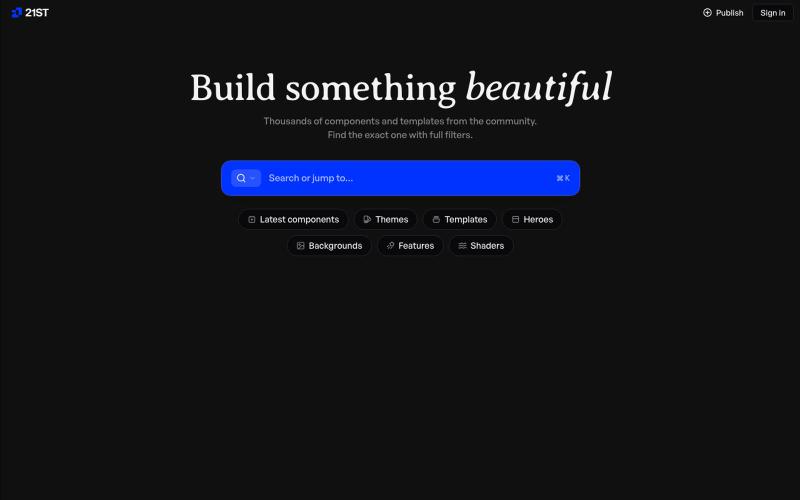
Hand-crafted React components and templates for building polished user interfaces.

@polyqoy · X
This video shows a fully animated 3D site built in 2 minutes with claude code. one terminal command. but the prompt was almost irrelevant. the real work was the pre-load: ui/ux pro max skill, a hero component from framer motion stacked in before claude touched anything the toolkit did the job. the prompt just pulled the trigger. that's also why most people's claude output looks generic. they skip the setup and blame the model.
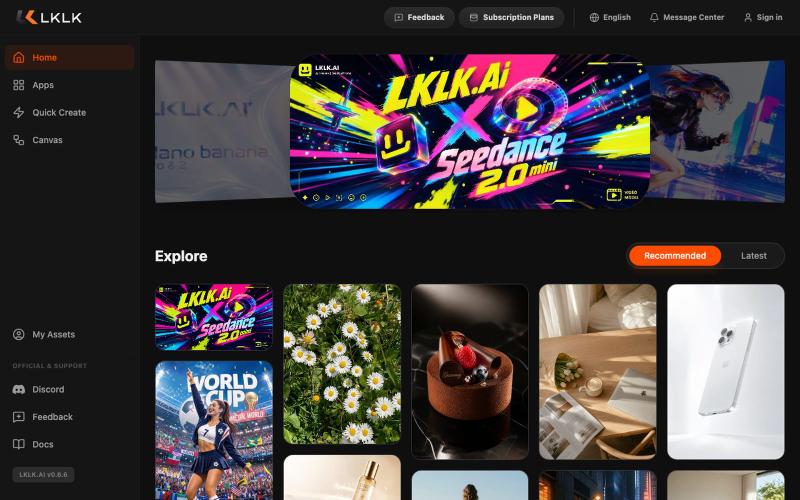
AI platform for designers and creators to generate visual content.
lklkai · Product Hunt
LKLKAI AI creation platform for designers and creators
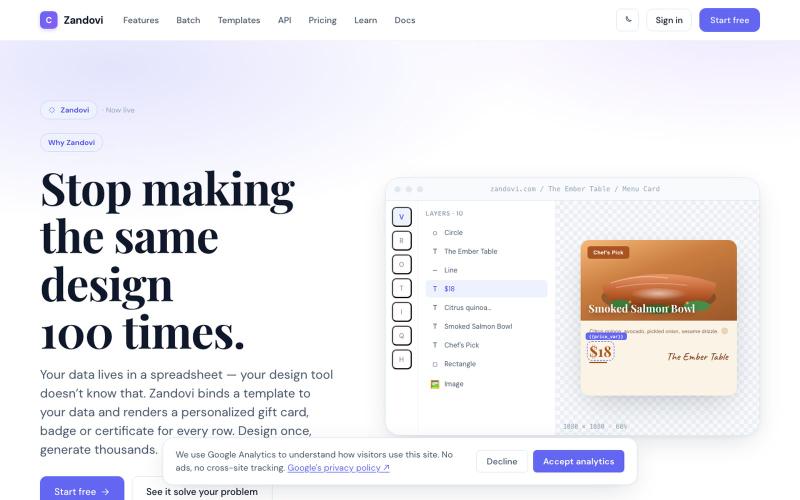
Generate personalized designs at scale using templates with variables from CSV or API.

@trebizant · X
Hi, I'm building : generating gift cards, invitations, basically any image using templates, variables by web or API
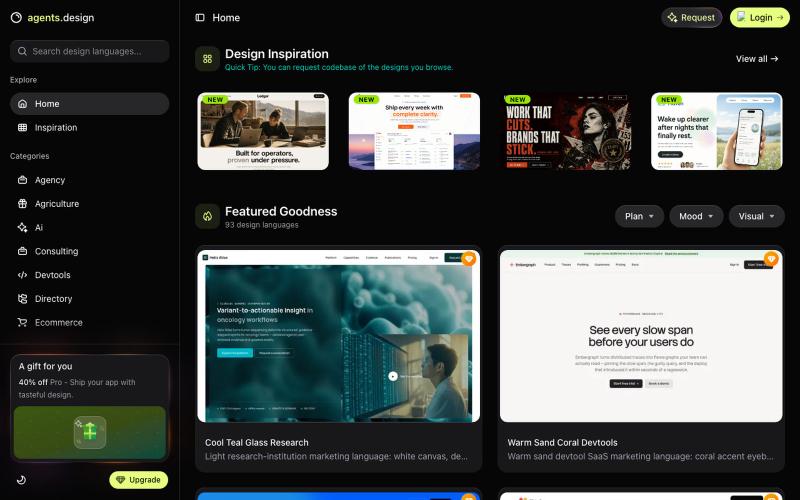
Browse and copy design templates and prompts for building AI products with Cursor and Claude Code.
tungtbt · HN
Agent's Design – Claude/Codex copy-paste templates that kill AI-slop UI