
Utilities1 month ago
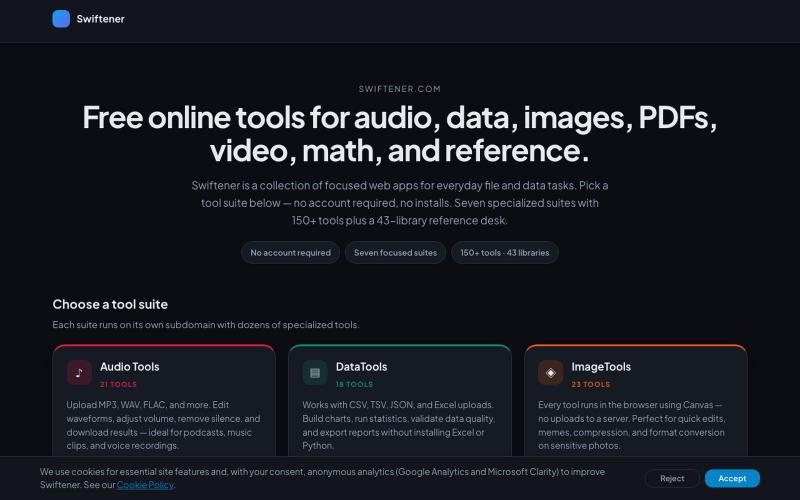
Swiftener — Free online tools
Convert and edit audio, images, PDFs, and videos with 150+ free online tools, no signup required.

@factfile0 · X
The full gallery
Tech stack
26 projects
Convert and edit audio, images, PDFs, and videos with 150+ free online tools, no signup required.
@factfile0 · X
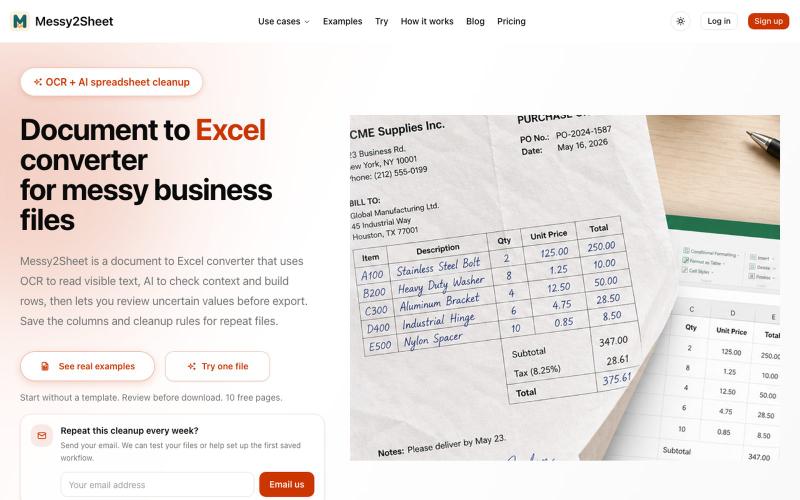
Convert PDFs, scans, emails and screenshots to organized Excel or CSV with AI.
Messy2Sheet — AI 文档转表格工具,把截图、邮件订单和 PDF 价格表按自定义字段整理成 Excel/CSV,支持保存可复用 Recipe

Format, convert, and process PDFs and images with 450+ privacy-friendly browser tools.

@tentaco_cc · X
Hey! I built 🐙 It’s a privacy-first web space packed with over 450+ free micro-tools for tech, design, marketing, and PDFs. The best part? Everything runs 100% locally in your browser. No registration, no ads. Let's connect! 🛠️
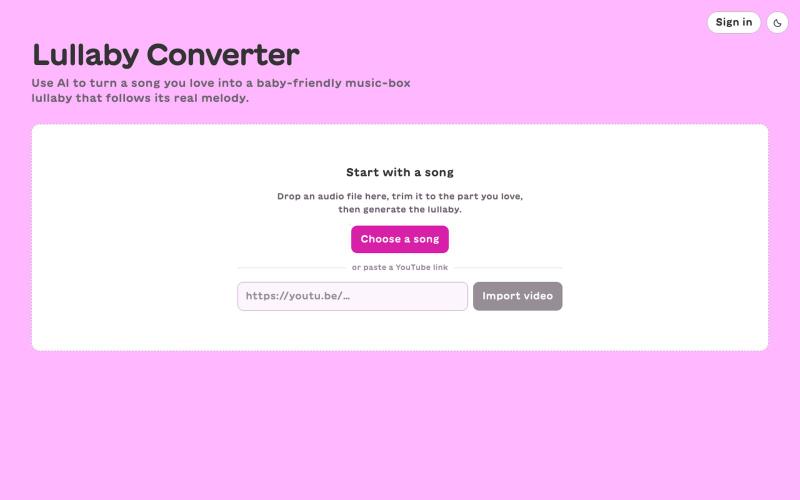
AI-powered lullaby converter that turns any song into a gentle music-box arrangement that follows the real tune — not generic AI baby music.
johnnydamacha · HN
AI-generated music box version of any song (for baby)
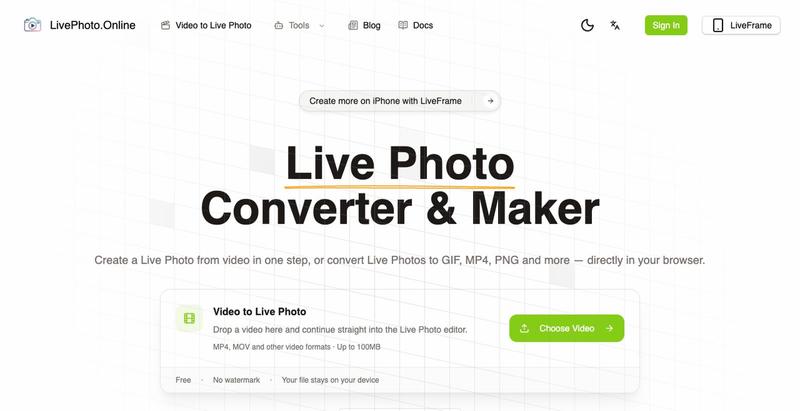
Convert videos, GIFs, and Live Photos to multiple formats in your browser.
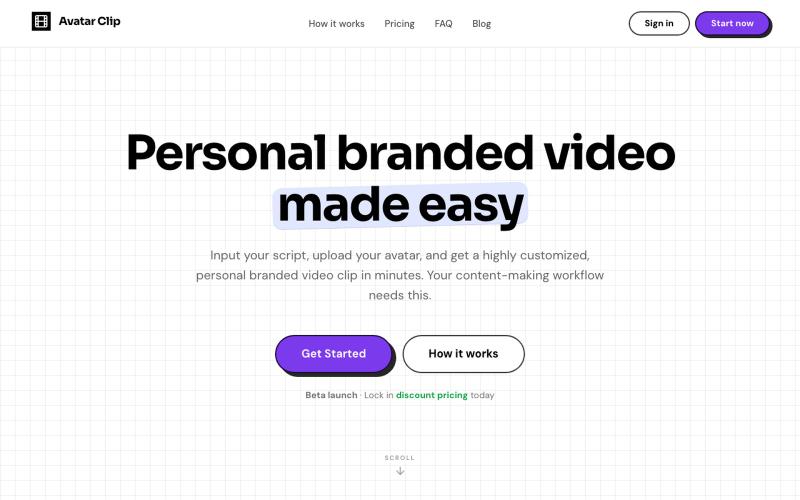
Convert audio or text scripts into customized avatar video clips in minutes.

@CyberBlueCollar · X
Faceless content booster 🚀
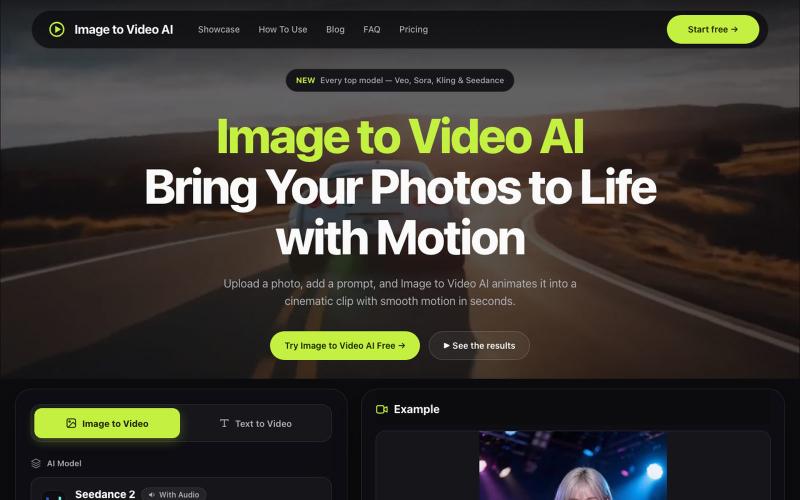
Convert photos into videos using multiple AI models with motion controls and 4K output.
alexwang0707 · V2EX
AI 视频生成也太好使了,一个入口体验多个图生视频模型 如果平时会用图片转视频,很容易遇到一个问题:不同模型各有所长,同一张图在 Veo 、Kling 或 Seedance 里的效果可能完全不同。 为了对比结果,经常要在几个网站之间切换,重复上传素材、调整参数,整个过程比较割裂。 Image to Video AI 把 Veo 、Sora 、Kling 、Seedance 、Runway 等模型放到了同一个入口。上传 JPG 、PNG 或 WebP 图片,再写一句运动提示词,就能选择模型和画面比例生成视频。它还支持镜头平移、缩放、倾斜、首尾帧控制,以及最高 4K 、无水印 MP4 输出。 网站里有一些不同场景的生成案例,可以直接看看各类图片动起来后的效果。如果你也在测试图生视频模型,可以体验一下,也欢迎分享实际效果和踩坑经验。 https://imagestovideoai.com/
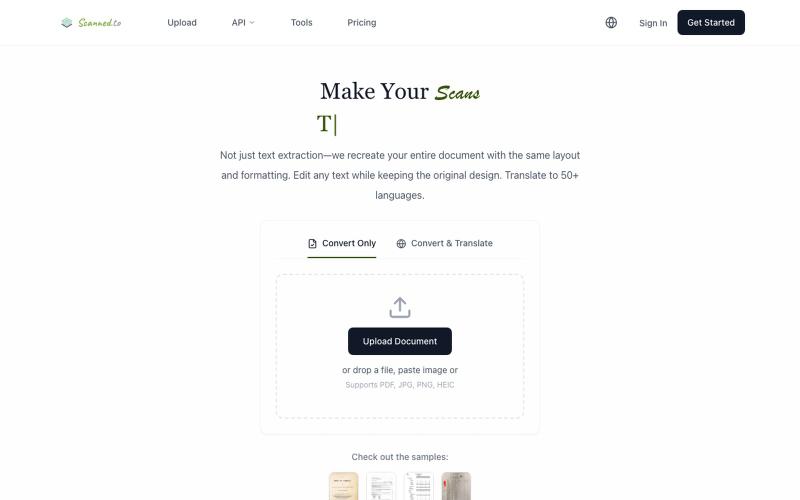
Convert scanned PDFs and images to editable documents with AI OCR and multilingual translation.
Scanned.to — AI 驱动的 OCR 文档识别与翻译平台,将扫描 PDF/图片转为可编辑 Word/Text,保留原始排版,支持 50+ 语言翻译
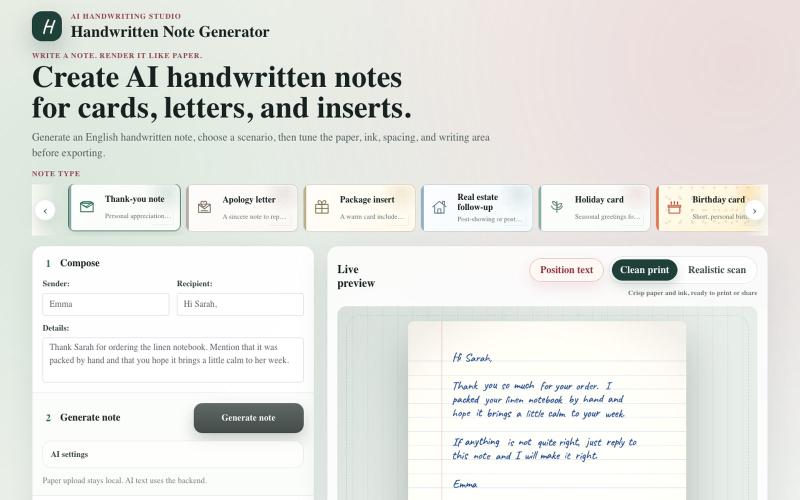
Convert text to realistic handwritten notes for cards, letters, and prints.
haofan_stone · Product Hunt
Handwritten Note Generator Create AI handwritten notes for cards, letters, and inserts
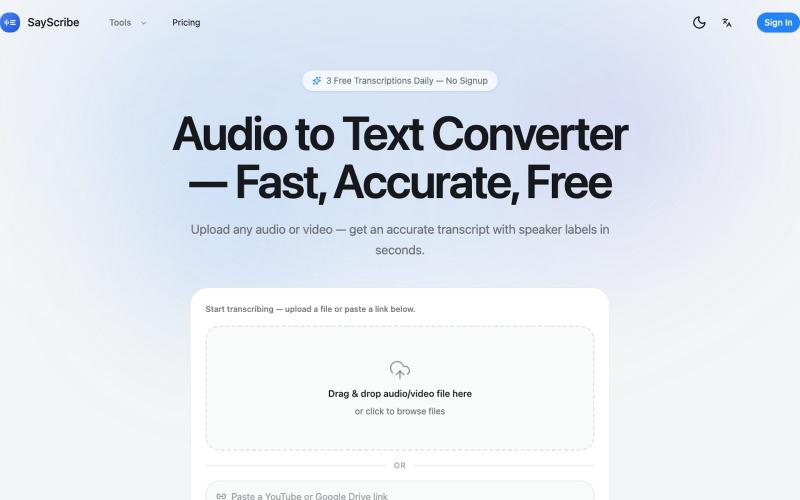
Convert audio and video files to text with speaker labels and timestamps, no signup required.
zxhywork · V2EX
SayScribe AI - 音频转文字的在线工具 花了几周搞了一个基于 OpenAI Whisper 的 AI 转录工具 **[SayScribe]( https://sayscribe.org)**,目前 5 个工具全部免费,每天 3 次无需注册。上线前请 SEO 专家做了一轮诊断,踩了不少坑,分享出来给同样在做工具站的 V 友参考。 --- ## 做了什么 核心工具是 **[Audio to Text Converter]( https://sayscribe.org)**(主页),上传音频/视频文件,AI 自动转成带 speaker labels 和时间戳的文字稿。选这个词的原因是:Google 第一页有个 DR 只有 10 的小站排第三,KD 才 20.2 ,链接预算只要 15-35 个引用域就能进前十——典型的弱盘面蓝海。 然后在主页基础上拆了 4 个子工具,每个打一个独立搜索词: - **[MP3 to Text]( https://sayscribe.org/mp3-to-text)** — 只转 MP3 。KD 41.7 比主页难一些,但
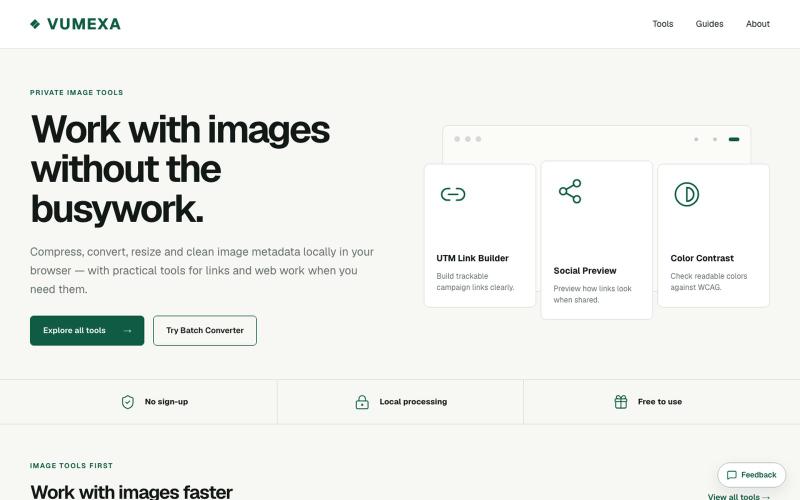
Compress, convert, and resize images in your browser with support for JPG, PNG, WebP, GIF, AVIF, HEIC, and TIFF.

@VumexaAi · X
Building VUMEXA — free browser tools for small image/file tasks. Current focus: compress images, hit exact KB limits, resize, and convert WebP/JPG. No uploads, no sign-up. Files stay local in the browser.
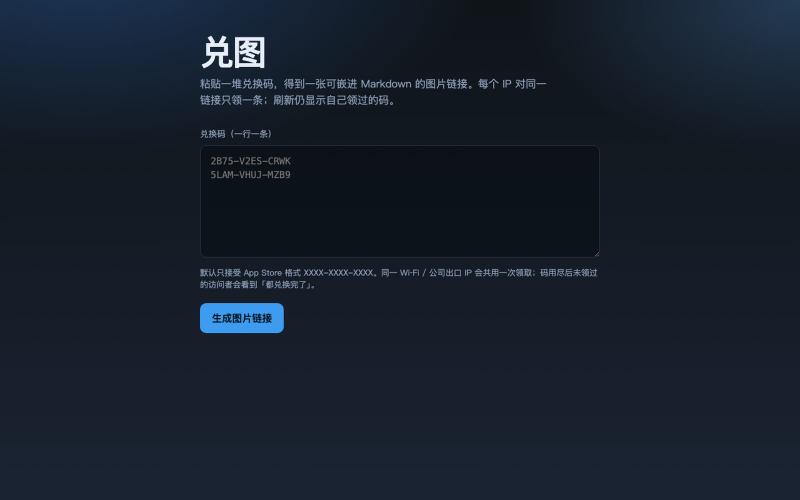
Convert redemption codes to an image link; each visitor gets one unused code.
galenzhao · V2EX
把一堆兑换码变成一张 Markdown 图片,每人打开领一条 送 App Store / 活动码时,常见两种尴尬: 1. 直接贴一长串码 → 前面的人秒光,后面的人只能干瞪眼,还容易被脚本扫 2. 私信一个个发 → 累,还不好统计 做了个小工具 **兑图**:粘贴一堆兑换码,生成一个图片链接。别人打开这张图,就从池子里领一条没用过的;同一个 IP 只会领到一条,刷新还是自己那条。码发完了显示「都兑换完了」。 ## 怎么用 1. 打开 https://duitu.zhis.eu 2. 粘贴兑换码(一行一条) 3. 复制生成的图片 URL ,丢进帖子 / README / 群里,例如:  `````` ## 规则(简版) - 每个 IP 对同一链接只领 1 条 - 同 IP 再访问:显示当初领到的码,不浪费新码 - 池空了: