

Creative Tools1 day ago
星火灵页 - 专业的AI PPT生成器 | HTML互动演示文档
AI platform for generating interactive HTML presentations with templates and online editing.
HTML 版 PPT — 多 Agent 协作架构,大纲专家负责搭建逻辑骨架,主题专家负责打磨视觉风格,设计师负责把每一页渲染成精致的 HTML 代码。
The full gallery
Tech stack
60 projects
AI platform for generating interactive HTML presentations with templates and online editing.
HTML 版 PPT — 多 Agent 协作架构,大纲专家负责搭建逻辑骨架,主题专家负责打磨视觉风格,设计师负责把每一页渲染成精致的 HTML 代码。
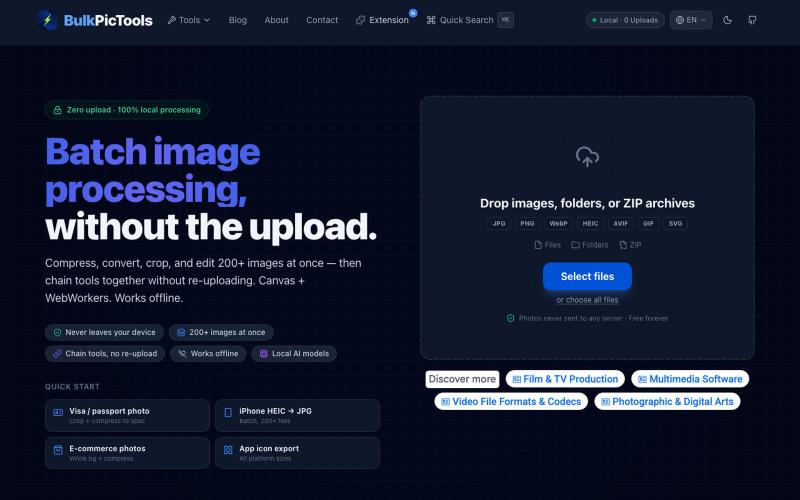
Batch edit images in your browser with tool chaining, compression, and format conversion.
BulkPicTools — 免费浏览器端图片批量处理工具,支持**工具链串联**(压缩→转格式→裁剪一次完成,无需重复上传),本地 AI 去背景/人脸模糊(WebGPU,无需 API Key),支持 200+ 张图片批量处理,文件不上传服务器。
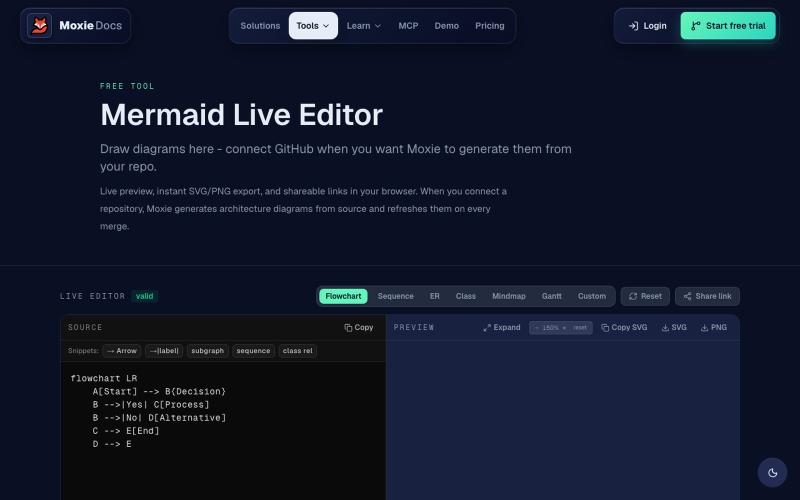
Create and export flowcharts, sequence diagrams, ERDs, and other Mermaid diagrams online.
ghosts_ · HN
I've been slowly adding some new free tools to Moxie Docs (partly for SEO, partly to illustrate some of our feature sets before any commitment) for some reason this mermaid editor one blew up on Google rankings so I figured I'd share in case people find it useful! We also have ADR, AGENTS.md, LLMs, and a few other free tools.

Turn screenshots into polished designs using a Chrome extension and web-based editor.

@buildwithshyam · X
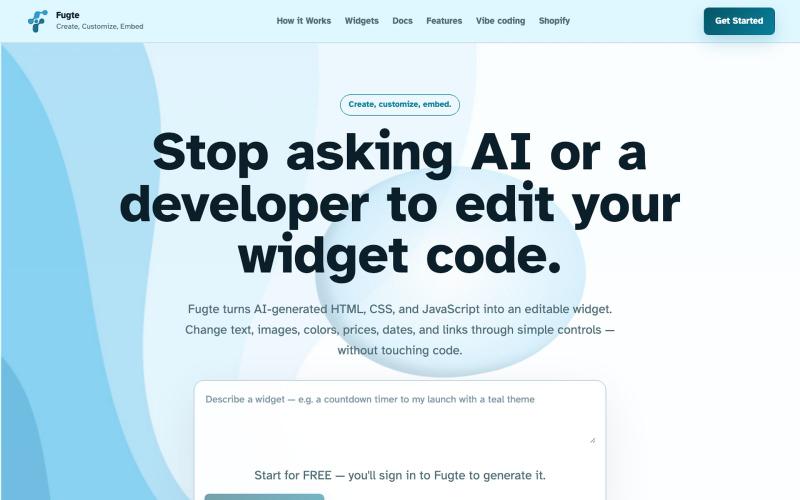
Create and customize interactive widgets with AI and embed them on any website.

@fugteapp · X
which empowers nontechnical users to be able to customize code generated by AI or developer, and be able to share and embed it to the website they are already using
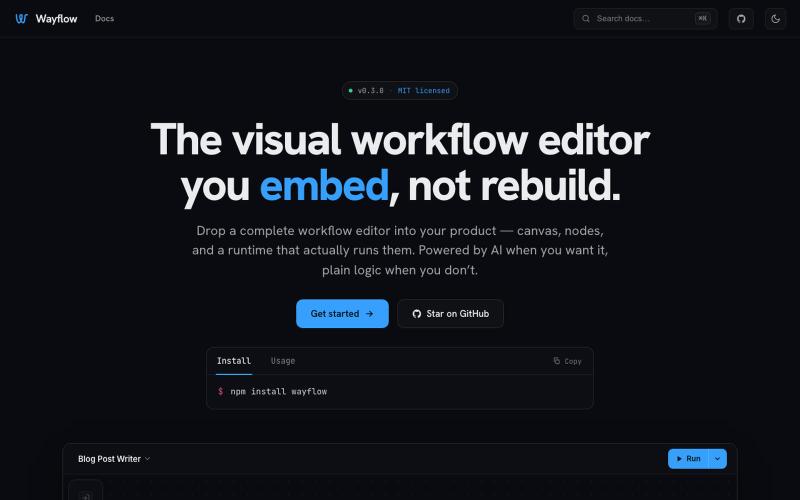
Embeddable visual workflow builder for web apps with optional AI assistance.
tahazsh · HN
Hi! I’m Taha. In many agentic products that support workflows (including one I worked on), I noticed they either don’t support node-based editors, or use React Flow and go through the difficult work of integrating it into their product to run it and work with their existing logic. So I thought about creating a tool that could help with this by closing the gap between the editor and the runtime. That’s why I created Wayflow. The basic architecture is simple: you just need to create a graph (which is a JSON object) that the runtime knows how to run. The runtime doesn’t care where that graph is coming from, it just needs the right schema. And with the help of the editor, you can create the graph, and then export it or directly save it on your backend in your database. And then when you want to execute it, you just hand it to the runtime. The runtime can either stream the execution (which is useful for the editor), or give you the final result. How you execute the graph is up to you: t
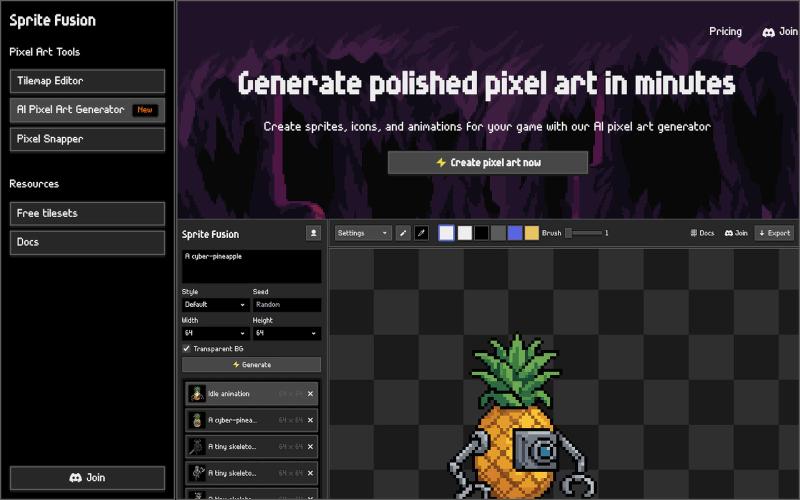
Create professional pixel art sprites and icons with AI, then edit and export them in your browser.
hugodpz · Product Hunt
AI Pixel Art Generator The professional AI pixel art generator for game developers
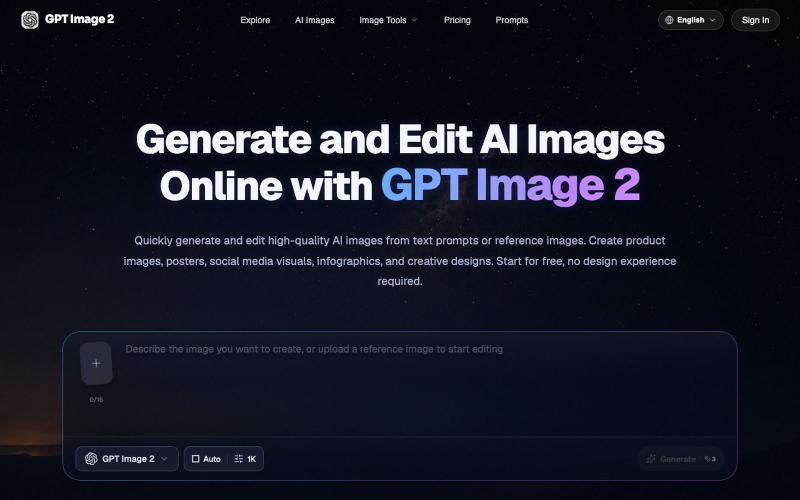
Generate and edit AI images from text prompts or reference images in your browser.
GPT Image 2 AI — AI 图像与视频创作平台
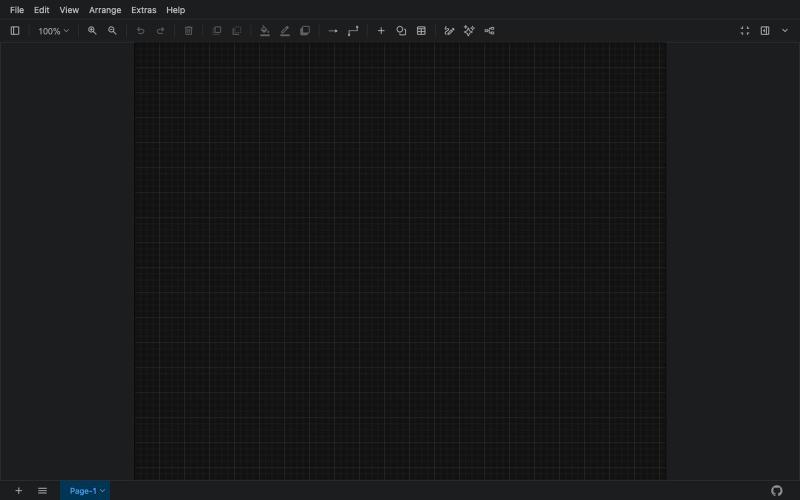
Free online tool for creating flowcharts, process diagrams, org charts, and UML diagrams.

@N0V4Dev · X
I found a tool called Next AI that links AI capabilities directly with diagrams. It lets you build and edit diagrams using natural language prompts instead of clicking around the canvas manually. It's a handy way to sketch out architecture when you don't want to drag every box yourself. The project is built on TypeScript with React 19 and Next.js. It supports multiple AI providers and even includes an MCP Server. This means you can use it with the Claude Code CLI to generate diagrams from your terminal. Deployment options are flexible too. You can run the tool locally with Docker or push it to Vercel and Cloudflare Workers. It supports multi provider setups so you can pick the backend that fits your workflow. #Nextjs #AI #Diagrams #TypeScript
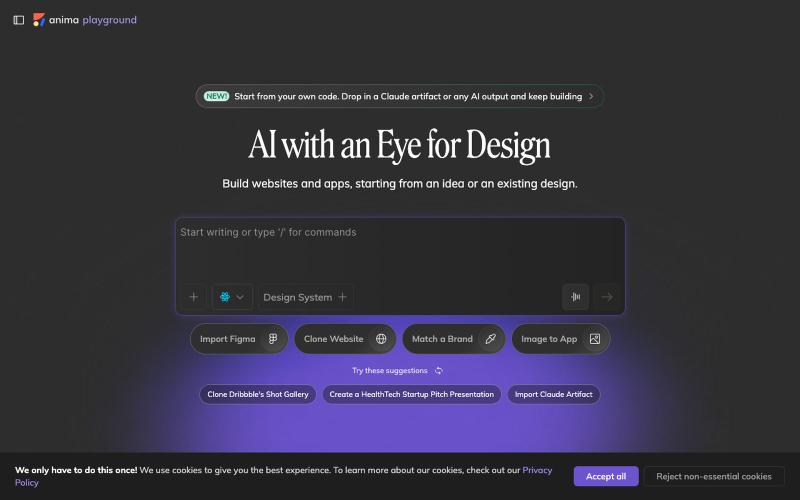
Convert design mockups and screenshots to code automatically.

@AnimaApp · X
Image to code in 1 minute - 20x faster than Claude Code and with much higher fidelity. Try it at and let us know how we did 🤘
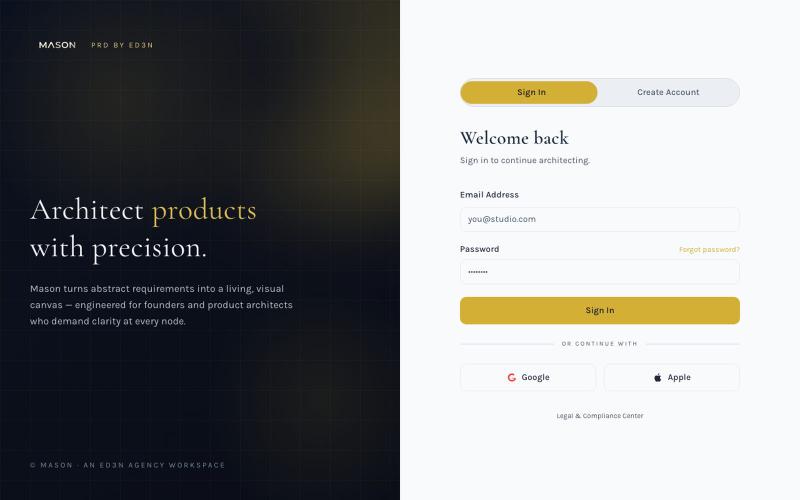
Create visual product requirements documents using a minimalist canvas interface.

@KolhyP92244 · X
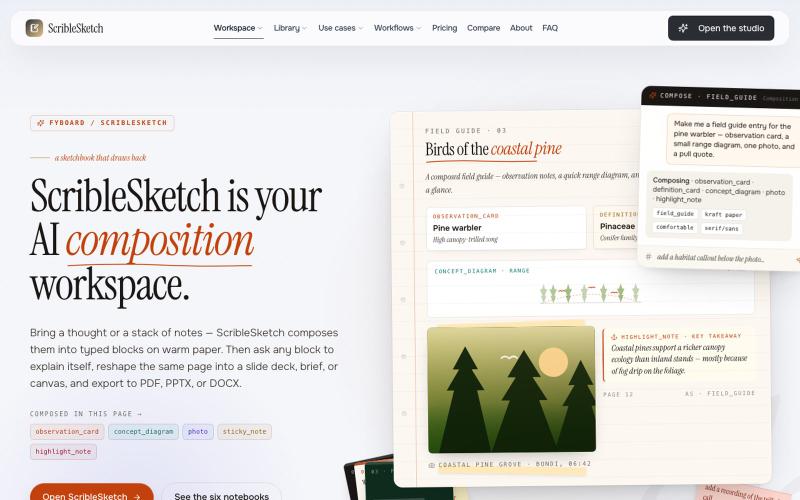
Write once, export to notebooks, slides, PDFs, PPTX, DOCX, or canvas.

@mr_wickedhacks · X
Write the doc once → get a notebook, slide deck, canvas, or resume from the same source. No rewriting for every format.