Pinin — restore, colorize, and enhance old photos with AI
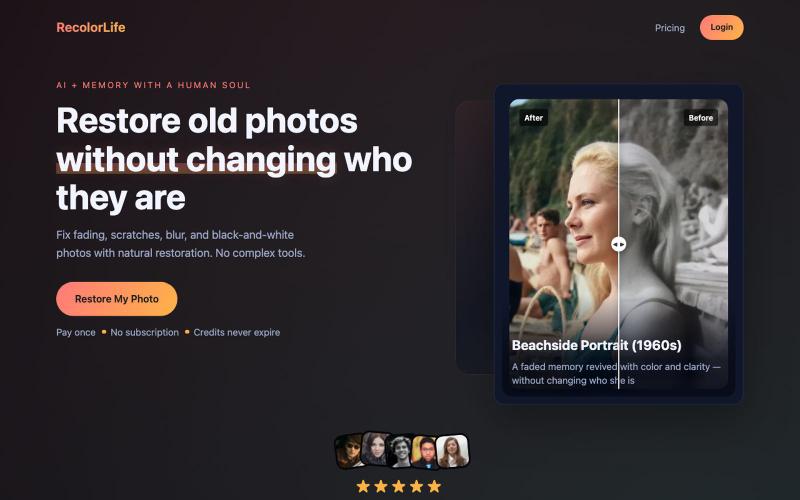
Restore and enhance old photos with AI to repair damage, add color, and improve clarity
@Umitech_AU · X
AI photo restoration without the AI slop.
The full gallery
Tech stack
20 projects

Restore and enhance old photos with AI to repair damage, add color, and improve clarity
@Umitech_AU · X
AI photo restoration without the AI slop.

Screen recorder for Mac & Windows with auto-zoom on clicks, gradient backgrounds, and webcam overlay.
@zuess05 · X
Shipped some banger updates to

Automatically translate and dub videos into multiple languages with AI.
@pradeepcep · X
AI powered translation and dubbing:

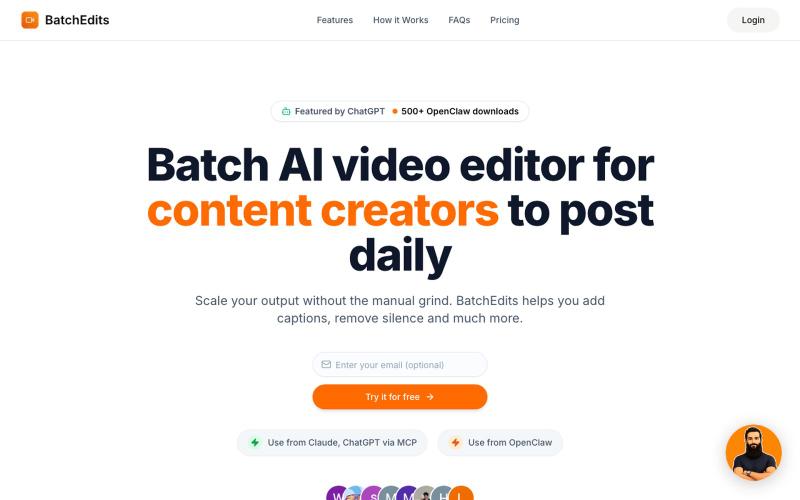
Edit videos by describing what you want. No timelines. No complexity.
@uxayaan · X
Building Cliponaut - ChatGPT for video editing

Type a topic to generate a finished documentary video in under a minute using AI.
pw · HN
Hiya! So I've been playing around with having Claude make videos for a bit now even had some success posting the results to TikTok (and setup a whole pipeline so Claude can generate and post autonomously). With the release of Nano Banana 2 Lite, I was curious show fast I could make the generation, so last night I gave it a whirl and got down to around 30s for short-form video. It uses GLM-5.2 fast via Fireworks to generate the scripts and image prompts and, like I said, Nano Banana 2 Lite for the images, gpt-4o-mini-tts for the narration, and ffmpeg to string it all together and add the Ken Burns zoom effect (which still has a shake I haven't been able to get rid of). The video compilation proved to be the blocker once the rest was in place, but I was able to speed that up by putting it on a 64 vCPU EC2. The cost might be the most interesting aspect as the short form videos tend to be about 25 cents. Almost 90% of that is the images, which are 3.336 cents a piece. Of course, running

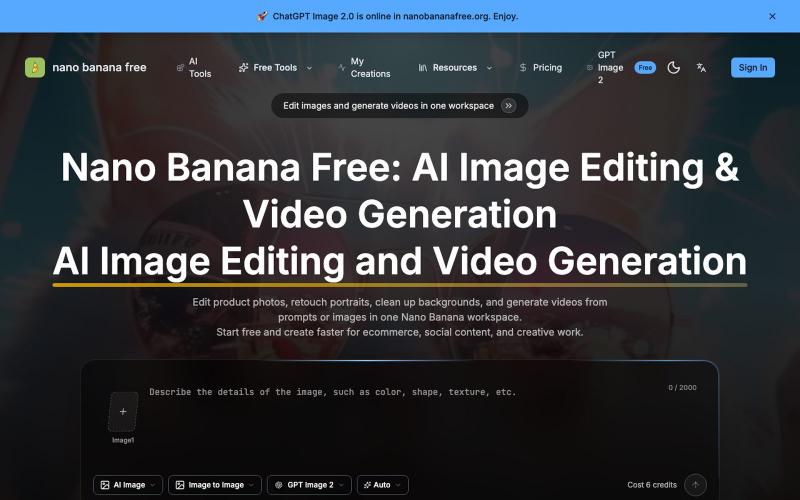
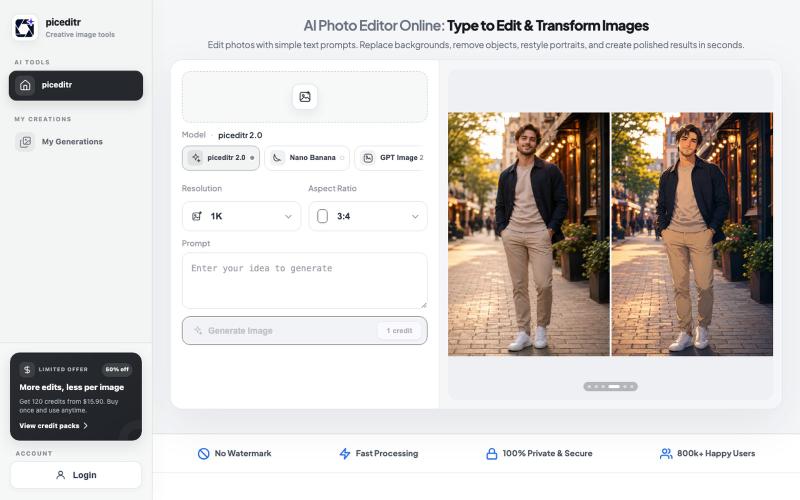
Text-driven AI image editor supporting photo restoration, watermark removal, and avatar generation.
Qwen Image Edit — AI 图像编辑工具,支持文本指令编辑、照片修复、去水印、专业头像生成和多图像处理

Browser-based tools for video and audio compression, cropping, merging, and conversion without uploading files.
zhw2590582 · V2EX
最近对网站进行了重构,做成了免费的视频工具站:[ArtPlayer Tools]( https://artplayer.org/tools/) 主要是围绕着 ffmpeg.wasm 和 mediabunny 实现的一些可以直接在浏览器里用的视频/音频工具,常用的有: - 视频压缩:[Compress Video]( https://artplayer.org/compress-video/) - 视频裁剪:[Crop Video]( https://artplayer.org/crop-video/) - 视频合并:[Merge Video]( https://artplayer.org/merge-video/) - 视频尺寸调整:[Resize Video]( https://artplayer.org/resize-video/) - 视频旋转:[Rotate Video]( https://artplayer.org/rotate-video/) - 视频调速:[Change Video Speed]( https://artplayer.org/change-video-speed/) - 添加文字到视频:[Add Text to Video]( https://artplayer.org/add-text-to-video/) - 添加水印:[Watermark Video]( https://artplayer.org/watermark-video/) - 提取字幕:[Subtitle Editor]( https://artplayer.org/subtitle-editor/) - HLS 转 MP4:[HLS to MP4]( https://artplayer.org/hls-to-mp4/) - 音频可视化:[Audio Visualizer]( https://artplayer.org/audio-visualizer/) 大部分工具都是本地处理,文件不会上传到服务器。最开始是因为自己偶尔要处理一些视频,开剪辑软件又有点重,在线工具又担心隐私,所以就慢慢做成了一个站。 目前还在持续完善,体验肯定还有不少粗糙的地方,比如不同浏览器的兼容、移动端操作、长视频性能之类的。 网站: [ArtPlayer Tools]( https:

Chrome extension that uses AI to organize YouTube videos into playlists.
@almalimir · X
– a @YouTube extension for organizing videos