
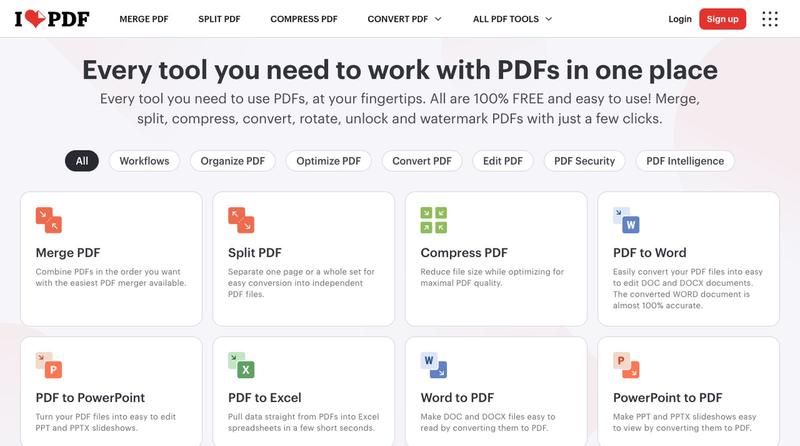
Productivity2 months ago
ilovepdf.com
Compress, merge, split, convert, and edit PDF files directly in your browser.
The full gallery
Tech stack
25 projects
Compress, merge, split, convert, and edit PDF files directly in your browser.
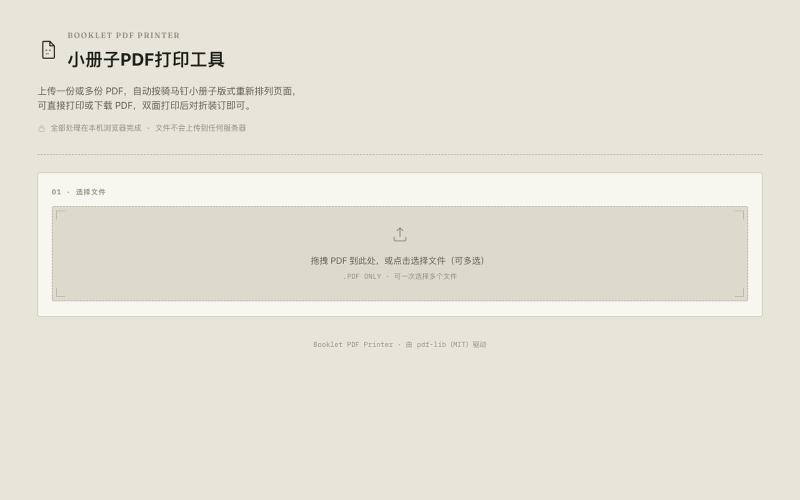
Convert A4 PDFs to double-sided A5 booklets, saving paper.

@33357xyz · X
最近买保险发现文件太多了不好打印。就做了一个小册子打印网站,可以吧A4的pdf双面打印成A5的小册子,节省一半的纸张。网站可以预览小册子的效果,支持手动双面打印和自动双面打印,感兴趣的可以来玩玩。
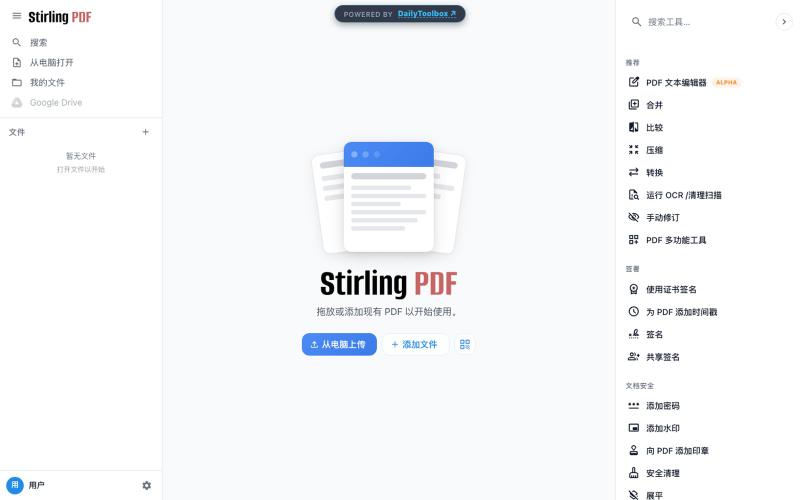
Free PDF toolkit with merge, conversion, and OCR capabilities.

@sunny53755735 · X
Just shipped two new privacy-first tools on DailyToolbox 🚀 🎥 Video Downloader for TikTok, X & Instagram (no watermarks) 📄 PDF Toolkit with merge, conversion and OCR Try them out: #BuildInPublic #OpenSource #Privacy #WebTools
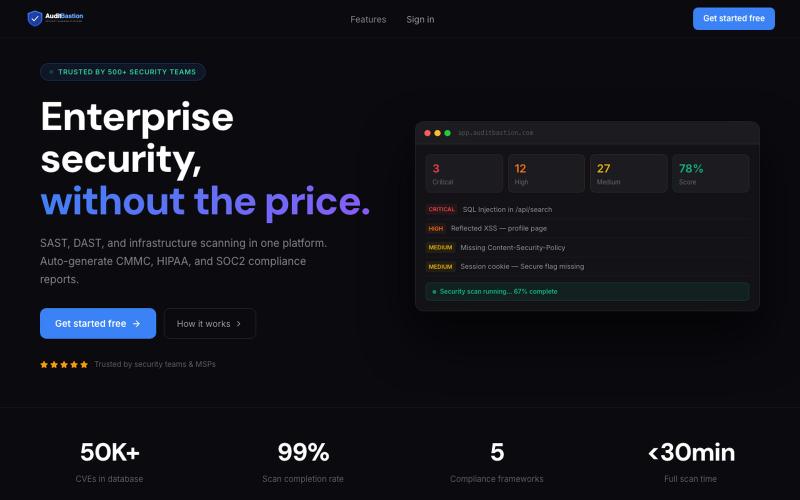
Free SAST, DAST, and infrastructure vulnerability scanning with automated CMMC, HIPAA, SOC2, and ISO27001 compliance reports. Built for developers, security teams, and MSPs.

@AuditBastion · X
Built something worth testing? Scan it with
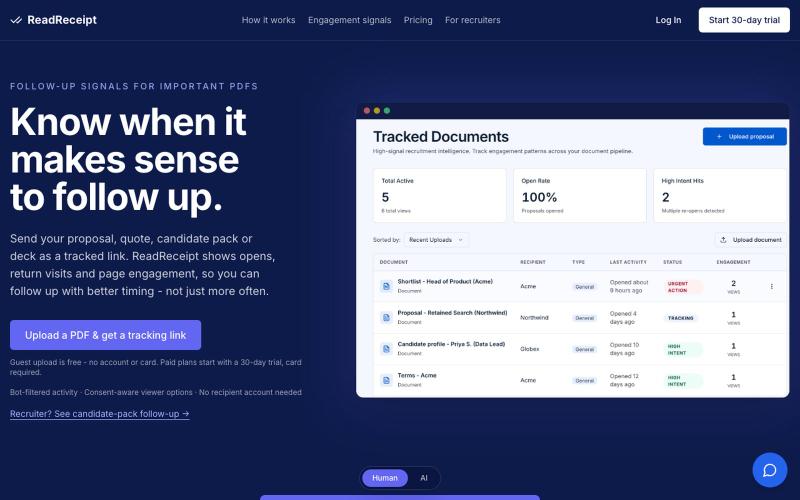
AI agent tracking PDF engagement and drafting follow-ups for proposals and pitch decks.

@Naftali_JR · X
Document engagement tracking
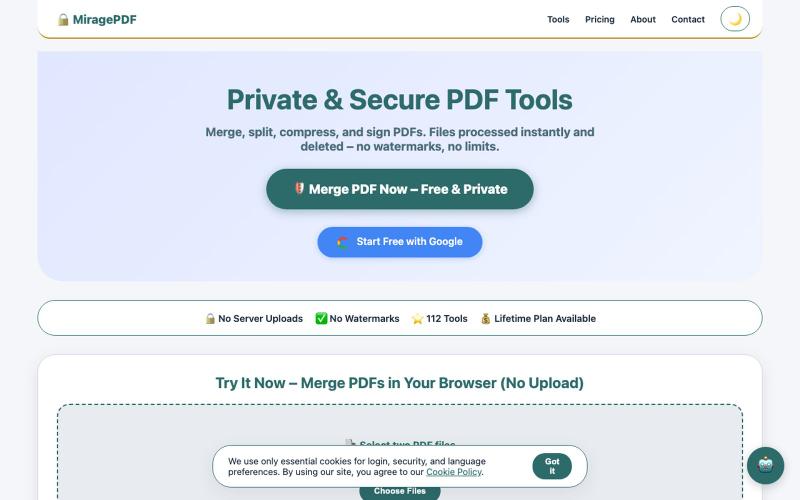
Merge, split, compress, and sign PDF files directly in your browser for free.

@magictoolshup · X
This unique website handles everything for you with great precision and professionalism. A key feature is that it never uploads your files—they remain solely within your browser for maximum privacy. Give it a try,you will discover something impressive.
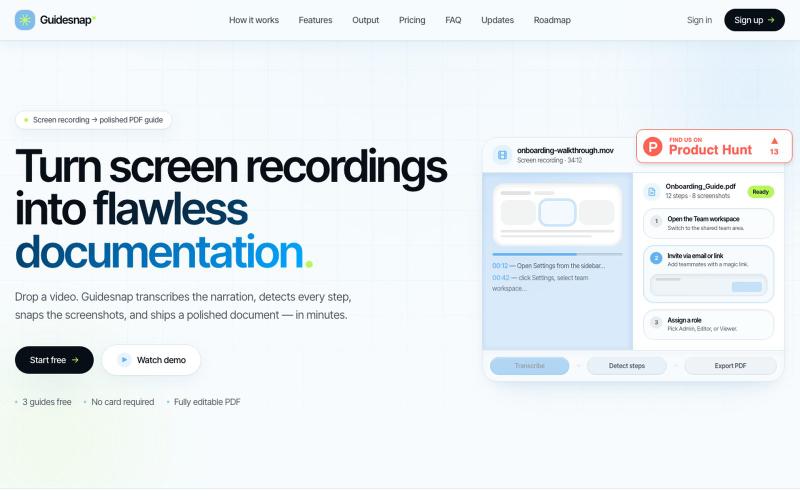
Convert screen recordings into formatted PDF guides automatically.

@vanmurten_eth · X
Guidesnap: turn any screen recording into a polished PDF guide.
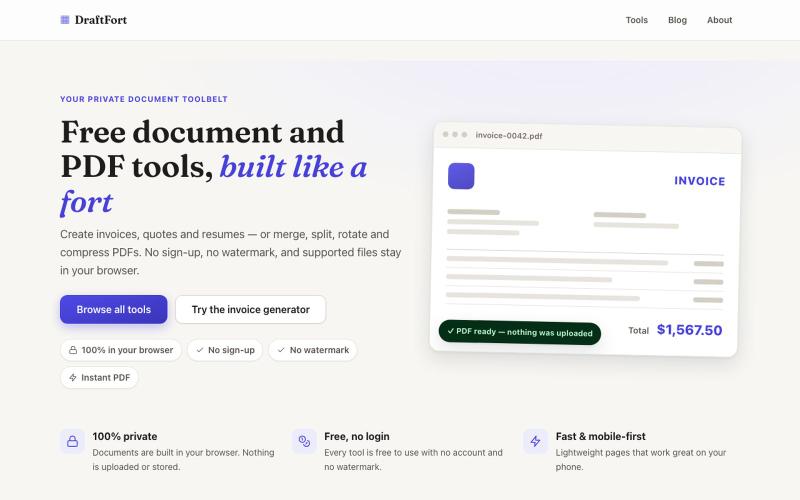
Free PDF and document tools for creating invoices, resumes, letters, and more—no login.
@Numatlas · X
Building made me switch from Claude Code to Codex. Claude’s token usage was too expensive for my workflow. GPT-5.6 Sol + Codex lets me focus on building instead of watching usage limits. Loving it so far! 🚀 @OpenAI @thsottiaux
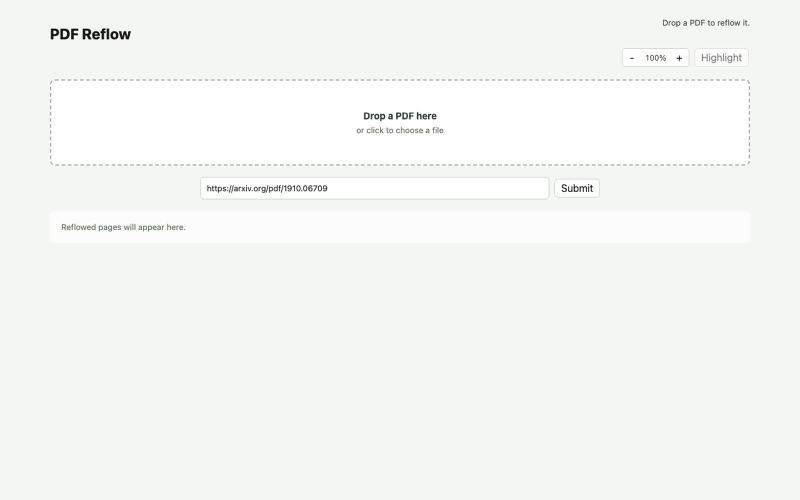
Reflow PDFs in your browser using a local AI model.
ldenoue · HN
Show HN: PDF reflow in the browser with local AI model
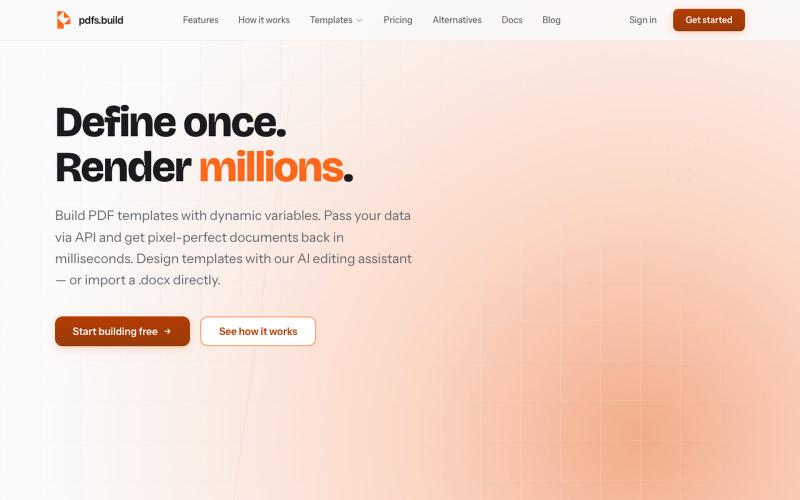
PDF template engine with API. Define templates, pass JSON data, render pixel-perfect PDFs in milliseconds. Design templates using AI chat.

@BuildPdfs · X
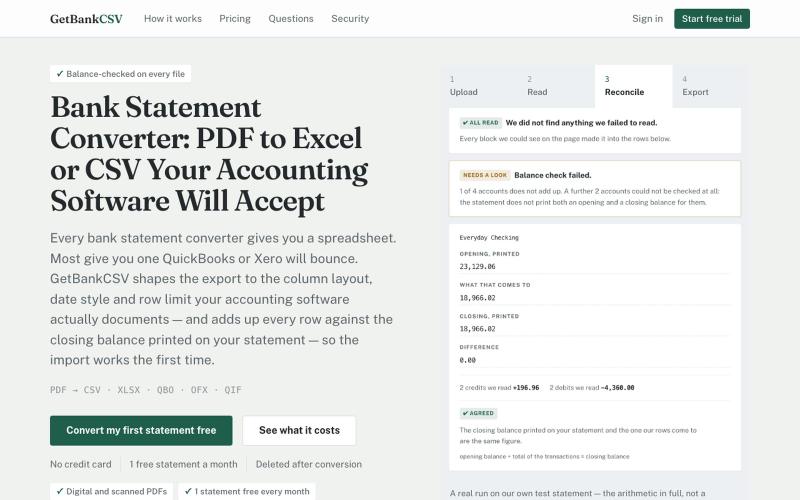
Converts PDF bank statements to CSV, Excel, QBO, and other formats with balance verification.
funet · V2EX
做了个 PDF 银行流水转 CSV 的站,重点是「哪里没读出来会告诉你」 这是一个 [bank statement converter]( https://getbankcsv.com/):把 PDF 银行对账单转成 CSV / Excel / QIF / OFX / QBO 。这个品类工具不少,我做的时候盯的是两个一直没被解决的问题。 ## 一、转出来的文件导不进会计软件 这跟提取质量无关,卡的是列名、日期格式、文件大小这些事。Intuit 自己的文档写得很明确: QuickBooks 收的 CSV 必须是英文、不超过 350 KB 、单次最多 1000 行、只能是三列 ( Date, Description, Amount )或者四列。一年的活期账单,后两条都会超。 所以我按 QuickBooks 和 Xero 各自文档要的形状分别出文件,而不是给一个通用 CSV 让你自己改。 ## 二、漏读了,但没人告诉你 这个更要命。版面解析或者 OCR 漏掉一整块交易,输出看起来完全正常,你导进账里, 几个月后对账才发现少了一截。 我这边的做法:
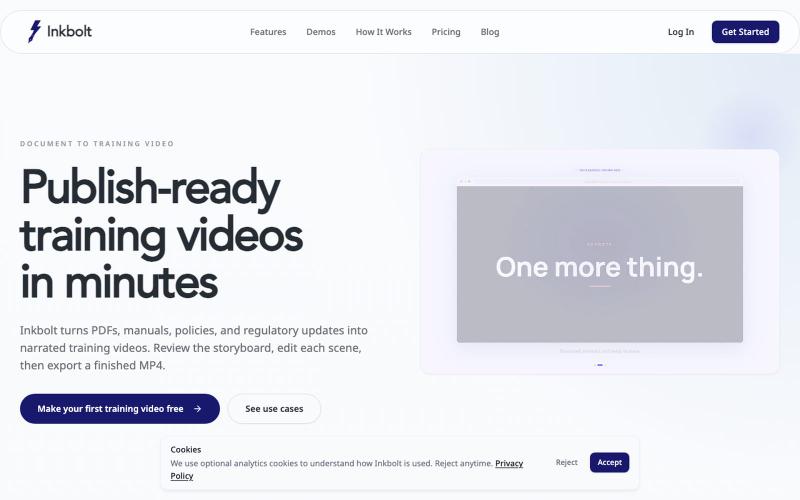
Converts PDFs into AI-narrated training videos with automatically generated slides.
u/No-Tap6993 · Reddit
I built a slide deck video builder Most AI generated visual can look like slop. I built a slide deck video builder for training content. It generates beautiful slide decks from 18 templates, adds voice over, allows post editing, and finally export to mp4. Check it out at https://inkbolt.ai and let me know what you think! I have to give a shout out to this repo for inspiring how to do design properly with AI. https://github.com/zarazhangrui/frontend-slides submitted b