
Creative Tools1 month ago
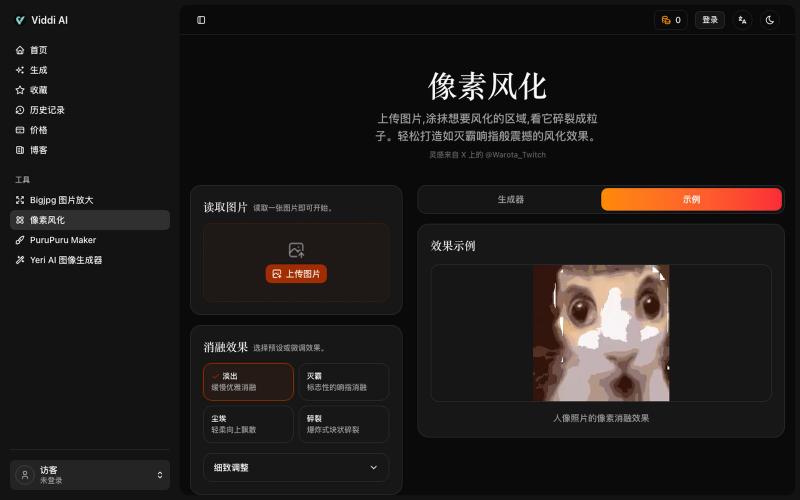
像素风化——将任意图片化为尘埃
Upload an image and paint areas to dissolve them into pixel particles.

@wanai666 · X
我做了一个,左边这个网站点进去可以用
The full gallery
Tech stack
28 projects
Upload an image and paint areas to dissolve them into pixel particles.
@wanai666 · X
我做了一个,左边这个网站点进去可以用
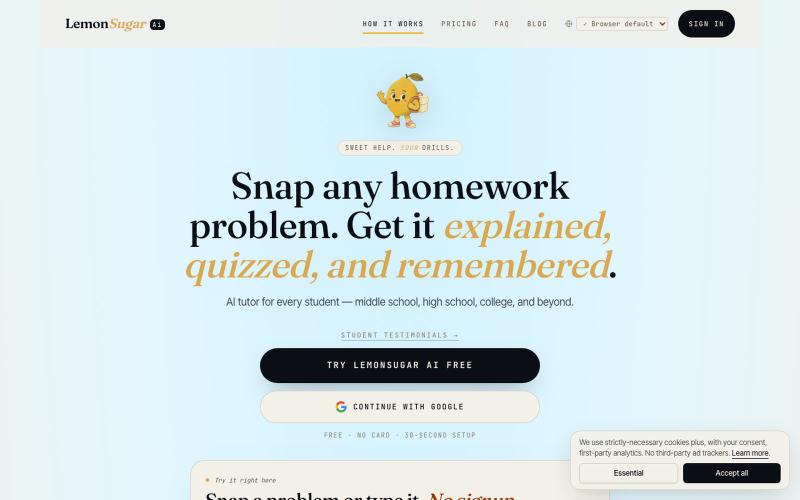
Upload homework photos to get AI explanations and practice quizzes.

@atheethsishtla · X
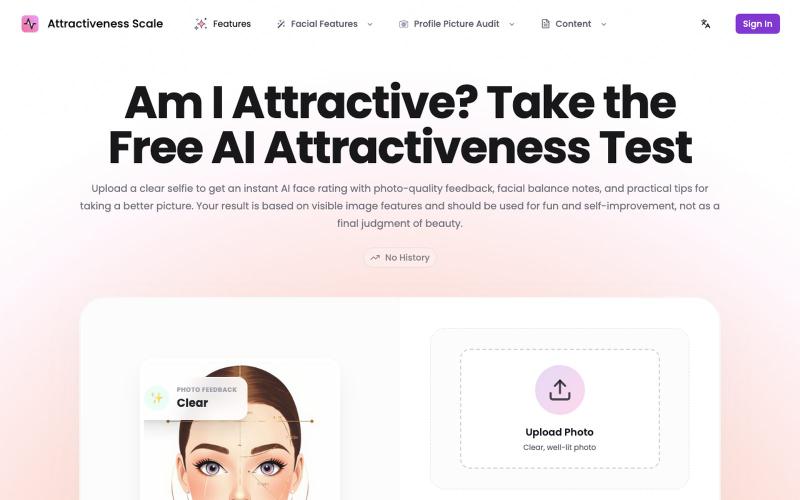
Upload a photo to get AI feedback on attractiveness, lighting, and composition.
Attractiveness Scale — 颜值打分网站(基于 AI)
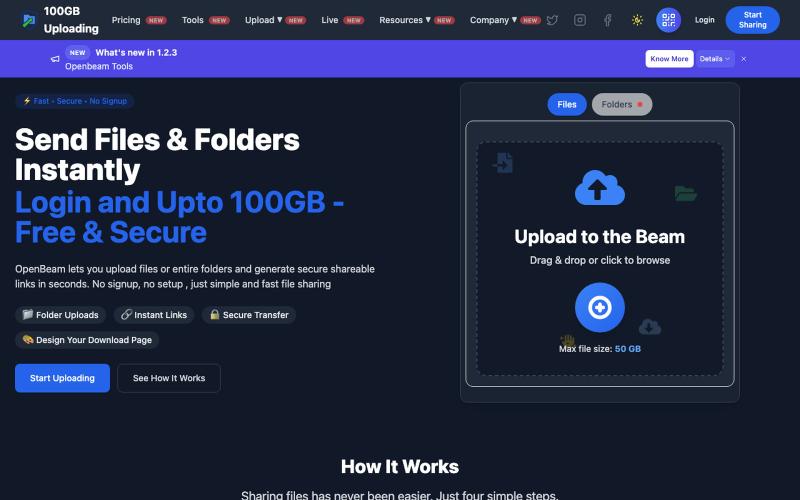
Share files and folders up to 100GB instantly without signing up.

@Abhishe33854772 · X
Replace Files, Keep the Same Link Upload a file once and share the link Need to update the file later? Simply replace it in and the original link continues to work.
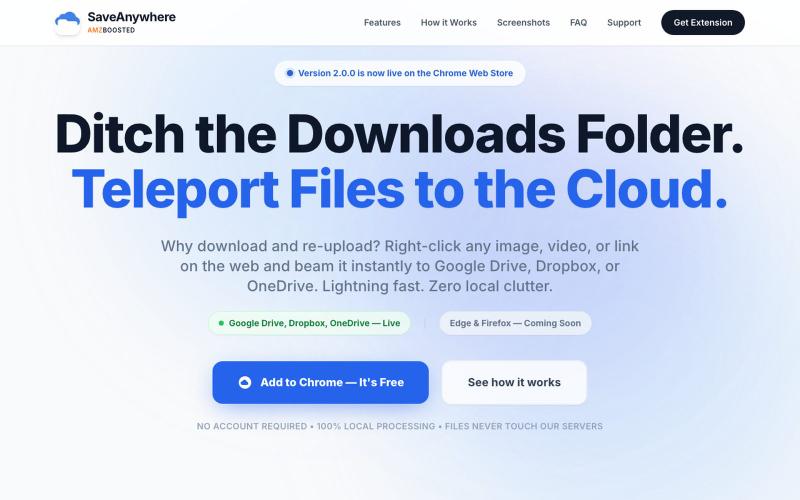
Chrome extension that saves files, images, and links directly to Google Drive, Dropbox, and OneDrive with local processing.

@SaveAnywhere · X
Free chrome extension :
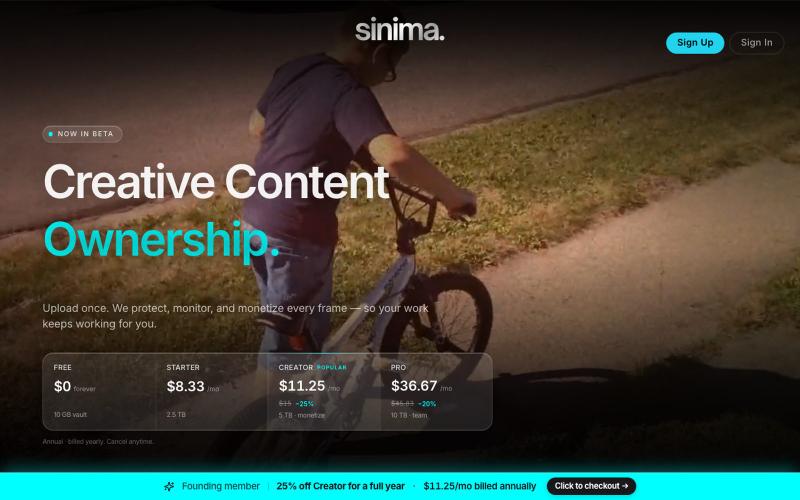
Upload screen recordings to protect and license them to AI platforms.

@LisaTrublet · X
Vimeo alternative for creators and filmmakers, with IP protections built in. 25% off Creator Core. 🎉
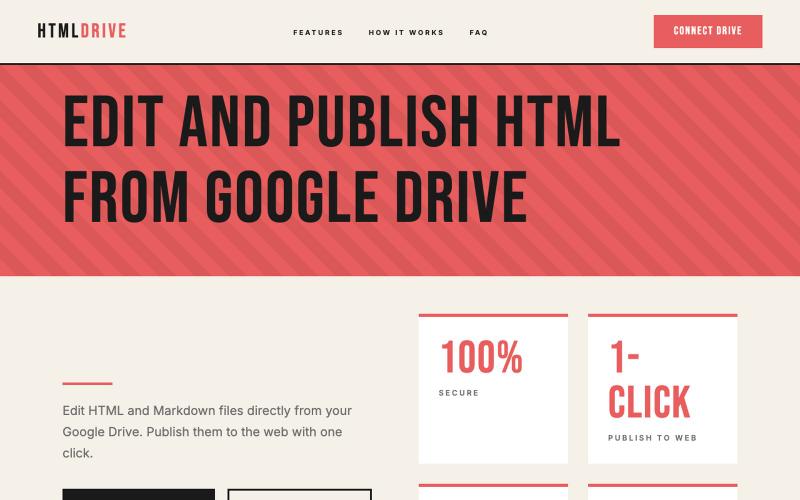
Serve and publish HTML files directly from your Google Drive.
debamitro · HN
I found that AI tools are generating excellent HTML documents nowadays, yet there's no easy way to show them to others. Yes, there's GitHub pages - but I don't know if it is user-friendly for non-technical people. This app allows you to keep your HTML file in your Google Drive and serve it from there. Feedback is most welcome.
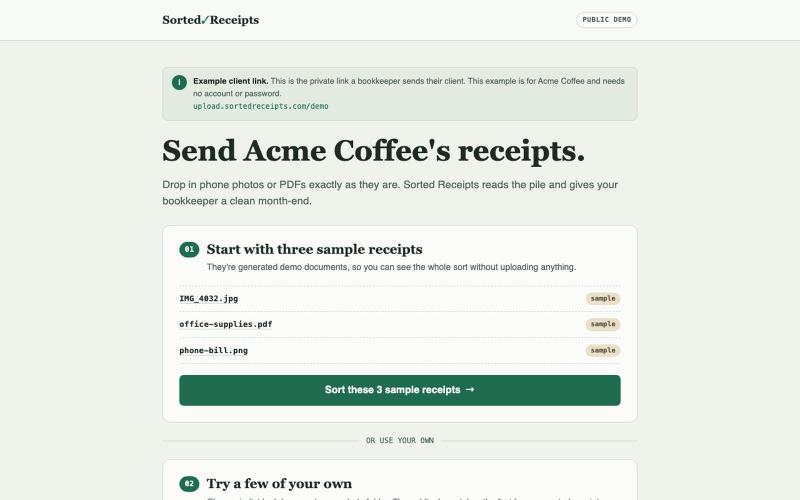
Upload receipts to a shared link; LLM automatically sorts and organizes them.
jahnoikka · HN
Sorted Receipts - clients dump receipts in one link, LLM sorts them
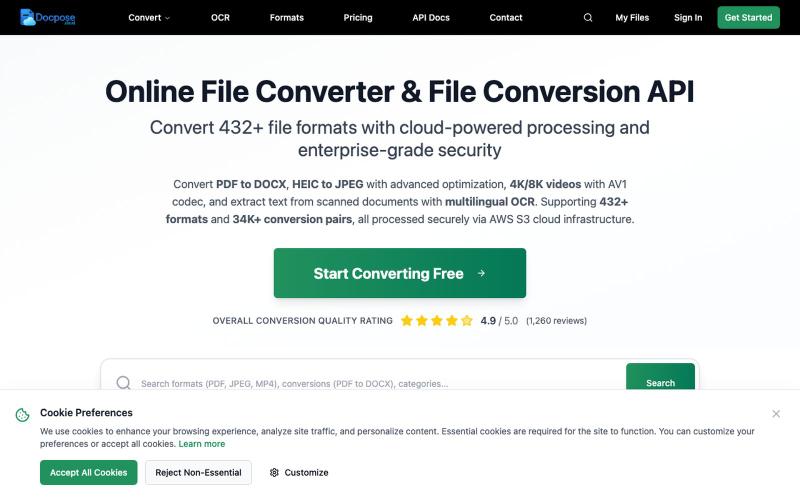
Convert and view documents, PDFs, and various file formats online.

@FileProInfo1 · X
🚀 has successfully launched! helps users convert, view, process, and manage files online — including documents, PDFs, OCR, archives, email formats, and more. We’re excited to share it with the community. Check it out here:

Edit, compress, convert, and merge video and audio files in your browser.
zhw2590582 · V2EX
最近对网站进行了重构,做成了免费的视频工具站:[ArtPlayer Tools]( https://artplayer.org/tools/) 主要是围绕着 ffmpeg.wasm 和 mediabunny 实现的一些可以直接在浏览器里用的视频/音频工具,常用的有: - 视频压缩:[Compress Video]( https://artplayer.org/compress-video/) - 视频裁剪:[Crop Video]( https://artplayer.org/crop-video/) - 视频合并:[Merge Video]( https://artplayer.org/merge-video/) - 视频尺寸调整:[Resize Video]( https://artplayer.org/resize-video/) - 视频旋转:[Rotate Video]( https://artplayer.org/rotate-video/) - 视频调速:[Change Video Speed]( https://artplayer.org/change-video-speed/) - 添加文字到视频:[Add Text to Video]( https://artplayer.org/add-text-to-video/) - 添加水印:[Watermark Video]( https://artplayer.org/watermark-video/) - 提取字幕:[Subtitle Editor]( https://artplayer.org/subtitle-editor/) - HLS 转 MP4:[HLS to MP4]( https://artplayer.org/hls-to-mp4/) - 音频可视化:[Audio Visualizer]( https://artplayer.org/audio-visualizer/) 大部分工具都是本地处理,文件不会上传到服务器。最开始是因为自己偶尔要处理一些视频,开剪辑软件又有点重,在线工具又担心隐私,所以就慢慢做成了一个站。 目前还在持续完善,体验肯定还有不少粗糙的地方,比如不同浏览器的兼容、移动端操作、长视频性能之类的。 网站: [ArtPlayer Tools]( https:
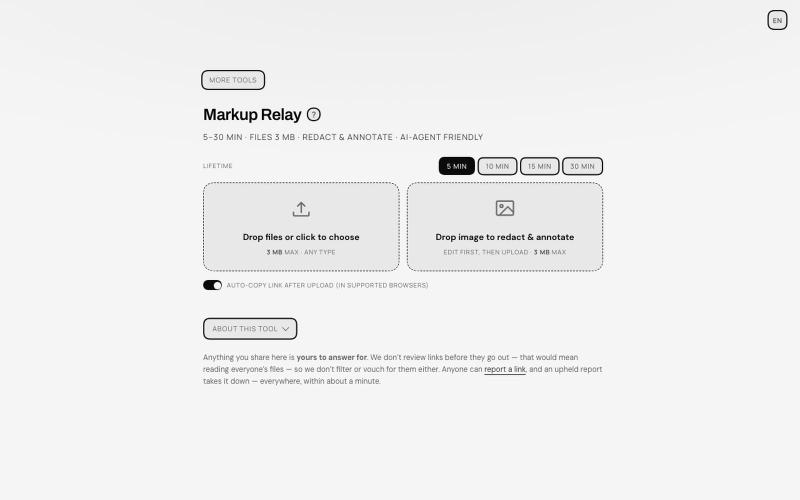
Annotate and redact files in your browser, then share with auto-expiring links.
TANTFENG · V2EX
周末到啦 介绍一个更加通用的 AI 导盲犬 Ampcode 推出的 Orbs 非常好用 但是反反复复提交图片 debug 会有点心累 现在远程 vibe coding 开发的场景越来越多了 agent 的识图能力也越来越强 但是如何给 agent 传递且描述准确的信息成了瓶颈 像 cursor design mode 这种好用的工具并不在大多数地方提供 尤其是画面动态变化的时候 或者步骤较多的时候可能需要多次标注以及关键帧引导才行 Markup Relay 作为 SUB&SUB 工作室第一个构想的开源产品提供了一个还在不断完善的思路 来作为 agent 的导盲和接力助手 让标注的内容能够被 agent 读懂 即便是视频 也可以方便的提取关键帧来描述画面的变动 https://tools.subnsub.com/relay 使用方法很简单 在桌面端浏览器内 你可以通过拖动支持的文件到窗口内进行快速编辑 如果是框选工具 在处理完毕后会对未框选的区域在浏览器端自动打码并上传至 cloudflare 的 R2 桶 并在设定时间内自动删除 https://i.
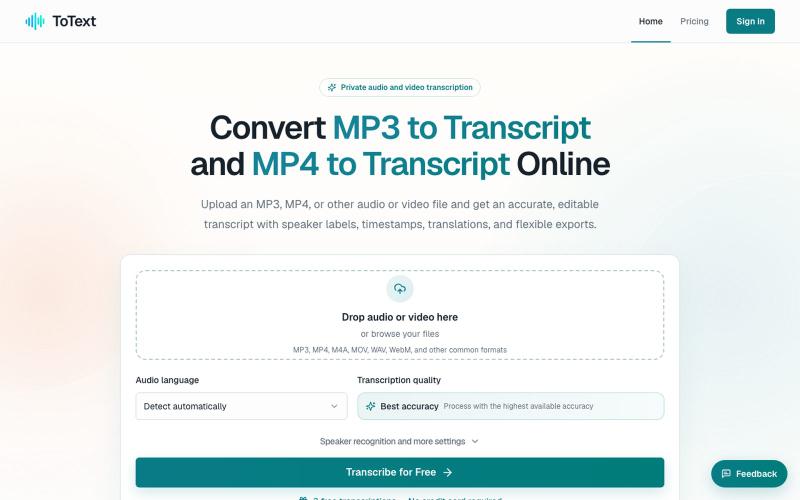
Convert MP3 and MP4 files to editable transcripts with timestamps and speaker identification.
digiplanp · V2EX
做了一个音视频转文字工具,支持 MP3/MP4、说话人识别和字幕导出 大家好,最近做了一个在线音视频转文字工具 ToText ,想发出来请大家体验一下,也听听 V 友的意见。 最开始做这个工具,是因为我自己在处理会议录音、访谈和视频内容时,发现单纯生成一大段文字并不太实用。转录完成后,通常还需要反复对照原始录音、修改错误、区分说话人,再整理摘要或字幕。 所以现在做成了一个相对完整的工作流: * 上传 MP3 、MP4 、M4A 、MOV 、WAV 、WebM 等音视频文件 * 自动识别语言并生成带时间戳的文字稿 * 支持说话人识别和说话人名称修改 * 点击文字片段可以跳转到对应的音视频位置 * 可以搜索、编辑和校对转录内容 * 自动生成摘要、会议纪要、章节和行动事项 * 支持导出 TXT 、DOCX 、PDF 、SRT 、VTT 、CSV 和 JSON 音频文件可以直接使用 [MP3 to Transcript]( https://totext.app/) 功能,比较适合播客、访谈、课程录音、会议和语音备忘录。 视频文件也使用同一个编辑器,通过